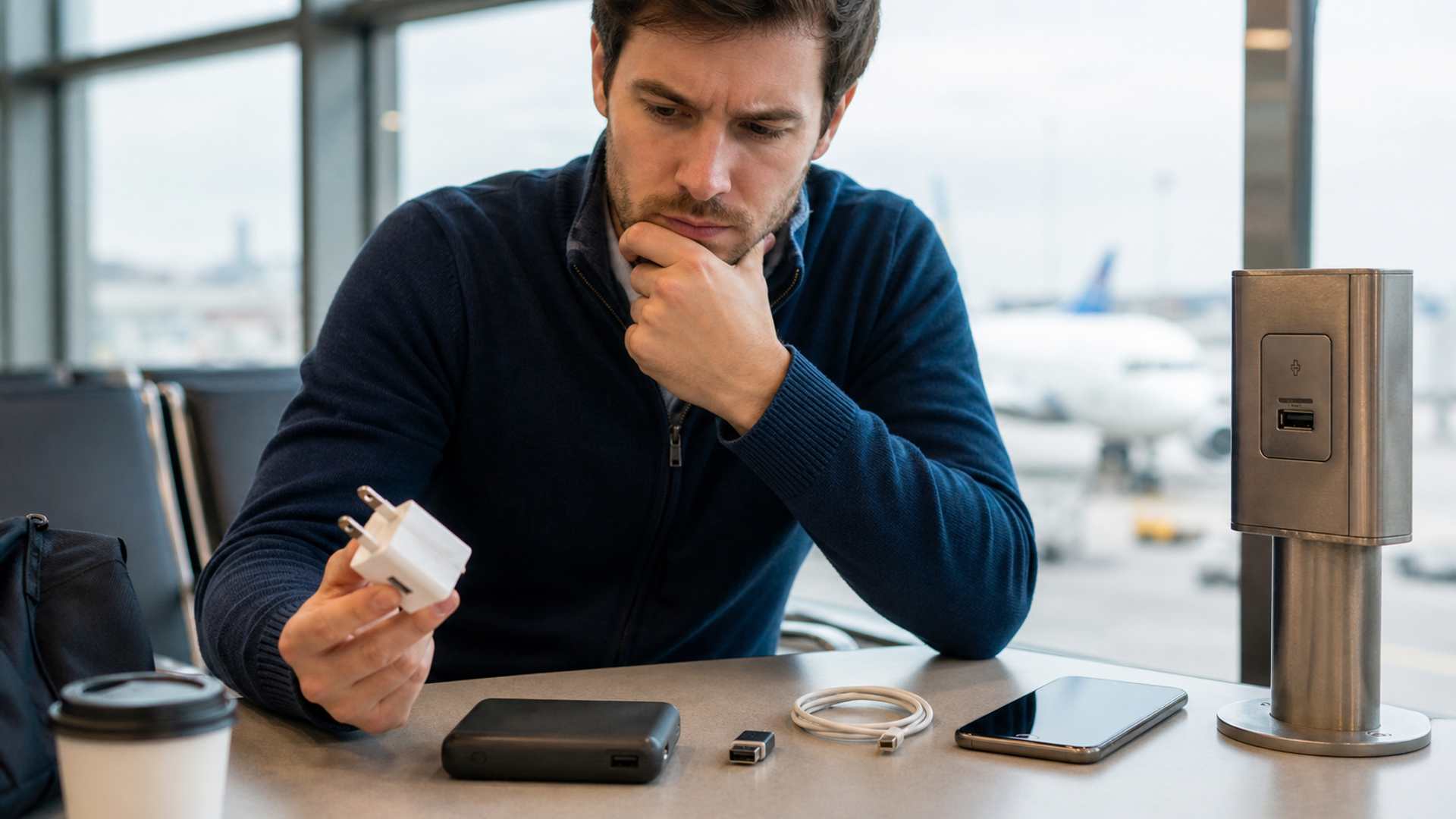
A USB data blocker can reduce one narrow risk: it sits between a phone and a USB connection and prevents the data conductors from forming a data link while allowing power to pass. That can be useful at an unknown public USB port. It is not a universal cyber-security device, does not make an untrusted cable physically safe and may interfere with fast-charging negotiation or accessory functions depending on its design.
The best public-charging choice remains simple: use your own reputable wall adapter and cable in a normal electrical outlet, or use your own charged power bank. Modern phones also place controls around wired accessories. Those protections make a silent compromise less straightforward than alarming “juice jacking” headlines imply, but they do not turn every unknown port and cable into a sensible choice.
Quick answer:** Prefer your own adapter in an AC outlet. Use your own power bank when the outlet is unavailable. At an unavoidable public USB port, a compatible data blocker or genuinely charge-only cable adds separation, but keep the phone locked, reject unexpected data or trust prompts and do not assume the accessory preserves full charging speed.
The public-charging threat model
Different charging arrangements expose different interfaces. Use this matrix before buying a security accessory.
| Charging setup | Data path to an unknown system | Practical risk | Preferred action |
|---|---|---|---|
| Your wall adapter + your cable + ordinary AC outlet | No USB data host beyond your own adapter | Lowest of the common travel options | Use this first |
| Your power bank + your cable | Power bank design controls the connection | Low when the bank and cable are trusted and intact | Strong fallback |
| Public USB port + your normal data cable | Possible data-capable connection | Higher uncertainty | Add a compatible data blocker or avoid the port |
| Public USB port + verified charge-only cable | Data conductors are absent or disconnected | Reduced data-link risk | Confirm charging performance and cable provenance |
| Unknown cable supplied at a kiosk, car or venue | Cable itself may be untrusted | Highest uncertainty in this set | Do not use; supply your own cable |
| Another person’s laptop + your cable | Intentional data-capable host | Trust decision required | Charge elsewhere unless the computer is trusted |
| Wireless charging pad | No USB data path through the phone connector | Different risks, including power quality and physical trust | Use a known-standard pad and monitor heat |
This hierarchy separates power source from data path. An ordinary AC outlet is not a USB host. Your wall adapter converts the power and your own cable connects to equipment you control. A public USB socket combines power delivery with an interface that may be capable of data communication.
What “juice jacking” means—and what the evidence does not prove
The FCC warns that a corrupted public USB charging station could be used to access a connected device or introduce malware, and recommends bringing a personal charger, using an AC outlet, carrying a power bank or considering a charge-only cable. The attack concept is technically plausible and has been demonstrated in controlled security research.
The scale of real-world consumer harm is less clear. A CISA discussion of the 2023 warnings noted the lack of cited evidence and said the FCC was not aware of confirmed cases at that time. That distinction matters. A cautious article should not turn a low-evidence event into a claim that airport USB ports routinely steal data.
The rational response is proportionate. Avoiding an unknown data interface costs little when an AC outlet or power bank is available. There is no need to panic after every public charge, discard a phone or assume compromise without evidence. Review what the phone displayed and whether the user approved a trust or data prompt.
What a USB data blocker actually does
Traditional USB includes conductors for power and conductors for data. A basic blocker passes the power connection while physically omitting or interrupting the data lines. A charge-only cable applies the same idea inside the cable. The benefit is architectural: software on the phone cannot accidentally approve a data link that has no electrical data path.
USB-C complicates the buying decision. Power delivery and charging profiles can rely on communication between the source, cable and device. A simplistic blocker may limit charging speed, fail with a particular cable orientation or be incompatible with higher-power devices. A product labelled “USB-C data blocker” should state the supported connector type, power range and whether it supports the charging protocol the device expects. Treat vague claims such as “works with every fast charger” as marketing until independently verified.
A blocker also cannot make an unknown cable trustworthy. A malicious or damaged cable can contain electronics before the blocker, expose the device to poor power quality or simply be unsafe. Use your own cable from a known source.
Data blocker, power bank or charge-only cable?
Choose by the travel problem, not by the smallest gadget.
Power bank: strongest when outlets are scarce and independence matters. It avoids the unknown public USB host entirely. The trade-offs are weight, airline battery rules, capacity management and the need to keep the bank charged.
Your wall adapter: best for hotels, lounges and airports with accessible AC outlets. It is compact and supports the phone’s intended charging protocol when correctly specified. Carry an appropriate plug adapter for the destination, but remember a plug-shape adapter is not necessarily a voltage converter.
USB data blocker: useful when a public USB port is genuinely the only practical source. It is a narrow control and should be tested before travel with the exact phone and cable.
Charge-only cable: easy to use, but easy to confuse with a normal data cable. Mark it clearly and keep it separate. Some charging rates may be reduced.
For many travellers, the best kit is a compact wall adapter, one known cable and a modest power bank. The data blocker is optional resilience, not the centre of the plan.
Modern phone protections
Apple’s current support documentation says an iPhone or iPad generally requires the user to unlock the device before it can communicate with a USB or Thunderbolt accessory. On current USB-C devices, Wired Accessories settings can be configured to ask for every accessory, ask for new accessories, allow automatically when unlocked or always allow. Apple’s security guide describes the purpose as limiting the attack surface from physically connected devices, including malicious chargers.
The safe behaviour is straightforward: keep the phone locked while connecting to unknown power, and never approve “Trust This Computer”, data sharing or an unfamiliar accessory merely to make a charging icon appear. If an expected charging station asks for data access, unplug it.
Android implementations vary by device maker and management state. The Android Open Source Project documents a control introduced for administrators of corporate-owned Android devices that can disable USB data signalling while retaining charging. Consumer menus and wording vary, so verify the current device’s USB preferences rather than copying instructions written for another manufacturer.
Operating-system controls are defence in depth. They can be weakened by an unlocked device, an accepted prompt, outdated software or a vulnerability. Physical separation remains useful when the cost is low.
The port-and-cable decision tree
Use this sequence in an airport, car, conference venue or hotel lobby.
Is there an ordinary AC outlet? Use your own adapter and cable.
No outlet: is your power bank available? Use it and recharge the bank later from trusted power.
Only public USB remains: do you have your own cable? If not, wait or buy a sealed cable from a reputable source rather than accepting an unknown cable.
Do you have a tested data blocker or marked charge-only cable? Insert it and confirm the phone is charging without an accessory prompt.
Does the phone ask to trust, share data or unlock for an accessory? Cancel, unplug and use another source.
Is charging unusually hot, unstable or intermittent? Disconnect. A cyber-security accessory does not fix electrical or mechanical faults.
Did you approve a data connection accidentally? Disconnect, revoke the trust relationship if the platform exposes that control, update the device and review for unusual behaviour. Escalate based on evidence, not fear.
Buying and testing a data blocker
Do not test the accessory for the first time at 3 per cent battery before boarding. At home, connect the blocker between the phone and a trusted computer. The phone should charge, while the computer should not mount the device, access photos or establish a data session. Repeat with the cable orientation and connector adapters that will be carried.
Record whether fast charging remains available and whether the accessory becomes warm. Inspect the connector for loose housings or exposed metal. A device that disables data but creates an unreliable power connection is not a good travel control.
For an executive or managed fleet, standardise a tested model through the organisation’s device team. Label charge-only cables. Include a power bank in the travel kit. Use mobile-device management controls that match the threat model, and document the exception process for legitimate USB accessories.
What public charging does not protect against
Safe charging does not secure public Wi-Fi, Bluetooth, shoulder surfing or a lost unlocked phone. These risks often have a more credible path to harm than a hidden airport charger. VERTU’s hotel Wi-Fi, phone hotspot and travel-router guide addresses network choices. The secure mobile phone guide addresses device-level selection.
Do not let a small hardware accessory create a security halo. Keep the operating system updated, use a strong passcode, enable device encryption and recovery, and keep sensitive accounts behind phishing-resistant authentication where supported.
The five-item travel charging kit
A reputable multi-voltage wall adapter suitable for the phone’s charging standard.
One or two known cables, inspected before the trip.
A compliant power bank packed according to current airline rules.
An optional tested data blocker or clearly marked charge-only cable.
A short written reminder: never approve data access merely to charge.
This kit is deliberately boring. It avoids the unknown interface instead of trying to detect a sophisticated attack at the gate.
Sources and verification
Federal Communications Commission: juice-jacking dangers at public USB charging stations
Apple Support: allow USB and other accessories to connect to iPhone or iPad
Apple Platform Security: activating data connections securely
Android Open Source Project: disable data signalling over USB
CISA: applying secure-by-design thinking to public charging warnings
Sources were checked on 22 July 2026. Operating-system controls, connector standards and accessory capabilities change. Verify the exact phone, cable and blocker combination before travel.
Final decision
A USB data blocker is useful when it enforces a simple policy: power may pass, data may not. It is not proof that public charging is broadly compromised or permission to trust an unknown cable. Start with your own wall adapter, use a power bank when possible and keep modern wired-accessory protections enabled. Add a tested blocker for the narrow situation it solves. Good travel security is a hierarchy of trusted choices, not a fear-driven purchase.