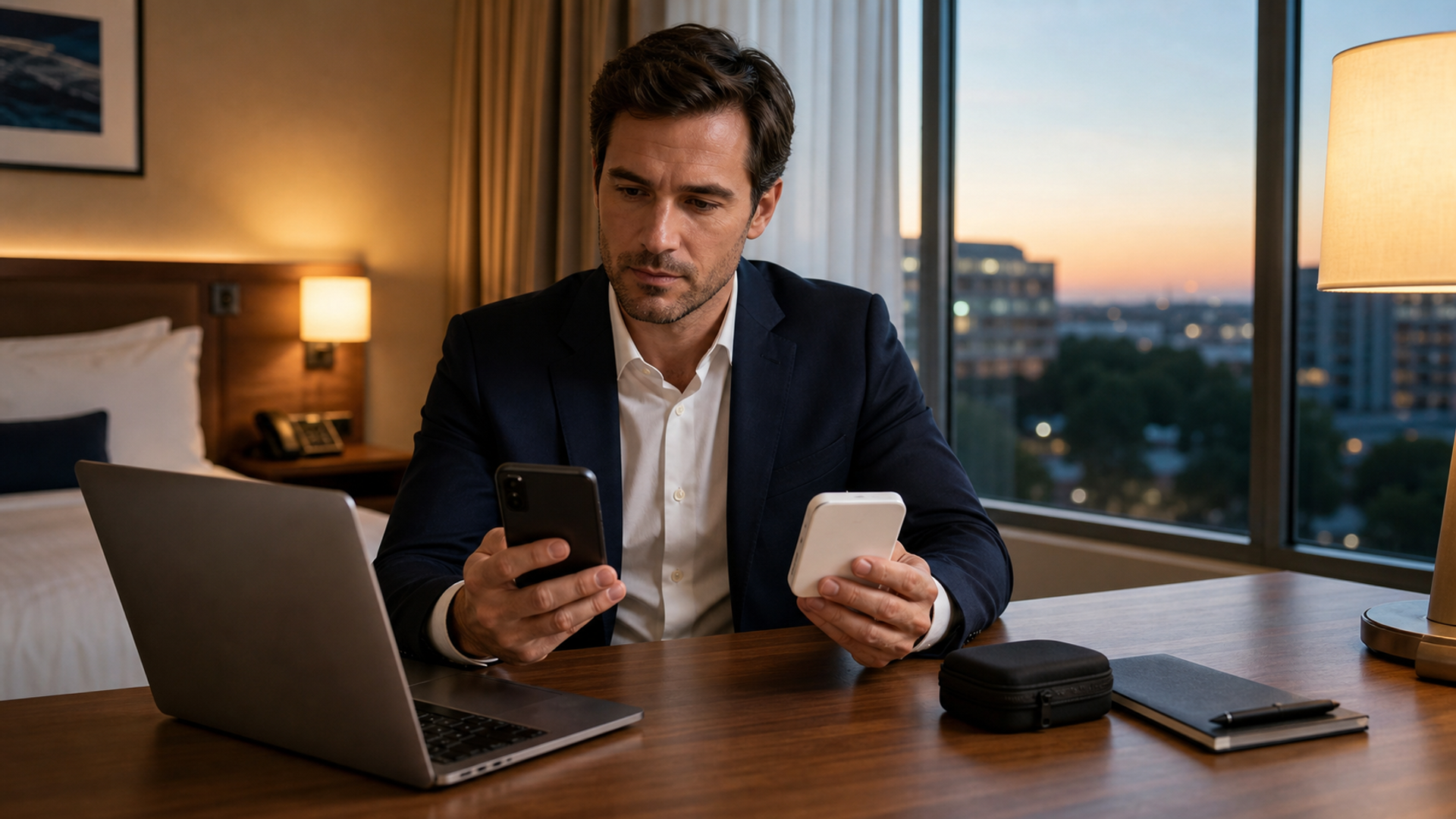
Hotel Wi-Fi, a phone hotspot and a travel router are not three versions of the same connection. Hotel Wi-Fi borrows the property’s network. A hotspot moves traffic onto the mobile carrier. A travel router creates a private local network, but it still depends on hotel Ethernet, hotel Wi-Fi or a cellular modem upstream. The router can simplify device management; it cannot make an untrusted or congested internet connection magically trustworthy.
The resilient plan uses hotel Wi-Fi for low-risk bandwidth, a mobile hotspot for sensitive or time-critical work, and a travel router only when several personal devices need a controlled local network. Keep a second connection tested before the important call begins.
Connection decision matrix
| Need | Hotel Wi-Fi | Phone hotspot | Travel router |
|---|---|---|---|
| Fast setup on one device | Strong | Strong | Medium |
| Several personal devices | Variable limits | Battery and data burden | Strong |
| Independence from hotel congestion | No | Yes, if mobile signal is good | No unless cellular-backed |
| Captive-portal handling | Direct | Not applicable | Can be awkward |
| Local device isolation | Unknown | Usually better controlled | Configurable |
| Large downloads | Often practical | Data-plan dependent | Depends on upstream |
| Failure mode | Shared network or portal | Weak signal, heat, battery | Configuration plus upstream failure |
The UK National Cyber Security Centre explains how full-device VPNs interact with captive portals and tethering in its VPN guidance. The US Federal Trade Commission notes that widespread website encryption reduces some public Wi-Fi risk, while still recommending updated devices and careful site verification in its current public Wi-Fi advice. Neither source turns an unknown network into a place for casual trust.
Use hotel Wi-Fi with boundaries
Confirm the network name with the property rather than choosing the strongest signal that resembles it. Fake networks exploit predictable hotel names. Disable automatic connection to open networks, turn off file sharing and avoid approving certificate warnings. A browser padlock protects the connection to a correctly identified HTTPS site; it does not prove the Wi-Fi operator, website or downloaded file is safe.
Hotel Wi-Fi is reasonable for streaming, routine browsing and software downloads from verified sources. For confidential calls or sensitive admin work, use the company’s approved VPN and security policy. A consumer VPN is not a substitute for endpoint protection, identity controls or a clean device.
The hotspot is an independent route, not an unlimited one
A hotspot removes the hotel network from the path, which is useful when the captive portal breaks, the conference floor is congested or a call needs a separate route. Test signal in the actual workspace; five bars near the window may become two at the desk. Run a short call and upload a representative file before the critical session.
Watch battery, heat and plan restrictions. Hotspot use combines cellular radio, Wi-Fi and continuous processing. Keep the phone ventilated and powered with a compliant charger. Check whether the travel eSIM permits tethering and whether the carrier slows data after a threshold. The eSIM, local SIM and roaming comparison provides the upstream decision that the hotspot depends on.
What a travel router actually improves
A router lets your laptop, tablet and streaming device join one private network. You authenticate the router to the hotel once, then keep device-to-device settings consistent. It can also provide Ethernet where the room has a working port. This is valuable for a repeatable travel kit.
The trade-off is another admin surface. Change the default password, update firmware before travel, use current Wi-Fi security, disable remote administration and forget old hotel networks. If the hotel requires each device to accept a portal or blocks router traffic, setup may fail. Never wait until a board call to discover that behaviour.
A two-route pre-call test
Thirty minutes before a consequential call:
Restart the laptop and close unnecessary sync jobs.
Join the primary connection and verify the meeting platform, microphone and camera.
Measure stability with a real test call, not only a speed test.
Connect the backup route, then disconnect it without forgetting credentials.
Put the phone on power, with hotspot controls ready.
Keep dial-in details and the presentation available offline.
Bandwidth is only one measure. A 300Mbps network with periodic packet loss can be worse for a call than a stable 20Mbps mobile link. Record which route worked in the room and reuse that evidence rather than relying on the hotel’s advertised speed.
The privacy boundary
Assume every travel network can observe connection metadata and attempt to manipulate unencrypted traffic. Use multi-factor authentication, encrypted services, current software and an approved VPN where required. Do not expose local file shares or printers. For highly sensitive work, consider whether the correct decision is to postpone the task or use a controlled office environment.
Leave the network cleaner than you found it
At checkout, forget the hotel network on each device, remove temporary captive-portal profiles and disable the hotspot. Review whether the travel router saved credentials and delete them. Check corporate account alerts for unfamiliar sign-ins during the trip.
If a certificate warning, unexpected login page or suspicious download appeared, record the time and network name and report it through the organisation’s security channel. Do not dismiss the warning merely because the connection later worked.
Where a room provides Ethernet, test it but do not assume the wall socket is private. It is another route into the property network. Apply the same device controls and VPN policy. If a router clones a laptop identity to pass a captive portal, document the setup and undo it afterwards so troubleshooting does not depend on a forgotten workaround.
Build a network scorecard before the meeting
A single speed-test result is a poor buying or routing decision. Test the connection with the activity that matters. Video calls need stable latency and low packet loss. Large creative files need sustained upload. Remote desktops can feel unusable when delay fluctuates even if headline bandwidth is high.
Record a small scorecard for the hotel route and the hotspot:
| Check | Hotel route | Mobile route | Decision rule |
|---|---|---|---|
| Five-minute test call | Note freezes, audio gaps and reconnects | Repeat from the same desk | Use the route with fewer interruptions |
| Representative upload | Time one approved non-sensitive file | Check data usage and heat | Avoid a route that stalls near completion |
| Captive portal expiry | Reconnect after the device sleeps | Not applicable | Know whether re-authentication interrupts work |
| Power impact | Observe laptop and phone drain | Observe hotspot temperature | Keep the backup sustainable for the full session |
| Fallback time | Time the switch | Time the switch back | Aim for recovery measured in minutes, not improvisation |
Do not upload confidential test material merely to measure performance. Use an approved sample of similar size. Save the result with the room and date because conference congestion, terminal layout and even window position can change the comparison.
Design the workspace around failure
Put the hotspot phone where cellular signal and ventilation are good, not underneath the laptop. Keep the charger connected without covering the device. Disable non-essential cloud backups before the call and pause operating-system downloads. If several people share the room, prevent entertainment devices from consuming the route intended for the meeting.
Prepare a graceful degradation order. Turn off background sync first, then incoming video, then outgoing video. Keep an audio dial-in number and a local copy of the presentation. If screen sharing fails, send an approved document link through the meeting chat rather than repeatedly restarting the entire call.
When the meeting concerns a regulated or highly confidential matter, network resilience does not override policy. The correct fallback may be an approved corporate office, a managed device or postponement. A stable consumer hotspot is still a consumer connection; its availability says nothing about whether the activity is authorised.
Calculate the cost of independence
Mobile independence consumes data, battery and sometimes roaming allowance. Estimate a demanding call, file transfer and normal messaging against the plan before relying on it for several days. Confirm that tethering is permitted and understand any fair-use threshold. Keep a buffer for rebooking and navigation after the meeting.
A travel router has a different cost: purchase, firmware maintenance, charging, cables and setup time. It earns its place when it repeatedly saves several devices from captive-portal work or provides a controlled local network. If it is used twice a year and never updated, it may add more uncertainty than it removes.
Price the avoided failure. For an ordinary evening, hotel Wi-Fi inconvenience may be acceptable. For an investor call, product launch or disruption-management session, a tested second carrier or separately powered hotspot can be worth far more than its data charge. The premium is paid for route diversity, not a larger speed-test number.
The recommended arrangement
For one phone and casual browsing, verified hotel Wi-Fi is usually enough. For a confidential call or a broken captive portal, switch to a tested hotspot. Add a travel router when you routinely connect several devices and are willing to maintain it properly.
The goal is not to declare one connection safe. It is to know which dependency each option removes, which dependency it keeps, and how quickly you can change routes when reality differs from the brochure.