To decide how to reset Bluetooth earbuds, identify the exact model, confirm that the earbuds and case have power, and try the maker’s restart or re-pairing procedure before a full reset. If a reset is still needed, follow that model’s current instructions and reconnect afterwards. There is no single button hold or indicator sequence that applies to every pair.
This is a support-based troubleshooting framework. The Apple and Samsung examples below illustrate why model and software version matter; they are not reset instructions for VERTU CRUSH.
Key Takeaways
- Restarting, forgetting a phone’s pairing record and resetting earbuds are separate actions.
- Establish power and correct case seating before attempting software troubleshooting.
- Find the model name and current instructions rather than copying a similar-looking case.
- Keep a note of custom settings that may need restoring.
- Test both music and calls after reconnecting, then stop repeating a procedure that produces no documented confirmation.
Do you need a restart, re-pair or reset?
Choose the smallest action that matches the symptom. Begin by describing what fails: the phone cannot find the earbuds, a saved pair will not reconnect, one side is silent, or the case does not respond to charging.
Google’s Android Bluetooth guidance distinguishes reconnecting a saved device from removing it with Forget. A factory-style earbud reset is a further, manufacturer-specific operation. Removing a phone’s saved entry should not be described as proof that the earbuds themselves have been reset.
| Action | What you are trying | Where to find the method |
|---|---|---|
| Reconnect | Use an existing pairing again | Phone Bluetooth settings |
| Restart | Follow the maker’s restart procedure | Earbud manual or support page |
| Forget and re-pair | Remove the saved connection and set it up again | Phone settings plus earbud pairing instructions |
| Reset | Return the earbuds to the state specified by their maker | Exact model’s reset instructions |
This sequence is a practical way to organise troubleshooting, rather than a promise that every problem follows the same cause. If power is absent, resolve that question before interpreting a missing pairing signal as a software fault.
What should you check before resetting?
Identify both the earbuds and charging case, then check their condition and charge status using their own instructions. Record whether the fault affects both sides and whether either responds when placed correctly in the case.
- Find the model name on the product information, packaging or official support record.
- Use the specified charging method and allow the documented charging period.
- Place each earbud in its correct recess without forcing it.
- Check for visible damage or debris and follow the relevant care guidance.
- Note the phone model, operating-system version and any companion app you use.
Samsung’s charging checks include power accessories, seating and clean charging contacts. Those points help distinguish charging from connection trouble, but its light colours and model-specific restart steps should not be transferred to another product.
If the case or earbuds are damaged, wet or behaving unusually, stop and seek the maker’s advice before continuing. Do not open the case or manipulate its contacts to complete a reset attempt.
How do you try reconnecting first?
Start with one intended phone and follow the earbuds’ normal connection instructions. Look for their saved Bluetooth entry and check whether the phone reports a connection. If the manufacturer requires a particular app for setup, use the documented process rather than assuming a generic Bluetooth screen completes every feature.
Check the audio destination as well as the connection label. Play a familiar short passage at a modest volume and confirm that sound is directed to the earbuds. If music works but a call does not, record that distinction before changing anything else.
Where another device has previously used the pair, simplify the test by setting that device aside and following the maker’s advice on changing connections. Do not assume a feature such as simultaneous connections exists just because several devices have paired in the past.
How do you forget and re-pair the earbuds?
Remove only the entry for the earbuds you are troubleshooting, then put them into pairing mode using their own instructions. On Android, Google describes opening the accessory’s settings and choosing Forget, followed by pairing the accessory again through the available-device list.
- Confirm the device name so you do not remove another accessory’s connection.
- Choose the phone’s option to forget or unpair that entry.
- Use the earbuds’ documented method to enter pairing mode.
- Find the correct name in the phone’s available-device list.
- Complete the on-screen setup and test playback again.
Menu wording and available options vary by phone and software. Google notes that parts of its current instructions require Android 15 or supported hardware. Use your phone maker’s help if its screens differ, rather than changing unrelated connection settings in search of a matching menu.
If two similar names appear, stop and compare them with the manufacturer’s documentation. Do not delete every saved accessory or reset the whole phone as an improvised extension of an earbud re-pairing check.
Why must the reset procedure match the exact model?
Even one manufacturer can use different reset controls across generations. Apple’s current AirPods reset instructions, published on 13 October 2026, separate older models with a setup button from newer models that use a sequence of double-taps on the case. Similar appearance is therefore not enough to identify the procedure.
For a relevant Apple model, follow the linked instructions in their complete order, including the required case state and confirmation lights. Do not extract only a duration or a colour and apply it to a different pair.
A worked example: Samsung Galaxy Buds
Samsung’s current Galaxy Buds reset guide gives the following software-dependent procedure. Use it only for the Galaxy Buds covered by that guidance; it does not apply to VERTU CRUSH or other brands.
- Charge each earbud to 15% or higher before starting.
- On One UI 8.0 or later, open the phone’s Settings and select your Galaxy Buds. On an earlier One UI version, start in the Wearable app instead.
- Choose Manage connections, select Reset, and select Reset a second time to confirm.
- After completing the reset, follow the normal pairing instructions for your Galaxy Buds model and repeat the playback and call checks below.
If your device does not show the documented menus, check its exact model and software support rather than choosing an unrelated reset option. Keep the confirmation step separate from the later test of whether your original problem has been resolved.
Read the confirmation step before beginning. You should know what result the manufacturer expects and what to do if it does not appear. Follow the stated sequence once carefully; repeated, progressively longer button holds from unrelated videos are not a substitute for identifying the product.
What should VERTU CRUSH owners check?
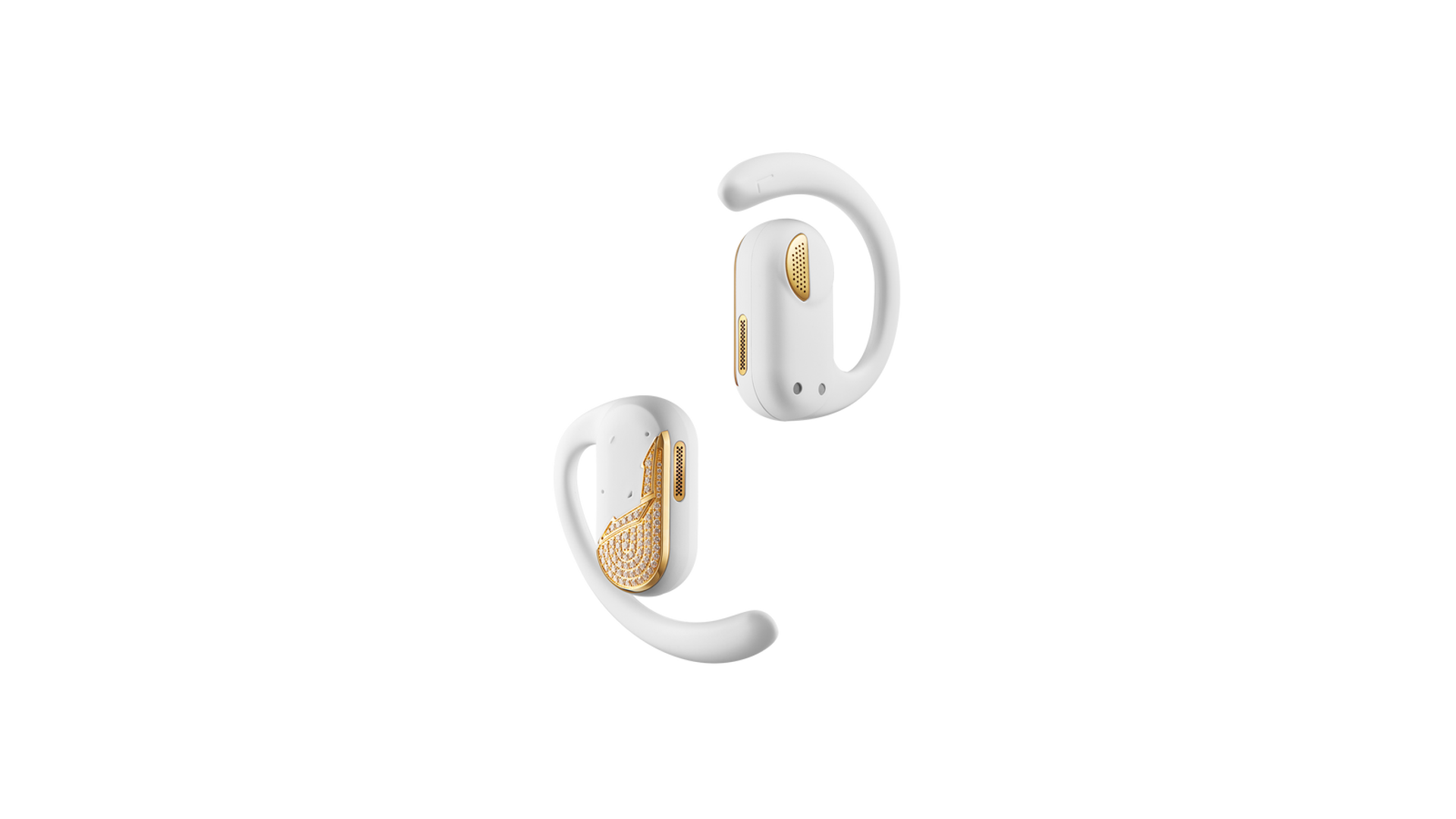
Use the exact edition of the VERTU CRUSH Series OWS AI Earbuds when requesting reset and pairing guidance. Ask VERTU for the current manual or support steps that correspond to your case and earbuds.
The OWS product name does not establish a reset-button location, hold duration, indicator pattern or app menu. A procedure for Apple, Samsung or VERTU Phantom should not be treated as a CRUSH procedure unless VERTU confirms it applies. Keeping the model identity clear is more useful than assuming a shared wireless category means shared controls.
When contacting support, say whether the pair still charges, whether it appears in the phone’s available-device list and whether one or both earbuds are affected. Include the phone and app versions and the result of any steps already recommended. Do not describe an unconfirmed button attempt as a completed factory reset.
For related buying and ownership topics, see the VERTU guides. Keep those general guides separate from the exact support instructions needed for a particular hardware edition.
How do you confirm that the problem is resolved?
Repeat the original action that failed. A connection label alone does not answer whether both earbuds now play, calls work or the pair reconnects as intended after returning to the case.
- Play a short passage and check both sides.
- Make a test call with an appropriate contact and confirm microphone and playback behaviour.
- Try the controls you normally use.
- Follow the normal case and reconnection routine once more.
- Restore any custom settings the manufacturer says the reset clears.
If the fault remains, keep the result specific and stop repeating the same process. A useful support note identifies the step reached, the confirmation observed and the original symptom that persists. Ask what assessment is needed next rather than assuming another reset must solve it.
Frequently Asked Questions
Is forgetting a Bluetooth device a full earbud reset?
No. It removes the saved connection on that phone. A reset of the earbuds themselves uses their manufacturer’s procedure.
Can I use an AirPods reset sequence for CRUSH?
No. Use instructions confirmed for the exact VERTU model and edition.
Should I reset earbuds that do not charge?
Check the power path and model-specific charging guidance first. Follow a reset only if the manufacturer recommends it for the symptom.
Conclusion
Knowing how to reset Bluetooth earbuds means choosing the right action for the actual fault: establish power, try a normal connection, re-pair where appropriate and use the exact reset instructions when needed. Verify the original problem afterwards, and take a clear record to support if the documented procedure does not resolve it.