

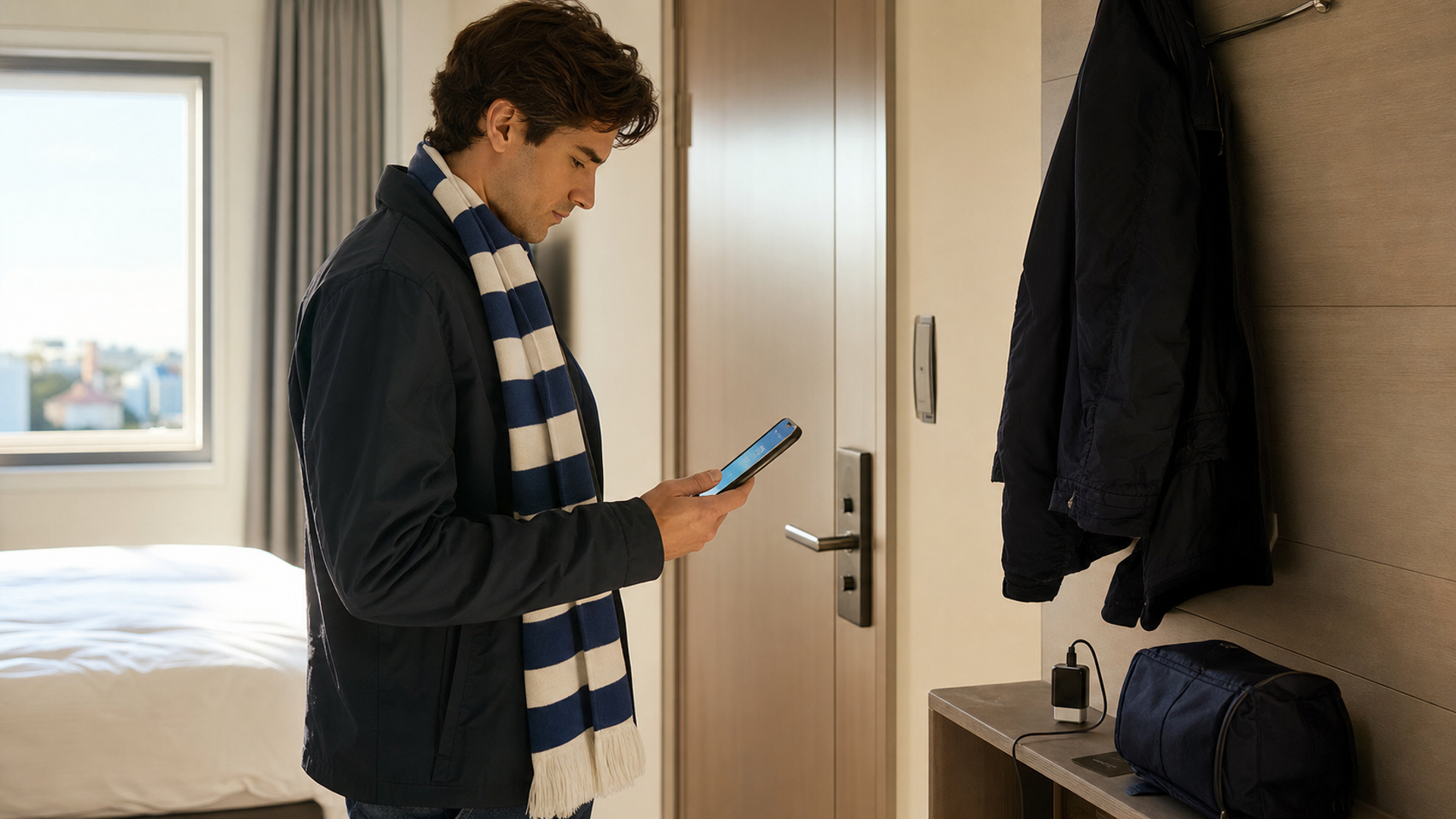
The most important matchday item is no longer a printed ticket. For the FIFA World Cup 2026, every ticket is delivered through the official FWC2026 Mobile Tickets app, and FIFA says screenshots, photographs and printouts are not accepted at the stadium. That changes the practical question from “Do I have the ticket?” to “Can this phone present the live ticket at the gate, under pressure, at the right moment?”
Do not wait until the security queue to find out. Complete the checks below before you leave the hotel, while you still have reliable Wi-Fi, access to chargers, identity documents and the person who bought the tickets.
The 15-minute matchday readiness card
| Check | Pass condition | If it fails | Do not rely on |
|---|---|---|---|
| Official app | FWC2026 Mobile Tickets opens normally | Update or reinstall only while you still have time and credentials | A browser bookmark or email attachment |
| Correct account | The app shows the expected match and seat | Confirm the FIFA ticketing email and one-time code access | A companion’s memory of the login |
| Ticket status | Ticket is visible and assigned to the right person | Resolve pending send, return or transfer before travelling | A screenshot of a QR code |
| Phone power | At least 70% charge for a long matchday | Charge now; carry a compliant power bank where venue rules allow | “It should last” |
| Connectivity | Mobile data works and roaming is understood | Download the app, sign in and test before leaving hotel Wi-Fi | Stadium Wi-Fi as the only plan |
| Screen | Brightness, touch and display work reliably | Remove a failing screen protector or use the valid recipient’s device flow | A cracked display that sometimes responds |
| Guest tickets | Every guest has accepted or the group will enter together | Send early; FIFA says guests have 72 hours to accept | Forwarding an image in a chat |
| Recovery | Purchaser email, password recovery and ID are available | Save recovery contacts outside the ticket phone | One device holding every credential |
This is not a request to keep the phone permanently online. It is a readiness test. FIFA’s own ticketing support says the official app is required to receive, view and manage tickets, and that tickets are not emailed as downloadable documents. The live ticket may also become fully active only closer to stadium entry. The safest plan is therefore to make the official app and account healthy before departure, then preserve enough battery and connectivity to handle changes.
Why a screenshot is not a backup
A screenshot feels sensible because it works for many boarding passes and event tickets. It is specifically the wrong backup here. FIFA states that screenshots, photos and printed versions of mobile tickets will not be accepted. The ticketing system is designed around a secure mobile credential rather than a static image.
The practical consequence is important. If one person keeps screenshots for the group, the group does not possess usable tickets. If a guest loses access to the app, sending another screenshot does not restore entry. Recovery must happen through the official account, app, guest-return or ticket-transfer process.
Read the current FIFA definition of a 2026 mobile ticket and its stadium-entry requirements before matchday. Rules and support arrangements can be updated, so the official ticketing pages remain the live authority.
Decide who owns each ticket before the journey
There are two workable group patterns.
The first is distributed ownership: the purchaser sends each guest a ticket, each guest accepts it in the official app, and everyone confirms their own ticket before departure. This reduces dependence on one phone, but it creates more accounts, devices and possible forgotten passwords.
The second is controlled group entry: the purchaser keeps the guest tickets and everyone arrives and enters together. FIFA explicitly notes that guests must enter with the purchaser when their tickets remain on the purchaser’s phone. This can be simpler for families or guests who are uncomfortable managing another app, but the purchaser’s phone becomes a single point of failure.
Choose one pattern deliberately. The dangerous middle ground is assuming that tickets have been sent when they are still pending, or allowing part of the group to travel separately while the usable credentials remain on one device.
If tickets are sent through the app, FIFA says guests must accept them within 72 hours or they are returned to the purchaser. Open the guest account and verify acceptance; an email saying “a ticket was sent” is not the same as a ticket visible in the app.
Build a battery plan for the whole day
Matchday battery use begins well before kick-off: maps, ride-hailing, group messages, photography, roaming, security checks and high screen brightness all consume power. Heat can make the problem worse. A phone sitting in direct sun may dim its display, reduce charging speed or suspend demanding functions to protect itself.
Start with a charged phone, but do not optimise only for the gate. You also need power after the match for transport and communication. A practical target is 70% or more before leaving, Low Power Mode available, and a charging option that complies with airline and venue requirements. Close unnecessary navigation sessions and games, but do not force-close the ticket app repeatedly once it is healthy.
Keep the handset shaded and avoid charging it under a pillow, inside a hot vehicle or in direct sunlight. If the phone becomes unusually hot, move it to a cooler shaded place, remove a heavy case temporarily and stop high-load tasks. Do not place it against ice or condensation.
For travel-day charging, use the separate 2026 flight-safe power-bank guide rather than assuming every battery pack is acceptable.
Connectivity: test the weak link, not the speed test
A fast hotel Wi-Fi result says little about the route to the stadium. Test whether the phone can use mobile data away from Wi-Fi, whether roaming is active, and whether the account can receive the one-time code used for ticket access. If the code goes to an email address that is only available on a work laptop left at home, the ticket phone is not self-sufficient.
Do not make a late eSIM change on matchday unless the current connection has genuinely failed and you understand the consequences. SIM changes can affect SMS, account recovery and messaging identities. If you need a multi-country setup, plan it earlier with the eSIM, physical SIM and hotspot comparison.
Save essential non-ticket information offline: hotel address, meeting point, emergency contacts and transport instructions. This reduces pressure on the ticket app and preserves useful function if mobile networks are crowded.
A damaged, lost or dead phone: use the recovery ladder
If the phone fails, do not improvise with screenshots. Work through a controlled recovery order:
Move to a safe place away from the main queue.
Confirm whether the ticket belongs to the purchaser or a guest account.
Restore access to the official app on an eligible functioning device only if the account process permits it.
Use the purchaser’s official send, return or transfer route where appropriate.
Keep identity documents and purchase evidence available.
Use the official stadium ticket office or FIFA support channel rather than an unofficial reseller or social-media account.
FIFA publishes matchday information for stadium ticket offices, but opening times and the help they can provide are not a reason to arrive with an unresolved app problem. Treat the office as escalation, not the normal plan.
If the phone is stolen, protect the device and account before worrying about convenience. Remotely mark it lost where supported, change compromised credentials from a trusted device and alert the carrier if the SIM is at risk. The first 30 minutes after losing an executive phone provides a broader order of operations.
The hotel-door final check
A group captain checklist
For groups larger than four, appoint one person to verify states without collecting passwords. The captain records only whether each ticket is accepted, which phone holds it and whether the person will enter independently or with the purchaser. Set a fixed regrouping point outside the busiest gate area and a time after which nobody changes ticket assignment without telling the group.
The captain should carry the official support links, purchaser contact and seating summary, but not screenshots presented as backup tickets. This turns ten separate assumptions into one visible operating plan while preserving each person’s account control.
Before anyone leaves, ask each person to show one of two things: their accepted ticket inside the official app, or confirmation that they will enter together with the purchaser who is holding the valid guest ticket. Then check battery, data and account recovery.
That five-minute ritual is more useful than ten screenshots. The objective is not to make a phone infallible. It is to remove avoidable single points of failure while you still have the time and setting to fix them.


