

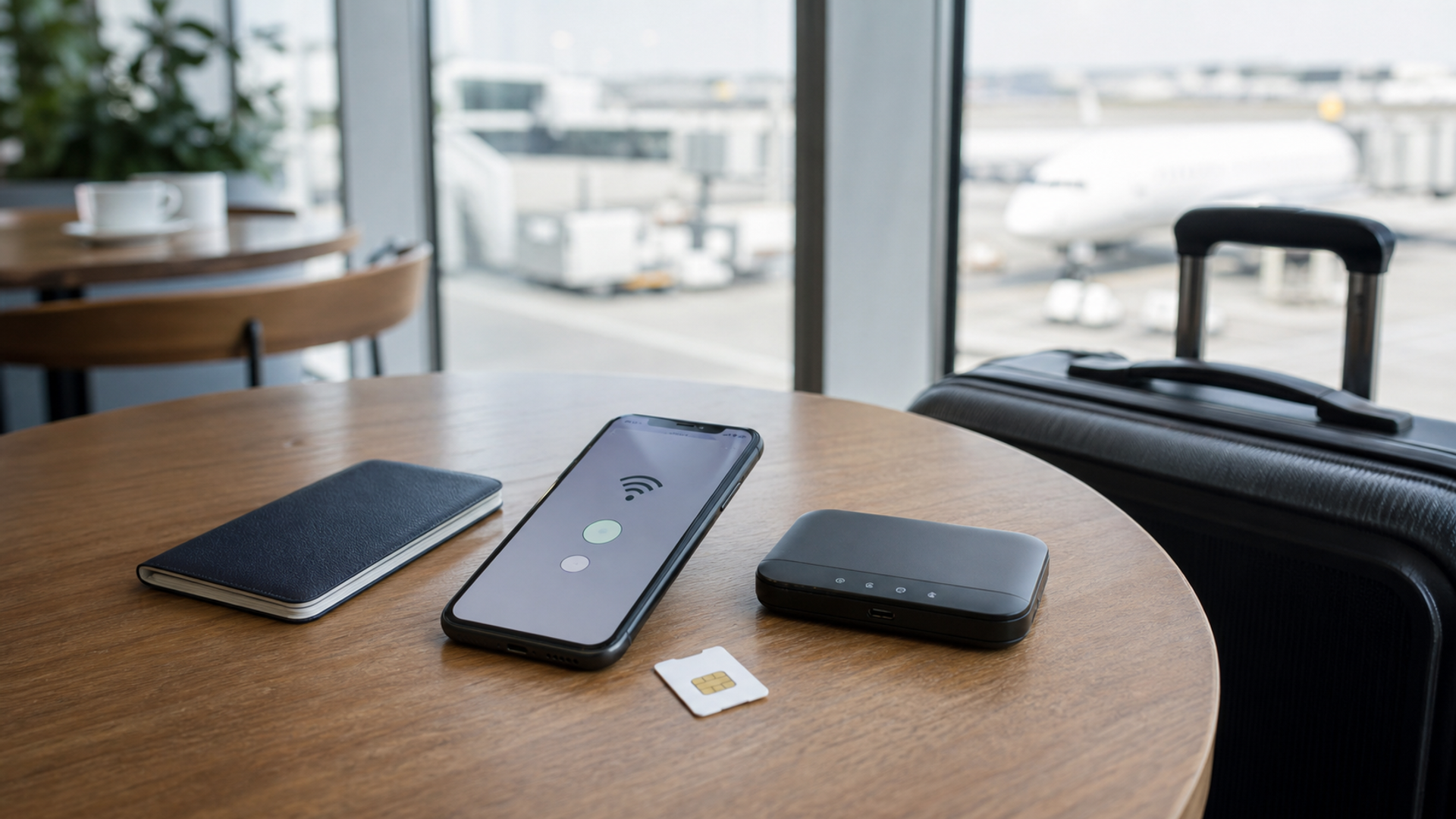
For most multi-country travellers in 2026, the best default is an eSIM for destination data while retaining the home line for identity and account recovery. A physical local SIM remains useful where eSIM availability or payment is unreliable. A pocket hotspot earns its place when several devices or people need a shared connection—but it adds another battery, account and object to manage. This analysis is supported by Apple eSIM setup guidance.
The mistake is treating these as three mutually exclusive products. Resilient travel connectivity is an architecture: one primary path, one recovery path and a clear rule for which number receives sensitive messages.
The decision in one table
| Option | Strongest advantage | Main weakness | Best use |
|---|---|---|---|
| Travel eSIM | Fast installation, no tiny card to swap, easy multi-country profile management | Device/carrier compatibility and activation can fail at the least convenient time | Default destination data |
| Physical SIM | Broad familiarity and easy transfer between compatible unlocked phones | Requires opening the SIM tray; home number may become unavailable in single-SIM use | Local voice/data where eSIM is weak or unavailable |
| Pocket hotspot | Connects several devices without changing each device’s SIM | Extra battery, charging, rental terms and single shared failure point | Teams, families and laptop-heavy travel |
| Home SIM roaming | Keeps number and service relationship intact | Can be expensive; fair-use and high-speed allowances vary | Short trips, arrival bridge and account recovery |
The best setup is rarely the cheapest data plan in isolation. It is the setup that still works when the first plan does not activate, the phone is lost or a bank insists on sending a code to the home number.
What an eSIM actually changes
An eSIM does not eliminate the role of the SIM. It changes how the mobile subscription is loaded. The GSMA’s eSIM overview explains that a SIM profile can be securely downloaded into a secure element embedded in the device. The GSMA says the approach offers security and protection equivalent to a removable SIM.
For a traveller, the practical advantages are clear:
a destination profile can often be bought before departure;
there is no physical card to lose;
several profiles may be stored, subject to device limits;
the home line can remain installed;
switching countries does not require opening the handset.
But “eSIM supported” is not enough. Check all four layers:
the phone model supports eSIM;
the specific regional variant has the feature enabled;
the phone is carrier-unlocked;
the destination operator or travel provider supports the countries, bands and activation method you need.
Download the profile while you still have trusted connectivity. Save the activation instructions somewhere accessible if the phone cannot open the original email.
Why the physical home SIM still matters
The home number is more than a calling plan. It may anchor banking, messaging, password recovery, airline accounts and business contacts. Removing it can create an identity problem even when destination data works perfectly.
Where the phone supports dual-SIM operation, a sensible configuration is:
home line retained for calls and important messages;
destination eSIM selected for mobile data;
data roaming disabled on the home line unless intentionally required;
automatic data switching reviewed rather than assumed;
outgoing-call defaults set deliberately.
This reduces accidental roaming without disconnecting the number that important institutions already know.
A physical local SIM remains valuable when a country’s eSIM market is limited, local verification requires a domestic number or the traveller wants to move service rapidly to a backup phone. The trade-off is physical handling and the possibility of misplacing the home SIM. Use a proper holder; a SIM wrapped in paper inside a passport is an avoidable failure.
When a pocket hotspot is the better tool
A pocket hotspot is not automatically safer because it is separate. Its value is operational:
one local data plan can connect a laptop, tablet and phone;
a family or small team can share service;
the phone does not need to provide hotspot power all day;
a primary phone can remain on its home and destination lines while other devices use the router.
It is especially useful for a team arriving together, a photographer moving large previews or an executive who needs to keep a laptop connected during long road transfers.
The weaknesses are equally concrete:
everyone loses service when the hotspot battery dies;
rental devices can retain poor default settings;
the hotspot itself can be lost;
data allowances may be shared and throttled;
members of the group must remain physically close;
captive portals and operator restrictions can still interrupt service.
Change default administrative credentials when the device permits it. Use a unique Wi-Fi password, disable unnecessary sharing features and install current firmware before travel if you own the unit.
Three ready-made travel setups
1. The light leisure setup
Use: home SIM plus regional travel eSIM.
Best for: one phone, maps, messaging, bookings and ordinary photography.
Configuration: install the eSIM before departure, retain the home line for identity, choose the eSIM for data and keep a small home-roaming allowance as an arrival fallback.
Failure plan: airport Wi-Fi only long enough to obtain official operator support; do not make a random QR-code purchase from an unverified advertisement.
2. The executive resilience setup
Use: home line, destination eSIM and a second independent data path.
Best for: confidential calls, changing itineraries and account recovery.
Configuration: the primary phone carries both lines; the backup path may be a second phone, a company-approved hotspot or limited roaming from another operator. Critical recovery codes are stored according to organisational policy, not only on the travelling device.
Failure plan: if the phone is lost, the traveller can contact the operator and business from another device without depending on the lost phone’s eSIM profile.
3. The multi-device team setup
Use: one local or regional hotspot plus individual phone lines.
Best for: two to five people carrying laptops and tablets.
Configuration: hotspot handles bulk connectivity; each person retains an individual mobile path for separation and emergencies. The team agrees who carries the hotspot and power bank.
Failure plan: one nominated phone can tether temporarily if the shared device fails.
Privacy: cellular is not magic, but public Wi-Fi changes the risk
Mobile data is not a guarantee of confidentiality. The device, accounts, apps and destination services still matter. It does, however, avoid some of the uncertainty of joining an unknown public network.
The US Cybersecurity and Infrastructure Security Agency’s travel guidance says a personal hotspot is often a safer alternative to free Wi-Fi. For sensitive work, prefer a known cellular path, keep software current, use strong account authentication and follow your organisation’s VPN and data-handling rules.
A travel hotspot should be treated as a small router, not as a privacy talisman. If the laptop is compromised or a cloud account is poorly protected, changing the network will not solve the larger problem.
The battery and charging calculation
Connectivity plans fail when their power assumptions fail.
An eSIM uses the phone’s battery, and dual active lines can increase radio activity depending on coverage and configuration. Phone tethering adds a heavy load. A pocket hotspot moves that load to a second battery but creates another device that must be charged.
Before choosing:
list every device that needs data;
count available charging ports during transfers;
check whether the hotspot supports use while charging;
carry the correct cables rather than one adapter and several hopes;
download essential travel information for offline use.
The best plan includes at least a few hours of useful operation after a long flight, not only after a night beside a wall socket.
Voice, messaging and account recovery
A data plan can appear successful while the traveller’s identity path is broken. Before departure, list which services still depend on the home number: banks, messaging accounts, airline profiles, corporate authentication and family contacts. Confirm whether incoming messages work abroad, whether roaming charges apply and whether a lost-device recovery process can move the line to another handset.
Do not make a newly purchased travel number the only recovery route for an important account. It may expire after inactivity or become inaccessible when the eSIM profile is removed. Likewise, do not assume internet-based messaging replaces ordinary calls in an emergency; local authorities, hotels and operators may still expect a callable number.
For a team, record one independent contact route for each traveller. A shared hotspot creates shared data, not separate identity.
Device capability still needs live verification
VERTU’s current knowledge base specifies global 5G/4G/3G/2G connectivity for VERTU ALPHAFOLD, subject to region, network, device configuration and software. That makes it a relevant example of a globally positioned device, but it does not guarantee compatibility with every carrier or travel eSIM. Buyers should verify the exact model, supported network bands and operator policy against the current AlphaFold page and the intended carrier before departure.
The same rule applies to every premium phone. “Global” is a positioning word; compatibility is a model-and-network fact.
The pre-departure checklist
Confirm that the phone is unlocked.
Confirm eSIM support on the exact regional model.
Install and label profiles before travel.
Decide which line handles data, calls and messages.
Disable unwanted roaming and automatic switching.
Save operator support details outside the phone.
Test the home number’s account-recovery role.
Update the hotspot and change default credentials.
Download maps, tickets and critical contacts.
Carry an independent charging plan.
Know how to suspend service if a device is lost.
The final decision
Choose an eSIM as the primary destination-data option when your device and route support it. Keep the home SIM or home eSIM active for identity and recovery. Add a pocket hotspot when several devices need sustained connectivity or when organisational resilience justifies a separate data path.
The luxury in travel connectivity is not having the largest allowance. It is arriving in the next country without wondering whether your number, maps, messages and work will survive the border.


