

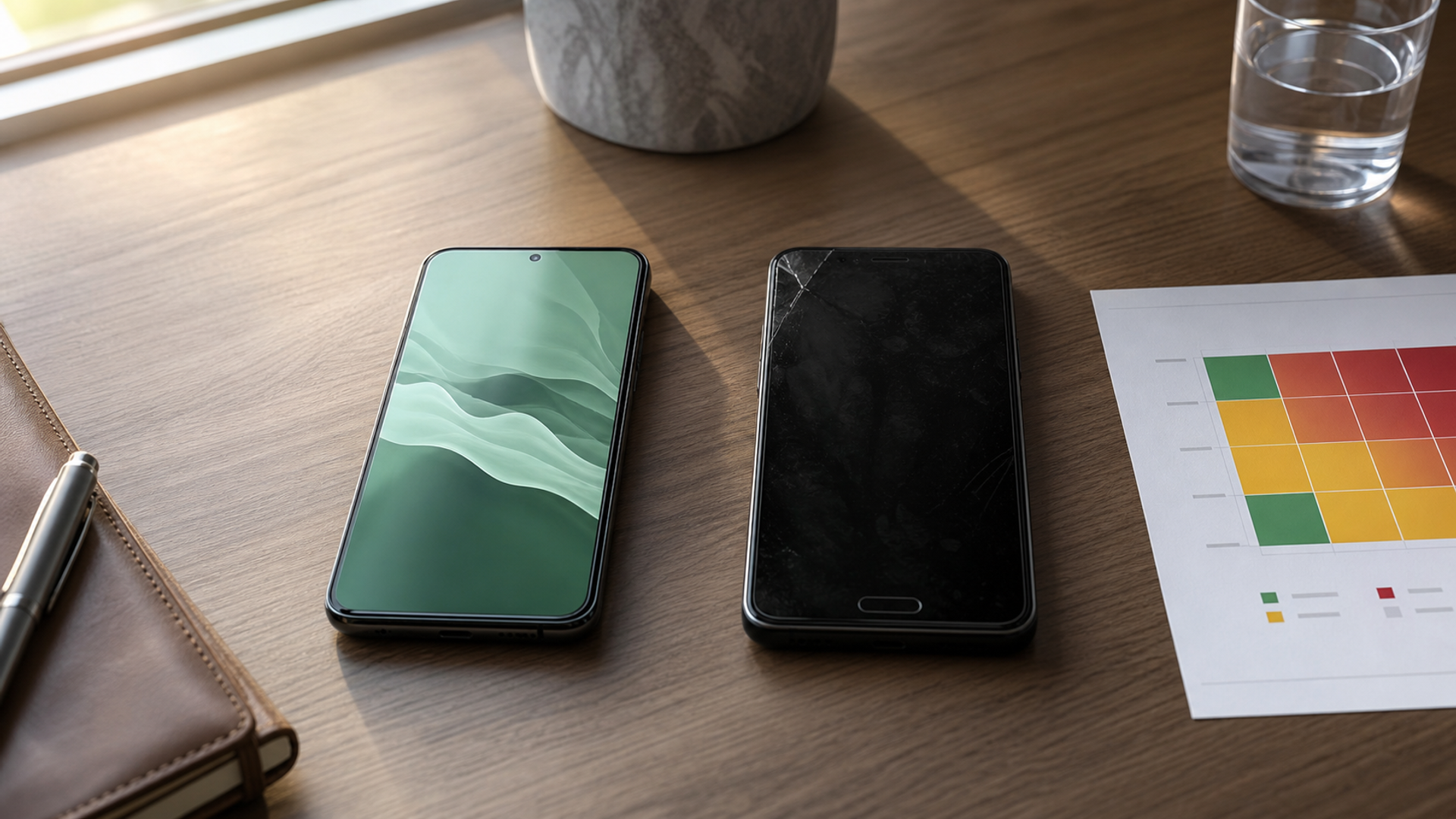
“Is Android or iPhone more secure?” sounds like a product question. In practice, it is a threat-model question. A fully updated iPhone used with a weak passcode can be less defensible than a well-managed Android phone with strong authentication. A bargain Android handset abandoned by its manufacturer can be a worse choice than either. Platform architecture matters, but update delivery, device provenance, account recovery and the owner’s habits often decide the outcome.
The useful comparison in 2026 is therefore not “open versus closed”. It is whether a specific phone, bought through a specific channel, will keep receiving fixes; what it allows you to install; how it behaves when stolen; how much personal context its AI features can reach; and whether your organisation can enforce policy without making the device unusable.
The security decision matrix
| Your dominant risk | Advantage to look for | Android buying test | iPhone buying test | Decision warning |
|---|---|---|---|---|
| Opportunistic theft | Rapid lock, biometric re-checks, account recovery | Confirm theft protection and update support on the exact model | Enable Stolen Device Protection and verify trusted recovery methods | A six-digit passcode observed in public can undermine either platform |
| Malicious apps | Strong store review, sandboxing, permission visibility | Prefer supported devices with Google Play protection; avoid casual sideloading | Keep App Store controls and review privacy permissions | Store labels describe policy, not a guarantee of good behaviour |
| Targeted spyware | Hardened mode, attack-surface reduction, forensic evidence | Check Advanced Protection availability and OEM update cadence | Consider Lockdown Mode for genuinely high-risk periods | Hardening modes trade convenience for reduced exposure |
| Work and personal separation | Managed profiles, remote policy, selective wipe | Android Enterprise can provide a distinct work profile | Managed Apple IDs and MDM can control business data | Personal cloud backups can quietly defeat a weak policy |
| AI access to personal context | Explicit permissions and understandable processing boundaries | Review Gemini permissions, connected apps and on-device/private-compute claims | Review Apple Intelligence access, Private Cloud Compute and app actions | “On-device” does not mean every feature always stays on-device |
| Long ownership | Predictable security-support window | Verify the exact manufacturer and model commitment | Verify that the model remains inside Apple’s supported OS range | Do not infer support from the platform name alone |
The table deliberately avoids declaring a universal winner. Security is a stack. Both platforms use hardware-backed key storage, signed software, app isolation and permission controls. Android’s security architecture describes a Linux-based stack with application sandboxing, verified components and a continuing update programme. Apple’s privacy and security overview describes integrated hardware and software protections, data minimisation, Secure Enclave and platform-wide privacy controls. Those are foundations, not a substitute for checking the phone you will actually own.
1. Updates: compare the device, not the operating system
Apple controls iPhone hardware and iOS distribution, which reduces the number of parties between a security fix and the owner. That consistency is a real purchasing advantage, particularly for people who keep a phone for many years. It does not mean every old iPhone receives every new feature, nor that a device remains safe indefinitely. Confirm the current OS compatibility and install updates promptly.
Android’s model is more varied. Google maintains the platform and provides monthly security information, but manufacturers and carriers can influence delivery on a particular handset. Premium models from manufacturers with explicit long-term commitments can be strong choices. An obscure device with no visible patch policy is a different proposition even though both say “Android” on the box.
Before buying, find three facts in writing: the final promised Android version, the final security-update date and whether fixes arrive monthly, quarterly or on another schedule. Then check the phone’s current security patch level in Settings. A long promise is valuable only if the vendor is actually meeting it.
2. App freedom: capability creates a governance decision
Android can support multiple stores and direct APK installation. That flexibility is useful for enterprise software, regional distribution and specialist tools. It also creates a decision that many consumers are not equipped to audit. A signed APK proves who signed the package; it does not prove the signer deserves access to contacts, accessibility services or financial data.
iPhone’s standard route is more controlled, although regulation has introduced alternative distribution in some markets. Store review reduces exposure but cannot make every app trustworthy. On either platform, the better habit is to install fewer apps, choose the official source, inspect permissions after installation and remove software that no longer serves a purpose.
Android 17 adds more protective controls, including tighter treatment of accessibility access, theft protections and stronger Advanced Protection features. Google’s 2026 Android security update also describes OS verification and a public transparency ledger for official Google software. These mechanisms improve evidence of authenticity; they do not legitimise an unknown third-party app simply because it runs on Android.
3. Theft: the passcode remains a single point of failure
Modern phones encrypt data at rest and use secure hardware for keys. The common real-world failure is more mundane: a thief watches the owner enter a passcode, takes the unlocked phone and immediately changes account or recovery settings.
Apple’s Stolen Device Protection can require biometric authentication and introduce delays for sensitive changes away from familiar locations. Android’s newer theft controls can lock a device after suspicious movement and strengthen protection after repeated failed guesses. Both are worth enabling where supported.
Neither replaces operational discipline. Use a passcode that is difficult to observe, prefer biometrics in public, hide sensitive notification previews and know how to lock the phone from another trusted device. Keep carrier and account-recovery contacts somewhere other than the phone itself. If the device contains executive material, rehearse the first response rather than inventing it under pressure; our missing executive phone runbook sets out the order.
4. Targeted attacks: hardening modes are for a defined risk
Most people face scams, credential theft and opportunistic malware. A smaller group—senior executives, journalists, political staff, lawyers and people involved in sensitive transactions—may face targeted exploitation.
iPhone offers Lockdown Mode, which deliberately limits parts of messaging, browsing and connectivity to reduce attack surface. Android’s Advanced Protection is moving towards a similarly consolidated hardening posture, with USB protection, intrusion logging and tighter app capabilities on supported devices. The correct question is not which label sounds stronger. It is whether the mode is available on your exact device, whether your necessary apps still work and who will interpret an alert or forensic log.
Turn a hardening mode on before a high-risk trip or negotiation, test critical workflows, and document the exceptions. A protection that the owner disables on day two because a boarding pass or authentication tool stopped working is not an effective control.
5. AI privacy: map the data path for the task
Both ecosystems now place AI closer to messages, photos, documents and on-screen context. That can reduce friction and create better assistance. It also makes permission design more consequential.
Apple says many Apple Intelligence requests run on-device and that more complex requests can use Private Cloud Compute, where the necessary request data is processed under specific technical controls. Google describes on-device isolation, Private AI Compute and explicit user control for Gemini Intelligence. These are meaningful architectural claims, but users still need to distinguish a local feature from a connected service and a first-party assistant from a third-party extension.
For sensitive work, make a task-level rule:
Public research may use a cloud assistant.
Internal drafts may use an approved enterprise workspace.
Client-identifying or transaction material requires a defined private route.
Authentication secrets, recovery codes and signing keys never go into an assistant prompt.
Review connected apps and revoke access after a project. If you enable new Android controls, use our five Android 17 security settings as a practical starting point, then adapt them to the manufacturer’s interface.
6. Enterprise control: separation beats a longer policy document
Android work profiles can visually and technically separate managed apps and data from a personal profile. Apple devices can be supervised and managed through MDM with restrictions on accounts, sharing and application use. Either can work well when configured by a competent team.
The test is selective containment. Can the organisation remove business data without erasing family photos? Can it prevent a work document from opening in an unmanaged app? Can the user identify which profile is active? Is there a recovery route when the employee changes country, number or device?
A policy that depends on perfect memory will fail. Use visible separation, enforced settings and a short incident runbook. For very sensitive roles, a dedicated business device may be simpler and safer than forcing one phone to serve every identity.
The buying checklist
Before choosing either platform, verify:
The exact device’s remaining security-support period.
Its current patch level and the seller’s provenance.
Theft protection, remote lock and account-recovery setup.
Whether your required work-management controls are supported.
Which AI features can reach messages, files, photos and screen context.
Whether a hardening mode is available and operationally tolerable.
Where backups are stored and who controls the recovery keys.
How quickly the owner or security team can contain a lost device.
Verdict
iPhone is often the simpler default when predictable updates, a tightly controlled consumer app route and uniform management are the priority. A current, well-supported Android flagship can be the better fit when work-profile separation, hardware choice, specialised applications or deeper enterprise configuration matters. Cheap unsupported hardware, uncontrolled sideloading and weak account recovery erase the theoretical strengths of either ecosystem.
Choose the device whose update chain, app policy, theft response and AI permissions match your threat model. Then configure it. Security is not a logo on the back of a phone; it is a maintained system around the person carrying it.


