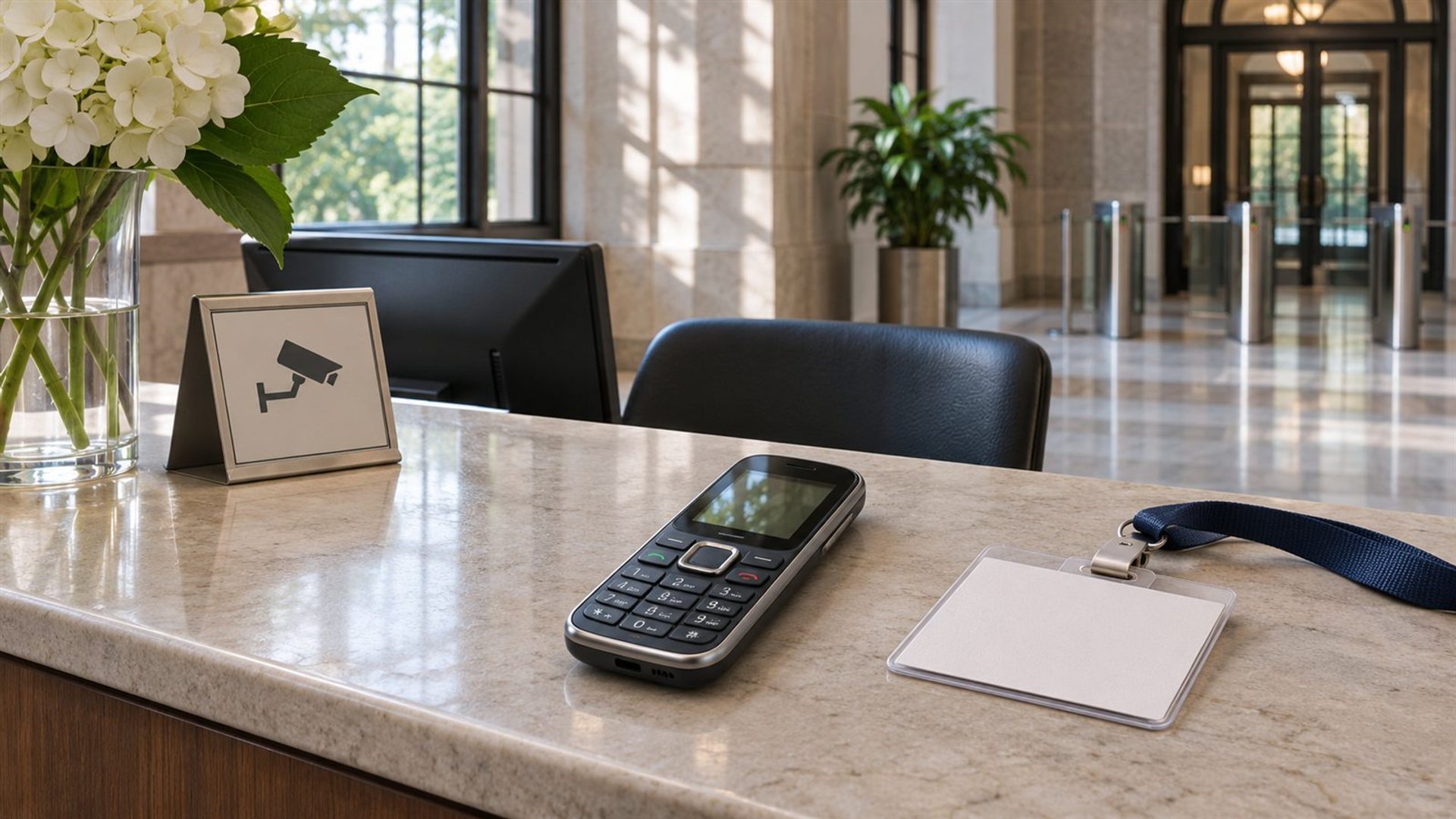
Keypad phone secure facility rules are determined by the facility, not by the presence of physical keys. A keypad phone remains an electronic communications device and may still have a camera, mobile network, wireless connection or storage. Some venues prohibit all personal electronics; others permit phones in public areas, require screening, or place them in a locked pouch. Check the exact site's current policy before arriving.
Does a physical keypad make a phone permissible?
No. A keypad describes how the user enters text and numbers. It says little about the functions that an access rule may regulate. A venue might prohibit “cell phones,” “personal electronic devices,” “recording devices,” or all wireless equipment. A handset with buttons can still fall within any of those categories. Even a device with no camera might be barred under a general phone rule.
The relevant question is therefore not whether the phone looks simpler than a touchscreen model. It is how the site defines an electronic device, whether it allows a visitor to carry one, and whether different rules apply in public corridors, meeting rooms, research rooms or controlled areas. Do not infer permission from another building's practice, even within the same organisation.
Why do rules vary so much by facility?
Different locations protect different activities and apply different screening procedures. One courthouse can permit screened devices in public areas while another bars them at the entrance. The US District Court for the District of Maryland says visitors and counsel may use cellular phones in public areas, subject to restrictions on photography and recording. The US District Court for the Southern District of California lists electronic devices, including cell phones, among prohibited courthouse items. Both policies concern federal courthouses, yet their practical instructions differ.
Rules can also vary within a single building. Public reception space, a courtroom, a secure office and a controlled laboratory are distinct environments. Staff and visitors may have different privileges, and advance written authorisation may be required for an exception. A permit to bring a device into a lobby does not establish permission to use it in a meeting room. The safest planning assumption is that the most specific current instruction for your exact visit controls.
Which features should you check before asking for approval?
Describe the handset accurately. Record the model, whether it is a cellular phone, whether it has a camera or microphone, and whether it can connect by Wi-Fi, Bluetooth or mobile network. Also ask about storage media and accessories such as smart watches, earbuds, chargers and removable drives. The point is to give the security contact enough information to apply its own rule, not to argue that a less familiar design deserves an exception.
Some policies are concerned with recording; others are concerned with communications, data storage or operational control. Turning a device off does not automatically change its classification. Airplane mode disables some radios but may leave others available depending on settings and device behaviour. Neither a dark screen nor a disabled camera is equivalent to written permission when the rule bars possession.
For a workplace, ask the host or security team whether employee-owned devices, visitor-owned devices and approved work devices are treated differently. For a court or archive, look for the public visitor policy and any room-specific rules. Keep the response with your visit details if the site provides written guidance, then follow the current instructions at screening if they differ.
How does the VERTU Signature V fit the question?
The VERTU Signature V product page presents a physical-keypad handset. Its specifications list wireless and mobile connectivity. Those details make it plainly relevant to a policy that addresses phones or electronic communications devices. Its tactile design does not establish that it is camera-free, radio-free, approved for controlled space, or exempt from a venue's security procedure.
The Signature collection is useful when identifying the product family, but the facility needs the exact device and configuration. Do not substitute a marketing description for a security determination. If a host asks for technical details not shown in current official product information, obtain them from VERTU rather than guessing. If the facility says no phones, leave the Signature V in an approved location regardless of its keypad.
There is an important distinction between carrying and using. A phone may be allowed through a checkpoint but have to remain powered off, sealed, or unused in a room. A rule may permit calls in a public corridor and ban photography throughout the building. Ask separate questions about entry, possession, operation, photography, recording and network access.
What should you do before your visit?
Find the current policy on the facility's official website or in the invitation. Confirm the address and specific building: an organisation may operate more than one site. Read definitions and exceptions, not only a short visitor summary. If the language is unclear, contact the named security office or host with your model and purpose of visit. Ask what happens if a device is not permitted: some sites provide a lock pouch, some require external storage, and some offer no storage at all.
Plan a way to access essential information without depending on the phone inside. Print or otherwise prepare your appointment details, contact name and required identification in a form the venue accepts. If an electronic ticket or authentication step is required, ask how that works with the device rule. Allow time for screening and do not assume staff can make an exception on arrival.
The US National Archives research-room rules illustrate how a controlled environment can expressly authorise cell phones while limiting phone calls and specifying imaging practices. This is not a general permission for every archive or secure room. It demonstrates why a precise local rule is more useful than a blanket statement about keypad phones.
What happens at the entrance?
Declare the device when asked and follow the checkpoint's instructions. Staff may inspect it, direct you to power it down, place it in a pouch, leave it elsewhere, or deny entry with it. If the directions are different from a webpage you read earlier, ask for clarification respectfully and follow the current site procedure. Do not try to conceal a device, remove identifying parts, or rely on its appearance to avoid screening.
If the phone is not permitted, use the location the facility identifies or return it to another lawful storage option. Do not leave a valuable handset unattended in a public place. If no safe storage is offered, it is better to rearrange the visit than to improvise at the checkpoint. A keypad model can be distinctive and expensive, but neither quality changes the access policy.
Can you use a phone that has been approved for entry?
Only within the approved scope. Permission to possess may not include permission to call, photograph, record, transmit, or connect to local networks. Some sites require a device to stay sealed until departure. Others allow use in specific public areas only. Observe posted signs and staff directions in each room; restrictions can change as you move through the facility.
For work-related visits, distinguish an approved corporate device from a personal handset. Approval is often tied to a named user, device, visit, and area. An invitation for one device should not be stretched to cover a different phone. If a task requires photographs or notes, obtain the site's procedure before the visit rather than assuming a phone will be accepted.
Frequently asked questions
Is a keypad phone treated differently from a smartphone?
Sometimes, but only if the facility's current policy makes that distinction. Many policies refer to all cell phones or personal electronic devices. Check the actual definition and ask the security contact if it is ambiguous.
Does turning the phone off make it allowed?
No. Powering down may be a required condition after entry, but it does not override a possession ban. Follow the site's explicit rule.
Can I bring a phone if it has no camera?
Perhaps, depending on the venue. Some restrictions concern cameras; others cover radios, recording, storage or all phones. A missing camera is not a general exemption.
Will a luxury keypad phone receive an exception?
No exception follows from the brand, price or keypad. Any exception must come from the facility's authorised personnel under its own process.
Conclusion
A keypad does not settle secure-facility access. Identify the exact handset, read the current rules for the exact building and room, ask for clarification before travel, and follow screening instructions. The practical answer may be permission, restricted possession, a lock pouch, or leaving the phone elsewhere; only the facility can decide.