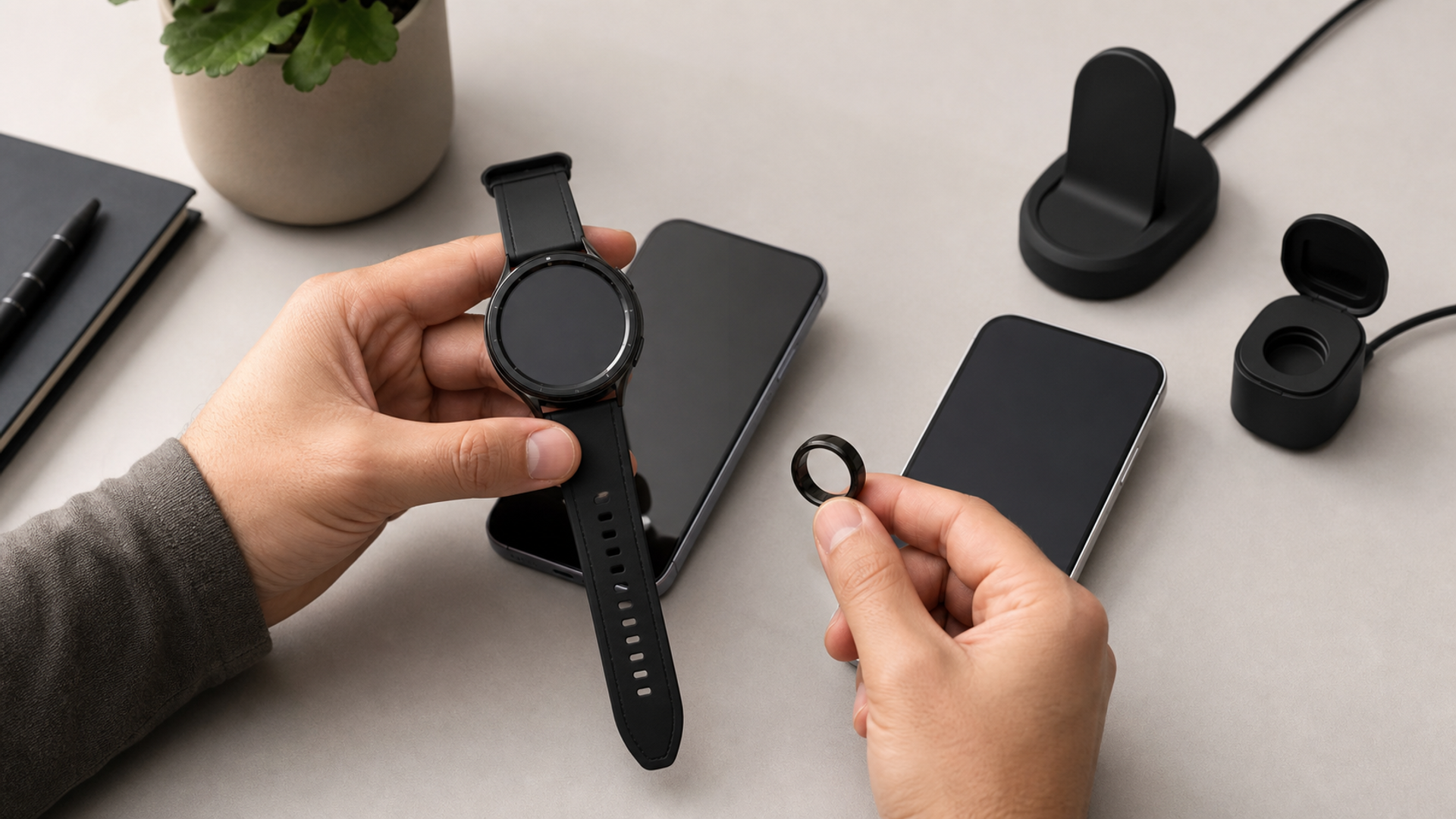
Phone-switching guides usually count photographs, messages and apps. They often ignore the device on your wrist until the new phone is already activated. That omission can turn a straightforward iPhone-to-Android move into a second hardware purchase, a broken health-data history or weeks of partial features. Compatibility is not a simple yes or no: pairing, notifications, payments, cellular service, health features and historical data can each follow different rules.
Audit the wearable first. Apple states that a current Apple Watch is set up and used with a compatible iPhone. Samsung notes that features can be limited on non-Samsung Android phones and compatibility varies by watch generation. Garmin Connect supports many Android and Apple phones that meet current requirements. Rings may support both platforms but still store history in a vendor account rather than transferring through Apple Health or Health Connect.
> The short answer: Do not complete an iPhone-to-Android switch until you know whether the exact wearable can pair, which features survive, and how its history will be exported or retained.
The evidence boundary
The matrix should use exact model numbers, operating-system versions and region. 'Galaxy Watch works with Android' is too broad; a payment feature, ECG function or carrier plan may still be unavailable. 'Apple Watch has cellular' does not make it an independent Android watch. Family Setup is a special Apple arrangement managed from an iPhone and omits several health features, so it is not a general migration route.
At-a-glance decision matrix
| Check | Current signal | Decision use |
|---|---|---|
| Pairing requirement | Exact companion-phone rule | Hard gate |
| Feature parity | Payments, ECG, messages, camera control and assistants | Build a loss list |
| Health-history location | Vendor cloud, Apple Health, Health Connect or local backup | Export before unpairing |
| Cellular plan | Carrier support and transfer procedure | Do not cancel early |
| Subscriptions and licences | Account-bound versus platform-bound purchases | Reconcile renewals |
| One-week overlap | Both phones and the wearable remain available | Preferred migration window |
The matrix is deliberately asymmetric: a hard failure in identity, safety, compatibility or policy wording cannot be cancelled by several attractive features. Work from the controlling source to the practical test, and date every fact that can change.
Pairing requirement
Read the manufacturer's current setup page for the exact generation. If the documentation says iPhone is required, do not rely on a Bluetooth menu or forum workaround. Pairing is the foundation for activation, updates and recovery, not merely notification delivery.
Decision: Hard gate. Evidence to retain: Exact companion-phone rule.
Feature parity
A watch can pair while losing features tied to the phone brand, regional approvals or proprietary apps. List the three functions you actually use and verify each one. Marketing compatibility tables often describe connection, not full parity.
Decision: Build a loss list. Evidence to retain: Payments, ECG, messages, camera control and assistants.
Health-history location
Identify the system of record. If the wearable vendor keeps history in its own account, a phone change may be easy; if your useful longitudinal view lives only in Apple Health, plan a compliant export and understand what the destination can import.
Decision: Export before unpairing. Evidence to retain: Vendor cloud, Apple Health, Health Connect or local backup.
Cellular plan
Watch eSIM arrangements can be bound to the paired phone, account and carrier. Contact the carrier with the exact watch model and new phone plan. Keep the old configuration until calls and emergency features have been tested on the replacement.
Decision: Do not cancel early. Evidence to retain: Carrier support and transfer procedure.
Subscriptions and licences
A ring membership may follow the vendor account, while an app purchase may follow an app-store account. Record renewal dates, sign-in methods and recovery email before changing phones. Avoid paying twice because one platform hides the existing subscription.
Decision: Reconcile renewals. Evidence to retain: Account-bound versus platform-bound purchases.
One-week overlap
Use overlap to test notifications, workouts, sleep sync, payments, alarms and emergency contacts. A clean factory reset should be the last step. Keep encrypted backups and avoid handing the old phone to a buyer while it still controls the wearable account.
Decision: Preferred migration window. Evidence to retain: Both phones and the wearable remain available.
Put the framework into a real decision
An executive moves from an iPhone to a privacy-configured Android handset but keeps an Apple Watch with a cellular plan. Calls may continue temporarily in some circumstances, yet setup, software updates, app management and health history still depend on Apple's supported pairing model. The least disruptive plan is to keep the old iPhone active until the watch decision is complete, export required data, cancel or transfer the cellular plan and verify the replacement wearable for a full week.
Rehearse the migration before trading in the iPhone
Keep both phones available while you inventory every wearable. Record exact model, firmware, paired app, account email, authentication method and paid plan. Check the maker’s current compatibility page for the destination phone, then label each device fully supported, supported with missing features or unsupported.
Apple Watch is a hard boundary because setup requires a compatible iPhone. Other devices have softer boundaries that still matter: Samsung documents feature limits outside its own ecosystem, while Garmin publishes minimum Connect requirements. Ring support can differ by model and app release. “Bluetooth connects” is not proof that health trends, payments, safety features, notifications and firmware updates behave the same way.
Export history that cannot be recreated. Save recent baselines, tags and relevant reports using the service’s approved export route. Do not assume that signing into an Android app reconstructs every Apple Health-derived record. Check whether the destination app can write to the health platform you intend to use and whether duplicate imports distort totals.
Only then unpair, erase or trade in the old phone. Confirm a fresh reading syncs, a notification arrives, a firmware check completes and the expected history remains. Test chargers and travel accessories too. If an essential wearable is unsupported, price its replacement and any stranded subscription into the phone decision. The handset’s sticker price is not the whole switching cost, and the migration should be proven before the only working setup leaves your possession.
Keep a rollback window of at least one normal day of wear where return terms allow. A brief pairing test can miss sleep capture, background sync, workout GPS or morning readiness calculations. Complete one ordinary cycle before declaring the migration finished. Record the successful tests and any accepted losses, so the decision remains understandable when an app, phone or subscription changes later.
Keep a dated decision record
A useful record for this specific decision contains the following fields: Pairing requirement: Exact companion-phone rule; Feature parity: Payments, ECG, messages, camera control and assistants; Health-history location: Vendor cloud, Apple Health, Health Connect or local backup; Cellular plan: Carrier support and transfer procedure; Subscriptions and licences: Account-bound versus platform-bound purchases; One-week overlap: Both phones and the wearable remain available. Add the source URL, access date, market or account, person responsible for the check and the point at which the answer would change the decision. Do not overwrite an earlier observation when the facts move; append a new dated entry so the sequence remains visible.
Finish with one of four outcomes: proceed, wait, request evidence or decline. State the reason in one sentence and name the unresolved risk that remains. If another person must review the choice, they should be able to reconstruct it without relying on a screenshot detached from its source. This short record also makes later performance review more honest: the team can see whether the article's recommendation was based on facts available at publication or on information learned afterwards.
The useful outcome may be to wait, narrow the configuration, request written confirmation or decline the transaction. That is not indecision. It is the point of turning a volatile headline or complex ownership question into evidence that another person can review.
Action checklist
Record every wearable model number.
Read the current pairing requirement.
List three must-keep features.
Export health history and one sample file.
Confirm carrier/eSIM transfer.
Reconcile subscriptions.
Run a seven-day overlap test.
Erase the old phone only after recovery succeeds.
Complete the checklist before transferring money, erasing a device, changing a tenant-wide setting or exposing an irreplaceable object. Where a source is market-specific, repeat the check for the country, account and configuration that actually applies.
Related VERTU reading
These internal links answer adjacent decisions; they do not replace the current primary source for this article.
Sources and verification
Sources were accessed on 21 July 2026. Product availability, prices, software settings, weather guidance, insurance wording and event details can change. Recheck the live source before acting. Health, legal, insurance and emergency references are general information, not individual professional advice.
Final view
Treat the wearable as part of the phone platform, not a detachable accessory. Exact pairing rules come first, then feature parity, history, cellular service and subscriptions. The most valuable migration tool is a short overlap period in which both phones remain recoverable. Once the new system has completed a real week of use, the old phone can be erased without turning a platform experiment into a data-loss event.