

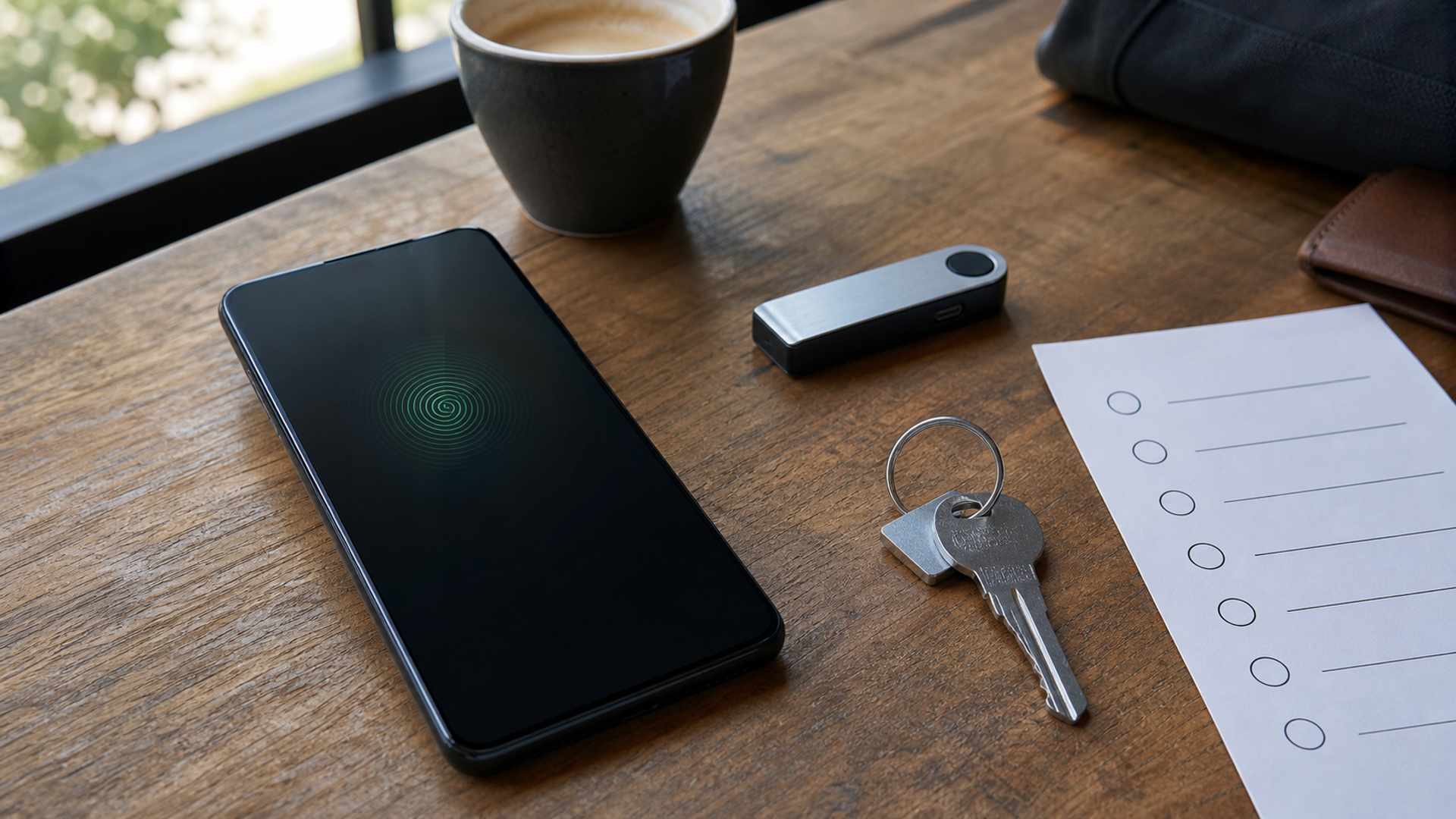
Google’s 2026 Android security update adds a stronger Mark as lost state in Android 17, including biometric authentication alongside the device credential on supported devices. It also describes default-on theft protections for new or freshly updated Android 17 devices and wider rollout in selected markets, plus lock-screen access to IMEI on Android 12 and later. These are meaningful changes because a thief may know or observe the passcode.
They are not a reason to wait passively for an operating-system update. Theft protection is a chain: screen lock, account recovery, Find Hub, offline finding, Remote Lock, SIM control, backups and a response plan. Features vary by device, market and software. The seven-setting audit below starts with the actual phone in your hand and produces evidence you can use before a crowded journey or device upgrade.
> The short answer: Update when your device and manufacturer support Android 17, but verify each control manually. The new biometric lost state is strongest when Find Hub, a screen lock, account recovery and an off-device response route already work.
What is confirmed, and what is not
Google says Mark as lost on Android 17 can add biometric authentication and restrict notifications, widgets and quick access. It also describes stronger PIN-guessing resistance, default theft protections on new Android 17 devices and specific expansion to Android 10+ in markets including the UK. Rollout and OEM implementation can vary.
This is not a guarantee against extraction, coercion, account takeover or physical loss. A biometric requirement may be unsuitable or unavailable in some circumstances. Users facing targeted threats should use platform Advanced Protection, organisational management and specialist advice appropriate to their risk.
before-and-after theft-protection map
| Check | Evidence or current signal | Decision use |
|---|---|---|
| Android version and patch | The phone shows exact OS, security patch and manufacturer build | Establish eligibility |
| Screen lock and biometrics | A strong PIN or password and enrolled biometrics work under current policy | Foundation |
| Find Hub and offline finding | The correct device appears from a second browser and the chosen network setting is understood | Prove externally |
| Mark as lost | The control, authentication challenge and contact-message field are located | Rehearse without triggering |
| Remote Lock | Verified phone number and android.com/lock route are active | Fast containment |
| IMEI and carrier file | IMEI is visible through an approved route and stored privately off-device | Recovery evidence |
| Account recovery and backups | Google account, password manager, authenticator and current backup can be reached without the handset | Hard gate |
A strong score in one row cannot cancel a hard failure in identity, safety, permission or recovery. Date every fact that can change and keep market, account, device or object configuration attached to the evidence.
Android version and patch
Do not infer Android 17 from a marketing name or update notification. Record the build and patch date, then check the manufacturer’s support page for the exact model and region. A feature announced by Google may arrive later or with different settings on another device. Recheck after major updates because defaults and menu locations can change.
Decision use: Establish eligibility. Evidence to keep: The phone shows exact OS, security patch and manufacturer build.
Screen lock and biometrics
The lost-state biometric layer does not compensate for a weak or observed credential before the device is marked lost. Use a non-trivial screen lock, protect it from shoulder surfing and review enrolled fingerprints or faces. Understand when the device falls back to PIN. Organisations should align lock policy with recovery and accessibility needs rather than demanding a configuration users cannot operate.
Decision use: Foundation. Evidence to keep: A strong PIN or password and enrolled biometrics work under current policy.
Find Hub and offline finding
Google documents online and encrypted offline-finding options. Check ‘Allow device to be located’, screen lock and the selected Find Hub network mode. Then sign in from a clean browser and locate the handset. If the owner cannot unlock encrypted recent location or complete account authentication without the phone, fix that circular dependency before travel.
Decision use: Prove externally. Evidence to keep: The correct device appears from a second browser and the chosen network setting is understood.
Mark as lost
Open the flow from another device and note the exact steps. Android 17 documentation says Mark as lost can require both device credential and fingerprint or face to regain access and restrict lock-screen information. Prepare a safe alternate contact. Do not experiment on a production phone during a critical trip; rehearse to the confirmation boundary and retain the official instructions.
Decision use: Rehearse without triggering. Evidence to keep: The control, authentication challenge and contact-message field are located.
Remote Lock
Remote Lock can be useful when account sign-in is slow, but it requires setup and a verified number. Google documents limits and states that later secure or erase actions use Find Hub. Confirm the number is current and decide who is authorised to initiate the lock. Remote Lock is a containment step, not the complete incident response.
Decision use: Fast containment. Evidence to keep: Verified phone number and android.com/lock route are active.
IMEI and carrier file
Google says supported devices on Android 12+ can expose IMEI from the lock screen and Find Hub can also show it. Decide whether lock-screen display fits your risk and save the identifier in an encrypted external record. Carriers or law enforcement may use it to verify ownership. Never publish the full IMEI in an article, marketplace listing or group chat.
Decision use: Recovery evidence. Evidence to keep: IMEI is visible through an approved route and stored privately off-device.
Account recovery and backups
Prove one recovery route from a second device and keep backup codes controlled. Verify that photos, contacts, messages and work data are backed up according to policy. A strong theft lock can also lock out the owner if every passkey and code lives on the missing phone. Separate recovery readiness from convenience features.
Decision use: Hard gate. Evidence to keep: Google account, password manager, authenticator and current backup can be reached without the handset.
Put the framework into a real decision
Make a before-and-after map with two columns: current Android state and Android 17 state. Rows should cover screen lock, biometric enrolment, Find Hub, offline network, Mark as lost, Remote Lock, IMEI, PIN-attempt protections, backup and account recovery. Mark each as available, configured, tested or unsupported.
The result tells you whether the update changes the buying decision. A phone that receives Android 17 but lacks a tested recovery route is not ready. A current phone on Android 16 with strong screen lock, Find Hub, Remote Lock, account recovery and recent backup may already have a robust baseline. Upgrade urgency rises when the new lost-state protection directly addresses your threat—especially observed-passcode theft—but only after manufacturer support is confirmed.
Run the same map for every Android phone used by the household or executive team rather than assuming one update proves the fleet. Record unsupported models, replacement dates and the person who owns each recovery account. If a device is managed by an employer, confirm which controls the user can change and which are enforced by policy. After updating, test ordinary calls, banking authentication, passkeys and accessibility before travel. A security feature that unexpectedly breaks a required workflow can cause users to disable the whole protection set. Document the smallest exception, its owner and expiry instead.
A decision record another person can audit
Create a dated record containing the exact object, device, system or route; the source URL and access time; the person responsible for verification; and the condition that would change the recommendation. Preserve earlier observations instead of overwriting them when facts move. For product, policy and service claims, record the market and configuration. For private identifiers, store a redacted public copy and a controlled private copy.
End with one of four outcomes: proceed, wait, request evidence or decline. State the reason in one sentence, list the unresolved risk and name the next review date. This makes later performance review more honest: an editor can see what was knowable at publication rather than judging the decision with hindsight.
Action checklist
Record exact model, build and security patch.
Strengthen the screen lock and review biometrics.
Verify Find Hub from another device.
Choose and understand offline finding.
Locate the Mark as lost flow.
Enable and test Remote Lock setup.
Store IMEI and carrier details privately.
Prove account recovery and backup.
Repeat after the Android 17 update.
Related VERTU reading
These links cover adjacent decisions. They do not replace the current primary source or the exact configuration under review.
Sources and verification
Sources were accessed on 21 July 2026. Product availability, software features, laws, official alerts, policies, prices and service terms can change. Recheck the live source before acting. Legal, financial, insurance, health, travel-security and conservation references are general information rather than individual professional advice.
Final view
Android 17 strengthens an important moment: the device after it has been marked lost. Turn that announcement into a settings audit now. Know the build, prove Find Hub, set Remote Lock, preserve IMEI, maintain a current backup and remove circular account recovery. Security is not the new toggle alone; it is the tested path from loss to containment and recovery.


