

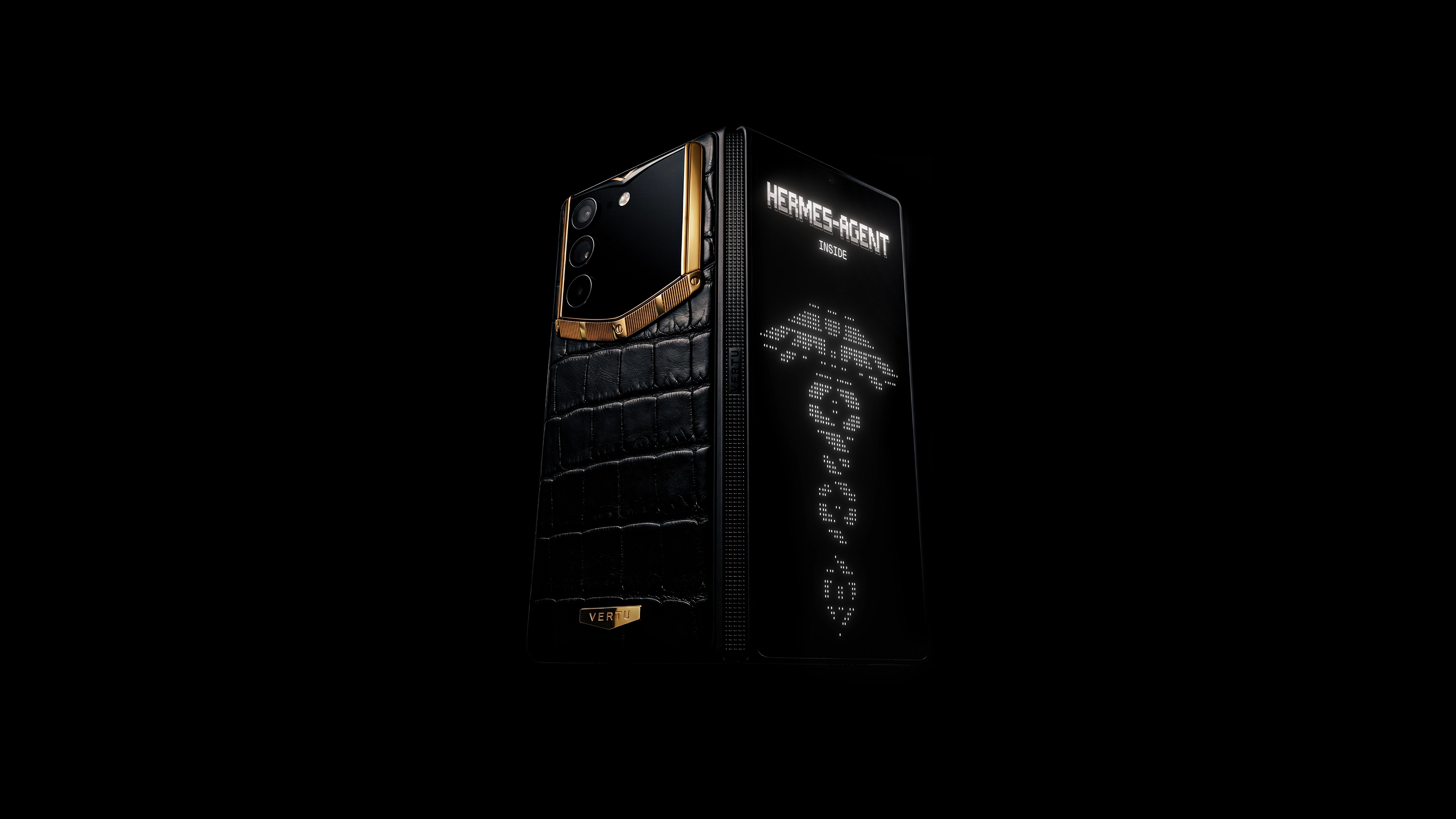
Foldables make an ERP dashboard usable in motion by keeping overview + detail visible together.
The executive win is controlled speed: faster approvals and clearer KPIs with governance.
Success depends on posture-aware UX, phishing-resistant identity, and a disciplined rollout.
Introduction
Why a phone with ERP dashboard on foldable screen matters now
Most executives don’t need “mobile ERP.” They need mobile decisions: approve a purchase order before it blocks a shipment, clear an expense exception before month-end, sanity-check a KPI before the board call.
A slab phone can display an ERP dashboard, but it forces a brittle rhythm—tap into detail, lose the overview, back out, repeat. The foldable form factor changes that: unfolded, it behaves like a pocketable two-pane console that keeps context visible.
Executive outcomes: faster approvals, clearer KPIs, fewer context switches
A well-designed foldable dashboard supports three outcomes that matter at the C‑suite level:
Faster approvals without “approve blind” behavior.
Clearer KPIs because you can verify a number without losing your baseline.
Fewer context switches (and therefore fewer errors) because list-detail flows don’t require constant backtracking.
Scope: benefits, use cases, UX, security, rollout checklist
This guide covers the practical questions leaders ask: what foldables change, which ERP workflows benefit, the UX patterns that make dashboards usable, the security guardrails that keep access governable, and a rollout blueprint you can pilot and scale.
Why foldables change ERP dashboards
Multi-panel clarity and speed
Foldables make one dashboard principle finally work on a phone: keep the overview visible while you inspect the exception.
When unfolded, a dashboard can reserve one pane for stable context (KPIs, filters, exceptions list) and the other for volatile focus (the selected PO, variance explanation, or alert details). Samsung’s guidance on designing for foldables emphasizes posture-aware layouts and continuity—exactly the behaviors enterprise dashboards need.
The executive implication is simple: fewer “lost context” approvals. You stay oriented while you act.
Mobility for approvals and exceptions
Approvals are the highest-return mobile ERP workflow because they’re discrete actions:
approve / reject / delegate
add a note
request clarification
The friction is context. Foldables reduce it by keeping the queue visible while you review the supporting detail. That matters most when exceptions are time-sensitive—travel, meetings, and transitions—when a laptop isn’t the right instrument.
Collector’s note: Executive speed is only valuable when it’s auditable. Your mobile design should make the right action easy—and the wrong action hard.
Continuity across devices (PWAs)
For many organizations, the cleanest first move is web/PWA-first for the executive dashboard layer.
Why? Leaders care about continuity: start on a laptop, continue on a phone, finish on a tablet—without three different apps and three different security postures.
Android’s foldables overview explains how posture changes can recreate layouts and why you must preserve state (scroll position, selections, partial inputs) for real continuity; see Android guidance on foldables.
High-impact use cases
Executive KPI monitoring
Design KPI monitoring for decisive questions:
What moved materially since yesterday?
What’s outside tolerance?
Who owns the next action?
Foldables let you keep KPI tiles pinned while you open the drill-down view next to them. That supports a calmer “verify, then decide” workflow—especially when the KPI is a leading indicator, not a trophy number.
Approvals: PO, expenses, delegations
Foldables shine when approvals need parallel context. A strong approvals surface keeps four elements in one glance cycle:
the item (PO, expense, delegation)
the exception trigger (threshold, policy mismatch, risk flag)
the impact (budget variance, timing, downstream dependency)
the action (approve/reject/delegate + comment)
Two practical rules:
Use one-tap safe actions plus a clearly labeled “details” expansion.
Make delegation explicit and reversible (assistants can coordinate; you retain the authority).
Field ops: alerts, work orders, inventory
Field operations is where foldables earn their keep because context is multi-threaded.
A foldable dashboard can show alerts, work orders, and critical inventory in parallel. The most reliable pattern is alert list in one pane, work-order detail in the other, with actions that don’t require precision tapping.
UX patterns for foldables
Folded vs. unfolded layouts
Treat folded and unfolded states as two real experiences:
Folded (cover screen): triage—top KPIs, top exceptions, approvals queue.
Unfolded: resolution—two-pane drill-down and action controls.
Continuity is the bar: open the device and you should land on the same selected item, same filters, and same scroll position.
Two-pane and posture awareness
For dashboards, the default is a master-detail split:
overview / list / KPI pane
detail / drill-down / comments pane
Android’s official guidance on responsive/adaptive design with views highlights adaptive layout approaches (including multi-pane patterns) that translate cleanly to foldables.
If you want a concise grounding in dashboard hierarchy—what belongs in the overview vs. the drill-down—this video is a solid, non-vendor starting point:
State persistence and tap targets
Most mobile dashboard failures are ergonomic.
State persistence: keep selections, filters, and partial inputs stable across posture changes.
Tap targets: approvals should feel safety‑critical—generous spacing, clear labels, no tiny icons.
Avoid the crease/hinge: don’t place primary actions or dense text over the fold zone.
Security and compliance guardrails
Identity and device trust (passkeys, MDM)
A mobile ERP program lives or dies on authentication that is both strong and low-friction.
Passkeys are a practical baseline because they replace passwords with cryptographic credentials and are designed to be phishing-resistant; the FIDO Alliance passkeys overview explains the model and why it reduces credential theft.
Pair passkeys with device trust controls:
MDM enrollment and compliance checks (encryption, screen lock, OS hygiene)
conditional access (deny sign-in from non-compliant devices)
rapid revocation and remote wipe readiness for travel loss scenarios
Data protection and network controls
Treat these as table stakes:
encrypt in transit (TLS) and at rest (device + managed app storage)
restrict data movement (managed sharing, DLP where available)
apply network controls for sensitive workflows (per-app VPN / secure routing)
RBAC, audit, and governance
If executives can approve on mobile, governance must be explicit:
RBAC: least privilege on mobile (approval-focused roles vs. full back-office access).
Audit logging: who approved what, when, and under what access conditions.
Governance: define which approvals are mobile-eligible and which require a full console review.
This is also where discreet, concierge-grade mobile support becomes an operational control rather than a marketing layer: device hardening, travel network hygiene, and rapid response when something feels off. VERTU’s framing of information security protection services is one reference point for that “private desk” posture.
Deployment blueprint and checklist
Reference architecture (web/PWA first)
A pragmatic pattern for executive dashboards:
ERP system of record
API/integration layer
web/PWA dashboard optimized for foldables
identity layer (SSO + conditional access)
device compliance + monitoring
Performance, testing, analytics
Foldable dashboards fail quietly unless you measure them.
Performance: fast load, fast refresh; cache a last-known executive summary for low connectivity.
Testing: folded/unfolded/flex postures, rotation, multi-window.
Analytics: approval completion time, abandonment points, and top exception types.
Pro TipTrack “context switches per task.” If it isn’t dropping, the layout isn’t earning the fold.
Pilot by role, scale and support
Pilot by workflow and role, not by org chart.
Start with one or two workflows (expenses approvals; one KPI cockpit), include executive assistants where delegation is real, then expand.
Treat support as part of governance. A concierge-like model—secure setup, travel readiness, priority incident response—reduces the friction that often kills adoption. For service context (not promotion), see VERTU’s concierge service overview and its privacy phone guide for executives.
Conclusion
Recap value: speed, clarity, governance
A foldable phone becomes valuable for ERP when it delivers three things together:
faster decisions without “approve blind” risk
clearer KPI verification through two-pane visibility
stronger governance through identity, auditability, and role discipline
Next steps: select workflows, pilot, measure, iterate
Select two workflows where mobile value is obvious (approvals and exception triage), pilot with posture-aware UX, measure completion time and context switching, then iterate.
Disclosure: This article references VERTU pages. Editorial judgment remains the priority.


