Key Takeaways
- WhatsApp’s built-in account switcher supports two accounts on one mobile device, with a separate phone number for each.
- On supported Android phones, manufacturer tools such as Samsung Dual Messenger or Xiaomi Dual apps may provide a separate app instance.
- WhatsApp Messenger and WhatsApp Business can be used as separate apps with different numbers; this is distinct from switching accounts inside WhatsApp Business.
- METAVERTU Max’s three-system architecture is device-level system separation, not a WhatsApp cloning feature or a way to change WhatsApp’s account limits.
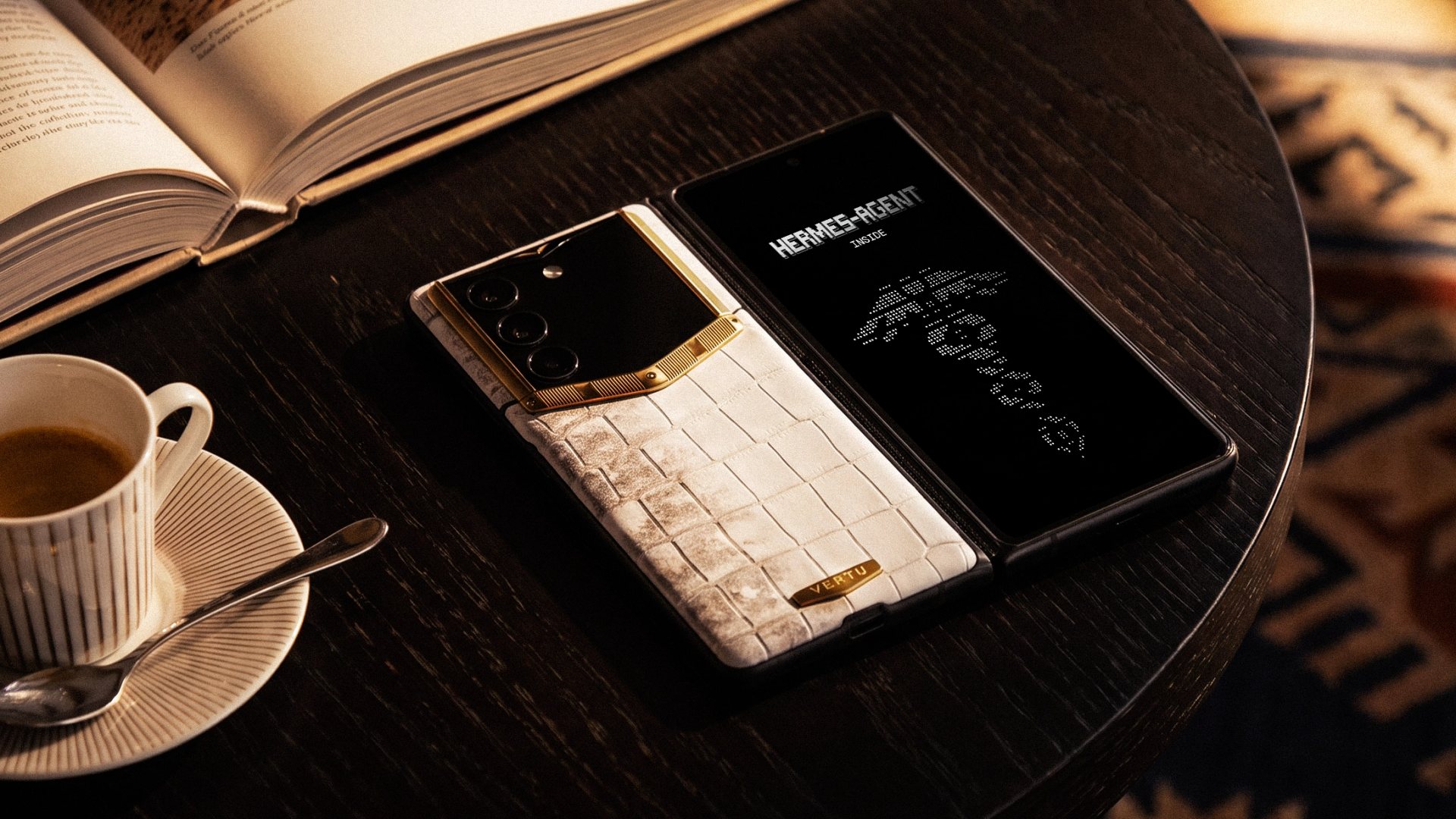
Yes, you can use two WhatsApp accounts on one phone. The simplest option is WhatsApp’s built-in account switcher, which requires two different phone numbers. Some Android phones also offer manufacturer app-duplication tools. For users considering broader device-level separation, METAVERTU Max is described by VERTU as having three independent systems—a different layer of organisation from WhatsApp’s in-app account feature.
The right method depends on your phone and how you want to separate conversations. WhatsApp’s account switcher keeps two profiles within one app; Android dual-app tools create a second app instance on supported devices; and WhatsApp Business is a separate official app. These options have different setup requirements and should not be treated as interchangeable.
What are the ways to use two WhatsApp accounts on one phone?
There are three common approaches: use WhatsApp’s built-in multi-account feature, use a manufacturer-provided app-copy tool on a compatible Android phone, or use WhatsApp Messenger alongside WhatsApp Business with a different number for each app.
| Option | How it works | Best suited to | Key limit |
|---|---|---|---|
| WhatsApp built-in account switcher | Adds and switches between two accounts inside the official WhatsApp app. | People who want personal and work accounts in one app. | Each account needs its own number; the feature is for mobile devices. |
| Android dual-app tool | Creates a second instance of a supported app through a phone-maker feature. | Android users whose device supports app duplication or whose WhatsApp app does not show the built-in option. | Availability and app compatibility depend on the phone model and software. |
| WhatsApp Messenger + WhatsApp Business | Uses two separate official apps, each registered to a different number. | People who want business tools in one account and standard WhatsApp in another. | The in-app account-switching feature is not the same as a WhatsApp Business account switcher. |
WhatsApp’s built-in feature is the clearest starting point when it is available. Its Help Center describes two accounts on one mobile device, a separate number for the second account, and account-specific profile, notification and privacy settings. It also notes that inactive accounts can continue to receive message and call alerts. WhatsApp’s instructions for switching accounts explain the current in-app option and its limits.
How do you add a second account in WhatsApp?
Use the account selector in the official mobile app, add a second number and complete verification. The menu labels may differ between Android and iPhone or across app versions.
Android setup
- Update WhatsApp from the official app store and open it.
- Go to Settings. If needed, open the three-dot menu first.
- Tap the arrow or account selector beside your name or profile information.
- Choose Add account.
- Enter the second phone number in international format and complete verification using the available method.
- Set up the account profile, then use the account selector or menu to switch between profiles.
iPhone setup
- Update WhatsApp from the official App Store and open the app.
- Go to Settings and look for the account selector or add-account control beside your profile.
- Choose Add account, enter the second number and complete verification.
- Set up the profile and check the active account indicator before starting a conversation.
If Add account does not appear, check that you are using the official, updated app. Availability and screen layout can vary as features roll out. WhatsApp has documented the feature for both Android and iPhone; on iPhone, the profile picture in the bottom tab can help identify the active account.
Can Android phones clone WhatsApp with Dual Messenger or Dual Apps?
Some Android phones provide a manufacturer-supported way to create a second instance of compatible apps. Samsung calls its feature Dual Messenger; Xiaomi calls its feature Dual apps. Whether WhatsApp can be selected depends on the model, software version and app compatibility, so check the setting on your own device.
On supported Samsung Galaxy devices, the setting is generally under Settings → Advanced features → Dual Messenger. On supported Xiaomi phones, look under Settings → Apps → Dual apps. The available apps and menu paths can vary. Consult Samsung’s Dual Messenger instructions and Xiaomi’s Dual apps guidance for their respective device features.
This is sometimes called a “WhatsApp dual app” or “WhatsApp clone,” but it is not WhatsApp’s built-in account switcher. The manufacturer tool creates a second app instance where supported; it does not remove the need for a second number or guarantee that every WhatsApp feature behaves identically in both instances. Prefer built-in WhatsApp or phone-maker options over modified third-party clients.
Can you use WhatsApp and WhatsApp Business on the same phone?
Yes. You can use the standard WhatsApp Messenger app alongside the official WhatsApp Business app, with a different phone number for each. This can suit someone who wants standard personal messaging in one app and business-profile tools in the other.
This two-app arrangement is separate from adding two accounts within WhatsApp Messenger. WhatsApp’s Help Center currently says its account-switching feature is not available in the WhatsApp Business app. If you need two personal accounts, first check whether the built-in switcher is available; if you need business tools, consider whether one account in WhatsApp Business better fits the workflow.
What are the limits and privacy considerations?
Using two accounts can separate conversations, but it does not make them invisible or silent. The inactive WhatsApp account may still produce message or call notifications, and a notification preview could reveal information on a shared or unattended screen.
- Use a distinct profile for each account. Different names or photos make it easier to recognise which identity is active.
- Review privacy settings separately. Check profile visibility, About information, status and group permissions for each account.
- Control notification previews. Review both WhatsApp’s notification settings and your phone’s lock-screen display settings.
- Check before sharing. Confirm the active profile and recipient before sending work files, personal photos or sensitive details.
- Protect verification codes. Enter them only in the official setup flow; never forward a code to someone who asks for it.
- Consider linked devices carefully. Adding another account on your phone and linking a companion device are different actions; WhatsApp’s multi-account setup is managed on mobile.
A dual-SIM or eSIM phone can make it convenient to receive calls or messages for two numbers, but SIM capacity alone does not create two WhatsApp profiles. Each account still needs to be added and verified in the relevant app or supported app instance.
How does METAVERTU Max’s three-system design relate to dual WhatsApp?
WhatsApp’s account switcher is an app-level multi-account feature: it manages two phone-number-based profiles inside WhatsApp. METAVERTU Max’s three independent systems are a device-level system separation feature. VERTU presents the architecture as a way to use distinct system environments, which may be relevant to people who organise work and personal digital contexts separately.
The two approaches can serve different needs. WhatsApp handles switching between supported accounts within its app; a multi-system phone offers a broader device-level way to distinguish digital environments. The product architecture should be understood on its own terms—not as a claim that WhatsApp is cloned, installed in every system or exempt from WhatsApp’s app limits. For a wider discussion of privacy-focused phone use for executives, consider how app settings and device-level separation fit into the same daily workflow.
Frequently Asked Questions
Can I use two WhatsApp accounts with the same phone number?
No. Each WhatsApp account needs its own phone number. One number cannot verify two separate accounts at the same time.
Can I use WhatsApp and WhatsApp Business together?
Yes. Install both official apps and use a different phone number for each. This is separate from switching accounts within WhatsApp Messenger.
Can Samsung Dual Messenger or Xiaomi Dual apps duplicate WhatsApp?
Sometimes. The phone must support the feature and list WhatsApp as a compatible app; availability varies by model and software version.
Will the inactive WhatsApp account still send notifications?
Yes. WhatsApp says inactive accounts can still alert you to messages and calls. Review notification previews if you want to limit what appears on the lock screen.
Does METAVERTU Max let me bypass WhatsApp’s account limit?
No such capability is established by its three-system architecture. WhatsApp account support remains governed by WhatsApp and the app configuration.
Conclusion
To use two WhatsApp accounts on one phone, start with WhatsApp’s built-in switcher and two separate numbers. If that option is unavailable, some Android phones offer manufacturer app-copy tools; using WhatsApp Messenger with WhatsApp Business is another route when one account needs business features. In every case, check the active profile and notification privacy.
App-level account switching and device-level system separation solve different organisational problems. METAVERTU Max’s three-system design is relevant to broader digital-context management, while WhatsApp remains responsible for its own account rules. Explore VERTU’s perspective on mobile AI security and data separation for more context.