Key Takeaways
- The best phone for interior designers balances screen workspace, useful site photography, app compatibility and dependable project records.
- An ultra-wide camera can help frame a compact room, but image perspective and lighting still affect what a photograph communicates.
- LiDAR or app-based measurements are device-specific and should be treated as preliminary unless verified with appropriate measuring tools.
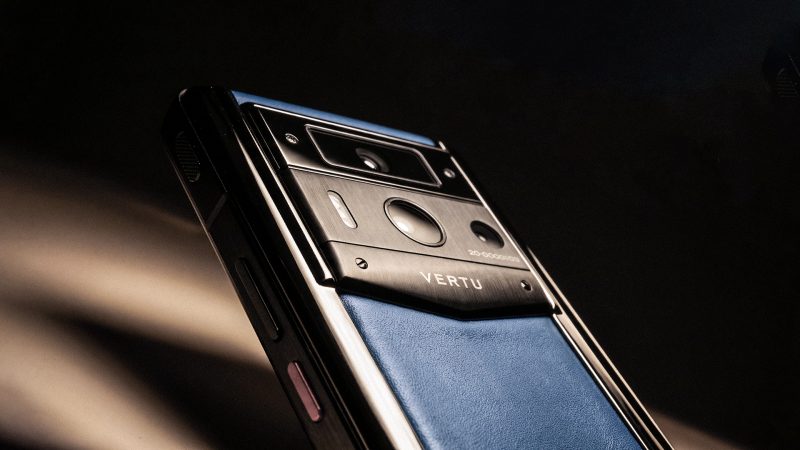
- VERTU ALPHAFOLD combines an 8.05-inch inner display, multitasking capability and a 50 MP ultra-wide camera; its product information does not specify calibrated colour accuracy or LiDAR.
There is no single best phone for interior designers. The right choice depends on whether the priority is presenting a mood board, documenting a site, checking dimensions or keeping client decisions organised. A foldable such as VERTU ALPHAFOLD offers a larger inner display and a listed ultra-wide camera, but neither screen size nor camera resolution makes a phone a colour-measurement instrument.
Think of the phone as one part of a design workflow: it can help gather references, support a site visit and keep follow-up moving. The selection criteria should reflect those tasks—not an unverified promise that one device can replace samples, measurement tools and project software.
What should the best phone for interior designers do?
A suitable phone should make visual references comfortable to review, capture useful site context, run the apps your team relies on and keep records easy to retrieve. The balance changes with the work: a designer who presents boards on site may value screen area, while one who moves constantly through properties may prioritise one-handed handling.
| Design task | What to assess | Important limit |
|---|---|---|
| Mood-board review | Readable images, labels and layouts at a comfortable viewing size | A larger display does not establish colour accuracy |
| Compact-room photography | Whether the ultra-wide camera can capture enough of the room and retain useful detail | Wide-angle perspective can make proportions look different from how they appear in person |
| Site measurements | Compatibility with the measurement app and any required hardware, such as a depth sensor | Phone-based measurements should not be treated as construction or fabrication specifications without verification |
| Client walkthroughs | Call quality, screen readability, file access and ease of sharing | Test your own meeting and presentation apps on the exact device |
| Project coordination | Storage, battery, connectivity and access to the team’s project records | App functions and availability can vary by operating system, version, account and region |
How do you review a mood board without confusing it with a colour sample?
A phone is useful for discussing the overall direction of a mood board: the relationship between images, the balance of materials or which concept a client would like to explore. It is a portable presentation surface, not a reliable final reference for choosing an exact paint, textile or finish colour.
A digital colour can shift at several stages: the original material is photographed under a particular light, the image may be edited, and the display renders it according to its own settings. Brightness, display mode and surrounding light can further affect perception. X-Rite’s discussion of smartphone colour matching and dedicated measurement explains why viewing a colour on a phone is different from measuring a physical sample.
Use the board to communicate the intended atmosphere and compare visual relationships. When a client must approve a specific finish, bring the physical sample into the room and view it in the relevant lighting. Where a project requires controlled colour matching, use the agreed measurement or colour-management process rather than relying on a phone screen.
Keep the status of each reference clear
- Distinguish inspiration images from proposed products and confirmed selections.
- Keep the supplier, product name or project reference with a sample when that information is available.
- Label client feedback as a preference, a request for a physical sample or an approval.
- When presenting remotely, explain which decisions can be made from the board and which need an in-person sample check.
What should you check in site photography and measurement tools?
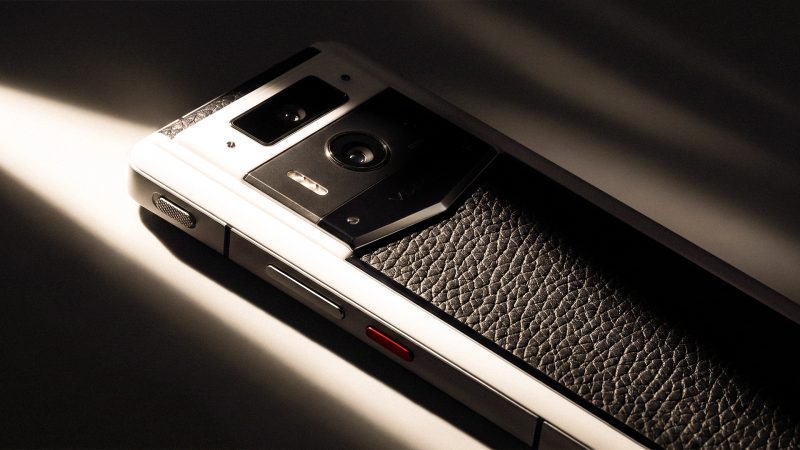
For a confined room, an ultra-wide camera can include more of the scene from a limited position. This can help document context, but a wider field of view may also stretch objects near the frame edges. For a room record, take more than one view: a wide image for orientation and closer images for details that need discussion.
Quick measurement features need a separate check. Some phones and apps use depth-sensing or augmented-reality capabilities; others rely on camera-based estimation. Confirm which hardware and app are required on the exact model. Treat a phone measurement as a planning reference unless its accuracy is suitable for the task and independently verified. Before ordering materials, setting out joinery or confirming a construction dimension, use the project’s accepted measuring method.
After taking site photos, add enough context to make them useful later: room name, date, orientation or the relevant design question. Keep notes close to the associated images and separate existing conditions from proposed changes. A camera roll without labels can preserve images while losing the reason they mattered.
Will your design apps work on the phone you choose?
Test the actual software stack before deciding. Designers may use Morpholio Board for mood-board work, AutoCAD mobile for drawing workflows, and a task-management app such as Asana for follow-up. These are examples to check, not a claim that every app supports every phone. Morpholio’s listed platforms and AutoCAD’s subscription-dependent features illustrate why the exact operating system, account and app version matter.
Open a real project file and test the actions you need: viewing a board, zooming into a drawing, adding a note, sharing a link or finding an open task. For foldables, check whether the app uses the larger display well and whether the layout remains clear when you move between folded and unfolded use. Multitasking can be useful when the software supports the workflow, but the word alone does not guarantee a particular split-screen arrangement.
For a broader look at how a larger display can support document and app workflows, see VERTU’s foldable-phone productivity workflows. Interior-design teams should still test their own tools and project files rather than assume compatibility from a general device description.
VERTU ALPHAFOLD as a foldable-phone case study
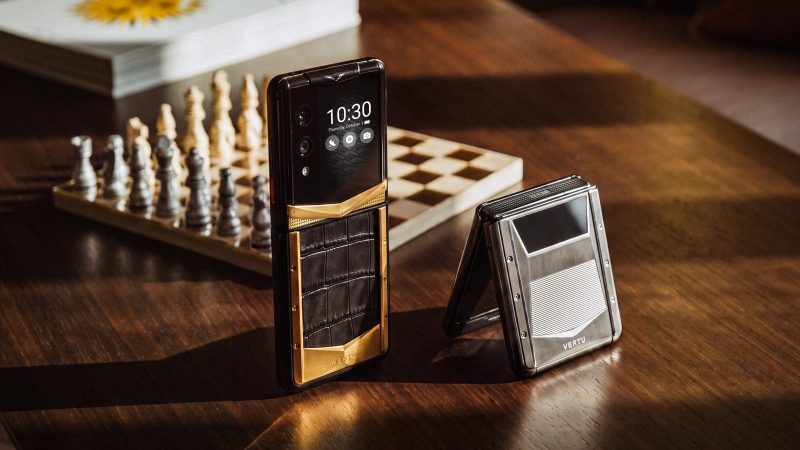
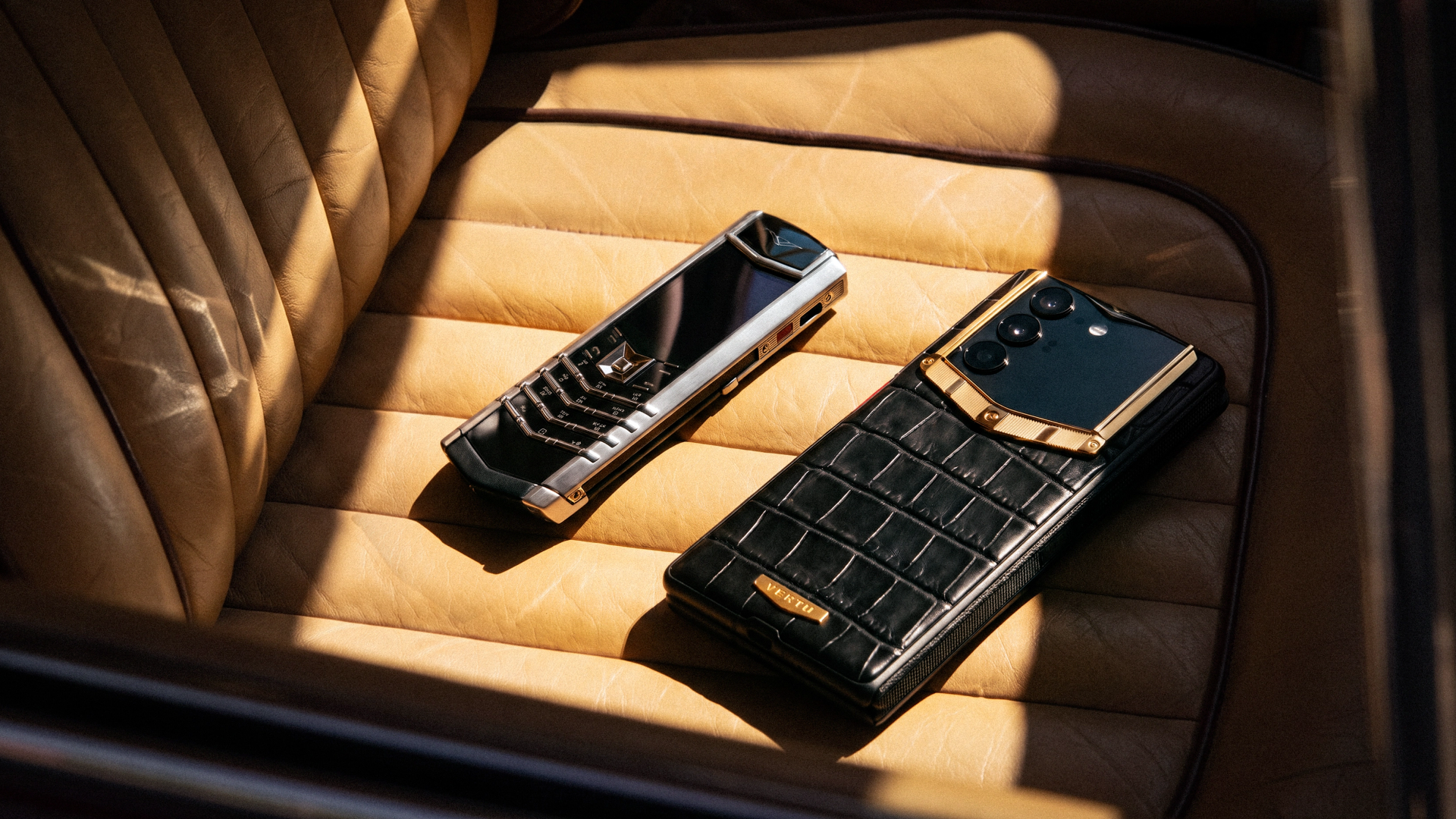
VERTU’s product knowledge base lists a 6.53-inch outer display, an 8.05-inch inner display and multitasking capability for ALPHAFOLD. It also lists a 50 MP ultra-wide camera. These features make the phone relevant to consider for a designer who wants a larger canvas for viewing project materials and a wider camera option for recording room context.
Those specifications do not settle the buying decision. A 50 MP ultra-wide camera does not, by itself, establish how much edge distortion a particular room photograph will show. The available product information also does not specify calibrated colour accuracy or LiDAR support. ALPHAFOLD can therefore be assessed as a foldable workspace and a phone with an ultra-wide camera—not as a verified colour-reference display or a dedicated measuring device.
Before choosing it for a design practice, test your own files, apps and site routine. Check that the board is readable at the distance you use with clients, that the camera framing suits the rooms you document and that your chosen apps work as intended on the exact configuration.
Frequently Asked Questions
What is the best phone for interior designers?
The best phone for interior designers balances screen workspace for presenting boards, a useful camera for site records and compatibility with the apps used for drawings and follow-up. Foldables can favour viewing space; conventional phones may be easier to handle one-handed. No single format suits every workflow.
Does an ultra-wide camera help with interior design site visits?
Yes, an ultra-wide camera can capture more of a compact room from a limited position. Check for perspective distortion at the edges and take closer images for details; a wide photograph should document context, not replace a measured plan.
Can a phone replace a tape measure or LiDAR measurement tool?
No, not for dimensions that will determine construction, fabrication or material orders. Phone-based measurement depends on the device and app, and should be checked against the project’s accepted measurement method before it is used as a specification.
Is VERTU ALPHAFOLD suitable for colour-critical design review?
VERTU’s available ALPHAFOLD product information does not specify colour calibration or a colour-accuracy standard. Its larger inner display and listed ultra-wide camera are relevant to workspace and documentation, but do not establish suitability as a colour-reference display.
Conclusion
The right phone for an interior designer should support the whole project conversation: present the mood board, capture the site, record the decision and make follow-up easy. Compare devices using your own apps and files, test ultra-wide framing and measurement workflows, and keep physical samples in the approval process for exact finishes.
Designers considering a foldable format can review the VERTU ALPHAFOLD collection and assess its current configurations against those practical requirements.