Learning how to charge a smart ring begins with identifying the exact ring and its dedicated charging accessory. Follow that model's placement instructions, then confirm charging through the documented app or charger indicator. For VERTU COR RING, use the dedicated accessory and its supplied guidance; do not borrow another ring's light colours, timings or disassembly steps.
Key Takeaways
- Match the ring, generation, size where relevant and charging accessory before connecting anything.
- Distinguish a smart core, an outer jewellery piece and a charging case when identifying your equipment.
- Use the model's documented placement and status indication rather than a universal light-colour rule.
- If charging cannot be confirmed, make only the checks covered by the instructions and contact support with a clear record.
Identify what is actually on your desk
Begin with the order details, packaging and supplied instructions. Write down the exact product name and any model identifier. Set out the ring, its supplied charger and the cable, keeping them separate from similar-looking accessories belonging to other devices. If you own several rings, do not rely on appearance alone to match them.
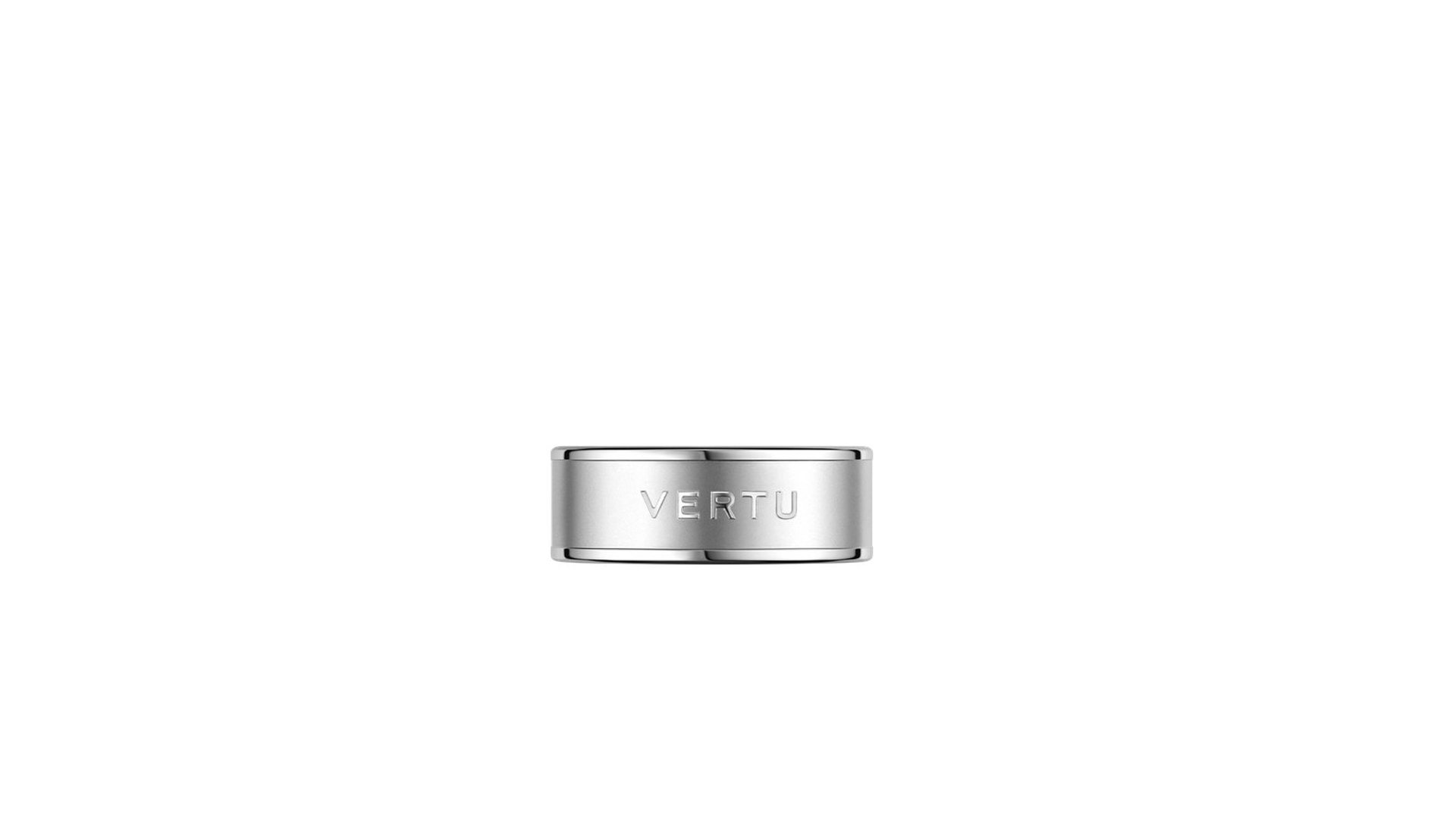
This matters particularly when a product has both jewellery and connected components. VERTU COR RING distinguishes its smart core from its outward jewellery expression. Its connected functions are intended for general wellness and personal insight, not medical use. If your order refers to COR RING Inner Core, identify that item and the charging accessory intended for it. The name of an outer piece is not sufficient evidence that it contains the part requiring charge.
That distinction does not establish a user disassembly procedure. Do not pull, twist or separate parts because an online explanation mentions a core. Check the supplied instructions for your exact configuration. If the charging arrangement is unclear, ask VERTU to identify what should be placed on the accessory before attempting it.
Match the accessory before choosing a power source
Check the charger identifier against the ring's documentation. Where a manufacturer specifies a generation or size, match those details too. A ring resting neatly on a stand is not a compatibility check. Similarly, a cable connecting to a case does not establish that the case is intended for the ring inside it.
Oura's own charging guide, for example, identifies size-specific accessories and separates compatibility by ring generation. This is an Oura-specific example of why matching matters. Its placement diagrams and charging behaviour should not be transferred to COR RING or another manufacturer's ring.
Use the cable and power arrangement specified for your accessory. If an adapter is not included, check its required specification in the instructions or obtain confirmation from the manufacturer. Do not select a power supply merely because an unrelated ring uses the same connector. Keep the answer with the accessory so you can identify the correct arrangement when travelling.
A careful first charging sequence
- Find the exact instructions. Use the supplied manual or the manufacturer's support material for your ring and charger, including any first-use setup requirement.
- Check the equipment. Look for visible damage, moisture or debris. If something appears damaged or uncertain, stop and obtain advice rather than connecting it experimentally.
- Prepare the charging place. Choose a stable, dry position where the ring and cable can remain undisturbed. Follow any surface or environmental guidance supplied with the accessory.
- Connect as directed. Use the documented cable and approved power arrangement. Keep any case, lid or switch in the position specified by the instructions.
- Place the ring as shown. Follow the exact orientation or placement diagram. Do not force it into position or assume the orientation is the same as another ring's.
- Confirm the right status. Check the documented indicator in the companion app or on the charger. Establish whether it describes the ring or the case.
- Finish according to the instructions. Use the documented completion indication, then remove and store the equipment as directed. Do not invent a universal charge duration.
For COR RING, VERTU's charging guidance is to place it on its dedicated charging accessory and follow the charging indicator in the companion app or on the charger. The supplied instructions for your configuration should resolve the placement and status details. Ask for clarification if they do not; an improvised step is not an improvement on a missing instruction.
Confirm the ring is charging, not merely the case
When an accessory has its own battery, ask which item each status display describes. A connected case, a powered charger and a ring receiving charge are different things to establish. Record the manufacturer's explanation of the indicator you are using, especially if the same accessory can show more than one device's status.
Use the companion app only as the model's instructions describe. Make sure you are viewing the intended ring rather than another saved device. If a reading needs a connection or refresh, follow that documented process. Do not assume an old displayed value proves that the current charging session has started or failed.
There is no universal light-colour code to apply across smart rings. Another manufacturer's green light, flashing pattern or completion behaviour can be correct for its product while saying nothing about yours. Save a screenshot or copy of the relevant explanation so that future checks use the same reference.
If charging cannot be confirmed
Work through the documented checks in a controlled order. First confirm that the ring and accessory match. Next check the cable connections and the specified power arrangement. Then compare the ring's placement with the manufacturer's diagram. Use only the cleaning method allowed for the relevant surfaces; avoid introducing tools or liquids based on another device's instructions.
Change one thing at a time and note the result. This makes a support conversation more useful than repeatedly moving the ring between accessories. If the manual offers a reset or pairing procedure, confirm that it applies to your model before using it. Resetting is not a generic charging step, and it should not be your first response to an unfamiliar indicator.
If the equipment is damaged, has unusual heat, or still shows no confirmed charging state after the permitted checks, stop using that charging arrangement and contact the manufacturer. Do not open the core, modify contacts or try to bypass the accessory. Request model-specific advice before further attempts.
Give support a clear account
Send the product and charger identifiers, the order reference, the cable and adapter details, and the exact indication you observed. Include a clear photograph of the equipment and its placement if the support channel permits it. State which documented checks you completed and whether the problem began during first setup or after previously successful charging.
For COR RING or Inner Core enquiries, make clear which items you purchased and which item you are trying to charge. Ask support to confirm accessory compatibility, the correct placement and the expected status indication for that exact combination. This keeps the answer tied to your equipment instead of a generic ring tutorial.
Build a routine around your own use
Once charging is confirmed, choose a convenient routine using the manufacturer's battery and care advice. Keep the dedicated equipment together and check charge before a period when you particularly want to wear the ring. If you take a spare accessory on a trip, verify it beforehand rather than assuming it is interchangeable.
Use your ring's displayed information and official guidance to decide when to charge. A fixed schedule copied from another product may not suit your configuration or use. The useful habit is a repeatable placement-and-status check, not an arbitrary number of minutes borrowed from a comparison article.
Frequently Asked Questions
Can I use another smart ring's charger if it fits?
Only use an accessory whose compatibility is confirmed for your exact ring. Physical fit does not establish the required model, generation or size match.
Should I remove COR RING's Inner Core to charge it?
Do not assume removal is required. Follow the instructions supplied for your configuration, and ask VERTU for the correct placement procedure if it is unclear.
How long should charging take?
Use the stated guidance and completion indication for the exact ring and accessory. There is no single charging time that this guide can apply to every smart ring.
Conclusion
A reliable routine depends on the correct equipment, documented placement and a confirmed charging state. Approach how to charge a smart ring in that order, and keep any unresolved COR RING or Inner Core detail tied to VERTU's instructions for your particular configuration.