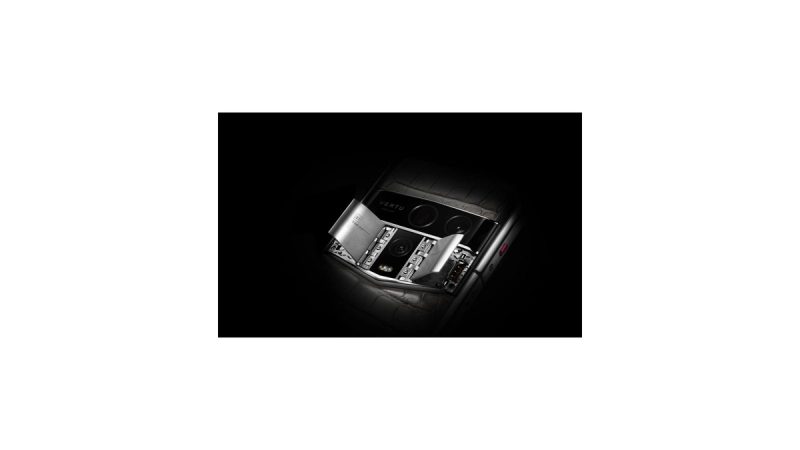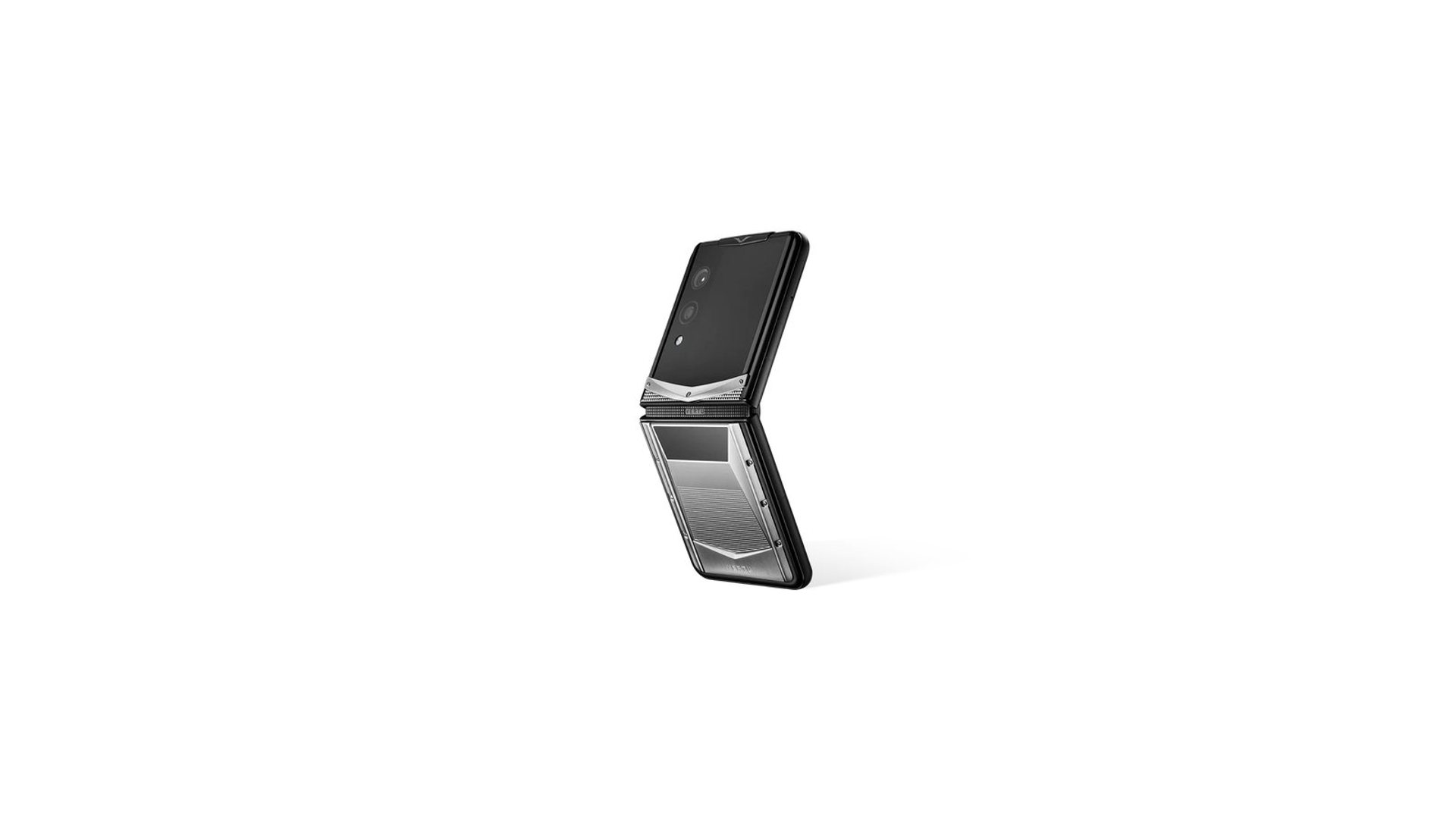
The practical “flip phone vs fold phone” decision is whether you want a phone that folds down for carrying or one that opens into a larger working area. Compare the tasks you will perform while it is closed, the reading space you need when it is open and the applications you actually use. VERTU Quantum Flip and AlphaFold give those priorities different physical starting points.
Use the comparison below to plan a demonstration of the exact models. It is a suggested decision process, rather than a report of hands-on testing or a claim that one format suits everyone.
Key Takeaways
- Quantum Flip is the clamshell option; AlphaFold opens into a wider inner workspace.
- Compare folded carrying and closed-screen tasks separately from open-screen use.
- Judge reading and application layouts using your own typical content.
- Check each app’s behaviour rather than assuming a bigger display adds the features you need.
- Include the case, charging arrangement and actual configuration in the final decision.
What do these two phones actually offer?
The official Quantum Flip introduction shows its clamshell form and describes a 3-inch exterior display and a 6.9-inch inner OLED display. It is a phone that folds across its length, giving you an exterior interface and an unfolded inner screen.
The official AlphaFold introduction describes a 6.53-inch outer display and an 8.05-inch inner display. Its book-style construction opens into a wider field. This is a different physical proposition from a clamshell, even though both products are folding phones.
Those screen measurements explain the starting point; they do not decide the purchase. Display diagonal alone cannot tell you whether your favourite app has the layout you want, how you will hold the phone or which closed-screen actions are available. Demonstrate those details for the exact software and configuration.
What do you want folding to change?
Choose one priority before comparing secondary features. Perhaps you want the phone to occupy a different space in a jacket or bag. Perhaps you want more room to read a document. Write that down as a task you can try, rather than a broad preference for “more premium” technology.
For a carrying priority, assess both phones folded and with the case you expect to use. Try your normal pocket or bag compartment where a demonstration permits it. Note how you retrieve and put away the phone, and whether the position works when sitting.
For a workspace priority, bring a representative document or use a non-sensitive sample with a similar layout. Compare how much adjustment you need before it becomes comfortable to read. A useful demonstration should resemble your own day, not just the most attractive promotional screen.
Do not choose from the folded silhouette alone. The open state, the transitions between states and the places you will use the phone all deserve attention.
Which tasks should work while the phone is closed?
List the short interactions you repeat most often: checking a notification, looking at the time, answering a call or changing an audio setting. Ask the demonstrator to show which are available without opening each phone and what steps they require.
Quantum Flip’s exterior display is a relevant part of that enquiry, but its size is not a list of supported functions. Confirm the actual controls and application behaviour. If an action requires opening the phone, decide whether that extra movement suits the way you use it.
With AlphaFold, assess the outer-screen experience before moving to the inner display. Try reading a message, navigating the controls and entering a short reply. Check whether your ordinary quick tasks feel complete there, or whether you expect to unfold frequently.
Record what you observed rather than generalising from the format. “This task needed opening on this configuration” is useful evidence for your decision; “all flip phones work this way” is not.
Does the inner screen improve your reading?
Open the same type of content on both models. Use a long email, a page with several columns or a document that normally makes you zoom. Compare the size of the text you prefer and the scrolling or repositioning needed to follow it.
AlphaFold’s wider inner workspace is the feature to assess here. Determine whether your actual content benefits from it. Try a comfortable reading position rather than keeping the phone at a showroom angle that you would not use for long.
On Quantum Flip, assess the unfolded inner display for the same task. A clamshell can still be used for full-screen reading; the question is whether that experience meets your needs relative to the alternative. Do not assume that every reader needs the widest available arrangement.
| Your priority | Demonstration to request |
|---|---|
| Quick closed-phone tasks | Show your common interactions without unfolding. |
| Document reading | Open representative content at your preferred text size. |
| Messaging | Compose and review a realistic reply in each useful state. |
| Working between apps | Show the exact supported layout and transition. |
| Carrying | Try the folded handset with its intended case. |
What should you verify about applications?
Start with the applications you cannot replace easily. Ask whether the version you need is available for the device and market, then demonstrate the relevant function. Do not use the presence of an app icon as proof that its complete workflow is available.
If you want to work between two items, describe the task specifically: reading a document while making notes, referring to a calendar during a message or reviewing a dashboard. Ask how the phone and applications support that arrangement. Avoid assuming every app offers the same multi-window options.
Try the transition from closed to open while using representative content. Observe where you return, what remains visible and whether you need to adjust anything. This is a test to request, not a claim that either model preserves every application state automatically.
AlphaFold’s official introduction says enterprise access requires onboarding and authorisation. If an enterprise connection is part of your reason for buying, have the relevant team confirm the proposed system and arrangement. Do not treat a larger display or a business-focused description as access to your employer’s systems.
How should you compare calls, typing and the camera?
These everyday actions can matter more than an occasional large-screen task. Try holding each model for an ordinary call, using the permitted demonstration setup. Ask how calls are answered and ended in the states you expect to use.
Type a short passage using the keyboard and settings you prefer. Review a correction and move the cursor. Compare one-handed quick replies with the position you would use for a longer message, without assuming one format is automatically easier.
For the camera, ask to see the sequence for the photograph you take most often. Check access, framing and review in the relevant state. If you want an exterior preview or a particular folded shooting position, verify that exact function rather than inferring it from the hinge.
Keep the comparison consistent. Use similar content and actions on both phones, then note which differences affected your task. This makes it easier to distinguish a useful form-factor advantage from a feature you admired briefly.
What belongs in the final purchase check?
Confirm the exact edition, supplied items and destination-market arrangement after choosing the format. Ask about the case and charging equipment you intend to use, and review the relevant care instructions for the inner screen and hinge.
If you will use it as your primary phone, complete your network and essential-app checks before committing. Ask about the applicable service route and purchase terms. Neither a familiar family name nor the display format establishes those details.
Write a short decision note with three observations: the folded arrangement you preferred, the open-screen task that benefited and any unresolved requirement. Resolve that requirement before allowing the appearance or demonstration excitement to settle the purchase.
Frequently Asked Questions
Is a flip phone the same as a keypad phone?
Here, the comparison concerns Quantum Flip’s folding touchscreen form and AlphaFold’s book-style form. Identify the actual model rather than relying on the word “flip”.
Does AlphaFold’s larger screen guarantee better app layouts?
No such guarantee follows from its dimensions. Check the applications, versions and tasks you intend to use.
Which is better for carrying?
Try both folded, with the intended case and your normal carrying position. Decide from that arrangement rather than the format name alone.
Conclusion
Answer the “flip phone vs fold phone” question with a small set of real tasks: carry it, use it closed, read on it open and demonstrate the applications you need. Quantum Flip and AlphaFold offer different physical starting points; choose the one whose confirmed workflow best fits your day.