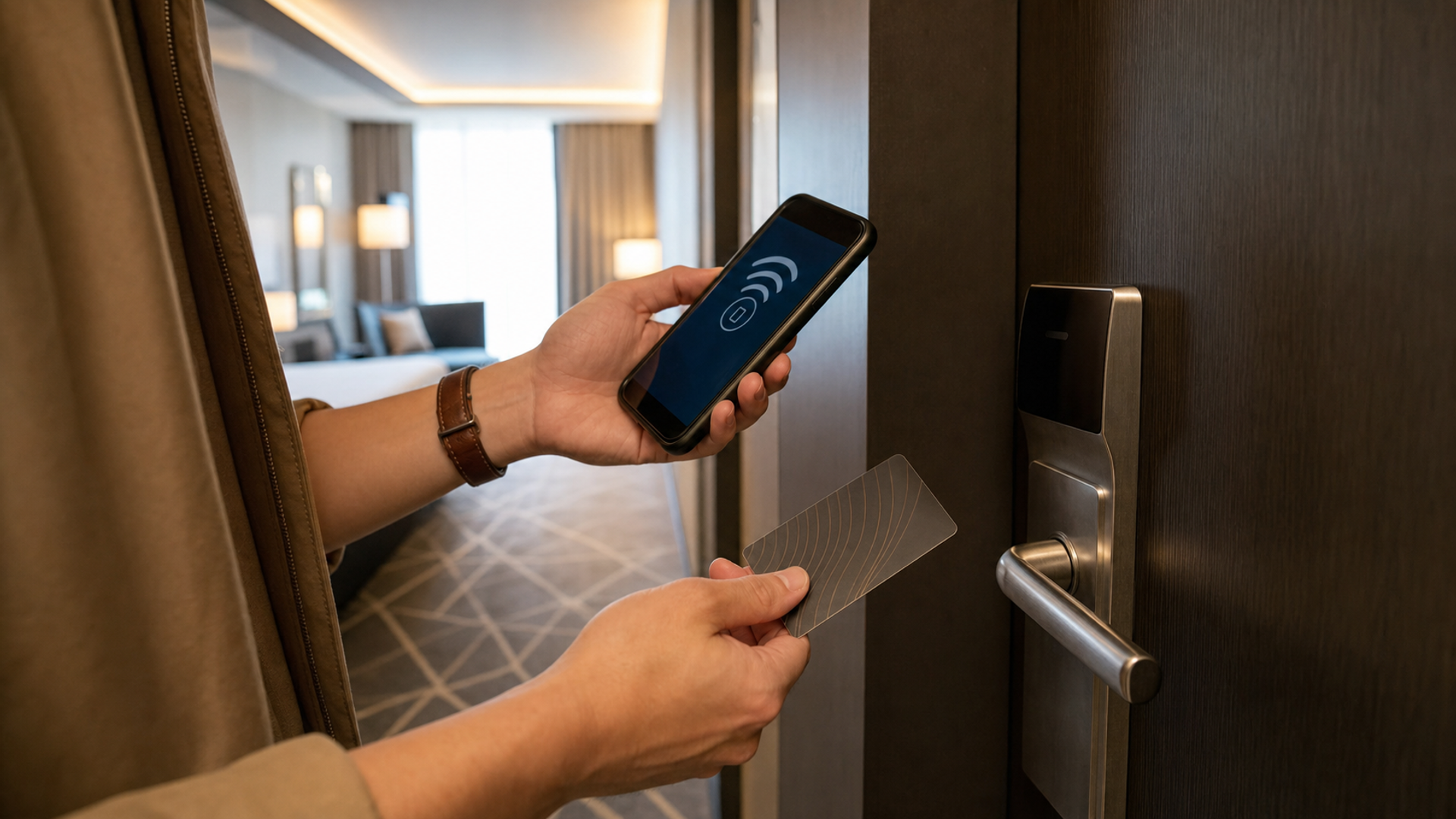
A hotel digital key can be the better room key: it arrives on a device already in your hand, can reduce a reception queue and may work without mobile data at the door. A plastic key card can be the better fallback: it does not depend on your phone’s battery, account state, NFC antenna or software compatibility. For a high-stakes stay, the strongest answer is often not one or the other but a deliberately tested primary key plus an independent backup.
Use the comparison below to choose by trip conditions rather than novelty.
Digital key versus card: the reliability matrix
| Condition | Digital key advantage | Plastic card advantage | Recommended setup |
|---|---|---|---|
| One-night personal stay | Fast arrival and fewer items to carry | Immediate replacement at reception | Digital primary; ask where support is available |
| Late arrival after reception slows | Key may already be provisioned after check-in | No value if the desk is closed and card was never collected | Confirm digital activation before travelling |
| Business trip with one phone | Convenient but phone is a single point of failure | Independent access if the phone fails | Carry both, stored separately |
| Family or shared room | Some hotel systems limit devices or sharing | Multiple cards are easy to distribute | Confirm the hotel’s device/key limit; issue cards |
| Phone nearly out of power | Some Apple hotel keys may work after battery depletion on supported devices | Works without phone power | Do not assume power reserve; keep a card |
| Pool, gym or beach | Wearable or phone may open common areas | Card can be damaged or misplaced | Use the least risky credential for the activity |
| Lost phone | Wallet keys can be disabled with device-loss controls | Card remains usable until deactivated | Report both immediately and re-key the room |
| High-security or sensitive stay | Device authentication and remote lifecycle can help | Physical credential avoids exposing room access on the phone | Use hotel-approved policy and separate backup |
Apple explains that a supported hotel room key can be added through the hotel or resort app to Apple Wallet. It may then unlock the room from an iPhone or eligible Apple Watch, and the device does not necessarily need Wi-Fi or mobile data at the door. Google similarly explains that supported hotel keys can be added to Google Wallet and used for guestrooms and compatible common areas after check-in and room assignment.
Read the current Apple Wallet hotel-key requirements and Google Wallet hotel-key instructions for the relevant device. The hotel’s own app, locks and policy are equally important; support is not universal simply because the phone contains Wallet.
Where digital keys fail
Most failures fall into one of five layers.
1. Provisioning
The reservation exists, but the guest has not completed check-in or been assigned a room. Google notes that the key must be activated after check-in and room assignment. Apple’s flow likewise depends on a supported hotel app, valid booking and account.
2. Account
The guest is signed into the wrong hotel account, the booking was made by an assistant, or the loyalty profile uses another email. A key cannot bridge an unresolved identity mismatch.
3. Device
NFC is disabled, the operating system is out of date, the phone is managed by an employer, or the antenna is not aligned with the lock. Google recommends checking Bluetooth or NFC where relevant and trying a different phone position because antenna placement varies.
4. Credential state
The hotel changes the room, extends the stay or issues a new key, but the credential on the device has not refreshed as expected. The display can look correct while the lock rejects the current state.
5. Door infrastructure
The room lock, battery or reader is at fault. Reinstalling an app cannot repair a door. If both the digital key and a newly encoded card fail, escalate the lock rather than repeatedly resetting the phone.
These layers suggest the correct troubleshooting order: reservation, check-in, room assignment, account, key state, phone settings, reader, then hotel support. Randomly toggling settings at the door makes it harder to identify which layer failed.
The two-minute hotel-door test
Perform this test before you leave luggage or confidential material in the room:
Lock the door and open it once with the intended primary credential.
Test any common area you genuinely need, such as the lift or gym.
Put the phone into its expected real-world state: screen locked, case on, normal Wallet setting.
Confirm whether device unlock is required and whether that is the setting you want.
Test the independent backup card.
Store the backup away from the phone—not in the same lost wallet or bag.
The test is intentionally short. It establishes that the credential works on this door, in this state, during this stay. A successful demonstration at reception is helpful but not identical to the guestroom lock.
Express access: convenient, but choose the threat model
Apple says Express Mode is automatically enabled for supported hotel keys, allowing the device to be held near the lock without the normal Wallet authentication step. Google Wallet may allow a guest to turn off “Require device unlock” for a hotel key at participating properties.
This can be appropriate when speed and ease matter. It also means the access decision is different from opening a banking app. A traveller should decide whether a found but not yet remotely locked phone should be able to open the room.
If the room contains sensitive documents or the phone is frequently handed to staff or family, requiring device unlock may be the more considered setting. If accessibility or low dexterity makes authentication at the door difficult, express access may be more practical. There is no universal answer; the important point is to know the state before a security incident.
Battery reserve is not a universal promise
Apple notes that depending on the iPhone model, a hotel room key may work after the iPhone battery has run out. The phrase “depending on” should govern the plan. Device generation, key implementation and the phone’s actual power state matter. A fully depleted, damaged or manually powered-off device may not behave as the traveller expects.
Do not deliberately run the phone flat to test this at midnight. Keep enough power for communication and transport, and carry a physical card when loss of access would be costly. The broader principle is the same as the primary, travel phone and managed-profile decision: separate critical functions when one device would otherwise hold every dependency.
Shared rooms require an access plan
The hotel controls how many devices can hold a key and whether sharing is supported. Apple notes that some properties may allow only one hotel key at a time. Google’s process also depends on the reservation data and hotel support.
For two adults arriving separately, ask three questions before leaving reception:
Can each guest provision a digital key on their own account or device?
Can the hotel issue two physical cards as an independent fallback?
If the room changes, which credentials will be invalidated and reissued?
Do not solve a sharing limitation by giving another person your unlocked phone or primary account password. A second card is usually the cleaner control.
Lost phone or lost card: respond to both
A digital key can be disabled when the phone is marked lost, and a hotel can deactivate or replace room credentials. A plastic card normally does not display the room number, but it can still be associated with a specific lock in the hotel system.
If either credential is lost:
Inform reception and ask for the room access to be re-keyed.
Use device-loss controls immediately if the phone is missing.
Review whether the lost item also exposed identity, payment or booking information.
Verify the new digital and physical keys at the door.
Do not leave the other credential active merely because it still works.
For a suspicious room or device environment, the hotel and rental room sweep covers a different risk: observable devices and the limits of a quick inspection.
The considered setup
Check-out and account hygiene
At the end of the stay, confirm that the key is deactivated or archived as expected, remove it if the hotel’s process requires that, and sign out of any hotel device you do not own. Review whether the app retained location, Bluetooth or notification permissions you no longer need. Keep the invoice and booking confirmation, not a permanently active room credential.
If the stay was extended, verify the new departure date in both the reservation and the key. A card or digital key that opens the door is not evidence that billing and late check-out terms were updated correctly.
Choose the digital key as primary when the hotel officially supports it, the phone is healthy, check-in is complete and the door test passes. Keep a plastic key card when the phone is your only communication and payment device, when guests need independent entry, or when late-night recovery would be difficult.
Digital access is at its best when it removes friction without becoming a hidden single point of failure. The extra card is not an admission that the technology is poor. It is a small, independent recovery path—and good travel systems are defined by their recovery paths.