To understand phone camera optical zoom, ask what changes the framing: the lens optics, the camera selected, or processing of the captured image. A large zoom number on a phone does not establish a continuous optical range. Read the named camera specifications and the manufacturer's explanation of each zoom setting before comparing models.
Your buying question is practical: which settings will produce the photographs you want, and what evidence explains them? Begin with the main and telephoto entries, establish the baseline for any multiplier, then request a demonstration of the settings you expect to use.
Key Takeaways
- Separate optical focal-length change, camera selection and digital enlargement.
- Ask what the starting point is for a quoted zoom factor.
- Do not read two named camera specifications as proof of every optical position between them.
- Check still-photo and video information separately rather than assuming identical options.
- Use original sample files and a consistent viewing size to make your buying judgement.
Distinguish the three questions hidden inside “zoom”
Optical zoom: in its conventional lens sense, zoom changes focal length through movement within the optics. Sony's explanation describes the zoom lens moving to adjust focal length. That is different from simply enlarging a captured image. Sony's explanation of zoom features.
Camera selection: a phone's specification may list separate main, ultrawide and telephoto cameras. Read those as separate entries first. Ask which camera supplies the image at a selected setting, rather than assuming that one lens travels through every position shown on the screen.
Crop or digital enlargement: cropping selects a smaller portion of the captured image; enlargement concerns how that portion is presented. Sony, for example, describes a cropped result for Smart Zoom and image processing for its digital zoom features. Those are Sony's named implementations, not a description of the software in every phone. Sony's crop and digital-zoom distinctions.
Keep these mechanisms distinct when reading a listing. A particular setting might be useful without being a new physical focal length. The useful purchase evidence is an explanation of that setting and a representative result, rather than an assumption based on its label.
Ask what a zoom factor is measured from
A multiplier is a comparison with a starting point. Before accepting a headline figure, ask which setting or focal-length reference represents the baseline. Write that explanation beside the number. Without it, your comparison can mix unlike descriptions while appearing precise.
Also distinguish a camera's named position from the largest selectable value in the app. If a product page combines optical and digital capabilities in a maximum figure, ask for them to be separated. Do not copy the combined number into a column labelled “continuous optical zoom”.
For a simple hypothetical example, a listing could name two cameras and also advertise a much higher maximum magnification. Those three pieces of information answer different questions. You still need to know how the intermediate settings are generated and which modes the maximum applies to.
Read Agent Q's camera entries precisely
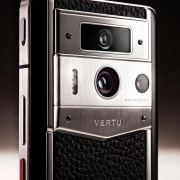
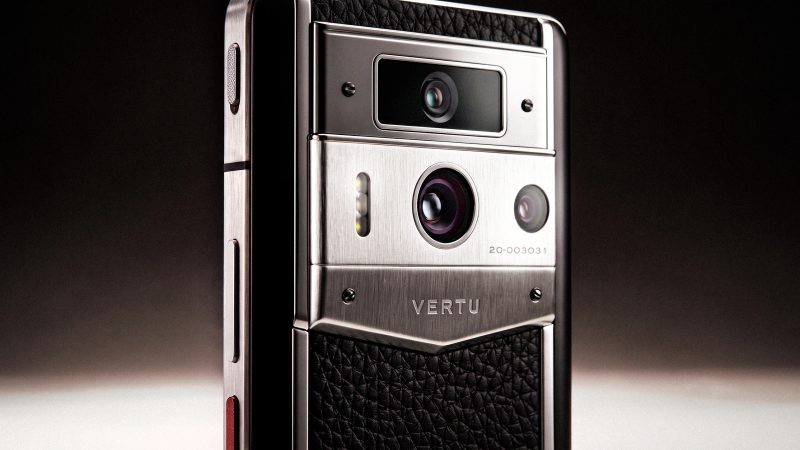
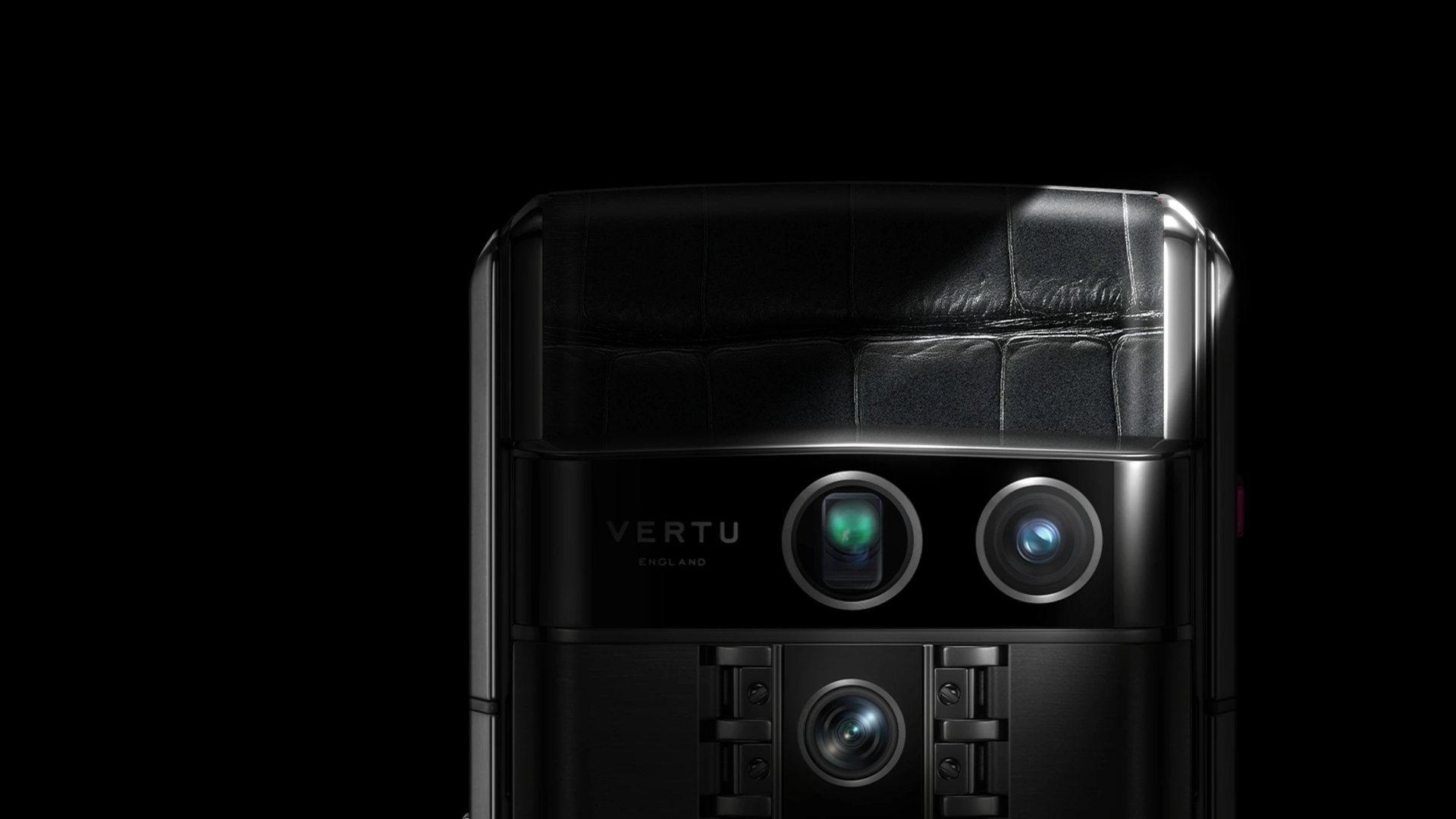
The current official Agent Q Grained Calfskin specification lists a 50MP main camera with 35mm and a 64MP telephoto camera with 70mm. These are the manufacturer's published camera entries, also reflected in VERTU's current product information.
Those two entries provide concrete starting points for a question about framing. They do not, on their own, specify a continuous optical range between 35mm and 70mm, identify the camera used at every intermediate setting or demonstrate image quality. Ask for the documented range and operating behaviour rather than filling those gaps yourself.
If you are considering Agent Q for photography, request a demonstration of the main and telephoto options and the positions between them that matter to you. Confirm the exact handset edition and camera software. Keep a published specification separate from what you observe in a demonstration.
Find out what happens between the named settings
Take a screenshot of the zoom positions shown in a product demonstration, if the seller permits it. Ask the representative to explain the named camera positions, the intermediate controls and the maximum setting. Refer to the current manual or technical information when the answer is unclear.
Make the question specific: “At this setting, which camera is supplying the image, and is any crop or additional enlargement involved?” If the documentation does not explain it, record that as unresolved. A smooth control on the display is not itself documentation of the optical mechanism underneath.
Ask separately about the recording mode you need. If video matters, request the explanation and demonstration in that mode, with the intended resolution and frame rate selected. Do not use a still-photo specification as an answer to every video question.
Organise a useful showroom comparison
- Choose an ordinary subject. Use a willing person, a shop display or another permitted subject that resembles what you photograph.
- Keep the position consistent. Compare the named camera settings from the same place before introducing another variable.
- Record each setting. Note the phone, camera mode, selected zoom position and any explanation supplied by the seller.
- Include an intermediate position. Try a setting you would actually use, then ask how it is produced.
- Review the original files. If sharing is permitted, inspect the saved photographs at a consistent viewing size instead of judging only the live preview.
Write what you see in plain terms. Is the framing useful? Are the details you care about readable at your intended viewing size? Does the result suit a family photograph, a product image or the other task you brought? Avoid turning one pleasing image into an assertion that the camera is superior in every situation.
Repeat the relevant exercise in another available lighting situation if the seller permits it. Keep that result attached to its conditions. This is your buying assessment, not a controlled laboratory comparison, and it should not be presented as one.
Keep a short evidence sheet for the shortlist
For each phone, record four items: the named camera specifications, the baseline behind the advertised multiplier, the explanation of your preferred settings, and the samples you examined. Leave a blank where the information is unavailable rather than making the table appear complete through guesswork.
Then add your own requirements. Perhaps you need a convenient framing option for portraits, or want to inspect small details in a saved product photograph. Describe that outcome before deciding which number matters. The specification sheet is a means of asking better questions, not a substitute for your intended use.
When the evidence is uneven, seek the missing explanation or narrow your conclusion. You can say that one demonstrated setting suits you without claiming a continuous optical range or a maximum image-quality advantage that has not been established.
Frequently Asked Questions
Does a telephoto camera mean continuous optical zoom?
A telephoto entry alone does not document a continuous range. Look for an explicit focal-length range and an explanation of the settings between named camera positions. Do not infer the mechanism from the camera count.
Is digital zoom automatically useless?
Judge the saved result against your purpose and viewing size. Keep the processing method clear, but avoid rejecting or praising every setting on a label alone. Request samples from the phone and mode you are considering.
Can Agent Q's 35mm and 70mm entries prove every position between them?
No. They identify the published main and telephoto specifications. Ask VERTU for the documented optical range and how intermediate settings operate; the two entries alone do not supply that explanation.
Conclusion
Read phone camera optical zoom as a question about the imaging method, its documented range and the settings you will use. Establish the baseline, separate named cameras from processing, and inspect relevant saved examples. For Agent Q, begin with the published main and telephoto entries and resolve the remaining range questions before buying.