

Founders don’t fail because they can’t work. They fail because the decision latency gets them first.
When the calendar is dense, the inbox is loud, and you’re living out of a carry-on, you need something very specific from AI: not a novelty generator, but a way to reduce the time between signal and action—without leaking what you can’t afford to leak.
This guide is a practical, mobile-first map of AI for entrepreneurs across the functions that quietly consume your week: communication, sales, finance, hiring, planning, and travel.
Key Takeaway: Mobile AI isn’t about doing more. It’s about protecting attention—and shortening the path from message to decision.
The mobile-first AI operating model founders can actually live with
Before you pick tools, decide how your AI should behave. On mobile, a good workflow has three properties: it’s fast, it’s bounded, and it has an exit ramp back to a human.
1) Treat your AI assistant like a junior operator, not a co-founder
Your assistant can draft, summarize, and prepare. It should not commit your company to terms, pricing, or policy.
The SBA repeatedly lands on a sober point: review and verify—especially for high-stakes outputs.
2) Use “thin-slice prompts” on mobile
The fastest mobile workflows are small by design. One screenshot, one email thread, one meeting transcript, one question.
If you need an AI to understand your entire business in one prompt, you’re setting yourself up for hallucinations—or oversharing.
3) Build an approval loop for anything expensive, external, or permanent
Mobile makes it easy to send the wrong thing quickly.
Create simple rules:
Anything that changes pricing, legal language, hiring decisions, or public statements requires review.
Any message that includes customer data gets a second set of eyes.
⚠️ Warning: As the U.S. Chamber’s small-business AI guide (2024) notes, it’s a best practice to avoid uploading sensitive business data or personally identifiable information (PII) into AI platforms—especially unmanaged tools.
4) Privacy is not a feature—it’s an architecture
In practice, “AI assistant privacy for small business owners” comes down to a few operational choices:
Use separate work accounts.
Minimize what you paste into prompts.
Restrict tool access to only what’s needed.
Keep logs of what systems can reach what data.
If you want a governance lens without enterprise theater, frameworks like ISO 42001 are useful for the questions they force you to ask (ownership, risk assessment, documentation, ongoing monitoring), as outlined in an ISO 42001 overview (Schellman, 2026).
AI for entrepreneurs in communication: faster writing, calmer decisions
Communication is where founders hemorrhage hours—because every message is a micro-decision.
Mobile AI shines when you use it to prepare communications rather than replace judgment.
Use case: executive-quality first drafts
Ask your assistant to draft:
Investor updates (short, factual, measurable)
Client follow-ups (specific next step, clear deadline)
Internal direction (one decision + one owner + one due date)
If you want a baseline of common SMB workflows (scheduling, drafting, organizing), Microsoft’s overview of AI virtual assistants for small business (2024) is a useful starting point.
Use case: meeting compression in minutes
On mobile, you don’t need “notes.” You need:
what was decided
what is blocked
what you must do next
A simple prompt:
“Summarize this call in 6 bullets: decisions, risks, owners, deadlines. Then write the follow-up email.”
Sales: tighten the loop between intent and follow-up
Founders lose deals in the silence after the call.
The goal of a mobile workflow is to capture the signal when it’s fresh, then make follow-up frictionless.
Use case: call-to-CRM capture
After a sales call, dictate three things:
Deal stage
Customer pain
Next step
Then have the assistant generate:
a follow-up email
a one-paragraph internal note
three questions to qualify budget/timeline/authority
Use case: proposal scaffolding (without sending hallucinations)
On mobile, generate the proposal structure, not the final truth.
Ask for:
a proposal outline
an assumptions list
a “questions we must confirm before signing” section
Then you fill in the numbers.
Pro Tip: Your AI should be excellent at pre-work. Keep “final pricing and promises” human.
Finance: turn receipts and cash flow into decisions
Most founders don’t need “AI finance.” They need clean books, better forecasting, and fewer unpleasant surprises.
Use case: weekly cash narrative
Every Friday, give your assistant:
revenue snapshot
top expenses
upcoming obligations
Ask:
“Write a 200-word cash narrative: what changed, what’s risky, what needs approval.”
Use case: invoice and receipt triage on the move
Mobile-first means you can capture the receipt at the moment it exists.
The workflow is simple:
capture
categorize
flag exceptions
Then your finance system stays current—without your weekend.
Hiring: move faster without lowering the bar
Hiring is where speed and judgment clash.
Use case: job descriptions that reflect reality
Have AI draft the JD, then stress-test it:
“What responsibilities here are actually founder tasks today?”
“What outcomes would define success at 30/90/180 days?”
Use case: interview kit in one screen
Upload the candidate resume and your role scorecard.
Ask for:
five targeted questions
a short work-sample prompt
red flags to probe—based only on the resume (no guesswork)
This keeps the interview structured, even if you’re doing it between flights.
Planning: turn chaos into an executable week
Founders don’t need more plans. They need fewer plans that actually happen.
Use case: the “one-page plan” generator
Give the assistant a rough objective and ask for:
a single measurable goal
constraints
the three risks
the next five actions
Then put those five actions on your calendar.
If you want a macro signal that the world is moving here, the SBA Office of Advocacy’s 2025 AI-in-business research spotlight suggests small businesses are increasingly adopting AI and typically use it in more than one way (not just a single experiment).
Travel: protect continuity when your location keeps changing
Travel is where operations break: missed messages, delayed approvals, forgotten follow-ups.
Use case: “travel mode” decision hygiene
Before a trip, ask your assistant to prepare:
an itinerary summary
daily time windows for calls
a list of approvals you might need to pre-authorize
Use case: incident-response communications
When a delay hits, you need fast clarity.
Prompt:
“Draft three messages: to client, to team, to family office/assistant. Keep them factual, calm, and time-bound.”
Mobile AI workflows for startup founders: a simple 7-day rollout
If you’re implementing this from scratch, don’t do everything at once.
Days 1–2: communication and meeting compression
Drafting + follow-ups
Meeting summaries into next steps
Days 3–4: sales follow-up automation
Post-call capture
Proposal scaffolding
Days 5–6: finance narrative and exception flags
Weekly cash narrative
Receipt/invoice triage
Day 7: privacy hardening
Decide what never goes into AI
Separate work/personal accounts
Add approval rules
Where “CEO Phone” becomes real (and where it doesn’t)
A phone becomes a CEO Phone when it acts like a private command surface: voice-to-action, context held across the day, and boundaries that respect the difference between “draft” and “commit.”
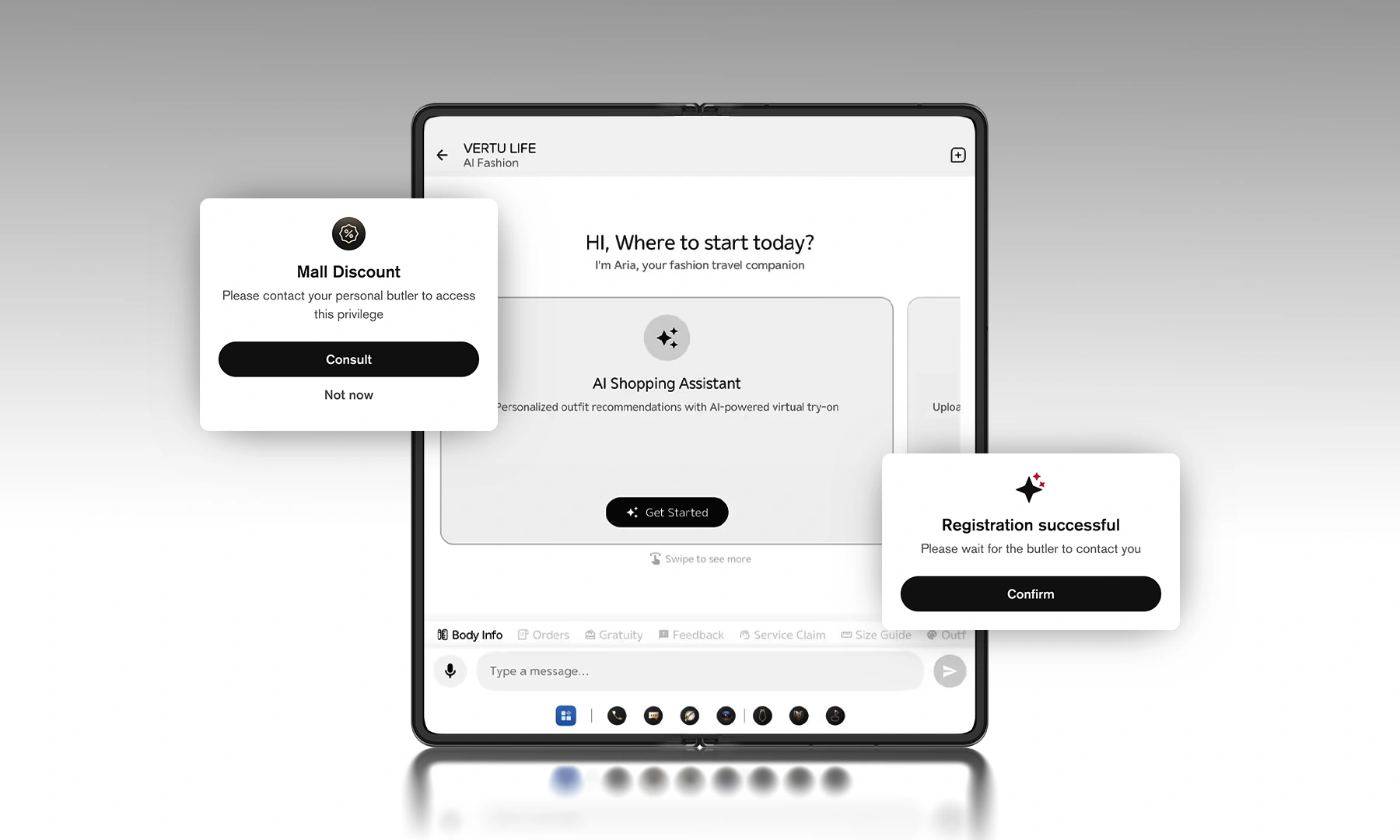
VERTU frames ALPHAFOLD as a foldable executive command centre with a system-level assistant—Hermes Agent—designed to connect intent and action, as described in VERTU’s AlphaFold launch note.
For founders, the practical question isn’t whether the assistant is impressive. It’s whether it supports a better operating model:
faster preparation
clearer approvals
less exposure of sensitive data
If you’re evaluating AlphaFold specifically, VERTU also emphasizes privacy features such as Private Space and end-to-end encryption on the VERTU AlphaFold pre-order page, and provides additional context in guides like Google Pixel Fold vs VERTU AlphaFold.
FAQ
What is an enterprise AI assistant—and do founders need one?
An enterprise AI assistant is typically designed to connect to multiple business systems (email, calendar, CRM, docs) with stronger governance. Founders often benefit from the capabilities (integration, permissions, auditability) even if they don’t need enterprise procurement.
What should never go into an AI prompt?
Credentials, customer PII, private legal strategy, unreleased financials, and anything you’d regret seeing on a projector.
How do I keep AI helpful without letting it run my business?
Use boundaries: drafts only, approvals for commitments, and narrow tool access. See the SBA’s guidance on AI for small business (2025) for a practical baseline.
Do I need a foldable phone for these workflows?
No. But a foldable can make mobile work less cramped—especially for reviewing documents, comparing numbers, and running parallel contexts (inbox + calendar, proposal + CRM).
Next steps
Pick one workflow you repeat daily (follow-ups, summaries, cash narrative). Make it reliable on mobile.
Add a privacy rule before you add another automation.
If you want a single device to centralize AI workflows and private service, explore VERTU ALPHAFOLD and VERTU’s foldable buying guide, Best foldable phones: what to look for before you buy.
Disclosure: This article references VERTU pages. Editorial judgment remains the priority.


