AI on a phone changes the security problem in a quiet way. You’re no longer securing “apps.” You’re securing an assistant that can read across apps, listen through sensors, and act on your behalf.
If you’re an executive or public figure, the risk isn’t theoretical. Your phone carries the raw material of high-impact decisions: contacts, travel patterns, confidential calls, deal calendars, and authentication tokens. The goal of mobile AI security is simple: keep the assistant useful without letting it become a high-privilege backdoor.
This guide breaks mobile AI security into five surfaces you can actually control: authorization, transmission, storage, device isolation, and sensitive-action confirmation.
Start with the real threat model for phone-based AI
You’ll sometimes see this described as “AI assistant privacy risks on smartphones.” That phrase is clumsy, but the point is real: once an assistant can read across apps and sensors, small mistakes compound fast.
Most mobile security advice assumes a single app leaking a single data type.
AI-enabled phones shift that model. A modern assistant may request access to your microphone, notifications, calendar, contacts, photos, files, and messaging. Individually, those permissions can be justified. In combination, they reconstruct your life.
The biggest failure modes are predictable:
- The assistant is over-permissioned because it “might need it later.”
- Sensitive context is stored or synced longer than it should be.
- A message, document, or webpage tricks the assistant into taking an unsafe action.
- The confirmation step is weak, easy to spoof, or too broad.
OWASP’s agent guidance calls this out directly: security has to be enforced by tool access control, memory/context controls, and human approval for high-risk actions, not by trusting the model to “behave.”
Authorization: treat permissions as a contract, not a pop-up
If you’ve searched for “phone permissions AI security,” this is the section you wanted. Permissions are the policy layer that decides what the assistant is physically capable of doing.
If you do nothing else, do this: take permissions seriously.
App permissions are your first line of defense because they define the assistant’s maximum reach.
ESET’s security team has a practical overview of why permissions still matter, including common abuse patterns and risky permission categories like accessibility services, overlays, and background location: ESET’s overview of why app permissions still matter.
Permission strategy for AI assistants
A workable rule is “least privilege with escalation.”
- Default the assistant to read-only wherever possible.
- Grant “write” powers (send messages, edit files, schedule meetings, approve purchases) only when you can bound them.
- Prefer “allow once” or “while using” instead of “always.”
NIST makes the same point from an enterprise angle: mobile security programs should manage permissions and apply least privilege, alongside encryption, authentication, patching, and mobile device management.
Pro Tip: If an assistant asks for Accessibility permissions or overlay capabilities on Android, treat it as a step-up moment. Those permissions can radically expand what an app can observe or manipulate.
A practical authorization checklist
Before you approve a permission, ask two questions:
- What feature breaks if I say no?
- What data does this permission expose that I would never say out loud in a meeting?
If you can’t answer the first question clearly, deny it.
Transmission: encrypted communication is necessary, not sufficient
When an AI assistant sends or receives data, the obvious requirement is encryption in transit.
That means your calls, messages, and API requests should travel over authenticated, encrypted channels. It’s baseline security hygiene, and it’s why “encrypted communication” belongs on any serious secure AI phone feature list.
But executives get burned by what encryption does not cover.
- Encryption can protect content, but not always metadata (who you talked to, when, and how often).
- If the assistant forwards content to a cloud service, the security posture becomes “phone security plus vendor security.”
This is where design choices matter. The more your assistant can do on-device, the less sensitive material you have to transmit in the first place.
Storage: on-device processing reduces exposure, but mind the leftovers
On-device AI is a strong default for privacy. You’ll also see this discussed as “on-device AI privacy.” The idea is simple: if the assistant can process locally, you transmit less sensitive material in the first place.
Still, “on-device” doesn’t automatically mean “safe.” You also need to think about what gets stored:
- cached prompts and conversation history
- voice transcripts
- attachments the assistant pulled in as context
- tokens for connected services
Encryption at rest and hardware-backed keys
At minimum, you want encryption at rest, ideally backed by hardware.
On Android, the platform supports device encryption designs including file-based encryption and full-disk encryption; understanding the difference helps you ask better questions about what is protected when the device is locked. See Android’s documentation on file-based vs. full-disk encryption.
NIST’s enterprise guidance also frames encryption and authentication as core controls for mobile devices, not optional add-ons.
Backups: the quiet exfiltration path
Executives often harden the phone and forget the backup.
If your assistant data is synced into a cloud backup, you’ve expanded the number of places that must be secured (and subpoenaed, and compromised, and misconfigured). Where possible:
- minimize what the assistant stores long-term
- set retention limits
- keep sensitive conversations out of persistent history
Device isolation: separate your private world from your public surface
A secure AI phone shouldn’t treat your device as one flat space.
The practical goal is containment: if something goes wrong inside one environment, it shouldn’t automatically spill into everything else.
Isolation can mean different implementations (profiles, containers, separated workspaces), but the principle is consistent:
- keep sensitive accounts in a separate space
- keep high-risk apps away from confidential workflows
- reduce cross-app data access by design
This is why “Private Space” matters as more than a privacy feature. It’s a security boundary.
AlphaFold as a secure AI phone example
On AlphaFold, features like Private Space and controlled access can be used to enforce that boundary in daily life.
For example:
- Keep your deal room, travel documents, and executive communications inside Private Space.
- Allow the AI assistant to operate in that space with controlled access, so it can help without gaining universal visibility across the rest of the device.
The point isn’t marketing. It’s a security model: isolate, then grant narrowly.
Sensitive operations: require confirmation that can’t be faked
AI assistants create a new class of risk: they can take actions, not just answer questions.
That’s where “human-in-the-loop” stops being a slogan and becomes a design requirement.
OWASP recommends explicit human approval for high-impact or irreversible actions, plus action previews and auditable approval records. See OWASP’s AI Agent Security Cheat Sheet.
What counts as a sensitive operation on a phone
For an executive, sensitive actions include:
- sending messages on your behalf
- changing security settings or permissions
- approving payments or transfers
- sharing location or travel itineraries
- exporting files from a secure workspace
How to make confirmation real
Look for confirmation systems that:
- show a clear preview of what will happen
- bind the approval to the exact action (not a vague “allow this”)
- require step-up authentication for the highest-risk actions
- fail closed if the assistant can’t classify the risk confidently
⚠️ Warning: A weak confirmation prompt becomes a target. If the assistant can be tricked into presenting a misleading “Approve?” dialog, you’ve built a social engineering channel into your phone.
Mobile AI security checklist (printable)
Use this checklist as a quarterly audit, and again before high-sensitivity travel.
Authorization and permissions
- The AI assistant has only the permissions it needs today (not “maybe later”).
- Microphone, camera, contacts, photos, and files are granted only with a clear use case.
- Background access is disabled unless it’s essential.
- High-risk permissions (e.g., accessibility/overlays on Android) are disabled or tightly controlled.
Transmission
- Sensitive calls and messages use encrypted communication.
- AI features are configured to minimize cloud transmission of sensitive content.
- Connected services (mail, calendar, files) are reviewed and removed if unused.
Storage
- Device encryption at rest is enabled, with a strong unlock method.
- The assistant’s history/retention is limited (or disabled) for sensitive threads.
- Backups are reviewed to ensure sensitive assistant data isn’t copied broadly.
Isolation
- Sensitive workflows live in an isolated space (work profile/private space/container).
- The assistant’s access is scoped per space, not universal across the whole phone.
- High-risk apps (unknown utilities, casual games) are kept out of the sensitive space.
Sensitive-action confirmation
- Purchases, transfers, and security setting changes require explicit confirmation.
- Confirmation requires step-up authentication for high-impact actions.
- The confirmation UI clearly previews the action and destination.
Common questions executives ask
Is a “secure AI phone” just marketing language?
It can be. The term only means something if it maps to controls you can verify: least-privilege permissions, encryption in transit and at rest, strong isolation boundaries, and reliable confirmation for sensitive actions.
NIST’s enterprise guidance is a good baseline for what “real controls” look like on mobile devices.
If you want to read the underlying guidance directly, see NIST SP 800-124 Rev. 2 guidance on mobile device security.
Are AI assistants inherently unsafe on smartphones?
No. But they compress risk.
A normal app might expose one data stream. An assistant can touch many streams, then combine them. That’s why controlling permissions and memory/context handling matters more here than in traditional mobile app security.
What’s the single biggest mistake people make?
Over-permissioning.
It’s often done out of convenience, then forgotten. Treat permissions like standing authorizations. Review them.
How do phone permissions affect AI security in practice?
Permissions define the assistant’s ceiling.
If it can read your notifications, it can read your one-time codes. If it has always-on mic access, it changes your exposure surface. And if it has cross-app visibility, it can assemble a comprehensive picture of you.
That’s why permission review is not “settings hygiene.” It’s a security decision.
Next steps
If you want a secure AI phone posture that’s designed around isolation, encrypted communication, and controlled access, start by evaluating the device against the five surfaces in this article.
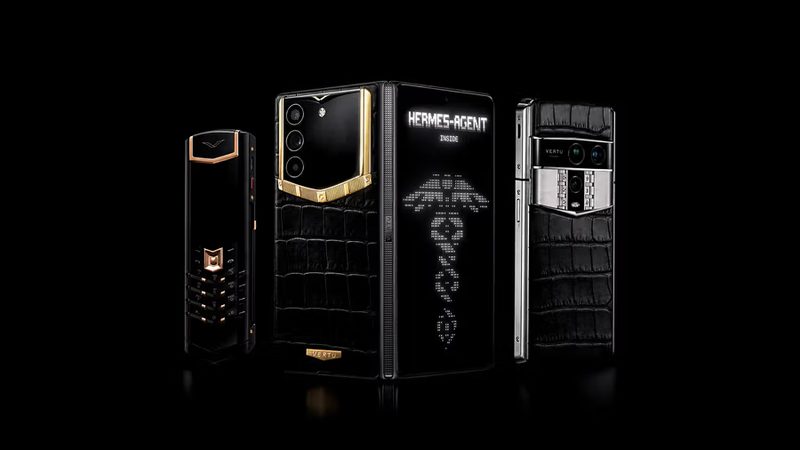
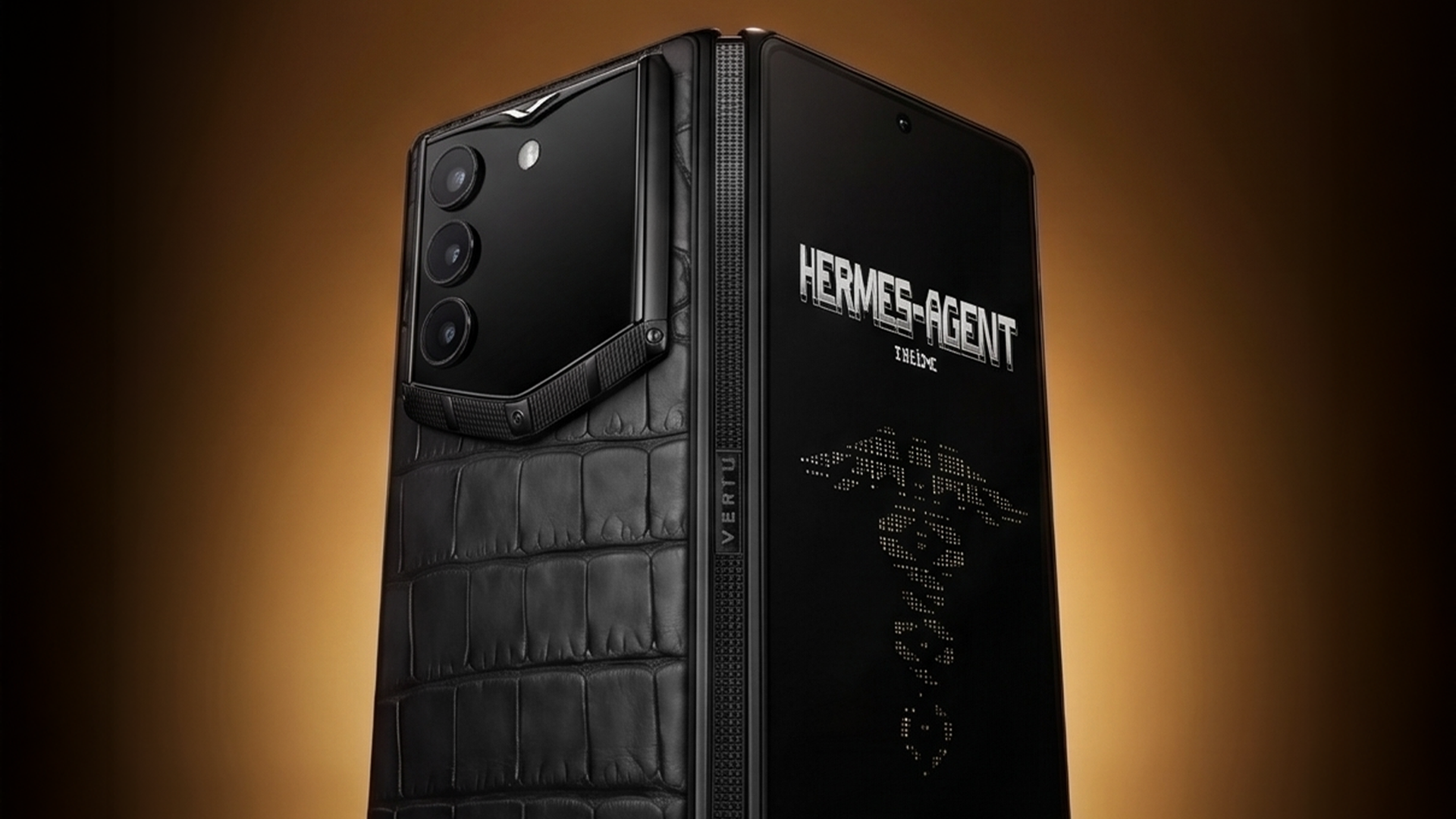
You can also explore AlphaFold as a Vertu secure AI foldable phone option built around Private Space, on-device AI processing by default, and hardware-backed encryption.
If your organization needs a formal way to approve (or reject) assistant-style apps before they’re allowed near sensitive accounts, NIST’s mobile app vetting guide is a good reference point: NIST SP 800-163 Rev. 1, Vetting the Security of Mobile Applications.