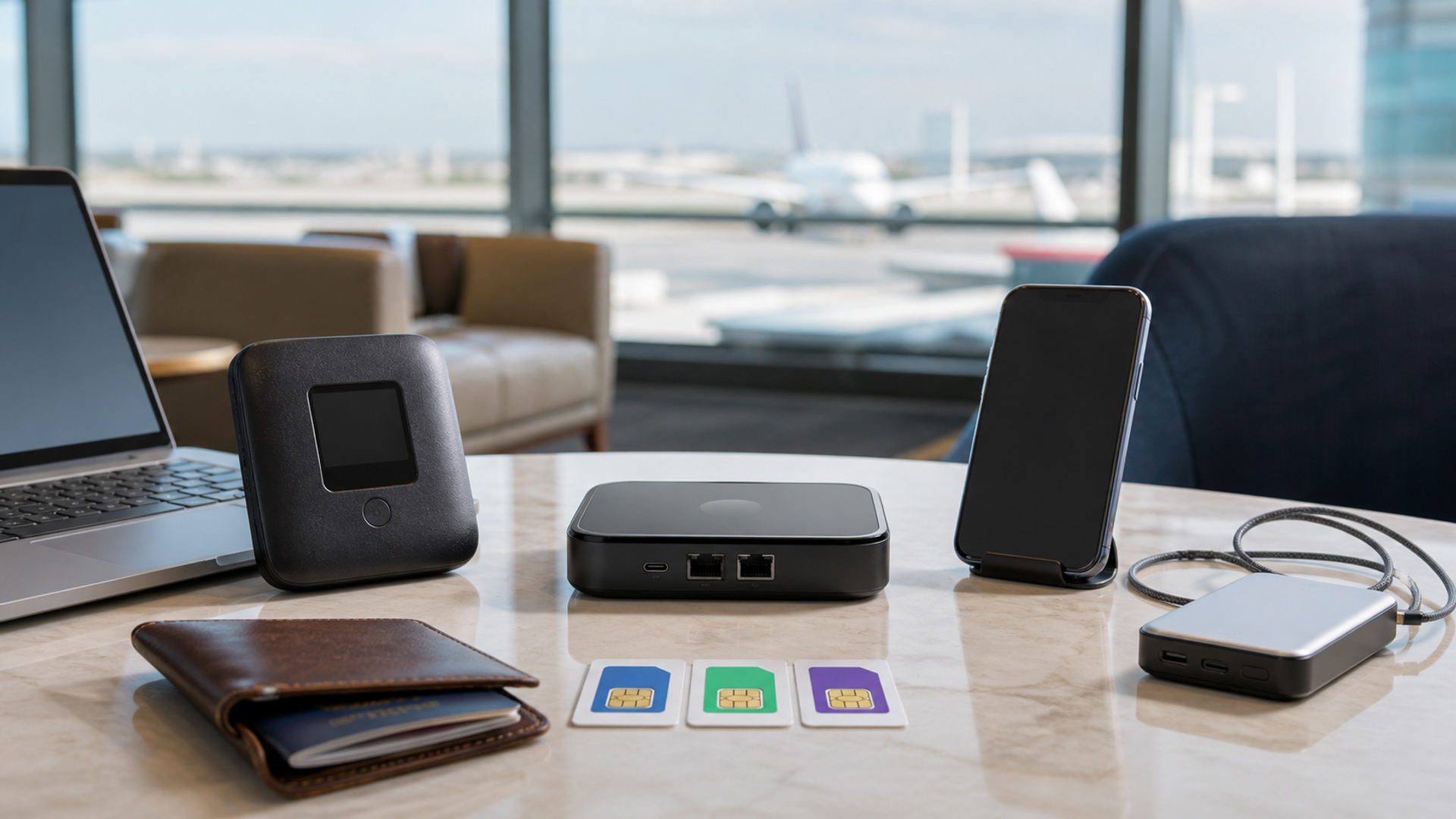
Portable Wi-Fi can mean three different things: a cellular hotspot with its own SIM, a travel router that turns an existing connection into a private local network, or a phone sharing its data plan. They solve different failures. Buying the most expensive device before choosing the architecture can leave a traveller with excellent hardware and no usable data in the next country.
Choose the connection architecture first
Use an unlocked hotspot for a multi-device team that needs independent cellular service, a travel router when hotel Ethernet or Wi-Fi must be shared securely, and phone tethering for light single-user trips where the handset plan already works. Verify bands, carrier rules, power and captive-portal behaviour for every destination.
| Decision factor | Unlocked cellular hotspot | Travel router | Phone tethering |
|---|---|---|---|
| Upstream link | A local or roaming SIM supplies cellular data | Hotel Wi-Fi, Ethernet or phone tethering supplies internet | The phone's own plan supplies data |
| Device count | Several laptops and phones need one independent connection | Several devices need one trusted local network | One or two devices connect occasionally |
| Country change | Supported bands and SIM rules are checked per market | The upstream service changes while the local network stays familiar | The handset plan and roaming policy are rechecked |
| Privacy | Administrator and firmware controls are understood | VPN and local-network policy are configured deliberately | The phone remains the gateway and battery bottleneck |
| Power | A dedicated battery and charger are carried | USB power is continuously available | Phone heat and battery drain are acceptable |
| Recovery | A second SIM or phone route exists | Direct device connection remains possible | A local SIM or public network is the fallback |
This best portable WiFi for international travel matrix is the article's working value object. Read the best portable WiFi for international travel rows together: the decisive failure mode depends on this topic's evidence, operating context and reader objective.
Evidence that survives a border crossing
Evidence 1. The FCC advises travellers to understand their provider's international roaming terms before departure because charges and availability vary by plan and destination.
Evidence 2. A travel router does not create internet service; it republishes an existing Ethernet, Wi-Fi or tethered connection as a local network.
Evidence 3. Unlocked hotspot usefulness depends on supported cellular bands and local carrier acceptance, not merely a 4G or 5G label.
Evidence 4. IATA passenger guidance treats spare lithium batteries and power banks as carry-on items subject to capacity and airline conditions, which matters to hotspot and router power plans.
Reader-visible sources checked for this article:
fcc.gov — reader-visible current or official evidence
iata.org — reader-visible current or official evidence
earthsims.com — reader-visible current or official evidence
gl-inet.com — reader-visible current or official evidence
For best portable WiFi for international travel, these sources establish only the claims inside their documented scope. Recheck every changeable specification, availability condition, price, policy or service term in the relevant market before acting.
Build the country-switching cost model
The upstream link row exposes a practical boundary. Route one assumes a local or roaming SIM supplies cellular data, while route two is defensible only when hotel Wi-Fi, Ethernet or phone tethering supplies internet. Route three depends on the phone's own plan supplies data. If that evidence is absent, keep the more reversible option.
Read device count as a stop/go test: several laptops and phones need one independent connection supports the first option; several devices need one trusted local network supports the second; and one or two devices connect occasionally supports the third. Record which source proves the condition and when it was checked.
A buyer can resolve country change without starting from a brand preference. Ask whether supported bands and SIM rules are checked per market; compare that with whether the upstream service changes while the local network stays familiar; then use the handset plan and roaming policy are rechecked as the third route's safeguard. An unknown condition stays unknown.
On privacy, popularity is not enough. The evidence for option one is that administrator and firmware controls are understood. Option two means vPN and local-network policy are configured deliberately. Option three is rational where the phone remains the gateway and battery bottleneck. Recheck any changeable term immediately before commitment.
The decision changes at power. Choose the first path only if a dedicated battery and charger are carried; move to the second when uSB power is continuously available; use the third when phone heat and battery drain are acceptable. Save the downside that would make this row fail.
For recovery, the first route works when a second SIM or phone route exists; the second requires direct device connection remains possible. The control for the third is a local SIM or public network is the fallback. Verify this row against the exact product, property, account or environment before it can reverse the decision.
Facts that would reverse the current choice
Reversal control 1 — Upstream link. Before choosing Unlocked cellular hotspot, write down how the decision changes if “A local or roaming SIM supplies cellular data” proves false. Do the same for Travel router and “Hotel Wi-Fi, Ethernet or phone tethering supplies internet”. Keep the Phone tethering route available until “The phone's own plan supplies data” is verified. This control belongs to best portable WiFi for international travel; update it from the cited source or exact supplier rather than copying a generic checklist.
Reversal control 2 — Device count. Before choosing Unlocked cellular hotspot, write down how the decision changes if “Several laptops and phones need one independent connection” proves false. Do the same for Travel router and “Several devices need one trusted local network”. Keep the Phone tethering route available until “One or two devices connect occasionally” is verified. This control belongs to best portable WiFi for international travel; update it from the cited source or exact supplier rather than copying a generic checklist.
Reversal control 3 — Country change. Before choosing Unlocked cellular hotspot, write down how the decision changes if “Supported bands and SIM rules are checked per market” proves false. Do the same for Travel router and “The upstream service changes while the local network stays familiar”. Keep the Phone tethering route available until “The handset plan and roaming policy are rechecked” is verified. This control belongs to best portable WiFi for international travel; update it from the cited source or exact supplier rather than copying a generic checklist.
Reversal control 4 — Privacy. Before choosing Unlocked cellular hotspot, write down how the decision changes if “Administrator and firmware controls are understood” proves false. Do the same for Travel router and “VPN and local-network policy are configured deliberately”. Keep the Phone tethering route available until “The phone remains the gateway and battery bottleneck” is verified. This control belongs to best portable WiFi for international travel; update it from the cited source or exact supplier rather than copying a generic checklist.
Reversal control 5 — Power. Before choosing Unlocked cellular hotspot, write down how the decision changes if “A dedicated battery and charger are carried” proves false. Do the same for Travel router and “USB power is continuously available”. Keep the Phone tethering route available until “Phone heat and battery drain are acceptable” is verified. This control belongs to best portable WiFi for international travel; update it from the cited source or exact supplier rather than copying a generic checklist.
Reversal control 6 — Recovery. Before choosing Unlocked cellular hotspot, write down how the decision changes if “A second SIM or phone route exists” proves false. Do the same for Travel router and “Direct device connection remains possible”. Keep the Phone tethering route available until “A local SIM or public network is the fallback” is verified. This control belongs to best portable WiFi for international travel; update it from the cited source or exact supplier rather than copying a generic checklist.
Make a band-and-carrier sheet
For each destination, list the carrier, required radio bands, SIM or eSIM form, hotspot permission, expected coverage and top-up method. Match that sheet to the exact hardware model and regional variant. A device can roam well in one market and fall back to weak coverage in another even when the marketing name is identical.
Do not confuse a router with a hotspot
A cellular hotspot contains a modem. A travel router may contain no cellular modem at all and instead shares hotel Wi-Fi, Ethernet or a tethered phone. The router is valuable when several devices should retain one SSID, VPN policy and local network, but it cannot rescue a destination where no upstream connection exists.
Calculate cost by trip, not by gigabyte alone
Add device purchase, SIM delivery, activation, regional plans, roaming, idle months and emergency top-ups. Then model the number of people and devices. A dedicated hotspot can be cheaper for a team but wasteful for a solo weekend; tethering can be free until battery drain and plan restrictions become the dominant cost.
Rehearse the no-service morning
Save offline maps, booking details and authentication recovery before travel. Carry a second route that does not depend on the same account or battery. Test how captive portals work, whether the VPN reconnects and how the router is reset without exposing saved credentials. Connectivity resilience is a procedure, not a logo.
Three international connectivity plans
Two-week multi-country executive trip
An unlocked hotspot works when band coverage and local data plans are verified and several devices need continuity. Define the fact that would reverse this recommendation before committing.
Hotel-based remote work
A travel router is strongest when the upstream connection changes but the laptop, phone and security policy should not. Define the fact that would reverse this recommendation before committing.
Light solo travel
Phone tethering is rational when use is occasional and an offline fallback already exists. Define the fact that would reverse this recommendation before committing.
Action checklist
List every destination and carrier.
Match radio bands to the exact model.
Read hotspot and roaming terms.
Calculate total trip cost.
Check captive-portal support.
Set a unique administrator password.
Update firmware before departure.
Test VPN reconnection.
Pack compliant power and cables.
Prepare an offline and second-network fallback.
Continue the decision
The linked VERTU articles expand adjacent parts of the best portable WiFi for international travel decision. They do not substitute for the external evidence above.
The portable Wi-Fi verdict
Use an unlocked hotspot for a multi-device team that needs independent cellular service, a travel router when hotel Ethernet or Wi-Fi must be shared securely, and phone tethering for light single-user trips where the handset plan already works. Verify bands, carrier rules, power and captive-portal behaviour for every destination.
Keep the best portable WiFi for international travel decision reversible until its material cost, safety, access, privacy and compatibility facts are verified. Unknown evidence stays unknown; it is never silently scored as favourable.