

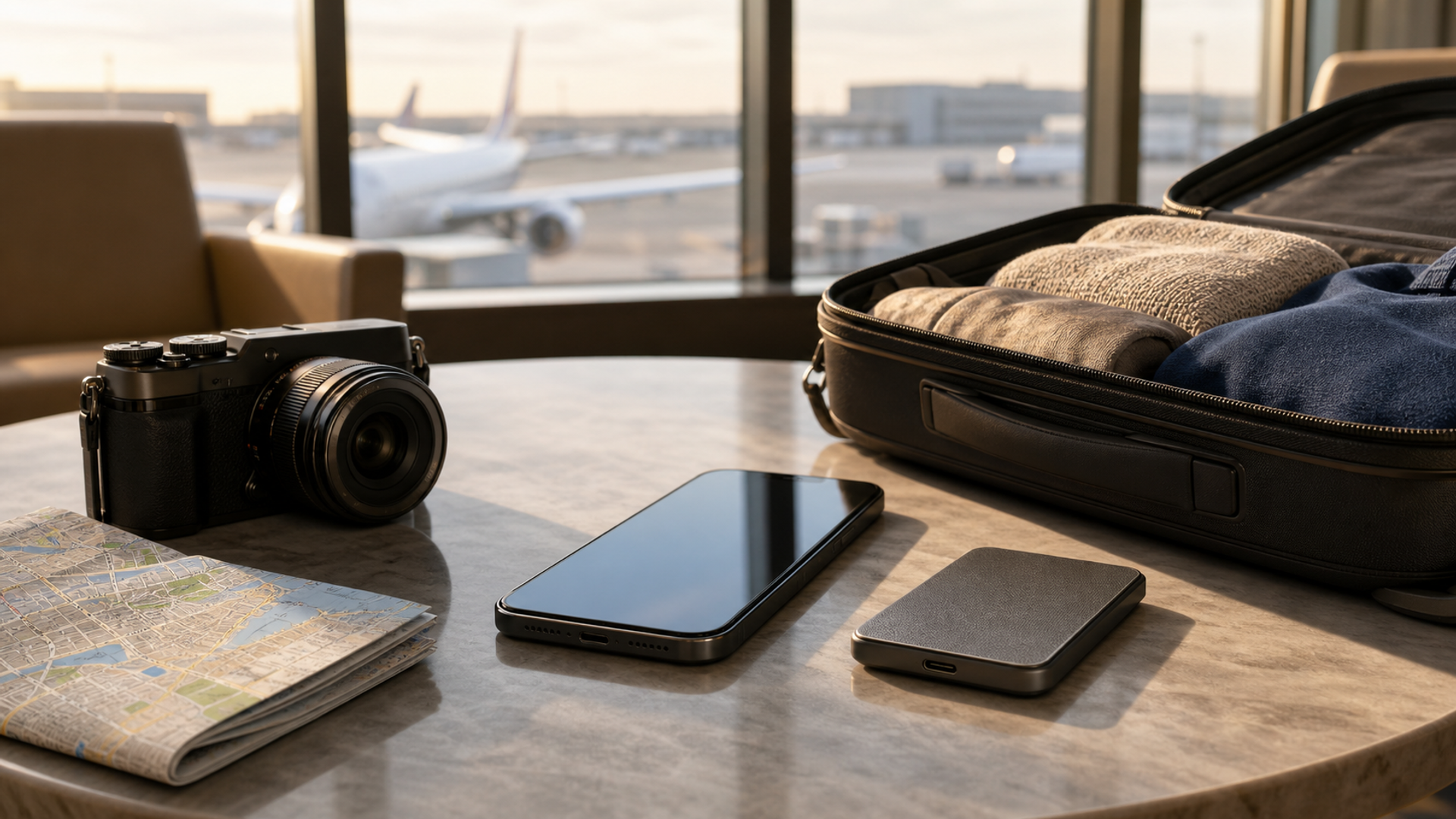
For most travellers buying a premium phone in 2026, 256GB is the sensible default. Choose 512GB if you regularly shoot high-resolution video, carry large offline media libraries or expect the phone to remain your main device for four or five years. Choose 1TB only when the phone is genuinely part of your production or business workflow—not because “more storage” sounds like effortless future-proofing. This analysis is supported by Samsung Galaxy S26 Ultra storage options.
The useful question is not, “How much storage can I afford?” It is, “How much working space will remain on the worst day of my trip?” That day may include downloaded maps, two streaming series, a week of photographs, several large message threads, an offline document archive and a burst of video captured before you have reliable Wi-Fi.
That is why a storage decision should be made as a budget, not as a specification comparison.
The short answer
| Capacity | Best for | Main compromise | VERTU Signals verdict |
|---|---|---|---|
| 256GB | Most travellers, everyday photography, moderate offline media | Requires periodic housekeeping if you record much high-resolution video | Best default |
| 512GB | Frequent flyers, mobile creators, large offline libraries, long ownership | Higher purchase cost; still not a substitute for backup | Best “low-maintenance” choice |
| 1TB | Professional video, large confidential offline archives, phone-as-workstation use | Expensive capacity that many owners never use | Specialist choice |
The table assumes the phone has no removable storage. It also assumes you keep a meaningful free-space reserve. A device filled to its final gigabyte is not a well-managed travel device: it has no room for new media, downloads, app updates or emergency file transfers.
Start with usable space, not the number on the box
The advertised capacity is not a blank container. The operating system, pre-installed software, caches and recovery data all consume part of it. Your working budget should therefore start below the headline figure.
A conservative planning method is to reserve capacity in five buckets:
System and app reserve — the operating system, app installations, updates and caches.
Permanent personal library — messages, photographs, documents and media that remain on the phone.
Travel load — maps, translation packs, tickets, destination guides and offline entertainment.
Creation headroom — photographs, video, audio recordings and downloaded work files created during the trip.
Safety margin — free space that should still exist when you return home.
The safety margin matters because travel creates storage in bursts. A quiet week can become a large video library after one event, and a delayed flight can prompt several extra film downloads. Storage planning should absorb those bursts without forcing you to delete material in an airport lounge.
Build your own storage budget
Use this worksheet before choosing a capacity. The figures are planning allowances, not universal file-size claims; actual usage depends on format, device, app and recording settings.
| Storage bucket | Light traveller | Frequent traveller | Mobile creator/executive |
|---|---|---|---|
| System, apps and working reserve | 50GB | 70GB | 90GB |
| Existing photos, messages and files | 40GB | 80GB | 150GB |
| Offline maps, music and video | 25GB | 70GB | 100GB |
| New trip media and documents | 25GB | 80GB | 250GB+ |
| Desired free-space margin | 30GB | 50GB | 100GB |
| Planning total | 170GB | 350GB | 690GB+ |
This is not a prediction of what every person will use. It is a decision tool. Replace each allowance with the usage shown on your current phone, then add the content you expect to carry offline. If your realistic total sits below about 200GB, 256GB is defensible. If it approaches or exceeds 300GB, 512GB removes regular friction. If your working set moves beyond 600GB, a 1TB phone or an external-storage workflow becomes rational.
Video is the variable that changes everything
Photography grows a library gradually. High-quality video can change the storage equation in a single afternoon.
Apple’s current ProRes support guidance illustrates why capacity can affect capability: supported recording resolutions and frame rates differ by built-in storage and model, while supported iPhones can also record certain professional formats directly to external storage. The point is broader than one brand. If video is part of your work, storage is not only about how many clips fit; it can shape how you capture, transfer and edit them. This analysis is supported by Apple iPhone 17 Pro specifications.
Ask four questions:
Do you record ordinary family and travel clips, or long professional sequences?
Do you retain original footage on the phone after editing?
Can you offload reliably each evening?
Would losing cloud access interrupt the job?
If you shoot short clips and use automatic cloud backup, 256GB remains practical. If you record frequent 4K footage and want several days of originals available, 512GB is a calmer choice. If the phone is a field camera, interview recorder or on-location editing device, 1TB may be cheaper than the operational cost of constant transfers—although a separate backup is still essential.
Offline travel changes the calculation
Cloud storage is useful at home, where fast and trusted connectivity is predictable. It is less comforting on a train crossing a border, on a congested conference network or in a country where roaming is expensive.
Offline capacity earns its value in four situations:
Multi-country navigation
Downloaded maps prevent a connectivity problem from becoming a wayfinding problem. If you move between several regions, those downloads accumulate.
Long-haul entertainment
Downloaded films, series, podcasts and music can occupy far more space than expected. Families sharing a device or travellers preparing for several sectors should budget before departure, then delete expired downloads after the trip.
Translation and reference material
Offline languages, guidebooks, PDFs and destination documents are individually modest but collectively persistent. They are exactly the files people forget when estimating capacity.
Confidential working sets
Executives may deliberately keep selected documents local so that a meeting does not depend on hotel Wi-Fi. That can be sensible, but storage capacity does not make the files safe. Device encryption, access controls, remote-loss procedures and an authorised document policy still matter.
How long will you keep the phone?
Storage requirements usually rise during ownership. Camera libraries expand, apps become larger, message attachments accumulate and people become less disciplined about deletion.
For a two-year replacement cycle, choose based on your current use plus a modest buffer. For four or five years, consider whether your habits are changing. Someone beginning to create video, travel more frequently or run AI-assisted workflows locally has a stronger case for 512GB than someone whose usage has been stable for years.
Future-proofing has limits. Paying for unused 1TB capacity does not guarantee longer software support, better battery health or easier repair. Capacity protects only against a capacity constraint.
When 256GB is enough
Choose 256GB confidently if most of these are true:
your current phone uses well under 150GB;
photographs, rather than long video, dominate your library;
you are comfortable with reputable cloud backup;
you download media for individual trips and remove it afterwards;
you do not maintain a large confidential offline archive;
you can offload footage without disrupting work.
The discipline required is modest: review downloads after travel, remove duplicated video edits and check storage before major operating-system updates.
When 512GB earns its cost
The jump to 512GB is less about status than freedom from small decisions. It is appropriate when:
your existing usage is already around 180–250GB;
you take several long trips each year;
you keep extensive offline media;
you shoot high-resolution video but are not a full-time mobile filmmaker;
your phone is expected to last four or five years;
several workspaces or private profiles duplicate app and file storage.
For many premium-phone buyers, this is the most balanced capacity: large enough to absorb an untidy month, but not priced like specialist production equipment.
When 1TB is genuinely rational
One terabyte makes sense when storage itself is part of the job. VERTU ALPHAFOLD, for example, is specified in the current VERTU product knowledge base with 16GB RAM and 1TB ROM. Its larger foldable workspace and business positioning make that capacity understandable for users who carry documents, dashboards and media across authorised workflows. Specifications and service availability can vary by market and configuration, so the official AlphaFold page remains the live reference.
More generally, choose 1TB if you can name the files that will occupy it:
days of high-quality source footage;
large offline creative projects;
multiple local work libraries;
substantial media needed where connectivity is unreliable;
an intentional phone-as-primary-computer workflow.
If the explanation is simply “I never want to think about storage”, 512GB will often deliver the same experience at lower cost.
Storage is not backup
Answer 1TB phone can hold more irreplaceable material—and therefore create a larger single point of failure. Loss, theft, physical damage or account lockout can affect any capacity.
A resilient travel workflow has at least two copies of important material, with one copy separate from the phone. For professional or confidential work, follow the organisation’s approved backup and data-retention rules rather than improvising with a personal cloud account or an unencrypted drive.
Before departure:
confirm that recent photographs and essential documents are backed up;
test that you can restore account access without relying solely on the travelling phone;
carry only the confidential files the trip requires;
verify any external drive and cable before using them in the field;
leave enough free space for unexpected capture and updates.
The final decision
Buy 256GB when your measured usage and travel load fit comfortably below it. Buy 512GB when you want several years of headroom, regular offline media and freedom to shoot without daily housekeeping. Buy 1TB when a defined production or business workflow will use it.
The best capacity is not the largest number. It is the smallest capacity that still leaves you calm, connected and able to work on the most demanding day of the trip.


