Introduction
Confidential communication is no longer a single app choice. For an executive in 2026, it’s a system: hardware trust, an OS that stays current, and communication tools that reduce exposure—both in content and in metadata.
If you’re searching for the best phone for confidential communication, you’re really deciding which ecosystem you can operate safely under pressure.
This guide is built for real executive constraints: cross-border travel, assistants and calendars, board decks, legal threads, and the unavoidable mix of personal and corporate identities.
Key TakeawayThe “best phone” depends on your threat model. The right choice is the one you can keep updated, govern, and use consistently—especially under travel pressure.
How to use this guide: start with the three picks below, then use the criteria sections to pressure-test your selection. Finally, apply the setup and practices to operationalize confidential communications day-to-day.
Executive Picks
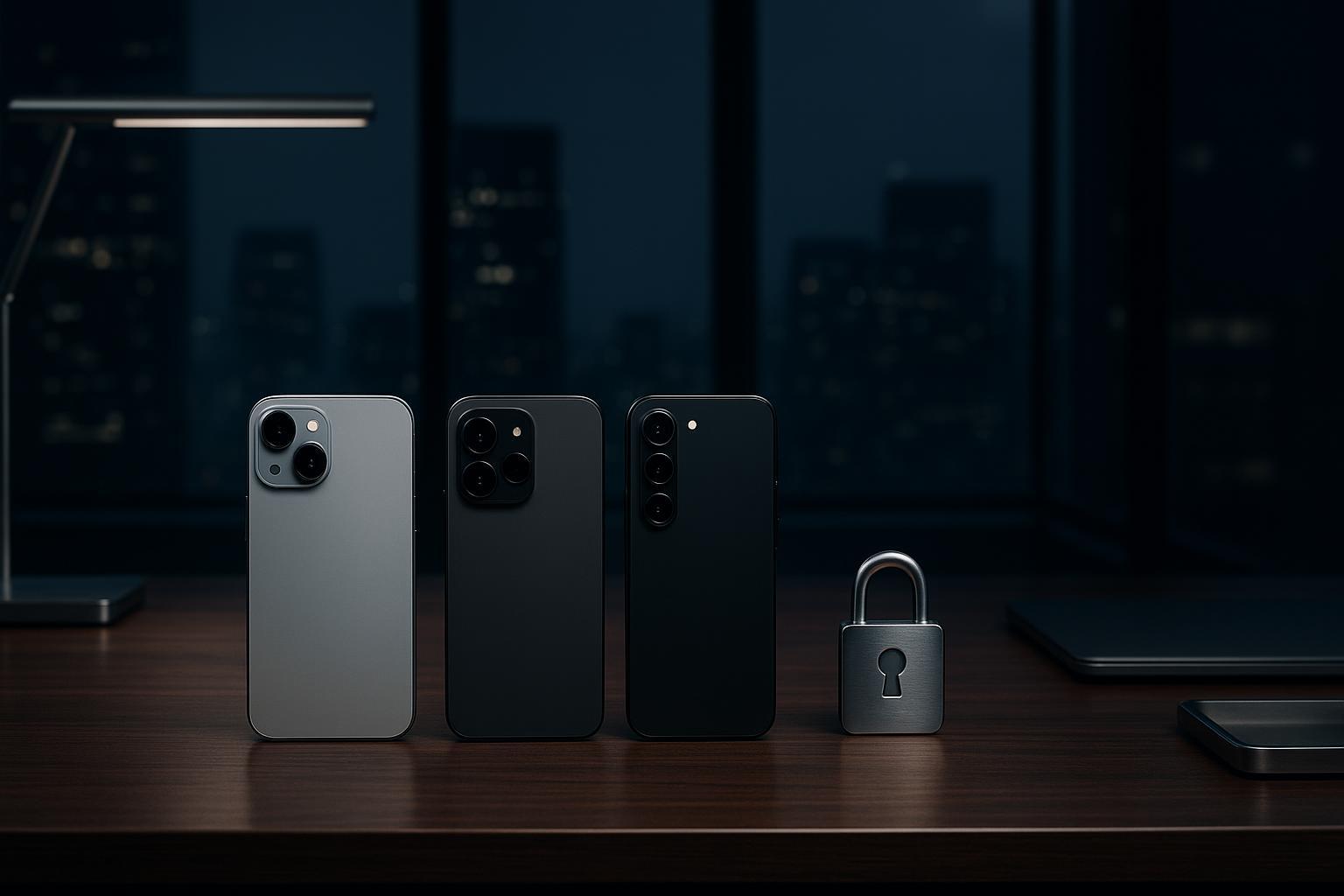
iPhone 16/16 Pro (iOS 18–19)
Choose iPhone if you want strong default security, a mature ecosystem, and a pragmatic path to higher-risk hardening without turning your phone into an IT project. For many teams, it’s also the most practical secure phone for executives because the operational friction stays low.
The decisive executive feature is Lockdown Mode—an “optional, extreme protection” designed for a narrow set of people who may be personally targeted by highly sophisticated threats, as Apple explains in About Lockdown Mode. It’s not a general setting; it’s a posture. Treat it as Lockdown Mode iPhone security for elevated-risk windows, not your everyday default.
Where iPhone tends to excel for confidential communication is consistency: updates are frictionless, security controls are cohesive, and there’s less variance between “what the platform can do” and “what actually gets used” by busy teams.
Pixel 8/9 with GrapheneOS
Choose a Pixel with GrapheneOS if you have high sensitivity to privacy and attack surface—and you’re willing to trade mainstream convenience for a more hardened posture. If you’re specifically evaluating GrapheneOS Pixel security, this is the option that rewards operational discipline.
Two factors matter for executives:
First, update runway. Even before you factor in GrapheneOS itself, the Pixel line offers a long support horizon. Google committed to seven years of software support for Pixel 8-series devices (OS and security updates), in its seven-year Pixel update commitment.
Second, hardening philosophy. GrapheneOS emphasizes exploit mitigation and attack-surface reduction, including enhanced verified boot, a hardened memory allocator, and a robust update/rollback model, as described in GrapheneOS security features.
In practice, this option is strongest when you can treat the phone as a dedicated secure endpoint—rather than a “do everything, every app” personal device.
Galaxy S24/S25 with Knox
Choose Galaxy with Knox if you need enterprise controls, strong fleet governance, and deep policy enforcement—especially if your reality includes corporate compliance, supervised devices, and managed app distributions. In short: Samsung Knox enterprise security is built for enforceability.
Samsung positions Knox Platform for Enterprise as a defense-grade security and policy layer with capabilities beyond standard Android.
At the hardware level, Knox Vault is designed as an isolated subsystem for protecting credentials and cryptographic keys even if the main OS is compromised.
If you have IT support—or you are the IT policy—this is often the most governable choice.
Evaluation Criteria for the best phone for confidential communication
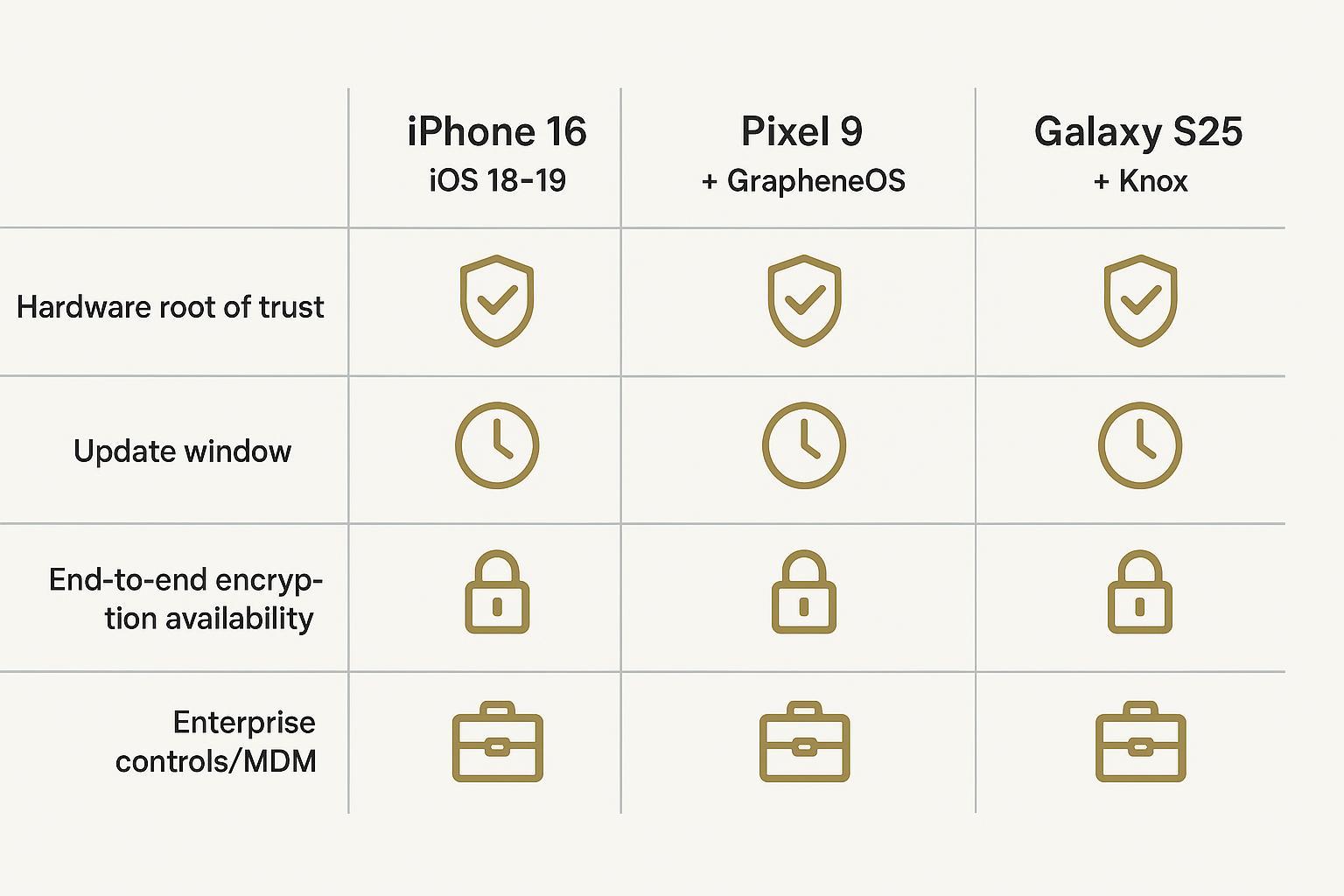
Hardware root of trust
Confidential communication starts before the OS boots.
A “hardware root of trust” is the foundation that lets a device prove it’s running trusted software and keep sensitive keys isolated. In executive terms: it’s what stands between a stolen phone and your identity, and it’s what makes device integrity checks meaningful.
What to look for:
Hardware-backed key storage and secure boot pathways.
Strong protection of unlock credentials and cryptographic keys.
A platform story that makes tampering detectable, not just theoretically “unlikely.”
On the Samsung side, the most explicit articulation of this idea is Knox Vault’s physically isolated design for credentials and keys in the official Knox Vault documentation.
OS hardening and updates
For executives, the best security feature is a device that stays updated.
You are defending against two timelines at once:
The vulnerability timeline (how fast exploits emerge and spread).
The update timeline (how quickly your device fleet actually receives and installs patches).
This is where policy and support horizon matter.
Google’s explicit bet is longevity: Pixel 8-series devices receive seven years of updates per Google’s own Pixel software support announcement. That runway is useful if you keep devices longer than consumer upgrade cycles.
GrapheneOS focuses on exploit mitigation and reducing persistent compromise. Its features page is unusually specific about verified boot hardening, exploit mitigations, and updates/rollback mechanisms in GrapheneOS security features.
On iPhone, the key executive question is not “does it have security?” but “what security mode do I need this week?” Lockdown Mode exists specifically for the rare cases where you assume targeted attacks.
Comms security and metadata
Most executives over-focus on message encryption and under-focus on metadata.
Encryption protects message content. Metadata is everything else: who you talk to, when, how often, from where, and how your identities connect across apps.
Three practical points:
Use end-to-end encrypted channels for message content. But remember that E2EE does not eliminate metadata.
Verify identities for high-stakes conversations. iMessage adds an optional verification layer designed to help detect sophisticated threats and verify you’re messaging the intended person, explained in About iMessage Contact Key Verification.
Know what the platform can (and can’t) access. Apple’s security documentation states that iMessage content and attachments are end-to-end encrypted and that Apple doesn’t store message content or attachments in the service.
The executive takeaway: pick the ecosystem where you can keep identities clean (work vs personal), maintain discipline, and apply verification when stakes rise.
Threats and Mitigations
Zero-click and spyware defenses
“Confidential” fails most often through one of two paths:
A device compromise that grants an attacker durable access.
A momentary compromise that extracts enough intelligence to be operationally damaging.
Modern spyware campaigns frequently abuse complex parsers and interaction surfaces: message attachments, link previews, browser engines, and system services.
For iPhone, Lockdown Mode is purpose-built for this risk tier. The price is reduced convenience.
For executives who only need this posture during certain windows—high-profile travel, negotiations, or elevated publicity—the operational advantage is reversibility. EFF notes you can toggle Lockdown Mode on and off depending on risk level, with clear trade-offs, in its Lockdown Mode guide.
GrapheneOS approaches the same problem with systematic hardening: verified boot hardening, exploit mitigations, and memory-safety defenses are part of the posture described in GrapheneOS security features.
⚠️ WarningIf you suspect targeted spyware, “better settings” are not enough. Assume your identity graph (accounts, assistants, backups) is part of the attack surface, not just the handset.
Travel profiles and eSIM compartmentalization
Travel is when executive security usually degrades—because convenience suddenly becomes the priority. If you care about smartphone security for business travel, you need a plan that still works when you’re jet-lagged and moving fast.
A practical travel posture aims to compartmentalize:
Your primary number and identity.
Your travel connectivity (local eSIMs, hotel Wi‑Fi).
Your high-stakes communication channels.
The core idea is to reduce cross-contamination. If your travel eSIM is linked to high-risk networks or regions, it shouldn’t also be the identity used for sensitive threads.
What this looks like in practice:
Keep a clean, primary identity for board/legal communications.
Use a separate travel profile or device for local connectivity and lower-trust interactions.
Avoid reusing the same accounts across your “secure” and “travel” footprints.
This is less about a specific brand feature and more about discipline—especially when assistants, drivers, and local teams are involved.
Enterprise controls and MDM policies
If you can’t enforce policy, you don’t have confidential communications—you have hope.
The operational question is: can your organization do all three?
Provision devices securely and consistently.
Enforce policy (passcodes, updates, app permissions, work/personal boundaries).
Respond quickly when risk rises.
Be aware of trade-offs. For example, Lockdown Mode can block MDM enrollment and supervision while enabled. That doesn’t make it “bad”—it makes it a specialized posture you plan for.
Setup and Practices
Device hardening essentials
A confidential-communications phone fails most often in the basics, not the exotic.
Start here:
Use a long passcode, not a short PIN.
Keep OS and app updates turned on, and actually install them.
Remove unnecessary apps. Every extra app is an extra permission surface.
Reduce lock-screen leakage (notification previews, quick replies).
Turn off radios you don’t use (Bluetooth, NFC) especially during travel.
If you are in the rare category where targeted threats are plausible, treat Lockdown Mode as a posture you can enter quickly. EFF’s practical explanation of who it’s for and what it breaks is worth reading before you need it.
Messaging hygiene across platforms
Confidentiality is as much behavior as technology.
Three hygiene rules that hold across ecosystems:
Pick one “high-stakes channel” for truly sensitive threads—and keep it boring. Fewer platforms means fewer identity links.
Verify identities for high-risk conversations. On iMessage, Contact Key Verification provides a structured way to do this.
Keep assistants and secondary devices in mind. If your assistant can reset your accounts, your “secure messaging” posture includes their device and permissions.
Incident response playbook
The only good incident response is one you can execute quickly.
A minimal executive playbook:
Assume compromise when signals are credible (unusual account prompts, unexpected verification alerts, odd device heat/battery, contacts receiving strange messages).
Move to a secondary channel that you control and trust.
- Contain identitiesrevoke active sessions, rotate passwords, tighten recovery options.
Preserve evidence where feasible (screenshots of alerts, timestamps, affected accounts).
- Reset with intentionfactory reset may be appropriate, but only after you’ve controlled account recovery and backup hygiene.
Your goal is to reduce decision-making under stress. Pre-decide who you call, what devices you use as backups, and what “stop using this phone” looks like.
Buying Scenarios
Solo executive buyer
If you’re buying for yourself, don’t over-optimize for a perfect spec.
Decide based on the constraint that will actually govern your behavior:
If you will realistically keep everything updated and want a low-friction secure baseline, iPhone is often the easiest path.
If you want a hardened, privacy-forward posture and can dedicate the device to that role, a Pixel with GrapheneOS can be compelling.
If you need strong governance and enterprise controls (even as a “team of one” with an IT advisor), Galaxy with Knox is the most policy-native.
IT-managed executive fleets
For fleets, “confidential” is a lifecycle problem.
Prioritize:
Enrollment that actually happens.
Policies that are enforceable without constant exceptions.
Update governance you can measure.
A response posture for travel and elevated-risk windows.
This is where platforms with mature enterprise controls—and teams who can operate them—tend to win.
High-risk professions and travel
If your work makes you a plausible target (investigations, activism, sensitive negotiations, litigation, high-profile finance), assume your phone can become the easiest choke point.
In these cases:
Treat “high-risk mode” as a repeatable posture.
Reduce app surface area aggressively.
Compartmentalize travel identities.
Use identity verification, not just encryption.
For Android, the strongest posture usually comes from combining long update horizons (so you aren’t stranded on outdated software) with a hardened OS configuration and disciplined operational behavior.
Conclusion
The shortlist is simple:
iPhone 16/16 Pro if you want the most practical secure baseline, with an extreme hardening option for rare high-risk windows.
Pixel 8/9 with GrapheneOS if you want a more hardened, privacy-forward posture and can accept operational trade-offs.
Galaxy S24/S25 with Knox if you need enterprise-grade governance and enforceable device policies.
Next steps: pick the ecosystem you can keep updated and governed, then operationalize it—separate identities for travel, verify contacts when the stakes rise, and pre-plan your incident response.
Revisit your criteria at least annually and whenever major OS changes, travel patterns, or public profile shifts change your real-world risk.