

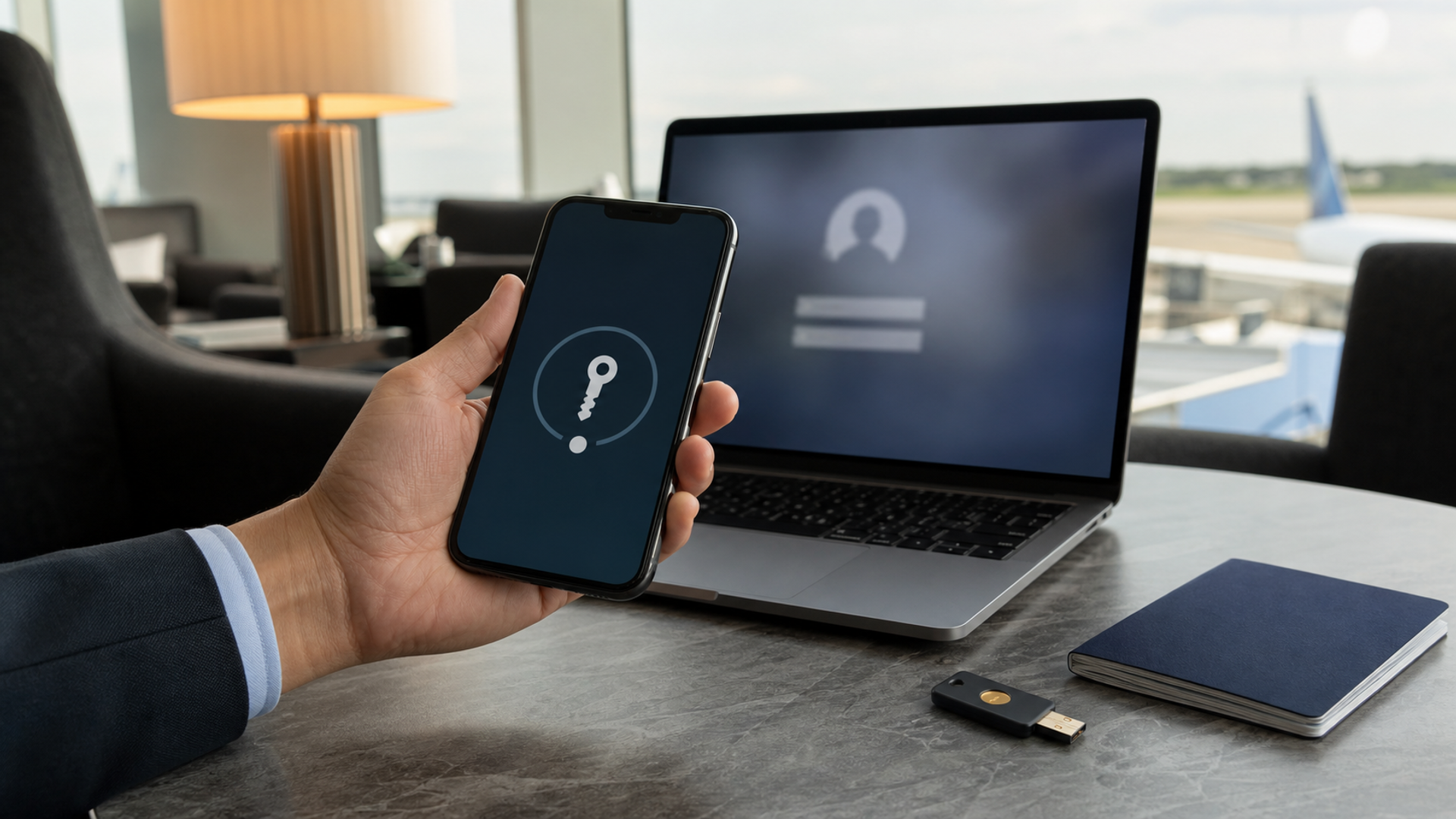
Use a passkey when the service supports it and the account-recovery path has been tested. A well-implemented passkey is generally safer against phishing than a reusable password because the credential is bound to the legitimate site and the private key is not typed, copied or sent to the server. Keep a password only where it is still required, and protect it with a password manager plus the strongest phishing-resistant multi-factor option the service offers.
The difficult part is not the cryptography. It is continuity. Executives and frequent travellers lose devices, cross borders, change SIMs, work through hotel networks and sometimes need an assistant or IT team to restore access. A passkey programme that ignores recovery can turn a security improvement into an operational lockout. The right design compares sign-in, device loss, account recovery, delegation and travel risk as one system.
Passkey and password risk matrix
| Scenario | Passkey | Password | Best control |
|---|---|---|---|
| Fake login page | Credential is scoped to the genuine site, reducing phishing exposure | User can type a password into an imitation site | Prefer passkey or a hardware security key |
| Server breach | Service stores public-key material rather than a reusable secret | Password hashes can be attacked and reused credentials create wider risk | Unique credentials and rapid breach response |
| Device theft | Access still depends on device unlock and account controls | Saved passwords may also be exposed through an unlocked device | Strong device passcode, remote lock and short screen timeout |
| New device setup | Can sync through an ecosystem or transfer by approved flow | Password manager can sync or export | Test the exact recovery method before travel |
| Shared or delegated work | Personal passkeys should not be casually shared | Shared passwords are common but create weak accountability | Use role-based access and separate identities |
| Cross-platform use | Improving, but service and ecosystem support can vary | Nearly universal | Maintain a documented fallback for critical accounts |
| Border or device inspection | Synced credentials may be reachable after device unlock | Saved passwords face similar device-compromise risk | Travel-specific device and minimum-data policy |
| Account recovery | Can be strong or dangerously weak depending on the provider | Often falls back to email, SMS or support | Harden recovery channels and store recovery codes offline |
Why passkeys resist common phishing
Passkeys are based on FIDO public-key credentials. The user’s device creates a key pair for a particular service. The private key remains protected by the device or credential provider, while the service receives a public key. During sign-in, the device proves possession of the private key. Because the credential is associated with the legitimate relying party, a lookalike domain cannot simply collect and replay it.
That is a major improvement over a password, which is a shared secret a user can disclose to the wrong page. A password manager that autofills only on the correct domain already reduces risk, but users can still copy credentials, approve a malicious prompt or be tricked by an attacker controlling recovery. Passkeys remove a large, familiar attack path rather than making identity universally secure.
The FIDO Alliance describes passkeys as phishing-resistant replacements for passwords. NIST’s current digital-identity guidance similarly distinguishes phishing-resistant authenticators from methods that rely on manually entered codes. The security benefit depends on the service’s implementation and the surrounding recovery process.
A stolen device does not equal a stolen passkey
A passkey is normally protected by the device’s local unlock mechanism, such as a strong passcode or biometric. A thief holding a locked phone does not automatically obtain account access. The risk rises sharply if the thief knows the device passcode, can coerce unlock, controls the owner’s recovery number or has access to another trusted device.
Executives should treat the device passcode as a high-value credential. Use a long, non-obvious code, disable lock-screen data leakage and configure remote-location and wipe capabilities. Review what a person can change after unlocking the phone: account password, recovery contacts, payment settings and trusted devices may be more consequential than any single app.
Biometrics improve convenience but are not identical to legal or physical protection in every jurisdiction. High-risk travellers may need a documented mode that disables biometric unlock before a border crossing or sensitive meeting. Security policy should be reviewed with counsel and the organisation’s security team, not improvised at the airport.
Synced passkeys versus device-bound credentials
Many consumer passkeys sync through an Apple, Google, Microsoft or third-party credential ecosystem. Syncing makes them available on approved devices and makes replacement easier. It also concentrates trust in the ecosystem account. Protect that account with strong recovery, current trusted-device lists and alerts.
Device-bound passkeys or hardware security keys can offer tighter control for high-value enterprise accounts, but they demand lifecycle management. Spare keys must be enrolled, stored and periodically tested. Employees leaving a role need credentials revoked. A forgotten key in a distant safe is not resilience.
The choice should follow account criticality. A consumer streaming account and a treasury platform do not need the same ceremony. Classify accounts into personal, business operational, privileged administrative and financial tiers, then assign acceptable authenticators and recovery owners.
Recovery is where good security is often undone
An attacker who cannot phish a passkey may attack the recovery channel instead. If the provider restores access using a weak email password, an SMS number vulnerable to takeover or easily guessed personal information, the account is only as strong as that fallback. Map every route back into the account.
For each critical service, answer four questions: Who can initiate recovery? What evidence is required? Which device or address receives the notification? How long does revocation take? Store one-time recovery codes in an encrypted offline location accessible under a documented emergency process. Do not keep the only copy as a screenshot on the same phone.
Run a controlled recovery test before a major trip, without deliberately locking out the account. Confirm that a second trusted device works, that support contacts are current and that the organisation can revoke the lost device. Record the procedure in a secure operations system rather than in an ordinary note.
Passwords still need a disciplined retirement plan
Many services continue to require passwords, and some use a passkey as a convenient sign-in path while retaining password recovery. Do not interpret a passkey button as proof that the password no longer matters. Check whether the password can be removed, whether new-password login triggers an alert and whether legacy app passwords remain active.
Where passwords remain, use a reputable password manager to create a unique, long random password for every account. Avoid memorised variations, travel-themed passwords and reused corporate patterns. Pair important accounts with a hardware-backed or app-based phishing-resistant factor when available. SMS is better than no second factor in some contexts, but it should not be the preferred control for high-risk identities.
Clean up dormant accounts and old recovery numbers. Reducing credential inventory is a security control: every forgotten login is another potential recovery route and another service that may hold personal data.
Delegation without sharing credentials
An executive assistant, travel manager or finance team may need to act on behalf of an executive. Sharing a password—or registering a personal passkey on another person’s device—destroys accountability and complicates offboarding. Use the service’s delegated-access, team, role or approval features where available.
For actions involving money, data export or identity changes, separate preparation from approval. An assistant can build an itinerary or draft a payment while the account owner approves the final action through a trusted channel. Emergency access should be time-bounded, logged and reviewed.
If a service offers no safe delegation, that limitation belongs in the purchasing decision. Operational convenience should not quietly create a shared master identity.
Travel-day threat model
Airport and hotel environments create distraction, not magical network access. Attackers exploit urgency: a fake airline message, an unexpected Wi-Fi portal, a “security alert” during a delay or a call claiming a booking is at risk. Passkeys help when the attack relies on stealing a typed credential, but they cannot make a malicious payment request legitimate.
Before travel, update devices, remove unnecessary sensitive data, confirm backup access and tell the security team which countries and devices are in scope. Use the operating system’s personal hotspot or a trusted connection when practical, but remember that modern encrypted websites protect data in transit; the larger risks are fake destinations, compromised endpoints and social engineering.
After a suspected loss, switch to a known clean device, revoke sessions, mark the device lost, contact the organisation’s response owner and monitor high-value accounts. Do not spend the first hour arguing with a chatbot while privileged sessions remain active.
Where VERTU fits
Selected VERTU devices and services position user-approved agent assistance and privacy controls as part of a high-touch ownership experience. For eligible users, VERTU Concierge may help coordinate supported travel or service requests, while Hermes Agent actions should remain subject to user approval. Neither layer replaces an organisation’s identity provider, incident-response plan or the account owner’s recovery controls, and no device can guarantee privacy or prevent every compromise.
The useful connection is operational continuity: a secure phone, human assistance and an AI layer can reduce friction only when authority is explicit. Significant bookings, purchases, identity changes and external actions still require user authorisation. The passkey decision remains independent and should be based on the actual service implementation.
Executive migration checklist
Inventory critical personal and business accounts.
Enable passkeys first on the primary email, identity provider and financial accounts that support them.
Confirm whether the old password remains active.
Harden the Apple, Google, Microsoft or credential-provider account that syncs passkeys.
Enrol a second trusted device or approved hardware key.
Store recovery codes offline under a documented access policy.
Replace shared credentials with roles and delegated identities.
Test device-loss response and session revocation.
Create a travel mode with minimum necessary data and a known support route.
Review trusted devices, recovery contacts and dormant credentials every quarter.
Verdict
Passkeys are the safer default for supported services because they remove the reusable, phishable secret from the normal sign-in flow. Passwords should become a managed compatibility layer, not the centre of identity. For an executive or frequent traveller, the winning configuration is a passkey plus strong device unlock, protected ecosystem account, tested recovery, separate delegation and a rehearsed lost-device procedure. Without those controls, the weakest fallback can still decide the outcome.
Related VERTU reading
Our passkey, authenticator app or hardware key plan covers the next authentication decision. The executive guide to phones for confidential communication addresses the separate device-selection layer.


