

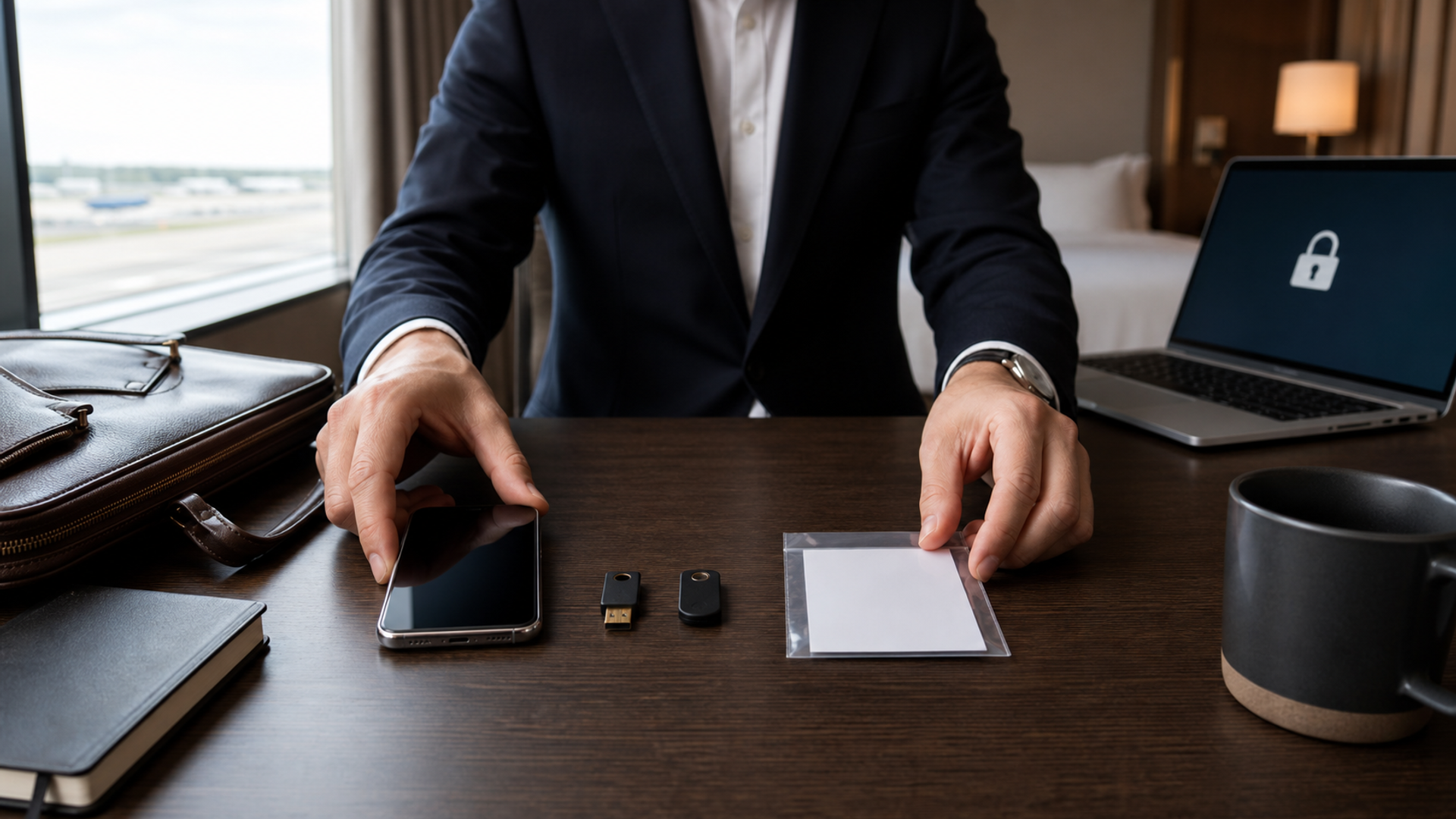
For most travellers, a passkey on a protected phone is the best everyday sign-in method. For high-consequence accounts, add a separately carried hardware security key. Keep an authenticator app only where a service does not yet support passkeys, and store recovery codes away from the device they recover.
That answer is deliberately layered. The most secure credential is not useful if losing one bag locks an executive out of email, banking, identity documents and the incident-response channel at once. Travel security is therefore a recovery design problem as much as an authentication problem.
The three-layer authentication matrix
| Layer | Best role | Main strength | Travel weakness | Practical control |
|---|---|---|---|---|
| Passkey | Daily sign-in on supported services | Resists conventional phishing because it is bound to the real service | Recovery depends on how the passkey is stored or synchronised | Know whether it is synced or device-bound before departure |
| Hardware security key | Backup or required second factor for critical accounts | Separate physical factor with strong phishing resistance | Can be lost, damaged or left in a checked bag | Enrol two keys and carry them separately |
| Authenticator app | Legacy services without passkey support | Works offline and is widely supported | Codes can still be phished; phone loss can remove access | Enable encrypted transfer or backup and preserve recovery codes |
| Recovery code | Break-glass account recovery | Independent of mobile signal | A photographed or poorly stored code can be copied | Keep a sealed copy in a secure, separate location |
Do not interpret the table as a product ranking. Each layer solves a different failure mode.
Why passkeys should be the default
A passkey uses public-key cryptography. The service stores a public key; the private credential remains under the control of the user's authenticator. The FIDO Alliance's passkey guidance explains that passkeys are tied to the website or app for which they were created. That origin binding is what makes a convincing fake login page far less useful to an attacker.
Unlocking a passkey with a fingerprint or face does not normally send that biometric to the website. The local device confirms the user and then performs the cryptographic sign-in. The UK's National Cyber Security Centre now recommends using passkeys wherever they are supported, while still emphasising account recovery and implementation quality.
The travel question is not simply “Do I have a passkey?” Ask where it lives:
A synced passkey can become available on another approved device through the platform account. This improves recovery but makes the platform account itself important.
A device-bound passkey may exist only on one phone or hardware key. It can provide tighter separation, but losing that device can be more disruptive.
A service may label an option a passkey while still retaining alternative recovery routes with weaker controls.
Before travel, open the security settings of the accounts that matter most and identify which model applies. Test recovery from a second approved device; do not discover the answer at an airport after the primary phone is missing.
When a hardware key earns its place
A hardware security key is most valuable when an account has high impact and a traveller has a credible way to keep a backup separate. Think primary email, identity provider, password manager, cloud administration, financial approval and the channel used to reach security staff.
FIDO's authenticator security levels distinguish progressively stronger resistance to physical and logical attacks. Certification level is useful evidence, but it does not correct a poor deployment. One key attached to the same phone and carried in the same briefcase does not create meaningful recovery separation.
For a high-risk trip, enrol two compatible keys in advance. Carry the daily key in the cabin and store the backup through a separately controlled route permitted by company policy. Never put the only recovery key in checked luggage. Confirm connector and wireless compatibility before departure, including any adapter needed by the travel phone or laptop.
Hardware keys can also create operational friction. Some mobile apps support passkeys but not every external key transport. Hotel business-centre computers should not be treated as trusted simply because a security key is present. A phishing-resistant credential protects the sign-in exchange; it does not make an unknown computer safe for confidential work.
Where authenticator apps still fit
Time-based one-time password codes remain common. They are useful because they can work without mobile service and because many legacy systems support them. They are not equivalent to passkeys: a user can still type a six-digit code into a convincing phishing page, and an attacker can relay it before it expires.
Keep an authenticator app for services that genuinely require it, not as the automatic choice for every account. Review whether the app supports protected export, encrypted backup or transfer to a second controlled device. A cloud backup can improve availability but changes the threat model; protect the account that holds it with a strong passkey and reviewed recovery options.
Avoid SMS as the sole fallback for a critical account when a stronger method is available. Roaming problems, number transfer attacks and a lost handset can turn the phone number into both the failed factor and the failed recovery route.
Five travel failures to design for
1. The phone is lost but the traveller still has the laptop
A synced passkey may restore access after the traveller proves control of the platform account. A separately carried hardware key can provide a more direct backup for selected accounts. The device should already be enrolled; emergency registration after loss defeats the point.
2. Both phone and laptop are in one stolen bag
This is why recovery material must not share one container. The traveller needs an out-of-band route: a separately held key, a sealed recovery code, an approved colleague or a documented enterprise identity process. The route should verify identity without asking the traveller to disclose a password or one-time code to a caller.
3. A hotel login page asks for corporate credentials
Do not enter them. Hotel Wi-Fi captive portals should request network access details, not corporate email credentials. Use a cellular connection or a prepared alternative while you verify the domain. The executive hotel connectivity guide separates captive portals, hotspots and travel routers by threat model.
4. There is no mobile signal
Passkeys and hardware keys can often authenticate without receiving an SMS. Authenticator codes also generate offline. The service itself still needs a network connection, so carry an eSIM, physical SIM or pocket-hotspot plan appropriate to the destination.
5. Border inspection or urgent device repair separates the user from a device
Minimise locally stored confidential material before travel and know how to revoke sessions from another trusted device. Do not improvise by giving a repair desk the credentials to a primary account. Enterprise travellers should have a named security contact and a written escalation path.
A 20-minute pre-departure drill
List the five accounts whose loss would stop the trip or expose other accounts.
Replace passwords with passkeys where the service supports them.
Record whether each passkey is synced, device-bound or held on a security key.
Enrol a second approved authenticator for high-consequence accounts.
Confirm authenticator-app transfer or encrypted backup for legacy accounts.
Generate fresh recovery codes, invalidate old sets and store them away from the devices they recover.
Test one recovery path from a secondary trusted device.
Review active sessions and remove devices you no longer control.
Save the enterprise incident contact outside the primary email account.
Confirm the phone's current security settings using the Android 17 security checklist or the equivalent guidance for your platform.
Do not carry a spreadsheet naming every account and recovery code together. The inventory should identify the recovery method without becoming the recovery secret itself.
A sensible account-by-account plan
For a personal media subscription, one synced passkey may be enough. For the email account that can reset every other service, use a passkey plus a separately held recovery method. For an enterprise administrator, follow the organisation's identity policy and require managed, phishing-resistant credentials rather than creating an unofficial workaround.
The same principle applies to private communication. A handset marketed for security cannot compensate for an exposed recovery email, an unreviewed session or one bag containing every factor. The secure mobile phone guide is most useful when read alongside this account-layer plan.
The final decision
Choose passkeys for routine supported sign-ins because they reduce phishing risk and remove the need to type a reusable secret. Add hardware keys for high-consequence accounts when you can enrol and separate a backup. Retain an authenticator app for legacy support, with a tested transfer plan. Treat recovery codes as controlled break-glass material, not as screenshots in the same phone.
The right travel setup survives one lost device without giving an attacker an easy alternate route. If your plan has both properties, it is doing more than collecting security products: it is controlling failure.


