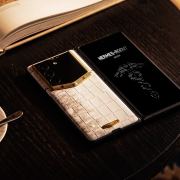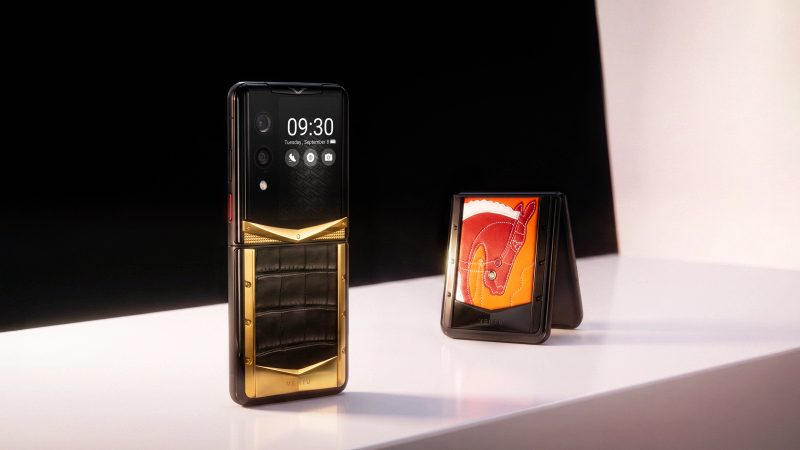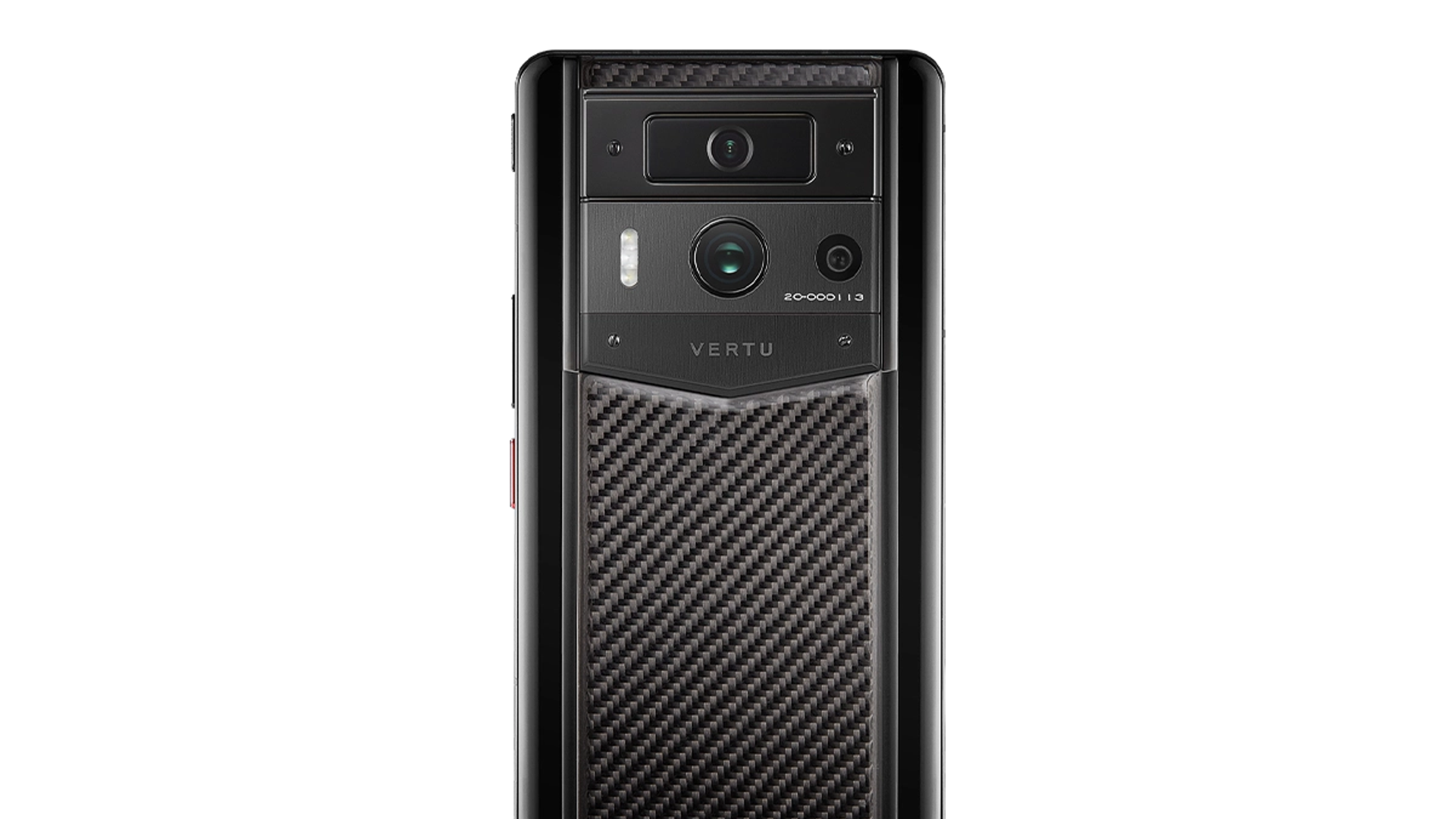
METAVERTU MAX deserves consideration if its advertised multi-system arrangement addresses a separation problem you can demonstrate. iPhone 18 Pro is the more straightforward starting point when your employer already supports an iPhone management setup. Neither choice should be made on the assumption that extra accounts, a Focus mode or a premium price automatically creates a stronger security boundary.
The first question is what “separate” means to you: fewer interruptions, different app accounts, controlled document sharing, distinct backups or an employer-managed work environment. Those are different requirements. This guide provides a practical audit using official information checked on 11 September 2026; it is not an independent security certification of either phone.
Choose the requirement first: use a notification solution for interruptions, an account solution for identities, and an approved management arrangement for company data. Do not ask one feature to stand in for all three.
Executive Decision Matrix (At a Glance)
- Choose iPhone 18 Pro: If your company already provisions Apple User Enrolment (MDM) or your only requirement is managing attention via Focus filters without needing hard OS-level file isolation.
- Choose METAVERTU MAX: If you require independent, hardware-level encrypted multi-system isolation (e.g., separated WhatsApp/Signal environments, distinct file sandboxes, and independent recovery credentials) beyond single-OS management.
Notifications and data boundaries are not interchangeable
Silencing a work notification can improve an evening without changing where the underlying message is stored or which applications can access it. Likewise, signing into two accounts does not by itself establish that their files, backups or recovery paths are isolated.
Apple's Focus guidance describes controls for managing when a Focus is active. That is useful for attention management. It should not be presented as evidence of a separate work operating system or an independently isolated data container.
For an employer-managed device, ask the IT team what the approved enrolment method does. Apple's User Enrolment documentation describes a specific management arrangement; its behaviour should not be generalised to every personal iPhone or every employer configuration.
Audit the boundary that actually matters
Complete this separation matrix with your employer or supplier before replacing a working phone. An unanswered entry is a question to resolve, not an automatic reason to declare either platform unsafe.
| Boundary | The practical question | A demonstration or document to request |
|---|---|---|
| Notifications | Can work information appear during personal time or on the lock screen? | Settings and a harmless test notification |
| App accounts | Can the required identities remain signed in without confusion? | Switching between sample accounts in the actual app |
| Files and sharing | Can a work attachment enter a personal destination? | An approved test of sharing and export rules |
| Contacts and calendars | Which account owns each item, and where does it synchronise? | Account settings and a sample item traced end to end |
| Backups | What is included, where is it stored and who can restore it? | The applicable backup and recovery documentation |
| Offboarding | What happens to work access and personal information when employment ends? | The organisation's written removal procedure |
| Lost-device recovery | Can you regain essential access without the missing phone? | An approved recovery plan and spare access method |
The matrix is more informative than a single “private phone” label because it shows which control addresses which risk. Some buyers only need cleaner account organisation. Others need demonstrable controls over company information. Their sensible purchases may differ.
What to ask about METAVERTU MAX's multi-system proposition
The METAVERTU MAX carbon-fibre product page advertises multiple systems and multi-account use. Treat that as the manufacturer's product description. It does not, on its own, establish independently verified isolation against every form of access or data transfer.
Ask the supplier to show how switching works, how notifications behave across the advertised environments and where files go when they are shared. Confirm whether your essential applications support the number of accounts you need under their own terms. A phone-level capability does not override an application's policy or your employer's rules.
Then inspect recovery. Which credentials unlock each environment? What happens after a forgotten credential, a lost device or a service replacement? Does a backup restore the intended separation, and which account controls that backup? Request documentation for the exact software version and configuration rather than accepting an analogy to “several phones in one”.
The comparison is also not a reason to migrate sensitive information into a new arrangement before it has been approved. Use sample files during a demonstration and involve the person responsible for your organisation's requirements.
What iPhone continuity can—and cannot—solve
If your organisation already provisions iPhones, continuing with that platform may avoid a new approval and support process. Confirm that the current iPhone 18 Pro configuration and required software are supported by your organisation before assuming that continuity is automatic.
An existing arrangement may combine work accounts, managed applications, sharing restrictions and a defined removal process. Ask which elements are actually configured for you. The presence of an enterprise feature in documentation is not proof that it is enabled on your device.
For a self-employed reader without device management, start with the simpler account questions: ownership of contacts and calendars, notification previews, file destinations and backup access. Do not describe a personal setup as enterprise isolation merely because it feels tidy.
Rehearse an ordinary mistake, not an attack
A useful acceptance test is an accidental action a busy person might take: share a sample work file to the wrong account, create a contact in the wrong address book or display a work notification while presenting a personal screen. Use only non-sensitive information and follow your organisation's approved test process.
Observe whether the system blocks, warns, allows or records the action. Then ask whether that behaviour meets your requirement. Some workflows deliberately permit sharing; others require it to be restricted. The goal is to understand the boundary, not to maximise restrictions without regard to usability.
Test the recovery process separately. Identify the person who can restore access, the information they need and the expected sequence. Avoid performing a real wipe, account deletion or offboarding action merely to test a sales claim. A documented process or approved demonstration can answer the question without disrupting a working account.
Frequently Asked Questions
Does Apple Focus mode provide real data isolation between work and personal life?
No. Apple Focus mode is an attention management feature that filters screen notifications and silences alerts. It does not create separate encrypted partitions, distinct app sandboxes, or isolated backup containers for work files.
Can METAVERTU MAX run multiple independent instances of messaging apps?
Yes. METAVERTU MAX features a triple-system architecture that allows users to operate separate, concurrent instances of applications such as WhatsApp or Signal across isolated system environments, each requiring distinct authentication credentials.
Which is better for corporate enterprise environments: METAVERTU MAX or iPhone 18 Pro?
iPhone 18 Pro is the standard choice if your organization enforces central MDM (Mobile Device Management) and Apple User Enrolment. METAVERTU MAX is better suited for executives, entrepreneurs, and individuals who demand private, client-side data sovereignty without enterprise IT surveillance.
Sometimes the better purchase is a simpler arrangement
If the main problem is work notifications after hours, changing notification settings may be sufficient. If the problem is repeatedly posting from the wrong account, clearer account naming and an app-specific workflow may help. If the requirement is a company-controlled boundary, use the arrangement your organisation can support and verify.
For buyers still deciding which VERTU format fits their needs, the VERTU phone range comparison provides wider product context. A range comparison does not replace an assessment of your own account and data requirements.
Choose METAVERTU MAX when the demonstrated multi-system workflow solves a defined problem and its documentation meets your requirements. Choose iPhone 18 Pro when the supported iPhone arrangement offers the continuity and controls you need. In either case, finish the separation matrix before moving real work data. A boundary you can describe and verify is more useful than a security promise you cannot inspect.