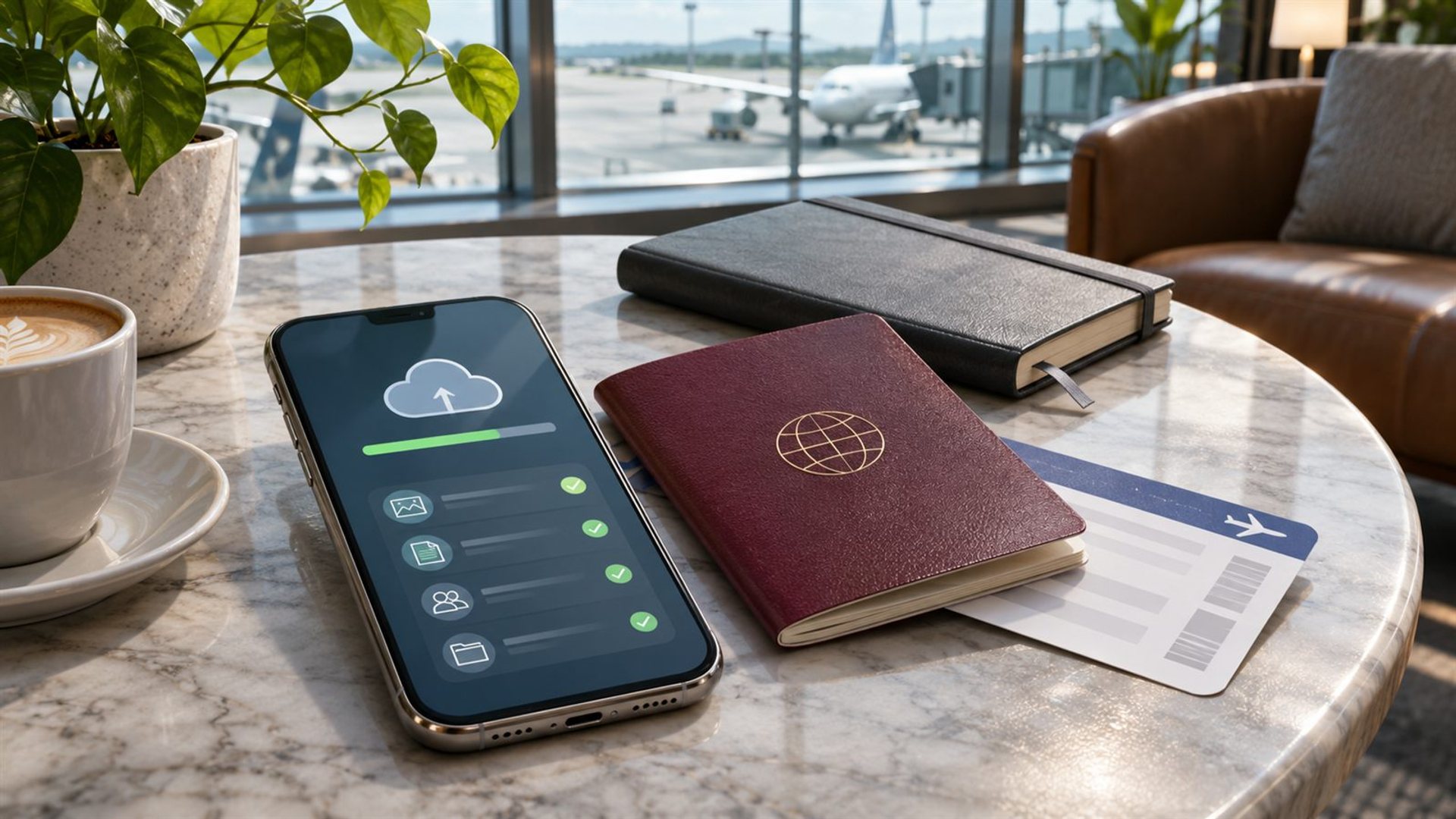
Before a border check, a rushed phone wipe is usually a poor substitute for deliberate, lawful data minimisation. Back up what you need, verify that the backup works, and carry only data you are authorised to carry. Do not destroy records you are required to preserve, mislead officials or assume that a privacy feature exempts a device from inspection. Border procedures and legal rights vary by country, citizenship and circumstances; seek qualified advice for a sensitive trip.
What is the actual travel problem?
A phone may hold personal photos, work documents, client messages, saved account sessions and payment access. Some of those are needed to complete the journey; others do not need to be on the device at all. The goal is to understand this data before travel, not to perform a dramatic reset at the airport. A normal pretrip review makes it easier to protect privacy and still show tickets, contacts and identity documents when needed.
Start by separating three categories: essential travel material, sensitive material governed by another person's or organisation's rules, and ordinary material you do not need on the journey. The second category may require approval from your employer, client, lawyer or other responsible party before any transfer or deletion. Do not make an individual decision to remove or expose data you are obliged to preserve. A person travelling with privileged or regulated information should obtain specialist guidance.
The ACLU's airport and border guidance explains that questions about device searches and passwords are legally complex. It distinguishes travellers' status and warns of possible delays or consequences. This article cannot resolve those legal issues for an individual. Its checklist concerns ordinary preparation, while the law and instructions at the checkpoint remain separate questions.
What should you back up first?
Back up photos, contacts, messages and files through an approved method, then test recovery. Do not merely press “backup” and assume the copy is complete. Open a few files from another device or account where permitted. Check whether two-factor authentication, recovery codes and the carrier number needed to sign in will still be available. A reset without access to credentials can leave you unable to use essential travel services after arrival.
If the device is business-managed, follow the organisation's policy for backup and travel devices. A personal cloud account may be prohibited for client files. If you are carrying confidential work, ask for an approved travel configuration before departure. The policy may call for a separate device, limited offline files or a managed account. Do not improvise a migration that copies sensitive documents into an unapproved service.
Keep essential information accessible in more than one appropriate way. Flight and hotel details, emergency contacts and the address of your destination should not exist only behind a single phone login. A paper copy of key travel information can help if the phone is delayed, damaged or unavailable. Avoid printing confidential material that you would then have to protect separately.
What might you remove during normal preparation?
Consider unused offline downloads, duplicate files, stale app caches and old accounts you no longer use, provided you have the right to remove them. Review saved login sessions for services you do not need while travelling. If an app contains sensitive client or personal data, follow its own sign-out and data-handling instructions. Removing an app icon is not proof that all copies or credentials are gone; understand the actual account and storage behaviour.
The Electronic Frontier Foundation's border technology guide recommends reducing the data you carry and making a backup. It also cautions that precautions can affect an encounter and that there is no single right response to an officer's request. Its advice should be considered alongside your own legal status, destination and obligations. Data minimisation is an ongoing practice, not a guarantee about what an authority can inspect.
Do not delete records because an official has requested them or a legal preservation duty applies. Do not alter timestamps, conceal evidence or make false statements. If you are unsure whether a document can be removed, stop and consult the responsible person or counsel. The safe boundary is to plan before travel and act within ordinary retention and privacy rules, not to use a phone article as a strategy for evading an inspection.
Should you factory-reset the phone?
A factory reset is a major step, not a simple privacy toggle. Google's Android reset guidance says a reset erases data from the device and requires preparation, including knowing the account credentials needed afterward. The exact steps and behaviour vary by manufacturer and software version. Resetting can also remove tickets, eSIM settings, authenticator access or work profiles that you need for the trip. Test any planned travel configuration well before departure.
A reset is not proof that every copy of data everywhere is gone; cloud accounts and backups may still exist. Conversely, losing the only working copy of a file can create a serious problem. Do not promise that a reset prevents examination or changes an officer's legal authority. If a separate travel phone is appropriate, set it up through approved channels and ensure it can still perform the journey's essential tasks.
What about a VERTU phone?
The METAVERTU MAX range includes privacy-oriented product features, but a feature description is not an exemption from border procedures. The exact model, software version and account configuration need to be checked before relying on any storage or deletion function. This article does not instruct an owner to use a special VERTU feature to defeat inspection. It applies the same lawful preparation principles to a luxury handset as to any other phone.
If the device needs service after travel, keep the purchase and support record. VERTU's repair policy describes official support routes, but it does not answer border-search questions. Distinguish device support from legal advice. For an unusual itinerary or highly sensitive data, speak to an appropriate legal and organisational adviser before taking the device across a border.
A practical predeparture check
Several days before travel, list required apps and documents. Verify backup and recovery access. Remove unnecessary data only where authorised. Confirm that tickets, maps, contacts and authentication still work. Check the destination's current rules and ask your employer about any managed-device policy. Record the decisions so you do not make hurried changes while standing in a queue.
The most important result is a phone you can lawfully use and explain, with necessary information accessible and unnecessary sensitive material reduced. No checklist can promise a search outcome. If an inspection occurs, remain calm, follow applicable instructions and seek qualified help when your rights or obligations are unclear.
Frequently asked questions
Should I wipe my phone at the airport?
A last-minute reset can destroy access to essential services and is not a guarantee about inspection. Plan lawful data minimisation well in advance.
Does deleting an app remove its cloud data?
Not necessarily. Check the account, local storage and provider's instructions before assuming data is gone.
Can a VERTU privacy feature prevent a border search?
No phone feature is a legal exemption. Understand the device and applicable rules separately.
What if I carry confidential client files?
Follow your organisation's policy and seek qualified advice before travel; do not move or delete records without authority.