Gift phone concierge setup should begin with the purchase record and service terms, not the recipient's password. The giver can confirm the exact model, current concierge eligibility, packaging and support route. The recipient should create or sign into personal accounts, set the device lock, choose permissions and add any payment method. A gift feels considered when its first use is smooth, yet ownership and privacy remain clearly with the person receiving it.
What can the giver prepare safely?
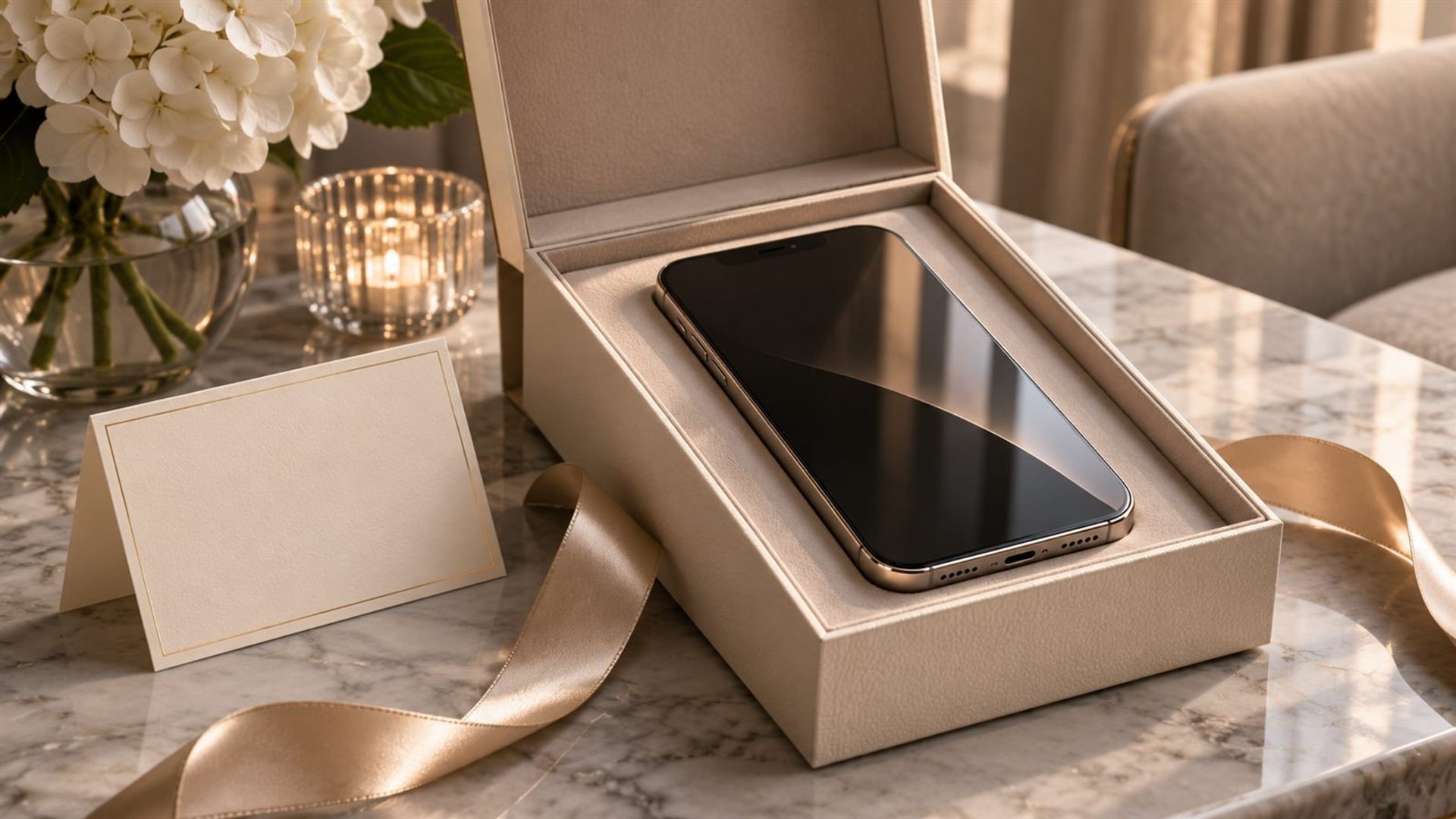
Check the order confirmation, exact configuration, included accessories and current warranty information. Keep the invoice or gift receipt accessible without placing your own sensitive account details in the box. If the phone has a distinctive finish, confirm that the model and colour on the order match the device. Charge it only if the packaging and gifting plan permit, then repack it carefully. Avoid signing into your own account simply to make the screen look ready.
Ask the retailer what, if any, concierge service is attached to this specific purchase, when eligibility begins, how the recipient activates it and whether a separate plan or renewal applies. Get those answers in writing. A physical button or promotional description does not prove that every feature is included for every recipient and market. Record the official support channel so the new owner can resolve an activation issue without relying on an informal sales message.
The METAVERTU MAX range is one VERTU phone family that may be considered for a gift. Its variants differ in exterior materials and finish. The phrase “light gold” is a styling description rather than a verified official model name in the product information reviewed here. Use the exact SKU on the receipt when speaking to VERTU. Do not transfer service claims from another VERTU model to this one without confirmation.
What does “concierge pre-set” actually mean?
It can mean several things: the phone is physically prepared, the service is eligible for registration, the recipient has been invited to activate a membership, or a personal account is already connected. Only the first two are usually appropriate for a surprise gift. A concierge relationship may involve preferences, identity, payment details and private requests. Those belong to the recipient, who should decide what to share and when.
VERTU's Ruby Key page describes access to a personal concierge, but the current entitlement and activation path should be checked for the exact phone and order. Do not describe a gift as having an active one-to-one service until the support team confirms the recipient can use it. If the purchase includes a trial or time-limited benefit, record the start and renewal conditions so there is no surprise charge later.
If the gift is for a company executive, ask whether the service is personal or company-managed. Travel bookings and reservations can cross expense policies and data-handling rules. Do not register the device under a work identity without the employer's approval. The recipient may prefer a personal account, a separate business account or no concierge integration at all.
Which settings should the recipient control?
The recipient should choose the screen lock, biometric settings, account recovery method and contact details. They should also decide which apps can access location, contacts, calendar, microphone and files. A giver does not need those permissions to make the gift complete. If a setup assistant asks for a Google or VERTU account, stop at that point and leave the login for the owner.
Google's Android setup guidance says steps can vary by device and explains that a new owner can transfer data or start fresh. Its transfer troubleshooting guide also notes that skipping an initial transfer can affect later options on some devices. Tell the recipient this before they make a choice; do not assume that a preconfigured phone can always import everything later without extra work.
Any SIM or eSIM activation should be chosen with the recipient and carrier. A number may be tied to identity checks and billing. Likewise, a payment method should be added by its owner, not by the giver as a temporary convenience. If you want to fund future service, ask for a supported gift arrangement instead of placing your card in the phone.
How should you handle the handover?
Include a short written note with four items: exact product name, official support contact, service eligibility information and where the purchase documentation is held. Keep the note free of passwords. Offer to sit with the recipient for the first setup if they want help, but let them type credentials and choose privacy settings themselves. This creates a helpful handover without turning the giver into an administrator of someone else's device.
Agree on a sensible time for setup. The middle of a celebration is rarely ideal for transferring photos, recovering accounts or testing a new SIM. Present the device and the documented entitlement first, then let the recipient complete private steps later. If you arranged a service introduction, make clear whether it is a booking, an invitation or simply a contact name. That prevents a generous gesture from becoming a confusing promise.
Walk through a simple first-use test: connect to Wi-Fi, confirm the correct time and language, make a test call after carrier activation, and open the official service entry point. If concierge activation fails, record the error and contact official support; do not create multiple accounts or share credentials in a message. A clean first-use experience is better than a hurried attempt to make every feature appear finished at the party.
After setup, ask the recipient to store the invoice and service details in a place they control. If you paid for the device, the purchase account may still be yours; confirm how a future warranty request should be made and what proof the owner may need. A gift receipt or documented transfer can make that practical without revealing your payment credentials. Check the policy for the actual market and order.
What should be checked before gifting?
Confirm return and exchange terms for the exact purchase, especially if the finish or configuration is personalised. Confirm the device is genuine and covered by the relevant regional service route. Check whether the recipient's carrier and apps are compatible, but avoid promising coverage without testing. A phone can be beautiful and still be impractical if the recipient cannot use their usual number or work tools.
If the gift is a surprise, you may not know every answer. Leave uncertain settings untouched and present them as choices for the recipient. A small card explaining the next steps is more honest than claiming the phone is completely ready. The giver's role is to remove avoidable friction; the owner's role is to establish identity, consent and personal preferences.
Frequently asked questions
Can I activate the concierge before giving the phone?
Only if the official service supports a gift activation route and the recipient's consent and identity requirements are met. Verify the exact terms first.
Should I sign in to test the device?
Avoid using your personal account. Ask the retailer how to verify basic operation without creating an account that the recipient must remove.
Can I add my card temporarily?
Do not do so as a shortcut. Payment details should be controlled by the owner or handled through an official gift arrangement.
Is “Light Gold” a METAVERTU MAX model name?
That name was not confirmed as an official variant. Use the exact product name and configuration on the order record.