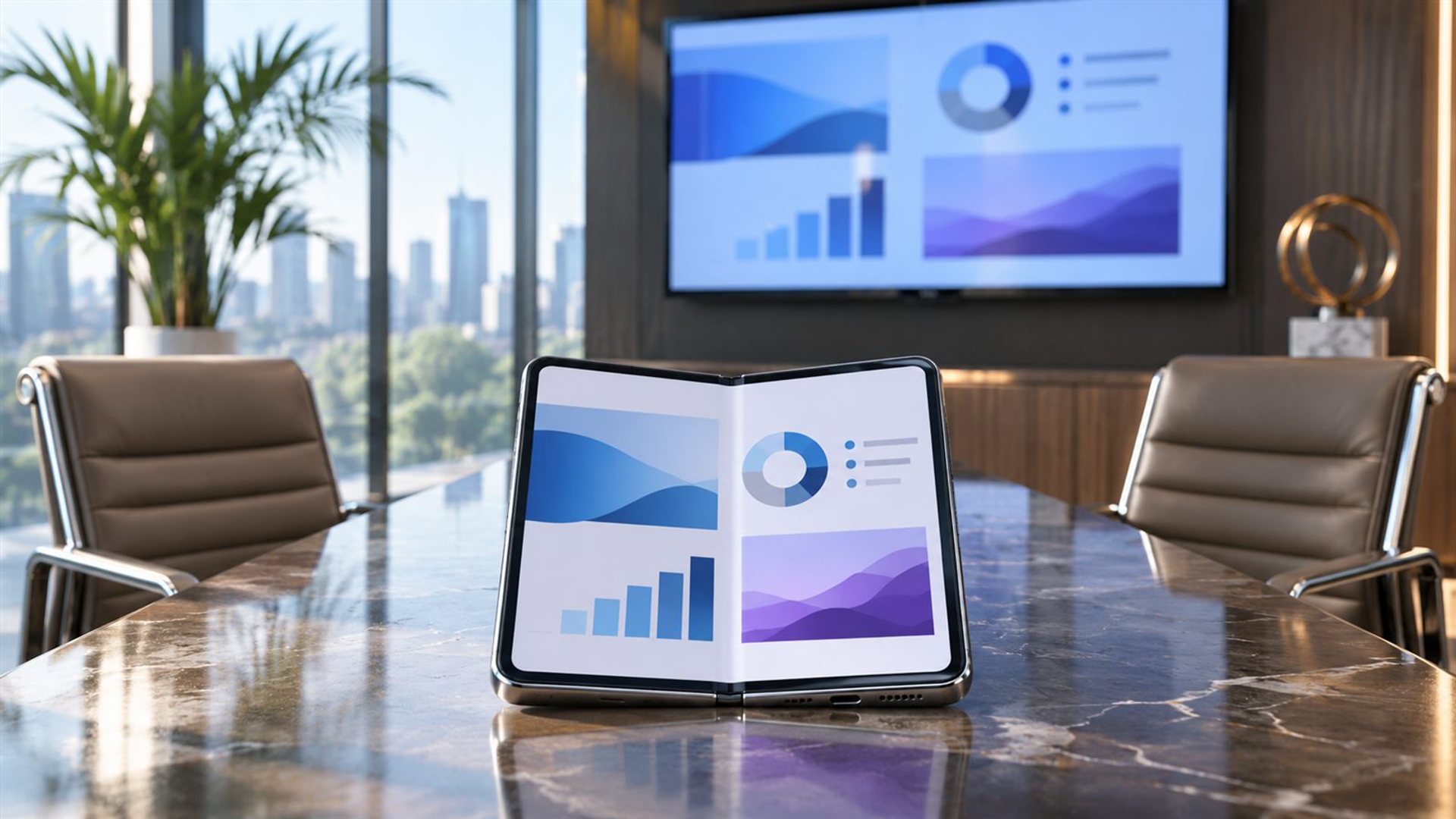
A foldable can replace a tablet for a one-to-one client presentation if the deck is readable on its inner display, the file opens reliably and the meeting does not depend on a larger shared screen. For a room presentation, the answer rests on verified external-display support, app compatibility and a backup plan. A foldable's larger screen is useful, but it does not establish that every cable, projector or wireless receiver will work.
What kind of presentation is it?
The same word describes three different meetings. In a café or private office, two people may review slides together on one device. Around a small table, several people need to see the same page from different angles. In a boardroom, the phone or tablet becomes a controller while a projector or wall display shows the deck. The first may suit a foldable well; the second and third impose increasingly demanding visibility and connection requirements.
Write down audience size, seating distance, whether you need to annotate and how the final presentation will be shared. A large tablet may be easier to place flat for several viewers, while a foldable is easier to carry and can switch quickly from phone tasks to a wider canvas. That is a practical trade-off, not a claim that either category always wins. The decision should follow the meeting, not a diagonal screen measurement alone.
Can people actually read the slides?
Open the real deck at its presentation size. Inspect the smallest chart labels, footnotes, map legends and financial figures. A photograph-heavy deck may look clear on a foldable, while a spreadsheet exported into one slide may be difficult even on a tablet. If you must pinch and zoom while speaking, revise the slide for the audience or use a larger display. A device cannot rescue a slide designed for a distant desktop monitor.
Test in the lighting you expect. Reflections from a window, a dark meeting room and a brightly lit café change perceived contrast. Set the device on the table, then sit where the client will sit. If they cannot read a key number without leaning forward, use the foldable as a personal reference and present on a larger screen. Viewing angle and stable placement matter as much as display brightness.
VERTU ALPHAFOLD lists an 8.05-inch inner screen and 6.53-inch outer display. The inner screen gives a wider review surface than the outer one, but that specification does not establish how many clients can comfortably view a detailed slide. A realistic deck trial is still essential. The current product page is the appropriate source for model configuration; this article makes no claim about a verified HDMI or wireless-output feature.
What if the venue has a projector?
External presentation requires a chain: device, operating system, app, connection method, receiver and display. Every link must work. Google's Android Slides instructions explain presenting on the device and, with the right setup, using Chromecast or Meet. Microsoft's PowerPoint guidance describes phone casting where the phone supports the required protocol. These are app and platform instructions, not confirmation that ALPHAFOLD supports a particular output method.
Before promising a wireless presentation, ask the venue which receiver is installed and whether guest devices can join the network. Corporate Wi-Fi may isolate guests from display devices. Before promising a cable, confirm that the exact foldable supports video output through the relevant port and adapter. A USB-C connector alone does not prove it. Test the complete chain with your own phone, deck and room screen before the client arrives.
Keep a second path ready: a PDF or presentation file accessible from a laptop, a secure link sent in advance, or a meeting-room computer that can open the deck. Choose a backup consistent with your organisation's confidentiality rules. The best presentation device is the one that can recover gracefully from a failed connection. A foldable can be part of that plan without carrying the whole risk.
Will the deck behave the same on mobile?
Not always. Fonts may substitute, animations may differ, embedded media may require network access and linked files can be missing. Export a PDF version for stable visual review if that preserves the content you need, but note that a PDF may lose animations and interactive elements. Check speaker notes and presenter controls in the exact mobile app. A deck that opens is not necessarily a deck that can be presented with confidence.
Test the opening slide, densest chart, video, final action slide and any transition that carries meaning. Also check whether the file is stored locally or depends on a cloud sign-in. A client meeting is a poor moment to discover that an account has expired or a document has not downloaded. An offline copy can help, subject to security policy. If the deck contains sensitive information, confirm sharing permissions before sending a link or casting to an unfamiliar screen.
How do notes and multitasking compare?
A tablet can leave more room for speaker notes and a second document. A foldable may still handle quick reference material on its inner screen, but the app's split-view design determines usefulness. Try reading one note while the presentation stays visible. If the note text becomes tiny or slide navigation is difficult, print a short speaking outline or use a second approved device. Do not count multitasking icons as proof of a comfortable live workflow.
A foldable has a distinct strength: it can remain your primary phone through the day, then open for an impromptu review without adding another object to your bag. That is especially useful when the client wants to inspect a revised page rather than watch a polished lecture. A tablet may be better when the meeting is planned around shared visual work, extended markup or a larger screen placed between several people.
A ten-minute rehearsal
Rehearse with the actual file and a colleague. Ask them to sit at the expected distance and identify the smallest figure. Move through the deck, open speaker notes, switch to a supporting document and return. If using a projector, test connection and audio. Then disconnect once and recover using your backup. Record any manual steps so you can repeat them calmly during the meeting.
Do not make the decision on the basis of one successful demo with a sample slide. Use the most difficult page, the real venue and the actual account permissions. If the foldable passes, it can replace a tablet for that presentation type. If it does not, keep the tablet or laptop for that job while using the foldable for preparation and follow-up. The goal is a clear client conversation, not a device-category victory.
Frequently asked questions
Is a foldable big enough for two clients?
It may be for simple slides at close range. Test the smallest text and seating distance with the real deck.
Can ALPHAFOLD connect to a projector?
A specific wired or wireless output method was not verified here. Check current device support and test the full venue setup before the meeting.
Should I bring a tablet as backup?
Bring a dependable second path for important meetings, whether a tablet, laptop or approved room computer.
What is the most important test?
Show the densest actual slide to someone seated where the client will sit, then test the connection and recovery plan.