If you have an earbud case not charging, separate the case’s incoming power from its ability to charge the earbuds. Use the correct cable and a compatible power source, inspect the connections without forcing them, and read the model’s indicator guidance. If the case is damaged, unusually hot or wet, stop testing and ask the manufacturer for the appropriate next step.
This guide follows published support principles. It is not a repair manual or a set of model-specific VERTU reset instructions.
Key Takeaways
- A case that will not take power and a charged case that will not charge one earbud are different problems.
- Change one charging component at a time and record the result.
- A light going out is not enough evidence that charging has stopped.
- Wireless charging must be confirmed for the exact case.
- Use the manufacturer’s procedure for cleaning, restarting and service; do not improvise inside the case.
Which part is failing to charge?
First describe the symptom without diagnosing the battery. Try to complete one of these sentences: “the case never responds to power”, “the case responds but its charge level does not rise”, or “the case charges but one earbud does not”. Those observations give your next check a clear purpose.
Samsung’s charging troubleshooting treats the case, earbuds, charger and placement as separate possibilities. That is a useful diagnostic structure, although its instructions and indicator meanings apply to the listed Samsung products rather than to every brand.
| Observed symptom | First question | Useful evidence |
|---|---|---|
| No response from the case | Is the incoming power path correct? | Cable, adapter and outlet used |
| Case responds, earbuds do not | Are the earbuds seated as instructed? | Whether both sides behave alike |
| Wireless pad gives no result | Does this exact case support it? | Case model and charging specification |
| Light appears briefly | What does the manual say that pattern means? | Colour, sequence and when it appears |
Do not use a phone’s connection status as your only measure of incoming power. Note what the case does when you connect it and use the charge-status method its manufacturer provides.
How do you check the incoming power path?
Begin with the accessories and method specified for your model. The aim is to rule out a simple connection problem before attempting a reset or arranging service.
- Find the exact case model and its charging instructions.
- Check that the cable is intended for that charging port and is not visibly damaged.
- Connect it normally at both ends, without forcing a connector that does not seat.
- Use a compatible adapter and a working power outlet.
- Observe the case using the manual’s stated charging and indicator procedure.
Apple’s AirPods charging guide starts with connection, power and charge-status checks. For its AirPods and AirPods Pro, it specifies charging the earbuds and case for at least 15 minutes. Treat that as an Apple instruction, not a universal waiting period for VERTU or another make.
If the initial check fails, try a known-working compatible cable while leaving the other parts unchanged. Then, if necessary, compare another compatible adapter or outlet. Replacing every component at once might produce a working setup, but it will not tell you which part to avoid next time.
Keep the test modest. A connector that only responds when bent or held at an angle deserves service advice, rather than repeated manipulation. Do not force it to maintain a connection while you leave it charging.
What if the case charges wirelessly?
Confirm support before testing position. A wireless pair of earbuds does not automatically come with a wireless charging case. Check the exact case description and any requirements for the charging pad.
For supported AirPods cases, Apple explains that the status light can turn on briefly and then go out while charging continues. Its troubleshooting also recommends trying a compatible wired connection if the wireless method does not work. This is why a dark light alone is an incomplete diagnosis.
Follow your own model’s guidance on orientation, placement and removable protective covers. Note whether a compatible cable works when the pad does not. That difference is useful information for support, but it is not by itself proof that the case’s battery needs replacing.
What if only one earbud will not charge?
Check seating before treating the whole case as faulty. Place each earbud in its designated recess using the manufacturer’s instructions, and check that any fitted tip or accessory is installed correctly.
Samsung explains that incorrect placement can prevent its charging contacts from meeting and that debris on those contacts can obstruct charging. Apply the observation carefully: look for an obvious seating problem, then use the cleaning instructions for your exact model rather than adopting another brand’s tools or liquids.
Compare left and right without swapping them into the wrong recesses. Record which side responds and whether its behaviour changes after correct reseating. Avoid pressing down hard, wedging the lid or bending a spring contact. The point is to gather evidence without creating a second problem.
How should you inspect and clean the case?
Disconnect power and follow the model-specific care guide. Begin with an external visual check in good light. If dirt is present, distinguish the outer shell, charging-port opening and the earbud contact area; permission to wipe one surface does not imply permission to wet another.
Apple’s general product-cleaning guidance recommends soft, lint-free cloths, disconnecting power and keeping moisture out of openings. It also explains that different materials can require different cleaning methods. Use that caution alongside the instructions for your exact case, rather than treating it as an approved solvent recipe for every decorative finish.
For wood, leather, coatings or other distinctive materials, ask the manufacturer which care method applies. Do not borrow a household cleaner or a method intended for a different surface because the residue looks similar. Let the maker advise on moisture exposure before reconnecting power.
When is a reset worth considering?
A reset belongs after the basic power and placement checks, and only when the manufacturer recommends it for the symptom. It is not a substitute for a working power connection or an assessment of visible damage.
Look up the model name before following a video or a button sequence. Different generations within one brand can use different controls. Record any custom settings you may need to restore, and stop if the documented confirmation signal does not appear.
If the case remains unresponsive, resist repeating longer and longer button holds from unrelated instructions. Give support the tests already completed and ask whether the next step is a charging accessory check, a case assessment or a pairing procedure.
What should VERTU Phantom or CRUSH owners do?
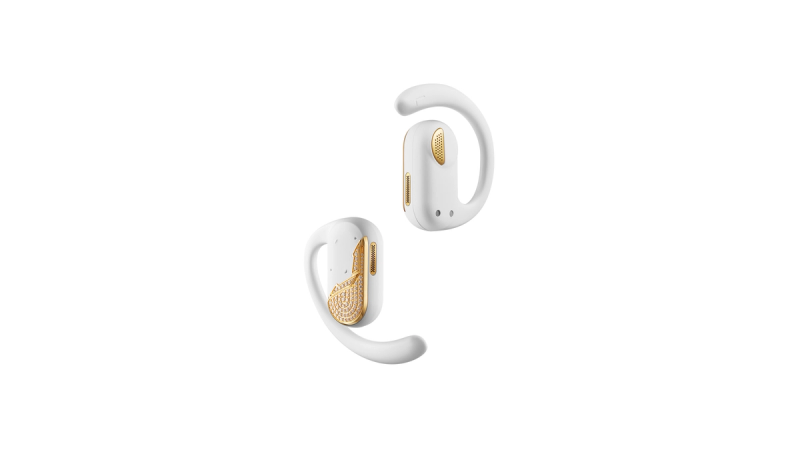
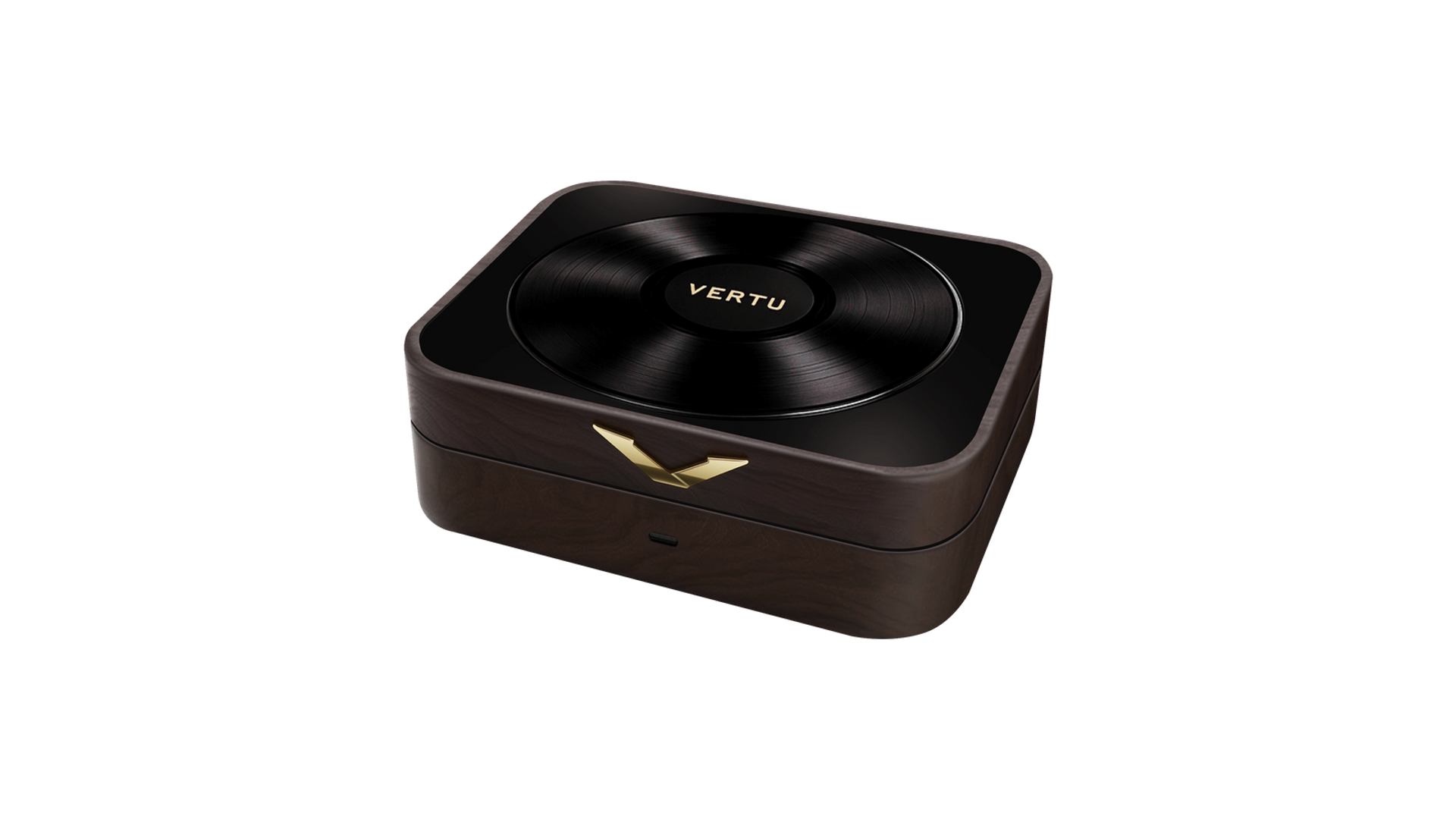
Match your product and case to the current official listing, such as the Phantom Series OWS AI Earbuds or the CRUSH Series OWS AI Earbuds. Use that identity when asking VERTU for the applicable charging and care instructions.
Phantom’s documented wood materials and vinyl-inspired design are reasons to be precise about surface care. They are not evidence that a cleaning liquid approved for a plain plastic case is suitable. Nor should an indicator colour, reset sequence or wireless-charging feature be transferred between Phantom and CRUSH without the relevant manual.
Keep charging diagnosis separate from advertised playback duration. A playback estimate answers a different question from whether your particular case is taking power today. The VERTU guides provide related ownership topics; the product’s support instructions remain the place for its specific charging procedure.
What information helps support resolve the problem?
Prepare a short record before contacting the manufacturer. Include the exact product and case model, when the issue began, whether one or both earbuds are affected, the cable and adapter tried, the indicator sequence and any known moisture or impact event. Add a clear photograph of visible damage if support requests it.
A useful note reads: “The case responds with cable A but not cable B; the right earbud still shows no charge after correct seating.” That is an illustrative reporting format, not a customer case. Keep assumptions such as “the battery is dead” out of the initial description unless service has established them.
Frequently Asked Questions
Does no light always mean no charging?
No. Indicator behaviour is model-specific. Check its documented sequence and the supported charge-status display before drawing a conclusion.
Can I use any wireless charging pad?
No. First verify that the case supports wireless charging, then check the manufacturer’s pad requirements and positioning instructions.
Should I open the case to inspect the battery?
No. Keep these checks external and ask the manufacturer or an authorised service provider about repair options.
Conclusion
With an earbud case not charging, separate incoming power, case behaviour and earbud seating before deciding what has failed. Follow the exact model’s instructions, change one component at a time and keep a brief test record. When those checks do not resolve it, take that evidence to support rather than improvising a repair.