Choose an activity tracker for small wrists by checking two things together: whether the complete device has a documented wearing range that includes your wrist, and whether it records the activities you actually want to review. A smaller-looking band is not enough. Confirm the fastening, required app, useful metrics and charging routine before buying.
This is a purchase framework based on published specifications and manufacturer guidance, not a hands-on ranking. It distinguishes activity-tracking requirements from jewellery-led wellness features, so that an attractive design is not mistaken for a promise of every exercise function.
Key Takeaways
- Turn your intended activity into a short list of required records before comparing devices.
- Use the supplied band's wearing range, rather than a “small” size label alone.
- Check where the result appears: on the wrist, in the app or through an additional service.
- Try the device in the position the manufacturer recommends for your intended use.
- Do not assume that a connected wellness bracelet provides every function of a dedicated activity tracker.
What do you want the tracker to record?
Begin with a real question you want to answer. You might want a daily step record, a timed walk, an exercise history or a way to review your routine in an app. Write down the two or three records you would use regularly. Then ask the manufacturer or retailer to identify where each one is documented for the exact model.
Keep requirements specific. “Track my runs” could mean recording duration, showing pace during a session, saving a route or reviewing an activity afterwards. Those are separate buying questions. Ask which function the device performs, which depends on a phone, and what you can see while you are moving. Do not infer one capability from the presence of another.
Use an evidence column alongside the wish list. Mark a function as documented, demonstrated or still unclear. An unclear essential function should remain a reason to ask questions, rather than becoming an optimistic tick. This approach is more useful than comparing the total number of features in two marketing descriptions.
| Your intended use | Question to ask | Evidence to request |
|---|---|---|
| Daily movement record | Which activity totals are recorded? | The named metrics in the current manual or app description |
| A timed exercise session | Can I start, stop and review this activity? | A demonstration of the relevant workflow |
| Outdoor route review | Is positioning built in or phone-dependent? | The exact connectivity requirements |
| Discreet everyday wear | Can I review useful information without an on-wrist screen? | The supported app view and feature list |
How do you establish whether it fits?
Measure your wrist where the maker recommends wearing the device, using a flexible tape without drawing it tight. Record the circumference and compare it with the actual band supplied in the box. If a listing gives only a total product length, ask for the minimum and maximum wearing circumference. Keep case size and band range as separate notes.
There are useful examples of explicit sizing. The US Fitbit Inspire 3 specification page lists its small band for wrists measuring 5.1–7.5 inches in circumference and states that small and large bands are included. That is a model-specific range, not a universal definition of a small wrist or a guarantee that you will enjoy the fit.
Try the clasp and check where the remaining band sits. Rest your wrist on a table, reach into a sleeve and move your hand normally. Notice whether the device stays in its intended position at a comfortable adjustment. Ask about an approved shorter band if necessary, but do not assume that shortening the attachment will change the shape of the central device.
Does everyday fit differ from exercise fit?
Use the instructions for the product and activity. Fitbit's wear-and-care guidance, for example, advises against an overly tight band and gives separate positioning advice for exercise. It also explains the importance of contact with the skin for its heart-rate sensors. Those instructions belong to Fitbit's products and should not be copied indiscriminately to another bracelet.
Ask for the recommended position before your try-on. If you plan to exercise with the device, demonstrate the relevant movement and check access to the controls. If you intend to wear it overnight, consider whether you can rest your wrist comfortably in your usual position. Avoid accepting a poor daytime fit on the assumption that it will be fine for sleep, or the reverse.
Make comfort part of ownership rather than a one-time sizing exercise. Read the maker's cleaning and drying instructions, check the material touching your skin and take off a device that causes discomfort. Do not tighten an unsuitable band more and more in pursuit of a reading. Follow the product's support guidance if the fit or recorded information seems wrong.
Would a screen help your routine?
Choose according to when you need the information. If you want to check a timer or activity result without taking out your phone, ask to see that action on the device. If you prefer to review your record afterwards, ask to see the app history instead. These are different workflows; neither is automatically the better choice for every wearer.
Test the smallest text and the controls you will actually use. With a screenless option, check how an activity is started or recognised, how you know it has been saved and where you can review it. Obtain answers for the current device and app version. The absence of a display is not evidence that all functions happen automatically.
Keep your existing watch or jewellery in mind during the fitting. Try the combination you expect to wear, while following the manufacturer's placement instructions. If another item touches the tracker or obstructs its fastening, adjust the arrangement rather than assuming two attractive objects will be comfortable together. Judge the proposed combination directly.
Where does VERTU LUMINA AI Bracelet fit?
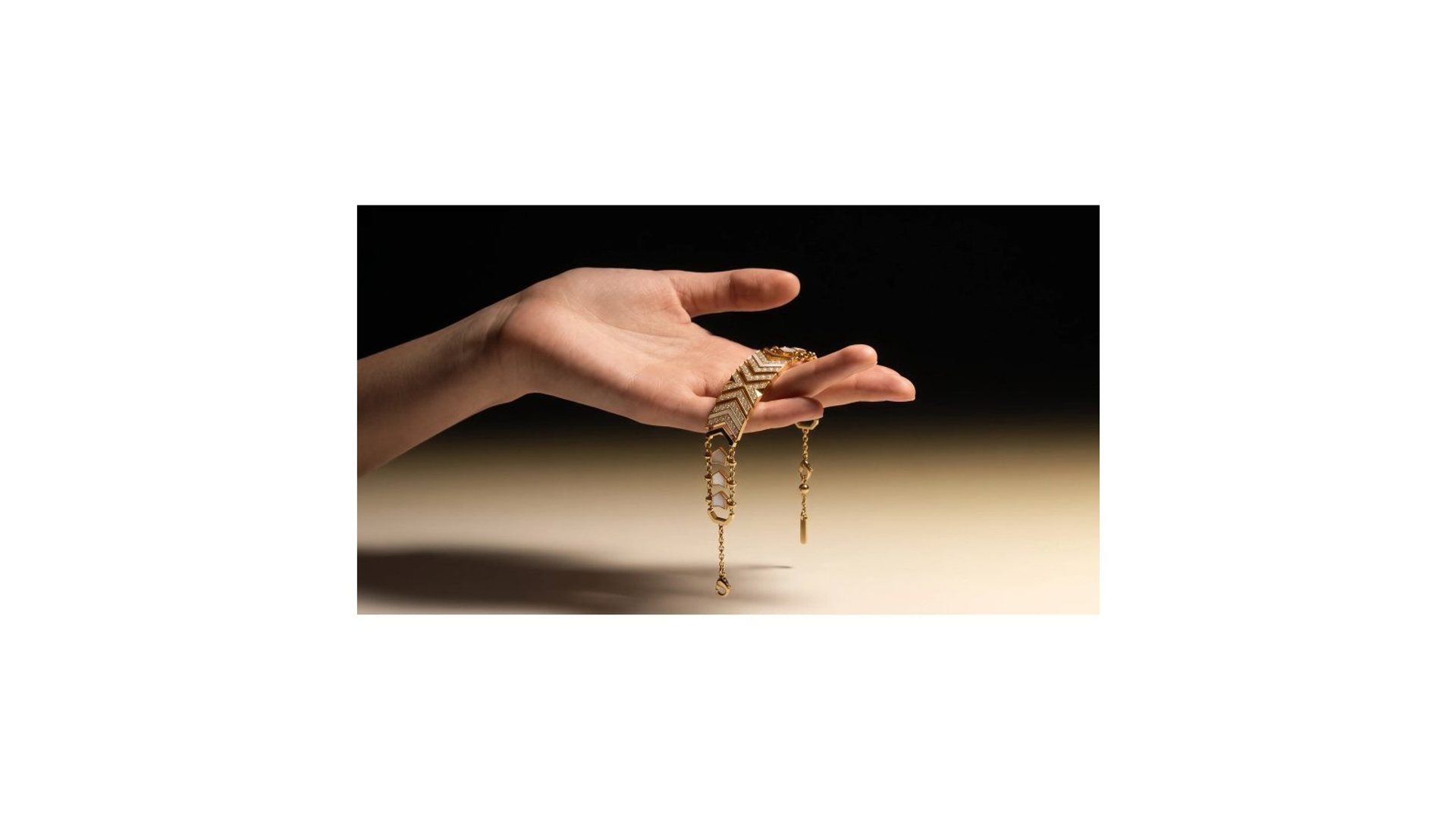
The VERTU LUMINA AI Bracelet listing describes a screenless, jewellery-led design with app-connected wellness references. It lists a 200 mm flexible chain and an adjustable wearing range of 140–200 mm. For a smaller wrist, the first question is therefore whether the measured circumference lies within that published range, followed by an individual try-on.
If your wrist is below the stated minimum, do not assume the chain can be shortened or that an unlisted adjustment is available. Ask VERTU about the exact configuration before ordering. If your measurement falls within the range, check how the central design sits and how the fastening works in practice; the published range alone cannot describe your preferred drape.
The separate LUMINA AI Bracelet size and fit guide addresses that model-specific sizing decision. Use it alongside a clear list of the activity records you require.
LUMINA's screenless form may be relevant if you want jewellery on the wrist and information in an app. It should not, however, be presented as a substitute for every dedicated activity tracker. Confirm the exact activity records you require, including steps, exercise sessions or route information, rather than inferring them from a general wellness description. Its stated purpose is general lifestyle awareness, not medical diagnosis or emergency monitoring.
What should you check about the app and charging?
Ask for the required phone, operating-system version, app and account. Then identify which of your essential functions are available in your market and whether any require a separate plan. Request the actual app listing or current compatibility documentation instead of assuming that “iOS and Android” guarantees every feature on every phone.
Work through a realistic charging plan. Ask which charger is supplied or required, how the device connects to it and how you will maintain your intended recording routine. A published maximum battery figure is not a personal forecast. Record its stated conditions and decide whether the documented charging arrangement suits your day.
Before committing, use a final three-part check: fit confirmed, required records documented, and review workflow understood. Keep any remaining questions in writing. For adjacent ownership decisions, browse VERTU's guides, while keeping your own activity requirements at the centre of this purchase.
Frequently Asked Questions
Is a narrow tracker always suitable for a small wrist?
No. Check the supplied band's actual wearing range and how the complete device rests on you. A narrow appearance does not establish the minimum fastening size.
Does a wellness bracelet always count steps?
Do not assume so. Look for that metric in the documentation for the exact product and app, and ask for a demonstration if it is essential to your purchase.
Should I choose a screenless device?
Choose one if its documented functions and app workflow suit your needs. If you need information during an activity, first confirm how you will access it without a display.
Conclusion
The right activity tracker for small wrists is the one whose documented fit and functions match your routine. Measure, try the complete configuration and verify the records you will use. Treat a jewellery-led alternative as its own product decision, with its capabilities checked rather than imagined.