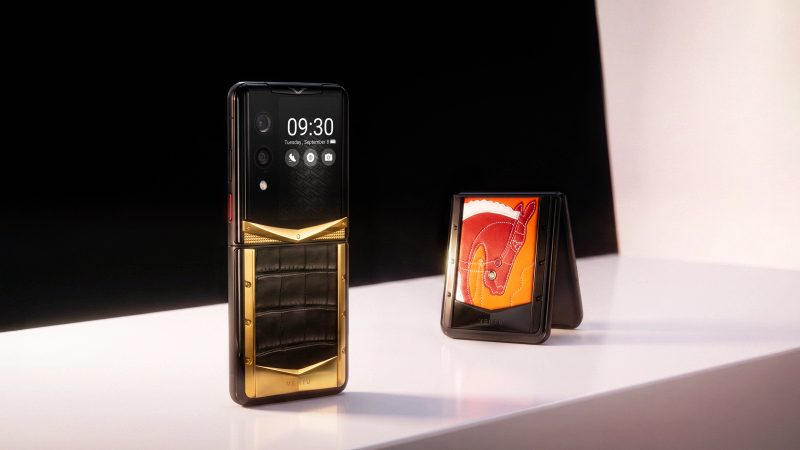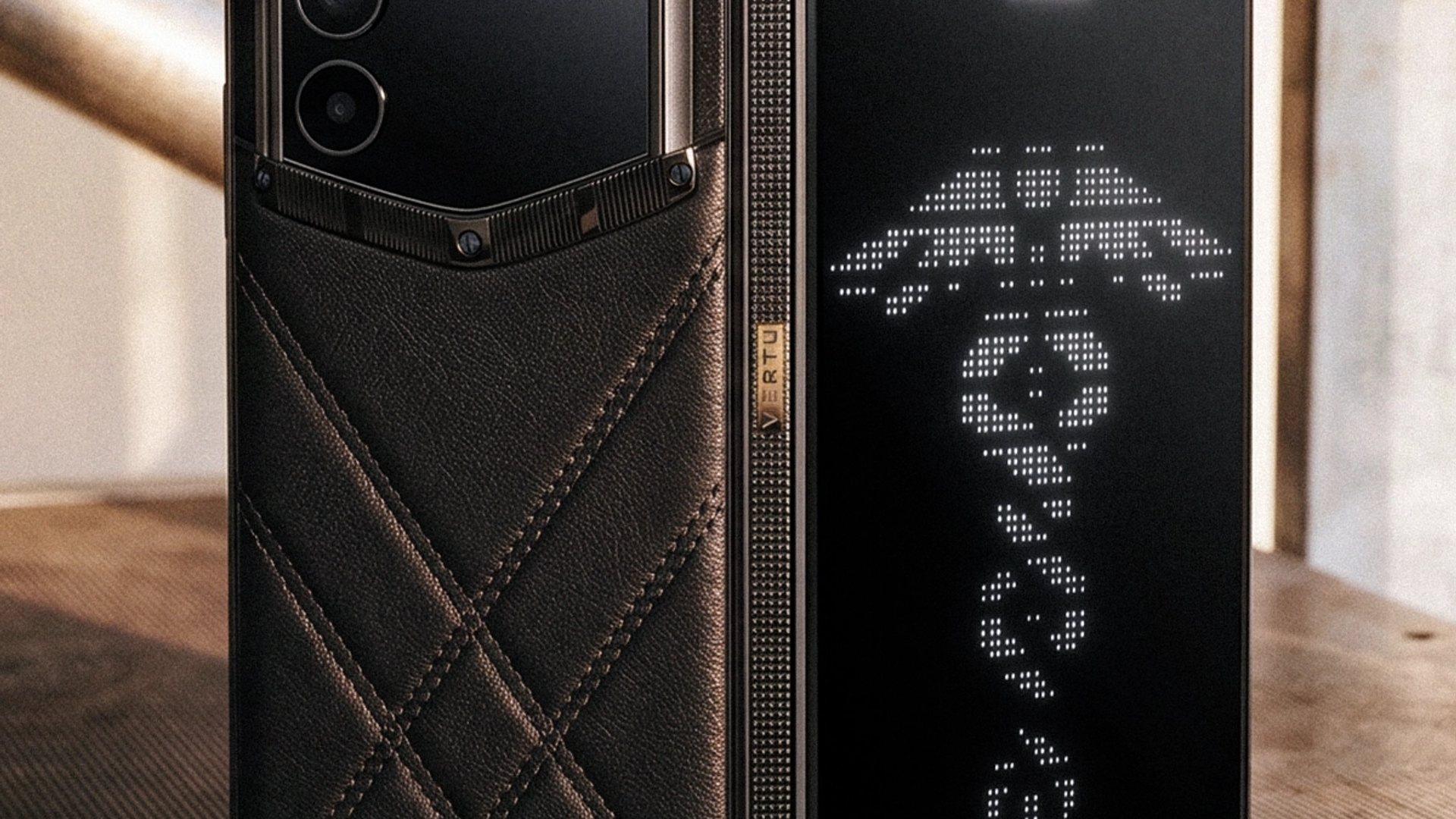
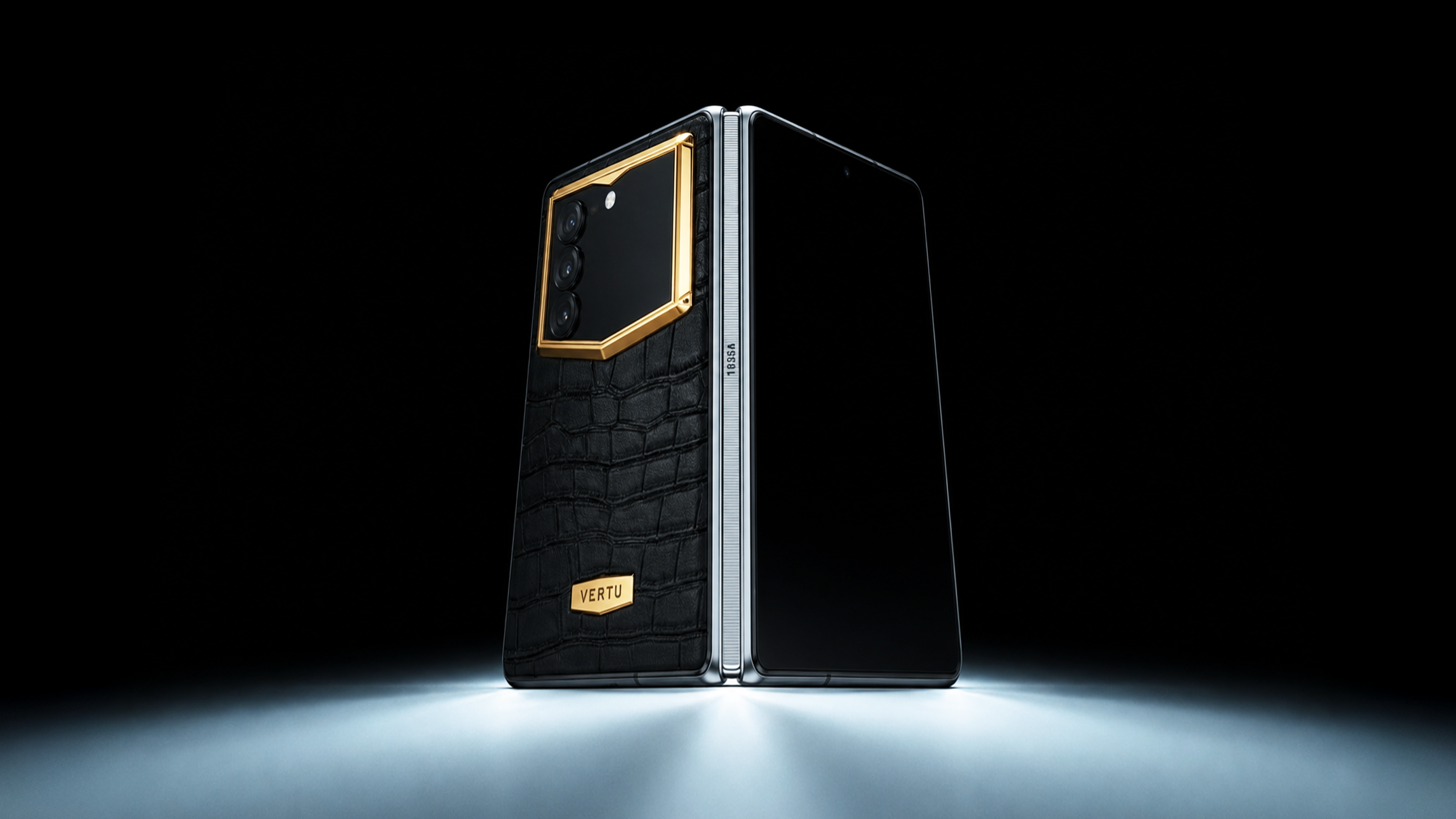
Foldable phones are no longer a curiosity. They’re a wager: you trade the simple reliability of a slab phone for something closer to a pocket-sized workspace.
If you read long documents on your phone, juggle messages while writing, or routinely split your attention between two apps, that wager can pay off. If you mostly scroll, shoot photos, and answer texts, it usually won’t.
Below is a clean way to decide—without pretending there’s one right answer.
Key takeaways
Foldables are worth it when you consistently use the inner screen for reading, writing, or split-screen work.
A normal phone is usually the smarter choice if you want best value, best durability confidence, and the least fuss.
“Productivity” isn’t just bigger pixels. The real upgrade is multi-window behavior: keeping reference + output visible at once.
The hidden cost of foldables isn’t only the price tag—it’s repair risk, case bulk, and daily carry weight.
Think of the best foldables as a private workspace you can close—a place for documents, messages, and decisions, not just entertainment.
Foldable phone vs normal phone: a quick comparison
Decision factor | Foldable phone | Normal (slab) phone |
|---|---|---|
Productivity | Stronger for split-screen workflows and “reference + write” tasks | Strong for single-task focus and quick actions |
Large-screen reading | Better for PDFs, long articles, and e-books | Fine, but more cramped; more scrolling and zooming |
Multi-window | Often the best reason to upgrade | Limited by screen size; multitasking feels tighter |
Price | Typically higher upfront; ownership cost can be higher | Better value across most budgets |
Portability | Book-style: bulkier; Flip-style: compact but less workspace | Easiest carry, simplest ergonomics |
First, define your “upgrade” in one sentence
A foldable isn’t simply a bigger phone.
A good one behaves like an intelligent private workspace: two panes, two contexts, one device you can close when you’re done.
That framing matters, because if you don’t need a workspace, you’re paying for a hinge.
Productivity: when a foldable genuinely changes your output
Foldables shine when your work is not “do one thing,” but “do one thing while referencing another.” If you’re searching for foldable phone productivity gains, this is the only question that matters: will you use the inner screen to keep context visible while you work?
A reviewer at TechRadar describes using a foldable inner display to keep Google Docs open beside source material—research on one side, writing on the other—in their piece on how switching to a foldable changed their Android workflow (TechRadar, 2025). That’s the core productivity win: fewer mental context switches.
Where this matters most:
Writing while reading (emails, proposals, briefs, press releases)
Calendar + messaging side-by-side when coordinating travel or meetings
Notes + browser while making decisions (it’s less “multitasking,” more “thinking with context”)
Where a normal phone still wins:
Fast, one-handed replies
Quick capture (photo, voice memo)
Anything you do in 30-second bursts, repeatedly throughout the day
Key TakeawayIf you can’t name a weekly moment where you wish you had “two screens at once,” the upgrade probably isn’t worth it.
A better productivity test than “Do you multitask?”
Ask yourself two questions:
Do you regularly read something while producing something? (read + write, read + decide)
Do you get interrupted mid-task and hate losing your place?
If both are yes, a foldable can feel like a different category of device.
Large-screen reading: the quiet reason many people keep foldables
The best use of a foldable inner display isn’t showy. It’s sustained reading without friction.
PDFs stop feeling like punishment.
Long articles become less “pinch and zoom,” more “scan and decide.”
Two-handed reading can reduce the impulse to jump apps every 20 seconds.
This is also where the “private workspace” idea becomes practical: you open the device to read with intention, then close it and return to normal life.
If your daily inputs are newsletters, reports, decks, and long threads, the fold can pay for itself in attention.
Multi-window and multi-tasking: the real point of the form factor
A foldable is worth upgrading to when foldable phone multitasking split screen isn’t a novelty—but a habit.
Here’s what to look for (and what to test in-store):
Can you reliably run two apps side-by-side without constant resizing?
Can you drag and drop between panes (text, images, links) in a way that feels natural?
Does the keyboard layout help or hinder long typing?
Wirecutter’s foldable evaluation emphasizes software experience and durability as first-class criteria, alongside the display and hinge—because if the software doesn’t behave well, the screen is wasted (Wirecutter’s best foldable phones guide).
Pro TipIf you don’t already use split-screen on your current phone, start this week. If it becomes second nature, you’re the person foldables were built for.
Price: what you’re really paying for
Foldables tend to cost more because they’re more complex to engineer and manufacture: hinge, flexible display layers, and the software to make two screen states feel coherent.
But the bigger cost is often psychological: you carry a device that feels more precious.
Two practical rules:
If you upgrade phones for cameras, a slab flagship often gives better value.
If you upgrade phones for workflow, a foldable can be the only upgrade that’s not incremental.
This is also where luxury devices can sit in a different frame entirely. The value proposition becomes less “best specs per dollar” and more “best experience per day.”
Portability: book-style vs flip-style—and why it changes the verdict
“Foldable” is two categories that get confused:
Book-style foldables open into a larger inner screen (the true workspace concept).
Flip-style foldables fold into a compact square (portability first, workspace second).
If your goal is productivity and reading, book-style usually makes more sense.
If your goal is pocketability and quick checks, flip-style can be the smarter foldable.
A normal slab phone still wins if you care most about:
one-handed use
lighter carry
simple daily ergonomics
Portability vs durability: the honest trade-off
If you’re weighing foldable phone portability vs durability, start with one reality: even as foldables improve, you’re still choosing a device with:
a moving hinge
a softer inner display layer
a visible crease you’ll feel (even if you stop noticing it)
If you want a deeper durability lens, VERTU’s guide on foldable durability beyond the hinge gives a useful breakdown of what longevity actually depends on.
⚠️ WarningIf your phone often shares space with sand, grit, gym chalk, or construction dust, a normal phone is the safer call.
So… is the upgrade worth it?
Use these decision rules.
A foldable phone is worth it if you…
read long-form content weekly (PDFs, decks, documents)
routinely need two apps visible at once
want a device that encourages intentional, two-handed focus
accept extra cost and a more delicate ownership experience
A normal phone is the better choice if you…
care most about value, durability confidence, and simplicity
prioritize top-tier cameras
mostly do single-app tasks (social, messaging, quick browsing)
don’t want to think about hinges, cases, or repairs
A VERTU way to think about foldables: the private workspace idea
In the luxury context, the question shifts from “Is it bigger?” to “Does it change how I work?”
A device like VERTU AlphaFold can be framed as an intelligent private workspace—where a concierge-style agent experience (such as Hermes Agent) isn’t decoration, but the point: triage, decisions, and coordination live behind a screen you can close.
If you’re curious, the short AlphaFold first look video is a useful visual reference:
FAQ
Are foldable phones worth it for productivity?
They can be—if you actually use split-screen or multi-window. If your productivity is mostly quick messages and single-app bursts, a normal phone often feels faster.
Do foldable phones break easily?
They’ve improved, but the category still carries more durability risk than slab phones because of hinges and flexible inner displays. If durability is your top priority, a normal phone remains the safer choice.
Is the big screen the main reason to upgrade?
The bigger screen helps, but the real upgrade is what the screen allows: keeping context visible while you work.
Next steps
If you want to explore the “private workspace” idea without diving into spec noise, these internal reads are good starting points: