

You don’t need more apps to get more done.
You need fewer context switches.
A dual display foldable phone helps because it separates triage from deep work: the outer screen is where you keep the day moving; the inner screen is where you actually finish the work.
Key takeaways
The productivity win isn’t “a bigger screen.” It’s a two-screen workflow: outer screen for fast decisions, inner screen for focused execution.
For mobile work, the best foldable productivity habits look like this: triage outside, produce inside.
In real office scenarios (documents, meetings, approvals), screen space matters most when you need two contexts at once.
The real constraint: attention, not time
Most mobile “productivity” advice ignores the obvious problem: your phone is designed to interrupt you.
When you’re traveling between meetings—or approving items between flights—the issue isn’t writing capability. It’s that every switch between chat, email, calendar, and a document resets your attention.
A foldable earns its place when it reduces that reset.
What “dual display” should mean (in a productivity sense)
In the market, “dual display” can mean different hardware designs.
For work, the only definition that matters is functional:
Outer display: one-handed control for fast scanning and decisions.
Inner display: a larger workspace for reading, comparing, annotating, and running two apps side-by-side.
This is the core idea behind dual display foldable phones for productivity: you stop forcing every task into a single, narrow view.
Key TakeawayScreen space becomes valuable the moment you need two things at the same time—reference + response, meeting + notes, document + approval.
Where the screen space pays off: three executive workflows
1) Documents: review without losing your inbox
The moment: You receive a contract addendum, a board memo, or a term sheet revision—while messages keep coming.
Best practice
Keep the outer screen as your “inbox and control panel” (email, messaging, calendar).
Unfold only when you need to read and decide.
How it looks on a foldable
Inner screen: document on the left, notes or messaging thread on the right.
Outer screen: quick checks for time-sensitive pings before you go back in.
Failure mode (what goes wrong on a normal phone): You either (a) lose the thread of the document, or (b) delay responses because switching feels costly.
For an executive, both are expensive.
If you want a practical evaluation of this trade-off, VERTU outlines the “large screen vs foldable” decision specifically for work in Large Screen Phones vs Foldables: Which Is Better for Work.
2) Meetings: stay present, capture decisions
The moment: Back-to-back video calls. Decisions are made quickly. Action items disappear just as quickly.
Best practice
Inner screen: meeting view + a notes surface in parallel.
Outer screen: keep it ready for quick follow-ups the moment the call ends.
Why this improves outcomes: You stop treating “notes” as something you’ll do later. You capture the decision while it’s fresh—and you assign the next step immediately.
Failure mode: If you’re taking notes on a small screen, you either hide the meeting or you type blind. The result is partial notes and missed commitments.
A broader view of productivity-oriented foldable setup is summarized in VERTU’s guide, Boost Your Workflow: Top 7 Foldable Phones for Productivity.
3) Approvals: reduce decision friction (without rushing)
The moment: Expense approvals, procurement sign-offs, access requests, or sensitive internal approvals that can’t wait.
Best practice
Outer display: approve/deny queues, quick confirmations.
Inner display: unfold when the decision requires evidence—supporting document, policy reference, or a thread of context.
The productivity benefit isn’t speed—it’s accuracy under time pressure.
Failure mode: When approvals are done in a single narrow view, you approve with incomplete context—or you delay because you don’t trust the mobile experience.
The dual-screen spec that matters: outer control + inner workspace
Specs only matter when they change behavior.
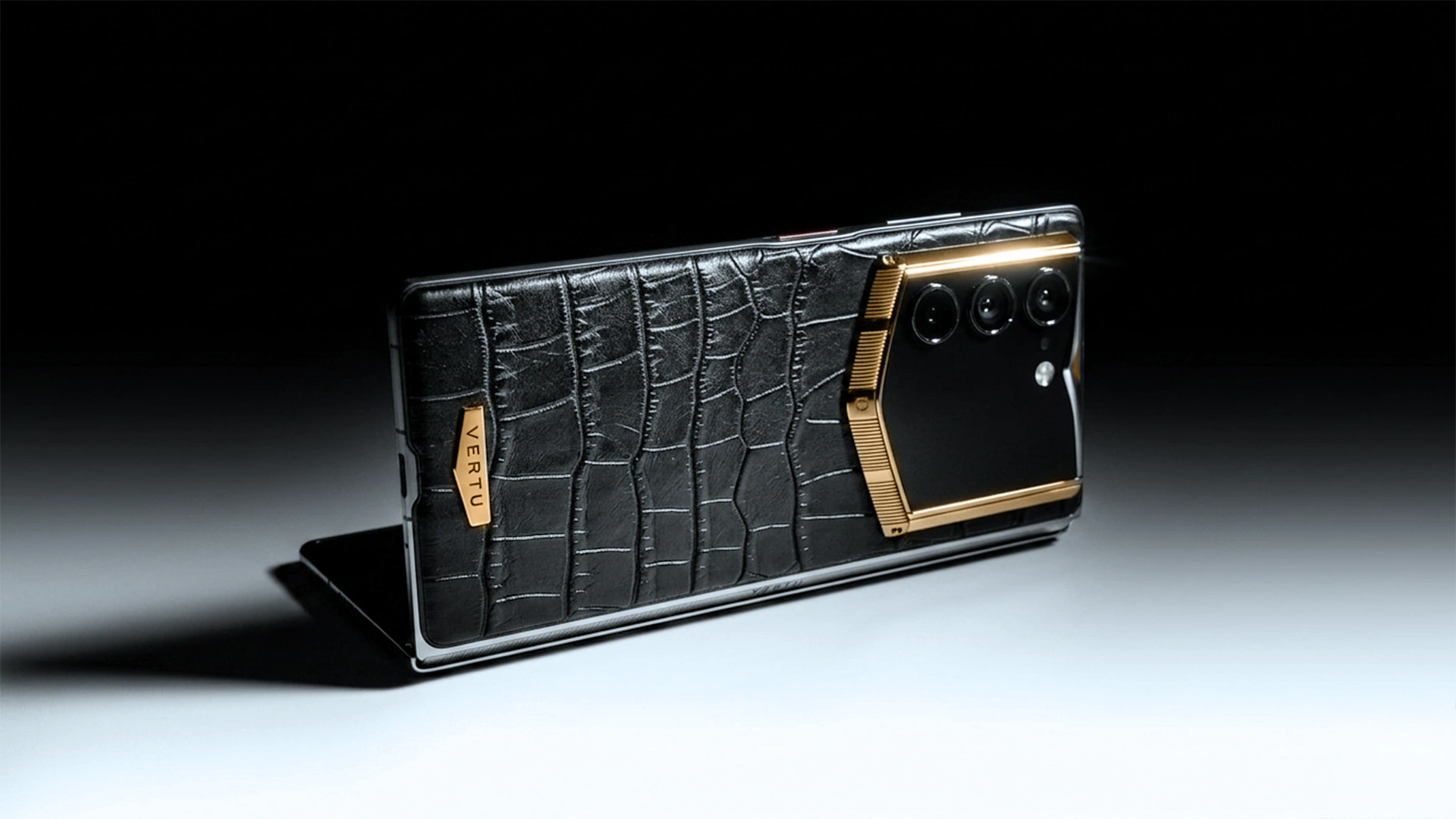
VERTU’s ALPHAFOLD is explicitly positioned around this dual-screen workflow, with an outer display for one-handed control and an inner screen built as a larger workspace. VERTU lists a 6.53-inch outer display and an 8.05-inch inner screen on its official VERTU ALPHAFOLD product page and describes the inner screen as a space for “reports, market views, documents, and multitasking” on the ALPHAFOLD page.
If you’re evaluating foldables as a business phone, that pairing is the point: you don’t unfold for everything—you unfold for the moments that require clarity.
Dual display foldable phone workflow: set up the habit
A foldable becomes a tool when you make your layouts repeatable.
Here’s the simplest setup that works for most executives:
Outer screen = triage: calendar, inbox, messaging.
Inner screen = production: document + chat, meeting + notes, approval + reference.
If you want to see how multi-window works in practice (split screen and floating windows), Samsung demonstrates the concept in this video:
And for a concrete, sourceable capability reference: Samsung’s support documentation notes that split screen can open up to three apps at the same time, with additional apps available as pop-up windows in Multi-tasking with apps using 3-way split screen.
Pro TipSave one “default” layout for each of your three modes: Document, Meeting, Approvals. The goal is to stop rebuilding your workspace every time.
Trade-offs: when the extra screen space won’t help
A decision-ready view includes the downsides:
If your work is mostly single-threaded (one app, one task), the inner screen becomes “nice to have,” not essential.
If your apps aren’t well-optimized for multi-window, you’ll spend time adjusting layouts.
If you don’t build the habit—triage outside, produce inside—you’ll unfold constantly and lose the efficiency.
The point isn’t owning a foldable. It’s owning a workflow.
Where VERTU fits (without the sales pitch)
If you’re already convinced that dual screens reduce friction, the next step is choosing a device that treats productivity as a primary use case rather than an afterthought.
VERTU frames ALPHAFOLD around executive tasks—dashboards, documents, and approvals—and compares that intent against mainstream foldables in Samsung Foldable Phone vs VERTU AlphaFold.
Next steps
If you want to pressure-test whether a foldable will improve your week (not your specs), start with one question:
Which of these is your most common “two-context” moment—documents, meetings, or approvals?
Once you know the answer, evaluate devices by how naturally they support that workflow.
For readers exploring a luxury-grade foldable built around an inner/outer screen workflow, start with VERTU ALPHAFOLD.
Disclosure: This article references VERTU pages (including the ALPHAFOLD page cited above). Editorial judgment remains the priority.
FAQ
What is a dual display foldable phone?
A dual display foldable phone is a foldable device that gives you an outer screen for closed, one-handed use and a larger inner screen when unfolded. For productivity, it functions like two modes: quick control outside, focused work inside.
Is a foldable phone actually better for productivity?
It can be—when your work involves two contexts at once (reference + response, meeting + notes, document + approvals). If your day is mostly single-app tasks, a foldable may not change outcomes.
What should I look for in a business phone foldable?
Prioritize the workflow, not the spec sheet:
Outer screen usability (fast, one-handed triage)
Inner screen comfort for reading and split-screen multitasking
Multi-window maturity and layout shortcuts
Reliability during travel (battery, charging, stability)


