

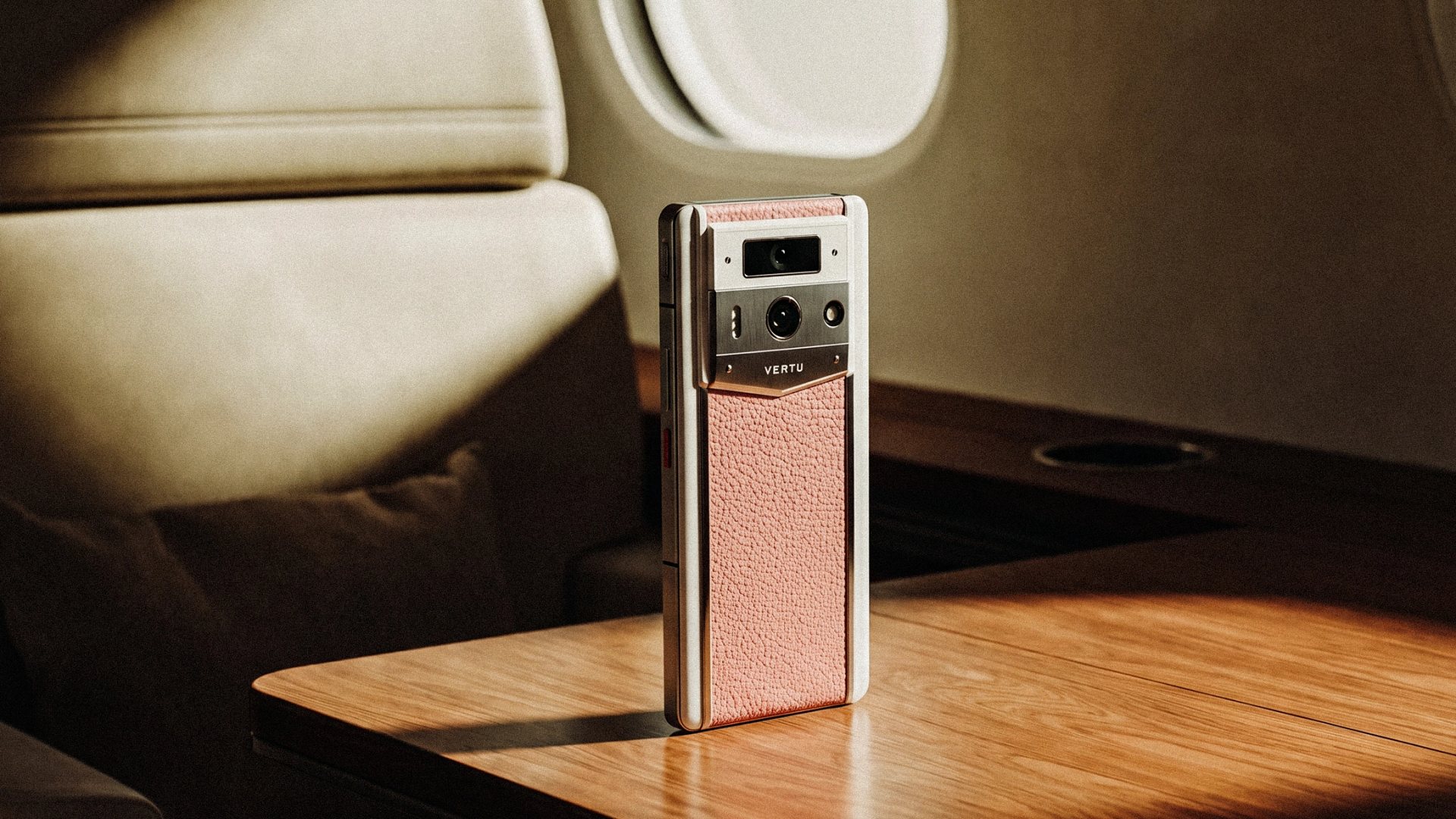
| Check | What to look for | A useful test |
|---|---|---|
| Camera position | A natural angle when you look at the screen | Start a preview call with the phone at your usual height |
| Audio | Clear voice pickup, manageable echo and easy audio routing | Record a short test in a quiet room and with ordinary background noise |
| Screen | A layout that keeps participants and controls visible | Open your actual meeting app in portrait and landscape |
| Positioning | A stable, comfortable setup for the full call | Try the phone handheld and on your usual desk or stand |
| Compatibility | The meeting app, permissions and headset you depend on | Join a test call using your normal account and accessories |
Key Takeaways
- The best phone for video calls is not defined by front-camera megapixels alone; framing, eye line, audio and screen layout all shape the experience.
- Test the front camera at the height and orientation you normally use, including both folded and unfolded positions on a foldable.
- Check microphone pickup separately from speaker output, and test with your usual meeting app and audio accessories.
- VERTU AlphaFold, Agent Q and Quantum Flip have different screen formats and listed front-camera specifications; those figures are a starting point, not a ranking of call quality.
The best phone for video calls is the one that keeps your face naturally framed, lets you speak without holding an awkward angle, and makes participants and controls easy to see. Choosing one means assessing camera position, microphone behaviour, screen layout and how the phone rests on a desk—not simply comparing megapixel figures. VERTU’s AlphaFold, Agent Q and Quantum Flip offer three different formats to consider.
How to Choose a Phone for Video Calls
A phone for video calls should pass four practical checks: the front camera gives you a natural eye line; your voice remains clear at the distance you normally sit; the screen makes participants and controls easy to view; and the phone can be positioned steadily. Then confirm that your preferred meeting apps and audio accessories work as expected.
Why Does Front-Camera Position Matter More Than a Headline Megapixel Figure?
For a video call, camera position affects the relationship between your eyes and the people on screen. If the lens sits far from the part of the display where participants appear, you may find yourself looking noticeably away from the camera while listening. A short preview is the simplest way to see whether the framing feels natural.
Check the camera in the conditions you actually expect to use:
- Eye line: Is the lens close to the height of your face, or do you need to look down at the phone?
- Orientation: Does the app keep your face framed well in portrait and landscape?
- Distance: Can you sit at a comfortable distance without cropping your head or showing too much of the room?
- Folded or unfolded use: On a foldable, which camera and screen does the app use in each position?
- Lighting: Is your face visible when the room light or a window is in front of you, rather than directly behind you?
Front-camera resolution is useful context, but it does not tell you how a meeting app will frame its preview or how the entire call will look. App settings, lighting, network conditions and the way you position the handset also matter. For longer calls, check whether the phone stays at a useful angle without requiring you to hold it throughout.
How Should Audio Affect Your Choice?
A video-call phone needs to capture your voice clearly and give you a comfortable way to hear other people. These are separate jobs: speaker specifications describe sound output, while microphone pickup must be judged in a call or recording. Do not assume that a phone with prominent speakers will automatically capture your voice better.
Before choosing, test three audio paths: the built-in microphone and speaker, a wired or wireless headset if you use one, and the phone at the distance it will sit during a desk call. Listen for whether your voice remains intelligible when you speak at your normal volume. Also check whether switching between the phone speaker and a headset is simple inside your meeting app.
A quiet room is not the only useful test. Try an ordinary environment with light background noise, such as a home office with ventilation or a shared workspace. This will not replicate every call, but it can reveal whether you will need a headset or a quieter location for important conversations.
Microsoft’s Teams test-call guidance explains how a test call can help check the microphone, speaker and camera. The practical point is broader than Teams: test the full call setup, not just the camera preview.
What Makes a Phone Screen Comfortable for Longer Calls?
Screen comfort depends on how you use the phone, not on screen size alone. A larger display can make participants and controls easier to view, while a smaller handset may feel more natural to hold. Compare the screen in your meeting app, then consider whether the phone will be in your hand or positioned on a desk.
For a handheld call, think about the phone’s weight, grip and where the front camera sits relative to your face. For a desk call, the key question is whether the device can remain stable at a useful viewing angle. A foldable form does not, by itself, guarantee a hands-free setup; test the hinge, case or stand you plan to use.
Also check the app interface. Some calls place participant tiles, captions, chat and controls around the edges of the screen. A display that looks generous on a product page may feel different once those elements appear. Try the actual app in both orientations and use the text size and layout you expect to keep.
Do Meeting Apps and Connectivity Change the Decision?
Yes. A phone that meets your hardware preferences still needs to work with the services you use. Confirm that your meeting app is available for the phone’s software and your market, then check camera and microphone permissions, Bluetooth routing and any workplace account requirements.
If you regularly join calls while travelling, test on the type of connection you expect to use—Wi-Fi, mobile data or a hotspot. A call can become difficult to follow when the connection is unstable, regardless of the camera specification. If you rely on a headset, pair it before the call and confirm that the app is using it for both microphone and playback.
How Do VERTU AlphaFold, Agent Q and Quantum Flip Compare for Video Calls?
These three VERTU phones offer different screen formats and listed front-camera specifications. The table helps identify what to test for your own call routine; it does not predict which model will deliver the best call quality.
| Model | Officially listed display and front camera | What to evaluate for video calls |
|---|---|---|
| VERTU AlphaFold | 6.53-inch outer and 8.05-inch inner displays; 20 MP front camera; 264 g | Compare the larger unfolded view with the phone’s weight and the app’s camera framing in each position |
| VERTU Agent Q | 6.02-inch flexible AMOLED; 32 MP front camera; dual stereo speakers; 262 g | Try the more compact screen layout and test microphone pickup separately from speaker playback |
| VERTU Quantum Flip | 6.9-inch inner and 3-inch outer displays; 32 MP front camera; 230 g | Test the call app in the positions and orientations you expect to use, and see how the device is supported |
The AlphaFold’s inner display gives a call more viewing area, which may appeal if seeing several participants is a priority. The trade-off to assess is the larger device in your preferred setup: handheld, on a desk or supported by an accessory.
Agent Q combines a 6.02-inch flexible display with a listed 32 MP front camera and dual stereo speakers. Those specifications identify its screen and audio-output features; they do not replace a test of voice pickup in your call app.
Quantum Flip pairs a 6.9-inch inner screen with a 3-inch outer display and a listed 32 MP front camera. Its listed weight is lower than the other two examples, but personal comfort still depends on grip, angle and how you use the device. Compare the actual call preview and screen layout before making a decision.
What Should You Test Before Buying?
A short, repeatable test is more useful than trying to predict call quality from one number. Use your normal meeting app and run through these steps:
- Set the phone at your usual height. Check whether the front-camera view feels natural while you look at the screen.
- Try portrait and landscape. See whether the app keeps the people and controls you need visible.
- Record and play back a short message. Speak at your normal distance and volume, then listen for clarity.
- Test your audio route. Compare the built-in speaker and microphone with the headset you normally use.
- Repeat in your usual environment. Check the setup on your regular network and in the position—handheld or supported—you expect to use.
FAQs
Does a higher-megapixel front camera make a phone better for video calls?
No, not by itself. Resolution is one specification; camera position, framing, lighting, app behaviour and connection conditions also affect the call. Test the camera preview in the meeting app you actually use.
Is a foldable phone better for video calls?
Not automatically. A foldable can offer a larger viewing area, but the camera angle, app layout and hands-free stability still need to suit your routine. Try the call app in both folded and unfolded positions before deciding.
Do stereo speakers tell me how good a phone’s microphone is?
No. Speakers produce sound for you to hear; microphones capture your voice. Check both independently with a test call or recording, especially if you expect to use speakerphone.
Which VERTU phone should I shortlist for video calls?
Start with the format you prefer. Consider AlphaFold if a larger unfolded display matters; Agent Q if you prefer its 6.02-inch screen format; and Quantum Flip if its dual-screen arrangement suits your use. Compare the real call preview, audio and positioning before choosing.
What should I prioritise: screen size or front-camera resolution?
Prioritise the factor that limits your calls today. If you struggle to see participants or controls, assess the screen layout. If the image framing feels awkward, focus on camera position. In either case, test audio and positioning as part of the same call.
Conclusion
Choose a phone for video calls by assessing the complete setup: camera angle, voice capture, screen layout, positioning and app compatibility. A specification sheet can narrow your shortlist, but a test call shows whether the phone works for your space and habits. Explore the VERTU phone collection and compare the models using the same call-app test.

![Top 10 Luxury Smartwatches for Business Travel [2026]](https://cdn.sanity.io/images/e0gp1l2g/production/8b5e5b21db42a1c5f040e828bd041857353a8eb2-2560x1382.webp?w=800&h=450&q=82&auto=format&fit=crop)