

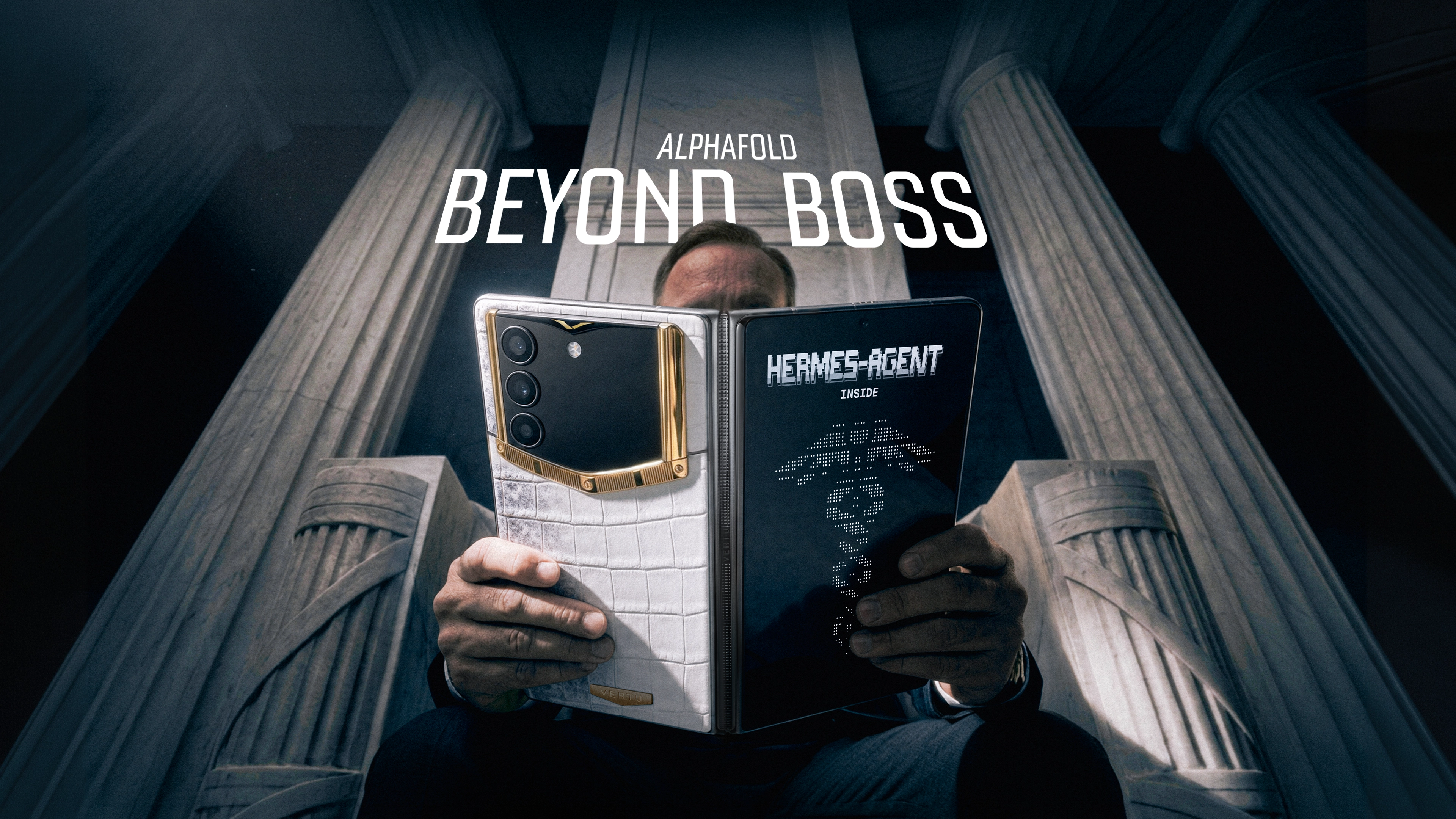
You don’t need another app.
You need fewer handoffs, fewer missed commitments, and fewer moments where sensitive context ends up in the wrong place.
That’s the promise behind an AI personal assistant phone for executives: not smarter notifications, but a device-level assistant that can understand intent, pull the right context, and help execute the next step. The hard part is choosing one without accidentally trading privacy and control for convenience.
If you want a useful mental model, treat the category as an executive AI assistant phone: a tool that’s expected to operate with staff-level discretion, but under stricter guardrails.
This guide is written for leaders who run their calendar like an operating system, travel across time zones, and regularly handle information that simply can’t leak.
Key takeawayEvaluate the assistant layer (permissions, memory, action controls) at least as carefully as the phone.
What an AI personal assistant phone is (and what it isn’t)
A traditional smartphone is an app launcher that happens to buzz.
An AI assistant phone is closer to an execution layer: it can take a request like “prep me for the 8am board call, then draft the follow-up” and move across email, calendar, notes, and documents. For executives evaluating an on-device AI assistant phone, the key question is what can be done locally (private, fast) versus what requires a cloud handoff.
The difference is less about “chat” and more about cross-app action. That framing is increasingly explicit in mainstream phone AI rollouts, including Samsung’s view of assistants that can complete tasks across multiple apps in work settings (see Samsung’s 2025 Galaxy AI workplace assistant overview).
What it’s not:
A chatbot you consult like search.
A notification filter.
A single “smart” app that never touches the rest of your workflow.
If you’re evaluating phones for executive use, the real question becomes:
Where does the assistant live, what can it touch, and how do you keep it inside your security boundary?
The executive evaluation framework: 8 criteria that matter more than features
Most comparisons stop at “which model is best.” For executive use, the right lens is “which assistant behaves like a high-trust staff member with strict boundaries.”
Below is the framework I’d use to evaluate an AI personal assistant phone for executives.
1) Can it take action across apps, or does it only suggest?
A useful assistant doesn’t just generate text. It helps complete the workflow.
Look for:
Scheduling actions (create, move, confirm) with clear review before sending
Drafting plus filing (turn notes into a brief, then store it where you’ll find it)
Search and retrieval across email, docs, and messages
Be skeptical of demos that look impressive but don’t finish.
How to verifyAsk it to schedule a meeting change, draft the reschedule email, and attach the relevant context. The test is whether you end with a ready-to-send outcome, not a “here’s what you should do.”
2) How does it handle memory and context over time?
Executives don’t need an assistant that remembers trivia. They need an assistant that remembers:
how you like briefings formatted
what “urgent” means in your world
which stakeholders require extra caution
But memory is also where risk hides.
Evaluate:
Can you inspect and edit what it remembers?
Can you set “never remember this” zones (legal, HR, M&A)?
Is memory stored locally, in a managed cloud, or in a vendor’s general system?
3) Can you set permission boundaries with least privilege?
If the assistant can read your email, calendar, contacts, and files, its blast radius is wide.
You want the ability to scope access narrowly and deliberately, aligned to least-privilege principles. This isn’t paranoia; it’s basic risk management for tools that touch executive data.
Harvard’s IT guidance on meeting assistants is a good example of the institutional mindset here: sensitive environments often allow only approved tools with contractual protections (see Harvard IT’s 2025 guidance on AI meeting assistants).
Practical boundary questions:
Can you disable microphone access outside of explicit use?
Can you allow calendar read-only, but prevent email access?
Can you separate personal and corporate accounts cleanly?
4) On-device vs cloud: what stays local, what leaves the phone?
For executives, this is often the deciding factor.
On-device processing can reduce exposure of sensitive context, especially when summarizing, classifying, or drafting from local content.
Cloud processing can deliver stronger reasoning and larger-context work, but it increases governance requirements.
In reality, the best setups are hybrid: keep sensitive “first-touch” work local when possible, and be explicit about what can go to the cloud.
If you want a plain-English framing of how AI phones are evolving, VERTU’s own market overview is a decent starting point (see VERTU’s guide to AI phones).
5) Can you be proactive without becoming noise?
Proactivity is valuable only when it reduces cognitive load.
Good proactivity:
“You have two calls back-to-back; here’s a 90-second brief and the last decision”
“Your flight time shifted; do you want to move the dinner reservation?”
Bad proactivity:
constant nudges
speculative reminders without context
“helpful” summaries that you still need to rewrite
Pro tipChoose an assistant that can produce a “one-screen brief.” If the output doesn’t fit in a single view on your phone, it’s not executive-grade; it’s a report.
6) Human-in-the-loop controls: does it require approval for risky actions?
Executives don’t need autonomy for its own sake.
They need controlled delegation.
A well-designed assistant:
drafts and queues external messages, but does not send without approval
proposes calendar changes, but asks before committing
can’t share a file outside the organization without a deliberate confirmation step
This is also where assistants can become safer than “fast typing.” The phone can make the review step mandatory.
7) Reliability under travel conditions (and messy reality)
An executive phone isn’t tested in ideal Wi‑Fi.
It’s tested in:
airport lounges
hotel networks
roaming gaps
urgent decisions with partial context
Evaluate:
offline or low-connectivity behavior
how it fails (silent failure vs clear fallback)
whether it can complete small tasks without perfect signal
whether it supports an AI phone for business travel mindset: briefings that still work when connectivity is imperfect
8) The escalation path: when the assistant can’t do it, what happens?
This is the criterion most buyers miss.
An assistant is judged by edge cases:
a last-minute travel disruption
a multi-leg itinerary change
an urgent request that requires taste, negotiation, or discretion
In those moments, the “smartest” model is less important than the escalation path.
This is where hybrid models can be more executive-suitable than pure automation. For example, the VERTU Concierge Service (and Ruby Talk) positions “Ruby Talk” as an AI layer for simple requests with immediate handoff to human experts for complex, nuanced tasks.
Must-haves vs nice-to-haves (for executive use)
Most phone reviews treat everything as a feature checklist. Executives need a hierarchy.
Must-haves
Clear permission controls (and the ability to say no by default)
Review-and-approve workflows for external actions
Strong device security posture and update discipline
A practical, repeatable workflow improvement (calendar, briefings, travel, or communication)
Nice-to-haves
“magic” creative tools (useful, but rarely decisive)
deep personalization of UI
novelty agent features you wouldn’t trust with a real decision
Red flags and failure modes (what to watch for)
An AI assistant phone can fail quietly. That’s what makes the category tricky.
Red flag 1: It needs broad permissions to feel useful
If the assistant only becomes “helpful” after granting full access to everything, that’s a design problem.
A better pattern is progressive access: start narrow, then expand deliberately.
Red flag 2: It can’t explain what it did
You want:
a clear activity log
reversible actions
visible sources for summaries
A phone that can’t provide basic traceability isn’t executive-ready.
Red flag 3: It “sounds confident” when it’s guessing
Assistants that fabricate certainty are dangerous in executive workflows.
Your evaluation should include:
asking it to summarize a complex email thread and name what it’s unsure about
checking whether it distinguishes fact from inference
Red flag 4: The assistant expands the attack surface without governance
Digital assistants concentrate identity, access, and communication.
Trend Micro’s 2024 discussion of risks around AI digital assistants is a useful reminder that convenience can widen the security surface area if not managed well (see Trend Micro’s 2024 security considerations for AI digital assistants).
A simple 7-day pilot plan (how to evaluate without disrupting your life)
Most executive buyers fail by testing everything for one afternoon.
Instead, pick one workflow and run it for a week.
Day 1: Lock down boundaries
Turn on strong device authentication and auto-lock.
Disable unnecessary permissions (microphone, location, contacts) until needed.
Decide what data is off-limits to share with any assistant.
Day 2: Meeting prep and follow-up
Ask for a one-screen brief before a key meeting.
After the meeting, have it produce:
a recap
decisions
next steps
a draft follow-up
Day 3: Inbox triage
Use it to draft replies, but keep sending manual.
Track whether it saves time and reduces mistakes.
Day 4: Travel changes
Simulate a schedule shift.
Test whether the assistant can propose a clean set of changes and confirmations.
Day 5: Document handling
Summarize a sensitive PDF locally if possible.
Check whether it retains anything you didn’t want retained.
Day 6: Exception handling
Give it a request it can’t complete.
Evaluate the handoff: does it stall, or does it move to a reliable human channel?
Day 7: Review the log
Review what it accessed.
Review what it stored.
Decide whether you can expand access safely.
Where VERTU fits (if your priority is discretion and escalation)
Many executives aren’t trying to replace their EA or concierge.
They’re trying to reduce noise while keeping discretion and judgement where it belongs.
In that context, VERTU tends to be relevant for two reasons:
The service layer: VERTU Concierge Service is positioned as 24/7 personal assistance with “Ruby Talk” blending AI efficiency with immediate escalation to humans.
The security posture: VERTU also describes a bundled security approach under its VERTU information security protection services, including encrypted communication tooling, secure connectivity options, and device services such as remote lock and wipe.
This isn’t the right fit for everyone. If your primary goal is benchmarks and spec leadership, you’ll evaluate differently. If your priority is a phone that supports a privacy-first working style, with a concierge-grade escalation path, it belongs on the shortlist.
Video: a useful perspective on keeping AI inside your security boundary
Below is one video that frames the “security boundary” idea in agentic AI. Treat it as a perspective piece, not product evidence.
(If your publishing policy requires fully verified video metadata, replace this embed with a channel-owned video or a vetted talk your security team approves.)
FAQ: AI personal assistant phone for executives
Is an AI assistant phone safe for board materials and legal work?
It can be, but only if you control permissions, keep sensitive processing local where possible, and treat cloud-based assistants as third parties that require contractual and governance safeguards. If your organization can’t approve the tool, don’t use it for that category.
Should executives prefer on-device AI?
Often, yes for sensitive “first-touch” work like summarizing meeting notes or drafting from private documents. Cloud models can be valuable for deeper reasoning, but you should decide explicitly which tasks are allowed to leave the device.
What’s the single biggest mistake buyers make?
Confusing “smart answers” with “reliable delegation.” The executive test is whether the assistant can complete a workflow safely, with review gates.
Do I need a dedicated AI phone, or can I use an assistant app?
You can start with apps. But phones with deeper OS-level integration can reduce friction, which is the entire point. The tradeoff is governance: deeper integration requires better boundary controls.
Next steps
If you’re evaluating an AI personal assistant phone for executives, pick one workflow (meeting prep, travel logistics, or inbox triage) and run the 7-day pilot. Don’t buy based on novelty.
If your decision comes down to discretion and escalation, start by reading how personal concierge services are structured in practice, then compare that to what a privacy-first AI assistant can reliably automate today.
Disclosure: This article references VERTU pages. Editorial judgment remains the priority.


