

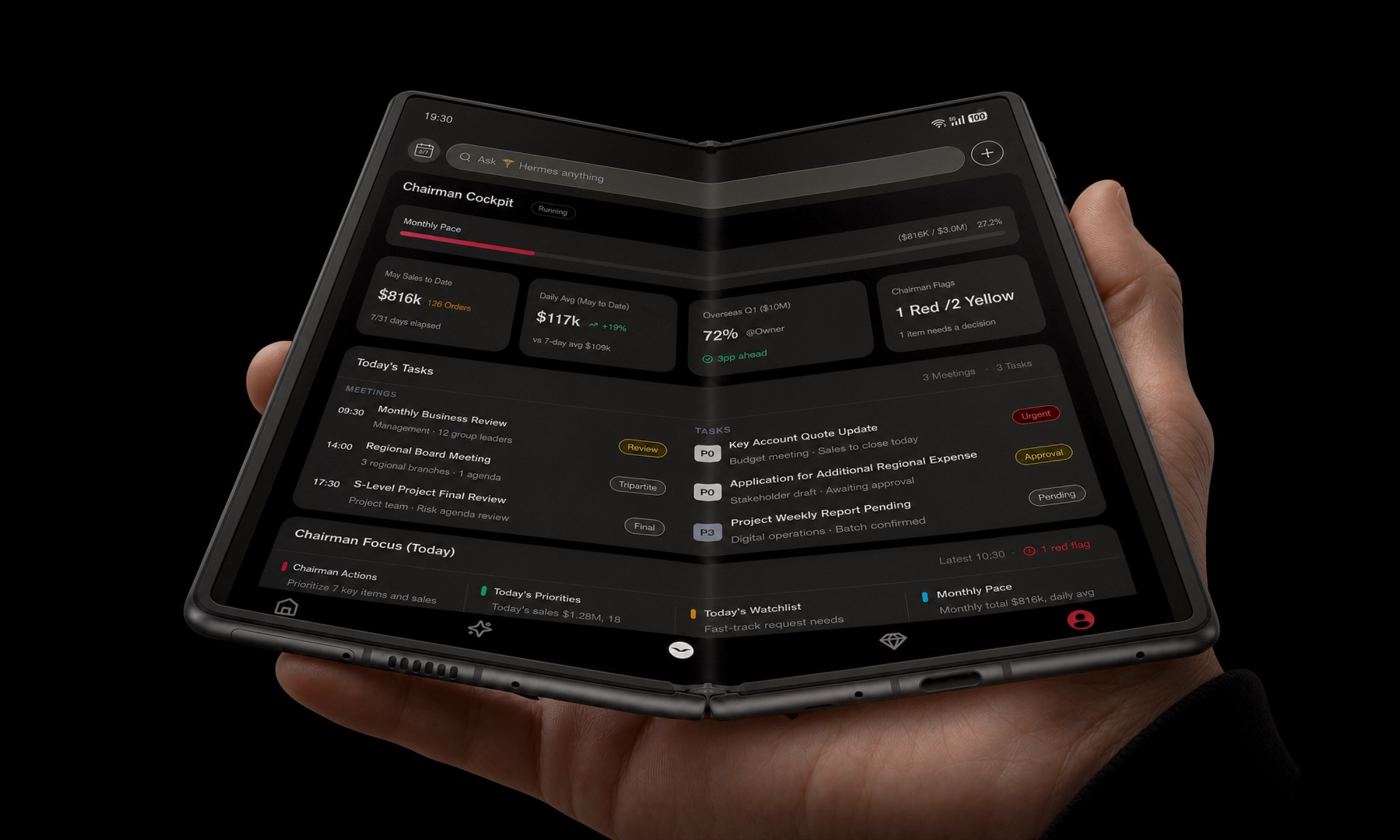
If you approve agreements while moving between time zones, you don’t need AI to “do legal work.” You need it to do something narrower: turn a dense document into a clear briefing, surface what’s unusual, and tell you when to stop and escalate.
This article explains how to use AI contract review safely on a mobile device for three common executive contexts: cross-border agreements, an M&A contract package, and private wealth documentation.
Key TakeawayThe safe model is “summarise, flag, escalate.” Anything that looks like legal judgment belongs with counsel.
What executives actually mean by “AI contract review”
In practice, executive-level AI contract review is not redlining clauses line-by-line. It’s triage:
A contract summary you can trust as a starting point (scope, parties, money, term, termination, key obligations).
Exception detection (what deviates from your standard positions or what looks non-market).
Risk prompts that translate legal language into business exposure (liability, operational constraints, deal blockers).
The output should be readable on a phone, but traceable back to the exact clause in the document.
Can AI review contracts safely? The correct answer
Yes, with controls, and with the right expectation.
AI is useful for compressing information and highlighting patterns. But it can also misread context, miss edge cases, or confidently summarise a clause incorrectly. Treat it as a screening layer.
For governance, start from the same principle many legal teams are now adopting: use AI for speed, but do not treat AI-generated analysis as privileged or correct by default. BakerHostetler’s 2026 note on court treatment of AI-generated materials is a sober reminder that using consumer tools for legal exposure analysis can create discoverability and privilege problems: see BakerHostetler’s 2026 discussion of AI-generated documents and privilege risk.
The limitations you should assume (even with good tools)
A safe mobile workflow assumes the following limitations upfront.
1) AI may miss “small” words that carry large liability
“Reasonable,” “material,” “sole discretion,” “best efforts,” “indirect damages,” “consequential” and similar terms can flip exposure. AI can surface them, but it can also flatten them in a summary.
2) AI can be wrong in ways that sound confident
General models can hallucinate, compress nuance, or mis-attribute obligations. The fix is procedural, not philosophical: always keep clause-level traceability and require human verification before signing.
3) Your confidentiality model may be incompatible with the tool you’re using
If your tool retains uploads, uses them for training, or processes them in an unknown region, the risk is structural. Your policy should be: no sensitive documents in consumer chat tools.
4) Privilege is not automatic
Even if you intend something to be confidential, the way you process it matters. Treat AI outputs as potentially discoverable unless counsel has explicitly designed the workflow and the tooling.
⚠️ WarningIf you wouldn’t forward the document to an unknown third party by email, don’t paste it into an AI tool with unclear retention, training, or data residency terms.
A mobile-first workflow for executives: summary → exceptions → risk prompts → counsel
A phone is the wrong place for deep legal drafting. It’s the right place for fast alignment.
Here is a mobile workflow that works when you’re travelling, walking between meetings, or approving under time pressure.
Step 1: Generate a contract summary you can validate in 60 seconds
Ask for a summary that is structured around decision points:
Parties and scope
Payment / consideration
Term and renewal
Termination triggers
Deliverables and acceptance
Liability allocation (caps, carve-outs)
Governing law, venue, dispute resolution
Any “must-do” dates
Then validate it against the front matter and headings. If the summary can’t match basic facts, stop.
Step 2: Run an “unusual clause” scan
Ask the tool to identify:
Clauses that deviate from a typical market position
Missing clauses you would expect to see for this contract type
Internal inconsistencies (two sections that contradict each other)
For workflow inspiration, see MindStudio’s 2026 overview of AI agent contract review workflows and Harvey’s guide on what to look for in legal AI for contract review.
Step 3: Convert findings into executive risk prompts
Your goal is not to read legal prose. It’s to see business exposure.
A good prompt format is:
What could happen?
How much could it cost or constrain us?
What is the decision we must make?
Who needs to sign off (legal, finance, security, board)?
Step 4: Escalate with a clean handoff to counsel
Send counsel a short bundle:
Summary (1 page)
Exceptions list (bullet points)
Questions requiring interpretation
The exact clause references
This is where AI helps: your counsel spends time on judgment, not on scanning.
A VERTU mobile pattern (if you want it): compartmentalise first, then brief
On mobile, the safest pattern is compartmentalisation: separate the context where sensitive work happens from the rest of the device.
VERTU frames this as private spaces and explicit approval boundaries. If you’re using an agentic assistant on a phone, the question is not “Can it answer?” It’s “Can it be trusted to act—and to stop?” (VERTU’s own framing in Hermes Agent inside AlphaFold).
Here’s the video you requested for context:
(If the embed doesn’t load in your environment, open the video from your VERTU channel directly.)
The clause categories AI should be trained to flag
You don’t need AI to flag everything. You need it to flag what changes exposure.
Below are clause categories executives should expect to see highlighted, with “why it matters” in plain English.
Limitation of liability
This determines your ceiling. Pay attention to:
the cap amount and how it’s calculated
whether the cap applies per claim or in aggregate
carve-outs (fraud, IP infringement, confidentiality, data protection)
Indemnities
Indemnities decide who pays when a third party shows up. Typical triggers:
IP claims
data breaches and privacy claims
product liability
regulatory penalties (where allowed)
Termination and remedies
This is the “exit” and the “pain.” Watch for:
termination for convenience (one-sided)
cure periods
automatic renewals
survival clauses (what obligations continue)
Governing law, jurisdiction, dispute resolution
In cross-border disputes, this can be the whole story. Confirm:
governing law
venue
arbitration vs litigation
enforcement practicality
For cross-border management context, see Pitt Law’s guidance on managing cross-border contracts.
Change of control and assignment
These clauses can turn a deal into a breach. If you’re acquiring or being acquired, these clauses often require consents.
Confidentiality, data processing, and security obligations
This is where “standard NDA language” quietly becomes operational burden:
data handling requirements
breach notification timelines
audit rights
subcontractor restrictions
Sanctions, export controls, and regulatory conditions
If you touch certain jurisdictions, industries, or technologies, these terms can block performance or create liability.
Pro TipAsk the AI to list “deal-breakers” separately from “negotiation points.” Executives don’t need a 40-item list; they need the top five that change the decision.
Three executive scenarios (with what AI should do in each)
Scenario 1: Cross-border commercial agreement
Examples: distribution, manufacturing, licensing, strategic partnerships.
What you want from AI:
a one-page operating brief (scope, term, money, exclusivity)
a jurisdiction map (governing law + dispute forum)
sanctions/export flags
data handling and audit obligations
Where to draw the line:
if the agreement touches restricted jurisdictions, regulated industries, or unusual indemnity structures, counsel must review.
Scenario 2: M&A contract package
Examples: LOI/term sheet, SPA, disclosure schedules, escrow, transitional services.
What you want from AI:
a closing-conditions checklist
“who bears what risk” mapping (indemnities, escrows, caps, baskets)
change-of-control and assignment flags across key third-party contracts
a plain-English map of covenants between signing and closing
Where to draw the line:
disclosure schedules and nuanced reps/warranties are where deals live or die. AI can help you scan, but counsel must interpret and negotiate.
Scenario 3: Private wealth / family office documentation
Examples: trust documents, private investments, cross-border tax-sensitive arrangements.
What you want from AI:
structured summaries with names/roles redacted where possible
risk prompts focused on confidentiality, discretion, control rights, and termination
a “who can see what” data map
Where to draw the line:
do not use consumer AI tools. Assume confidentiality and data residency are mandatory requirements, not preferences.
How to protect legal documents when using AI
If you remember only one thing: document protection is mostly process.
Use the right environment
Prefer legal-grade or enterprise AI environments with clear contractual commitments on:
encryption in transit and at rest
role-based access controls
audit logs
no training on your uploaded content
data retention and deletion terms
data residency options
Minimise what you upload
Share only what is necessary for the immediate review.
Remove unrelated exhibits.
If possible, redact identifiers in private wealth contexts.
Keep an approval loop
AI should prepare actions and recommendations; humans approve decisions. This is consistent with VERTU’s “approval is a feature” framing in Hermes Agent inside AlphaFold.
Where Hermes Agent fits (and where it stops)
If you use a mobile assistant like Hermes Agent, the best role is controlled triage:
produce a readable briefing
flag unusual clauses for counsel
track decisions and approvals across your workflow
But it should not be treated as a substitute for legal advice. VERTU positions Hermes Agent as a permissioned operator within private spaces, not a tool that crosses everything indiscriminately. You can explore the broader model in Hermes AI agent beyond chatbots and the mobile work context in VERTU AlphaFold.
Key takeaways
AI contract review is safe when it’s used for summaries and exception spotting, not legal judgment.
Assume AI can be wrong; demand clause-level traceability.
Treat confidentiality, retention, and data residency as hard gates.
Don’t assume privilege automatically applies to AI-generated materials.
Use mobile AI to accelerate the handoff to counsel, not to replace it.
Next steps
If you want a tighter executive workflow, start by standardising three prompts your team uses across every deal: (1) one-page summary, (2) unusual clause scan, (3) top five risk prompts for counsel.
If you prefer to run that workflow on a dedicated mobile workspace, see how Hermes Agent is positioned inside VERTU ALPHAFOLD pre-order and the broader executive setup on VERTU AlphaFold.
Disclosure: This article references VERTU pages. Editorial judgment remains the priority.


