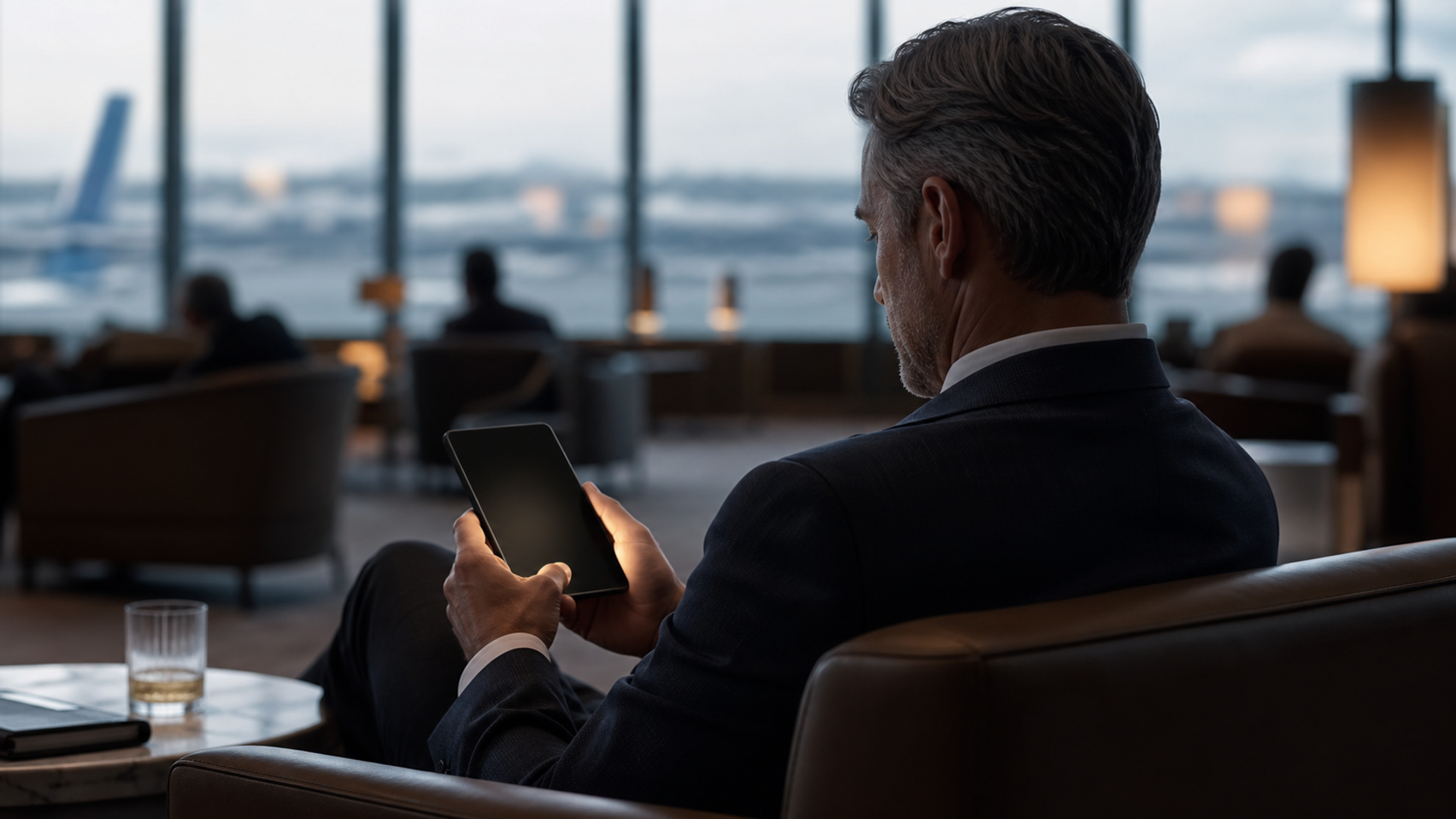
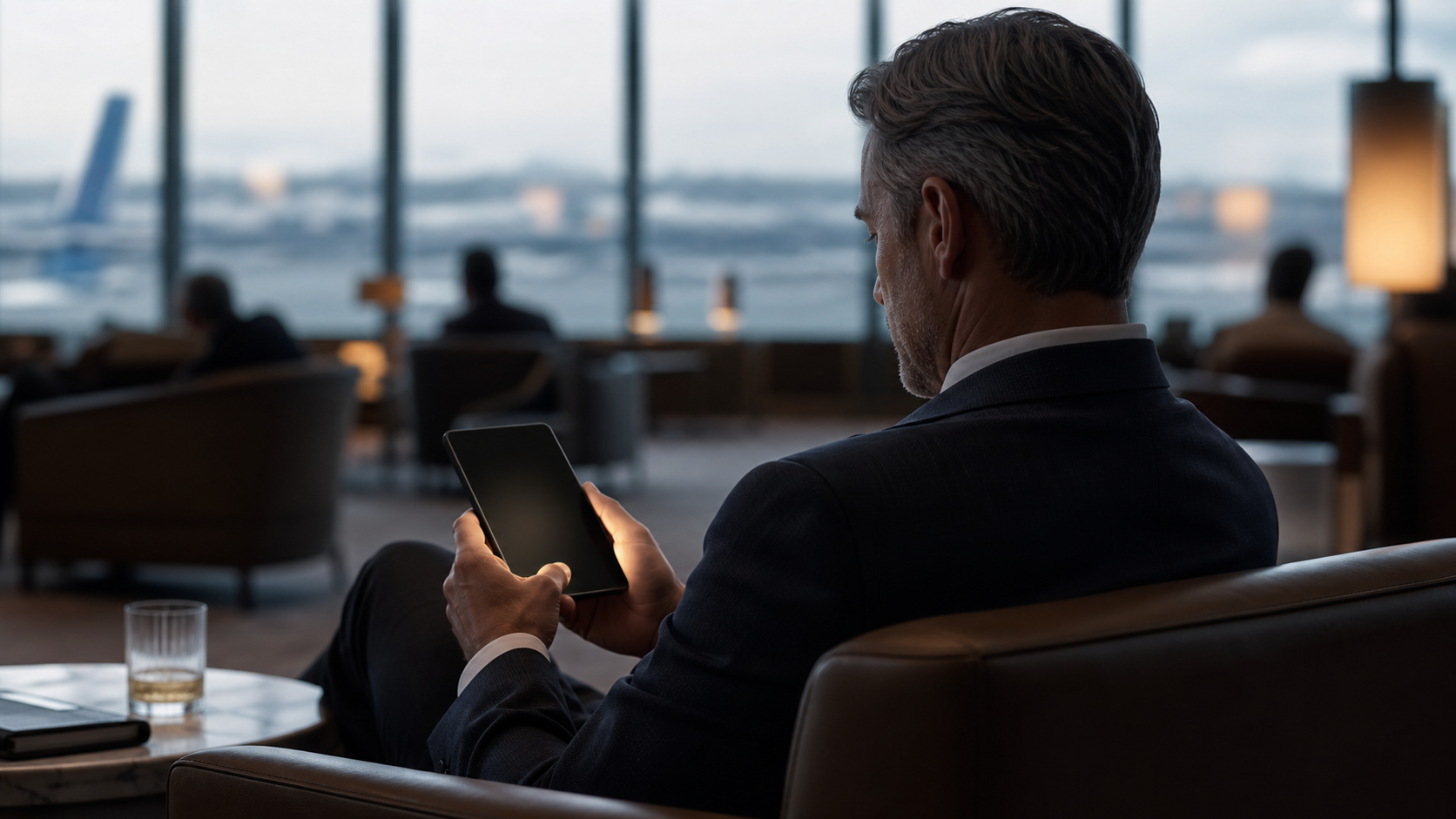
When people discuss phone privacy, they usually mean encryption, passcodes and permissions. All important. Yet a surprising amount of private information escapes through the most ordinary channel: a screen that is easy to read from the seat beside you.
That problem is becoming more significant as phones surface more context. An AI assistant may bring up a meeting brief, travel confirmation, draft response, account alert, document summary, or a piece of personal history at the exact moment a user is standing in an airport queue or sitting in a hotel lobby.
Samsung's January 2026 privacy announcement described a configurable visual-privacy layer designed to reduce shoulder surfing. Samsung says users can apply it to particular apps, private areas of a phone, or notification pop-ups, and can fine-tune or switch it off. The feature itself belongs to Samsung's product line. The design lesson belongs to every AI-phone maker: privacy cannot stop at the device's internal data boundary if the result is displayed in public. This analysis is supported by Samsung Galaxy S26 capabilities and Google Android security and privacy updates.
Security and privacy solve different problems
Security protects a system against unauthorised access. Visual privacy protects the moment after authorised access, when the owner is looking at a screen that others may also see.
Neither replaces the other. A locked phone does not help once it is unlocked on a train. Encrypted messages do not prevent a private notification from appearing during a meeting. An AI assistant may handle data with care, yet still surface the answer at the wrong time and in the wrong place.
For people who work while travelling, this is not paranoia. It is a situational decision. A calendar, a passport number, an approval item, or an executive message can be sensitive because of where it appears and who happens to be close enough to read it.
A practical visual-privacy routine
Use four small controls rather than relying on a single setting.
Reduce lock-screen detail
Keep the fact of a notification visible if you need it, but consider hiding message preview text, one-time passcodes and sensitive calendar titles. A short interruption should not reveal the whole context.
Choose private moments for sensitive work
An assistant can prepare a useful summary during a commute. Reading a legal note, reviewing a finance approval, or entering credentials may deserve a different setting and a quieter place.
Keep confirmation screens readable only to you
The more capable an agent becomes, the more important it is that a purchase, message, or approval screen is visually private. A person cannot meaningfully check an action they do not feel comfortable reading in the first place.
Review which apps can show over other apps
Android's 2026 security update calls out risks from accessibility overlays and apps that may trick people into unintended actions. That is a separate threat from a passer-by looking at a screen, but both reinforce the same habit: know what can appear over your work and when.
Privacy should match the moment
Blanket controls can be frustrating. Flexible controls are better: private apps, sensitive fields, public settings, and personal preferences do not all need the same response.
VERTU describes ALPHAFOLD as combining a foldable workspace with privacy-oriented controls such as Private Space, encrypted communication, isolated system spaces, user confirmation, and local processing elements. The exact availability of these features can vary by configuration, software version, supported service, region and user authorisation. The relevant principle is simple: an AI phone should help a user decide not only what the system can access, but when the result is safe to see.
The next step in mobile privacy will be less about hiding every trace of a digital life. It will be about making private context visible only when and where the owner has chosen.
Frequently asked questions
What is shoulder surfing?
Shoulder surfing is the informal observation of a person's screen, keypad, or private information by someone nearby.
Does screen privacy replace encryption?
No. Encryption protects data and communications. Screen privacy helps protect visible information when the device is in use around other people.
When should I enable stronger screen privacy?
Public transit, airports, shared offices, hotel lobbies and any setting where you are reading sensitive messages, documents, account details or approval screens are sensible times to use it.