

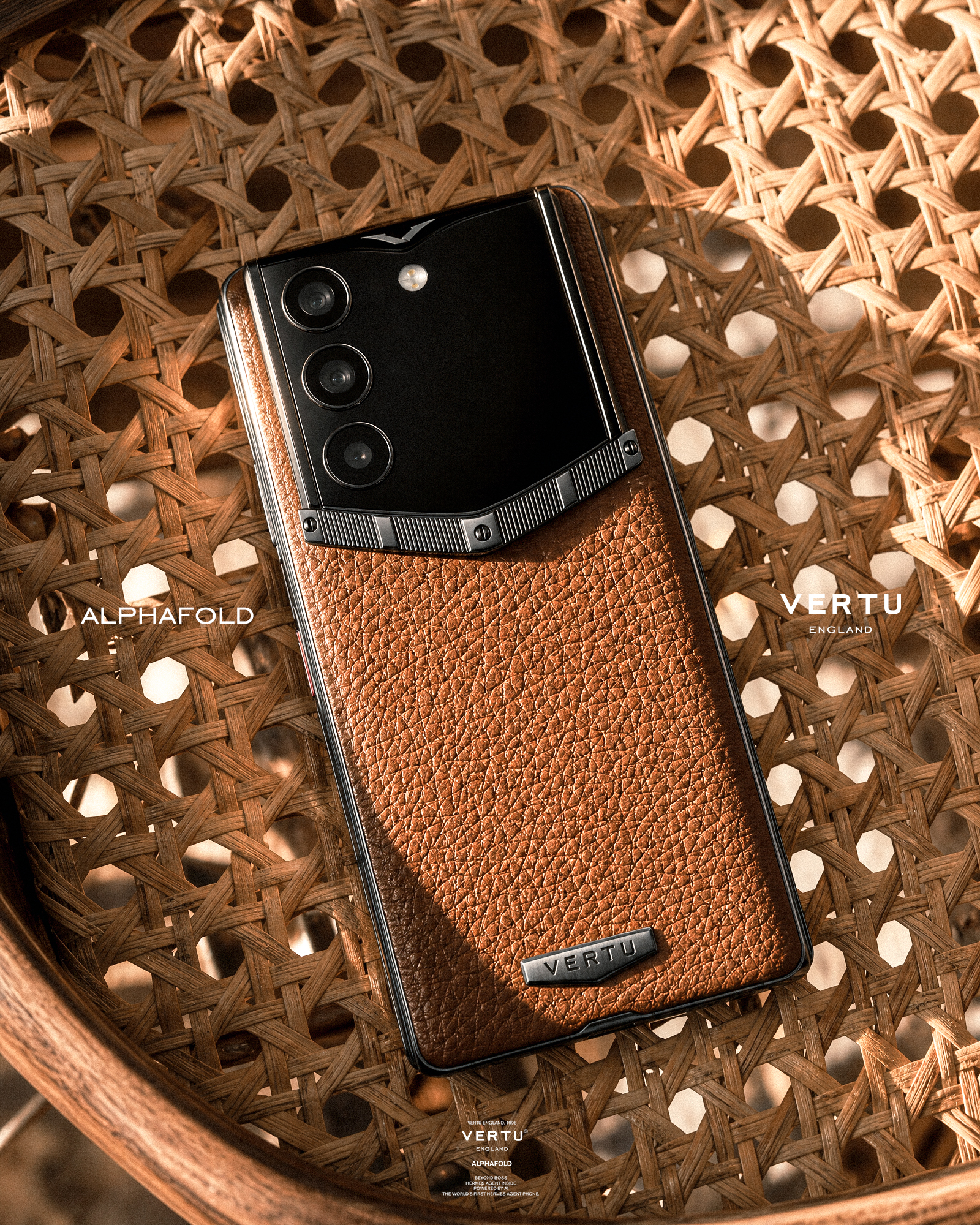
If your phone is where your life converges—family office notes, deal rooms, travel itineraries, personal messages—then “AI assistant” isn’t a novelty. It’s a new boundary decision.
The question isn’t whether AI is useful. It’s where the thinking happens.
When intelligence runs on-device, your prompts and context can stay inside your own hardware. When it runs in the cloud, your data crosses into someone else’s infrastructure—where retention policies, legal jurisdiction, and vendor security posture become part of your risk profile.
This guide is written as a decision memo. No hype, no abstractions—just the trade-offs you actually need to weigh.
Key takeaways
On-device AI reduces exposure by shrinking the “data in transit + third-party retention” surface—but it shifts risk to the endpoint.
Cloud AI can be powerful, but privacy depends on what the provider retains, who can access it, and what the contract actually guarantees.
Hybrid approaches are emerging (for example, Apple’s “private cloud” pattern), but you still need clarity on when requests leave your device.
If you choose cloud AI, the right controls are boring—and non-negotiable: least privilege, data minimisation, approval gates, and auditable actions.
The only question that matters: what leaves your device?
Most “AI privacy” conversations get stuck on marketing labels—private, secure, enterprise-grade.
A better lens is simpler:
- On-device AIthe model runs on your phone’s hardware. In the cleanest implementation, your raw prompt and context do not leave the device during inference.
- Cloud AIyour prompt, context, and sometimes attached documents are transmitted to a remote service. The response returns, but the privacy story doesn’t end there.
What you’re buying is not just capability. You’re buying a privacy boundary.
Collector’s note: A modern assistant can touch far more than messages. Depending on permissions, it can see calendar context, location signals, notifications, contact graphs, files, and “memory” summaries. Treat the assistant as a delegated operator, not a feature.
Cloud AI: the privacy risks that actually matter
Cloud AI becomes risky in predictable ways. Not because the model is “evil,” but because the system around it creates new surfaces: retention, access, and secondary use.
1) Retention and secondary use
Even when a provider says it “does not train on your data,” that does not automatically mean:
nothing is stored
nothing is logged
nothing is reviewable
nothing is discoverable
Privacy authorities increasingly warn against entering sensitive information into publicly available AI tools because of the complexity of these risks (see the OAIC guidance on privacy risks of commercially available AI tools (2024)).
2) Vendor access and the “who can see this?” problem
In cloud AI, your threat model includes:
the provider’s internal access controls
how support and incident response is handled
subcontractors and infrastructure layers
whether your prompts are included in diagnostic logs
You may never learn the real answer to “who can see this?”—you’ll only learn what the contract says.
3) Jurisdiction and cross-border exposure
If you operate globally, jurisdiction is not theoretical.
A cloud assistant can route processing across regions. Logs and backups can live in places you didn’t intend. Discovery and lawful access regimes differ.
If your work involves sensitive relationships, negotiation, or personal security, “where did the data go?” is a first-class buying criterion.
4) Permissions: the quiet risk multiplier
The most dangerous cloud assistants aren’t the ones that answer questions. They’re the ones that have broad tool access.
As VERTU frames it, “Permissions define maximum reach. Everything else is secondary.”
When an assistant can send messages, share files, change settings, or connect across services, privacy failures become operational failures.
On-device AI: why it’s private—and how it can still fail
On-device AI is attractive because it removes an entire class of cloud exposure: third-party processing and retention.
But don’t confuse “local” with “safe.” On-device changes the threat model.
1) The endpoint becomes the perimeter
If sensitive context stays local, then compromises also become local:
device theft
spyware and privilege escalation
insecure caches and logs
weak separation between “everyday” and “confidential” spaces
A privacy boundary is only as strong as the hardware-backed security model enforcing it.
2) Local memory can become a liability
On-device assistants often store:
embeddings
summaries
“helpful memory” snippets
Memory should be minimal and intentional—kept to preferences and approved workflows, not raw sensitive content.
How to verify: Ask two blunt questions: “Can I inspect what the assistant remembers?” and “Can I clear it completely—including caches and indexes?” If the answer is unclear, assume memory is a risk.
3) Capability limits can push you back to the cloud
On-device models are improving fast, but some tasks still benefit from large, cloud-scale models.
This is where privacy often breaks: a device starts “mostly local,” then quietly routes certain requests out.
For decision-stage buyers, transparency matters more than a slogan. You need to know when the boundary is crossed.
The hybrid middle ground: what “private cloud” is trying to solve
Some vendors are building a middle layer: cloud-scale compute with privacy properties closer to on-device.
Apple’s Private Cloud Compute is one of the clearest public examples. Apple describes it as a system designed for private AI processing in the cloud, with “stateless computation” and “verifiable transparency” at its core (see Apple’s “Private Cloud Compute” explainer (2024)).
The idea is simple:
keep what can be processed locally on-device
offload only what must be offloaded
make the cloud environment harder to target, harder to retain data in, and more inspectable
This is directionally positive for privacy.
But your buying question remains the same:
What data leaves the device?
Under what conditions?
Is processing genuinely stateless, or is it “stateless except for logs, backups, and telemetry”?
Can you verify the claims—or only trust them?
Decision framework: on-device AI vs cloud AI privacy
This section is designed to make a decision possible.
Step 1: classify what you will ask an assistant to touch
If your usage is limited to generic writing prompts, summaries of public articles, or brainstorming, the cloud risk is lower.
If your usage includes any of the following, treat privacy as “high stakes”:
confidential communications
personal security or sensitive relationships
travel plans and location-linked schedules
financial documents, term sheets, contracts, cap tables
private health or family matters
Step 2: define your deal-breakers
Here are common deal-breakers for privacy-sensitive buyers:
No third-party retention of prompts and context
Inspectable and erasable memory (not just “clear chat”)
Least-privilege permissions with time-bounded access
Approval gating for anything that changes the outside world
Clear jurisdiction / residency controls if you operate across borders
Step 3: watch for red flags
A few signals should make you slow down:
“Secure” without a clear explanation of how
Vague statements like “we respect your privacy” without retention details
Permanent broad permissions (“always allow”) as the default
No audit trail for assistant actions
A memory system you can’t inspect or fully clear
Key TakeawayThe fastest way to lose privacy is to grant an assistant broad permissions and then trust it to behave.
If you choose cloud AI anyway: a practical mitigation checklist
Sometimes cloud AI is unavoidable—because of capability, speed, or integration.
If so, treat it like you would any sensitive vendor.
Minimise the data you send
Redact identifiers. Remove attachments unless necessary.
Data minimisation is not optional; it’s a core expectation in privacy guidance for AI systems (see the UK ICO guidance on “security and data minimisation in AI”).
Constrain permissions by default
Start read-only. Make “send/share/change” a deliberate step-up.
Prefer “allow once” access patterns.
Require explicit approval for significant actions
Sending external messages
Sharing/exporting files
Changing security settings
Approving payments
This “human-in-the-loop” boundary is a practical security control, not bureaucracy.
Demand auditability
If you can’t see what the assistant accessed and what it did, you can’t manage risk.
Clarify retention in writing
Look for explicit language on retention windows, training, and support access.
A practical example: on-device-first privacy, with controlled reach
If your default position is “my private context stays mine,” then an on-device-first approach is coherent.
VERTU frames Agent Q as an on-device privacy posture—positioning the system around local processing and user control.
In that spirit, Agent Q GT is best understood as a decision for people who want their assistant’s intelligence to live closer to the hardware boundary—paired with strong permissioning and separation between contexts.
This is not about “perfect security.” It’s about reducing exposure by design—and making any reach beyond the device explicit and intentional.
FAQ
Is on-device AI always safer than cloud AI?
No. On-device reduces transmission and third-party retention risk, but it can increase exposure to endpoint threats if device security, separation, and memory controls are weak.
Is “private cloud” the same as on-device?
No. Private cloud approaches aim to make cloud processing safer (for example, stateless processing and transparency claims), but your data still leaves the device.
What should I never paste into a cloud assistant?
Anything you wouldn’t be comfortable appearing in a legal dispute or a breach report: sensitive identifiers, raw documents, private financial details, or location-linked personal security information.
What are the most important controls to look for?
Least privilege permissions, time-bounded access, minimal/erasable memory, approval gating for significant actions, and a usable audit trail.
Next steps
If you’re selecting an AI assistant setup for high-stakes life, start with one decision: where your private context is allowed to exist. Everything else—features, speed, convenience—comes after.
If you want an on-device-first approach with deliberate control over permissions and memory, explore VERTU’s perspective on governance in AI Assistant Privacy: Permissions, Memory, and Control, then decide what boundary you’re willing to accept.
Disclosure: This article references VERTU pages. Editorial judgment remains the priority.


