


If you’re searching for the most secure phone in 2026, you’re likely not shopping for a spec sheet. You’re shopping for a system you can live with under real pressure: business travel, device loss, account recovery at inconvenient moments, assistants handling logistics, and AI features that quietly expand where your data may go.
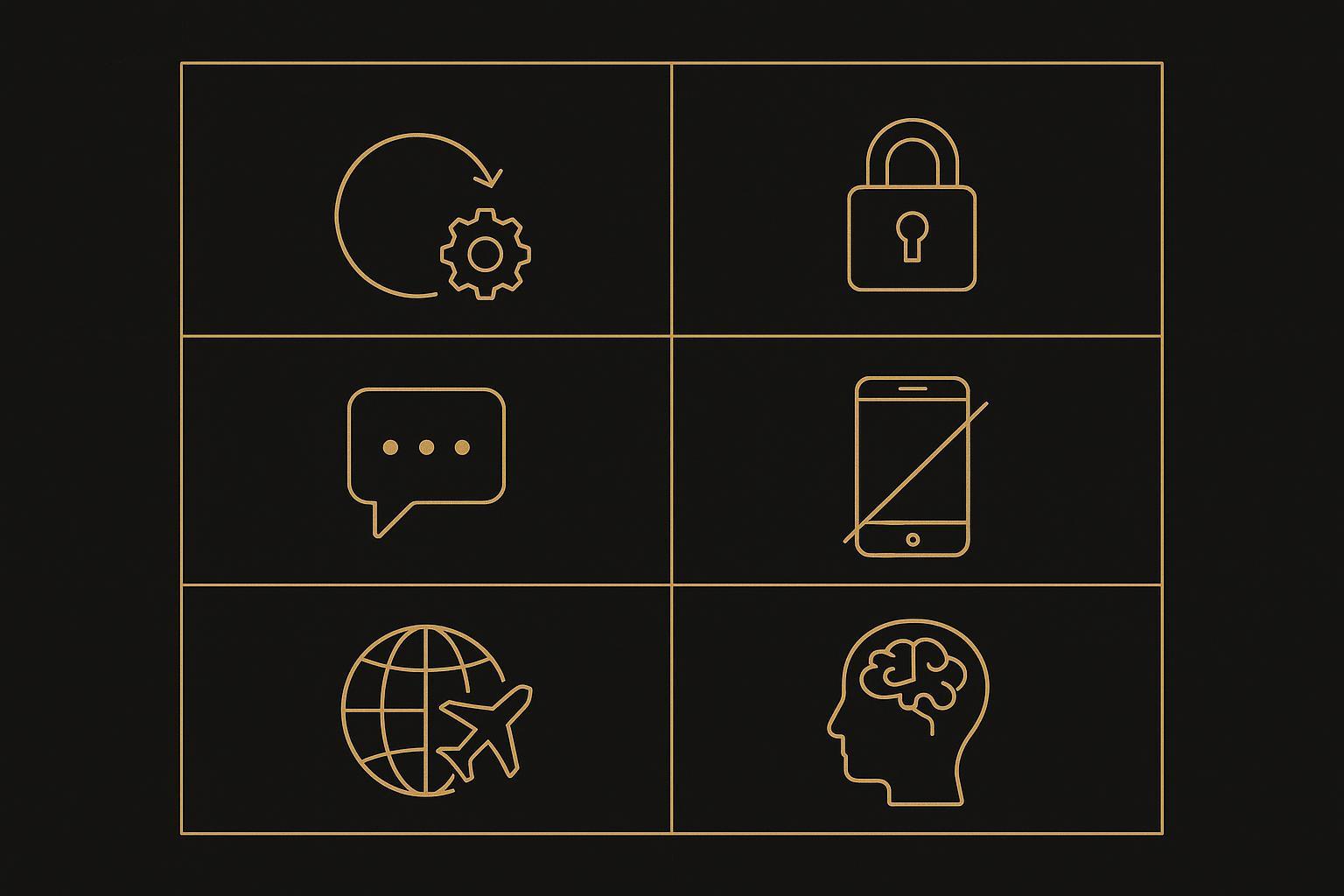
This guide is framework-first. No “#1 most secure” claims. Instead, you’ll get a buying checklist built around six realities that matter for high-net-worth (HNW) users:
System updates you can rely on
Privacy boundaries you can enforce
Communication security that survives the human factor
Device loss and rapid recovery
Business travel risk (networks + borders + physical access)
AI data processing (what leaves the device, when, and why)
Key TakeawayIn 2026, the “most secure phone” is rarely the most exotic phone. It’s the phone with the most defensible update pipeline—and the cleanest operational posture around identity, travel, and AI.
1) Start with a threat model (before you compare phones)
HNW buyers tend to over-index on features and under-index on adversaries. You’ll make better decisions if you’re explicit about which risk you’re buying against.
Consider which of these is most relevant:
Targeted intrusion (executive espionage, high-stakes negotiation, sensitive M&A)
Opportunistic compromise (phishing, credential reuse, malicious QR codes, “helpful” profiles)
Device loss (hotel, vehicle, airport security, conference settings)
Travel exposure (untrusted Wi‑Fi, temporary SIM/eSIM swaps, coercive inspection)
Data leakage via AI (summaries, transcriptions, assistants, cloud processing)
Your answers determine what “secure” should mean—for you.
2) System updates: the security feature you can actually verify
Most phone compromises don’t start with a dramatic hack. They start with something dull: a device that isn’t patched.
What to look for in a most secure phone shortlist:
A published security-update policy (not vague “we update” language)
A credible track record for rapid patch delivery
A clear plan for end-of-support (what happens in year 4, 5, 6+)
If you manage multiple devices (principal + EA + family office staff), you also want update control at the policy level. Android Enterprise explicitly supports managed system update policies for enrolled devices, which matters when you need updates to be a rule—not a suggestion (see Android Enterprise guidance on managing system updates).
How to verifyAsk the seller to state the exact model’s update runway in writing. Then confirm whether the device can be enrolled/managed so updates are enforceable.
3) Privacy boundaries: separate the “sensitive” from the “everyday”
On a modern phone, “privacy” is rarely one setting. It’s a boundary design problem:
Which apps can access contacts, calendar, photos, microphone, location?
Can you separate business and personal identities cleanly?
Can staff coordinate without inheriting your full context?
For many executives, the practical answer is separation: distinct accounts, distinct messaging lanes, and (when relevant) managed containers.
On Android, a foundational tool is the work profile, designed to separate work apps/data from personal space (see Android Enterprise: Work profiles). Even if you don’t run a corporate MDM program, the concept is still useful: build a “clean boundary” between sensitive communications and daily noise.
4) Communication security: choose protocols, then choose apps
It’s tempting to ask “Which app is the most secure?” A better question is: “What do I need my communications to withstand?”
For high-sensitivity threads, your baseline should include:
End-to-end encryption (E2EE) where appropriate
Strong identity controls (passkeys/security keys where available)
Clear rules for staff collaboration (what can be delegated vs. what stays principal-only)
Where the phone matters: secure communications collapse if account recovery collapses.
Avoid relying on SMS for critical recovery.
Protect your carrier account against SIM swap/port‑out.
Assume you will need to recover access while traveling.
If you’re building a business-ready device stack, it’s also worth reading a broader best business phone framework so security is evaluated alongside reliability, manageability, and support posture (see which mobile is best for business purposes).
5) Device loss: design for the “airport scenario”
The most secure phone in theory can still fail you in practice if loss response is improvisational.
Your checklist:
Long passcode first; biometrics second
Remote lock and remote wipe set up and tested
Cloud backups configured intentionally (and reviewed)
A written “loss protocol” for assistants/security staff
In other words: security is not just prevention. It’s recovery speed with minimal collateral damage.
6) Business travel: reduce attack surface before you board
Travel multiplies risk: unfamiliar networks, rushed decisions, more physical access by third parties.
Practical travel posture (HNW version):
Strip your phone down to the apps you’ll actually need for the next 7–14 days
Disable “just-in-case” permissions
Treat eSIM/SIM changes as sensitive operations
Use a VPN only if it meaningfully reduces risk in your scenario (don’t let “VPN” become a talisman)
If you travel with staff support, define boundaries ahead of time:
Who is allowed to initiate account recovery?
Who can request a SIM/eSIM change?
What verification must happen first?
These are operational decisions—not settings.
7) AI data processing: decide what the phone is allowed to see
In 2026, phones increasingly behave like assistants: transcribing calls, summarizing messages, extracting tasks, and “helping” with context.
Treat AI as a data-handling policy question:
What gets processed on-device vs. in the cloud?
Can you disable AI features cleanly—or are they woven into core apps?
Do third-party apps quietly send content to external processors?
Your goal isn’t to “avoid AI.” It’s to decide where AI is allowed to touch sensitive content.
⚠️ WarningIf an AI feature improves convenience by scanning messages, documents, or call audio, assume it expands exposure unless you can verify the data path, retention, and opt-out behavior.
8) Hardware trust model: understand the baseline (without fetishizing it)
Hardware-backed security can be meaningful—but it isn’t a standalone guarantee.
Mainstream platforms document their secure hardware models clearly:
Apple describes a dedicated secure subsystem in Apple Platform Security — Secure Enclave.
Samsung documents an isolated security subsystem in Samsung Knox Vault documentation.
Android documents dedicated hardware security components such as Titan M in Android Titan M hardware security documentation.
Use this section as a sanity check:
If a vendor can’t explain its trust model, it’s not a security vendor.
If a vendor can explain the trust model but can’t explain updates, it’s still not a security vendor.
9) Where VERTU can fit (without turning the article into a pitch)
For consideration-stage buyers, the practical question isn’t “Is this phone unhackable?” It’s:
Can I keep it patched?
Can I separate sensitive from everyday?
Can I recover safely while traveling?
Can I reduce mistakes under pressure?
This is where service and ownership model matter.
VERTU can be relevant as a service-led layer on top of a serious security posture—especially for buyers who want assistance with setup discipline, travel reality, and controlled workflows. If you want to understand the software foundation and terminology before evaluating any claims, start with VERTU Phone OS.
If you are evaluating VERTU-specific options as part of your shortlist, these references help you map features and services into your checklist:
Agent Q (device line)
Ruby Key is referenced in VERTU materials; see Top-Rated AI Agent Phone: Expert Recommendations
10) The buying checklist (copy/paste)
Use this as your decision document—especially if you’re comparing the most secure android phone candidates against iPhone-class baselines.
Update & lifecycle
Security updates are published and verifiable
Patch cadence is consistent
End-of-support plan is acceptable
Privacy boundaries
Permissions are disciplined by default
Business/personal separation is possible
Staff collaboration doesn’t require sharing your entire identity
Communications
Sensitive threads have a defined E2EE channel
Account recovery is not SMS-dependent
Carrier protections are enabled
Loss response
Remote wipe/lock configured and tested
Backup strategy is intentional
“Loss protocol” exists for staff
Travel posture
Minimal app footprint for trips
eSIM/SIM procedures are locked down
Public-network behavior is defined
AI policy
AI features are understood, scoped, and optional
Sensitive content is excluded from assistants/transcription unless explicitly intended
11) Most secure phone decision snapshot (2026)
If you want the most secure phone choice to stay grounded, rate any shortlist against three questions:
Can it be kept fully patched—fast?
Can you enforce privacy boundaries (roles, staff, travel)?
Can you recover safely after loss, without panic or SMS shortcuts?
12) Next steps
If you’re in the consideration stage, shortlist two devices and score them against the checklist above—then stress-test your plan against your next trip.
If you want a broader business buying lens (security + reliability + manageability), start with the best business phone framework and adapt it to your threat model (see the guide referenced earlier in this article).
Disclosure: This article references VERTU pages. Editorial judgment remains the priority.


