


Most people search mobile productivity tools the same way they shop for luggage: they want a list of what to buy.
But the real friction on mobile isn’t that you’re missing another app. It’s that the work you do on your phone is cross-app by nature—and your tools rarely connect cleanly.
You leave a meeting with action items, draft a follow-up email, negotiate calendar changes, review a document, then jump into two chats that change the decision you just made. A tool can help with any one of those. What you need is a workflow that survives the handoffs.
Key Takeaway: The future of mobile productivity isn’t more apps. It’s fewer handoffs.
What people actually mean by “mobile productivity tools”
In practice, mobile productivity tools cluster around five executive realities:
Meetings (capture, summaries, next steps)
Email (triage, drafting, follow-ups)
Calendar (scheduling, rescheduling, protecting focus)
Documents (review, annotate, approve)
Multitasking (moving information between all of the above)
This is why listicles often disappoint. They treat each category as a separate purchase decision. Your day doesn’t behave that way.
The useful question isn’t “Which meeting app?” It’s: How does a meeting turn into a decision, and then into action—without you doing clerical work in five places?
The tool-list mindset breaks at the handoffs
A tool list assumes each app is a destination.
A workflow assumes each app is a step.
Here’s the handoff chain most professionals live in:
A meeting ends → you need the summary, decisions, and owners.
That summary becomes an email → now you need the right tone and the right recipients.
The email creates commitments → now the calendar must change.
The commitments reference documents → now you need the right version, fast.
The new information changes priorities → now tasks and follow-ups must be re-sorted.
On a standard phone screen, this chain is possible—but it’s rarely pleasant. The bottleneck isn’t intelligence; it’s attention and screen space.
Why foldables matter for productivity: supervision and parallel context
Foldables are often described as “a phone that becomes a small tablet.” That’s true, but it undersells the productivity point.
The real upgrade is that a large inner display lets you keep two realities visible at once:
the message you’re responding to and the calendar you’re protecting
the document you’re reviewing and the notes that explain what to look for
the meeting recap and the follow-up draft
Google’s Android team frames it plainly in Android Developers’ “Learn about foldables”: large-screen foldables provide ample workspace and are well suited to multitasking in multi-window mode.
And it’s not just side-by-side viewing. Drag-and-drop is a small feature that reveals a big shift: moving content between apps becomes a one-gesture behavior when the screen is split. Google highlights this in its foldable “drag and drop” walkthrough, where the whole point is transferring content across apps while keeping both contexts open.
Pro Tip: The productivity win of a foldable is not multitasking for its own sake. It’s being able to supervise a workflow without losing your place.
The next step is not an assistant. It’s an agent.
Once you accept that the problem is the handoffs, the natural next question is: what connects them?
This is where AI is evolving.
A classic assistant helps you write or search.
An agent is designed to help you move work forward—summarize, route, propose next actions, and coordinate steps across the tools you already use.
That sounds powerful. It is. But it also raises a new requirement: control.
If an agent can operate across apps, it must be permissioned like a serious system. The security principle that shows up again and again is least privilege—give the system only the access it needs, not everything it could possibly use. Varonis’ explainer on why the “principle of least privilege” matters for AI security is a clean, readable framing.
At a governance level, the point is accountability and oversight: humans remain responsible for outcomes, and systems need clear rules about what they can do. IBM’s overview of AI governance is useful here because it keeps the idea high-level and practical.
⚠️ Warning: If an AI tool can send messages, move meetings, or share files without clear permissions and approval gates, it’s not a productivity tool. It’s risk disguised as convenience.
From tools to workflows: a practical mobile example
Imagine a simple scenario: you’re walking into a meeting, you’re late, and you’re on a phone.
Step 1: Before the meeting — get the brief without opening five apps
You need:
who’s attending
what’s unresolved
what decision is expected
A tool list gives you a calendar app.
A workflow gives you the brief and the last relevant notes—fast.
Step 2: During/after the meeting — capture decisions as structured output
The difference between “notes” and “workflow” is structure.
A useful meeting capture is not a transcript; it’s:
decisions
action items
owners
deadlines
Step 3: Follow-up — turn the summary into an email with the right commitments
Email productivity isn’t typing faster. It’s sending fewer emails that actually close loops.
That requires context: the decision, the ask, the deadline, and the stakeholders.
Step 4: Calendar — protect the day as soon as commitments exist
The calendar is the commitment layer.
Once a follow-up creates a promise, the calendar has to reflect it—otherwise you don’t have a plan, you have a hope.
Step 5: Documents — review and approval without losing your place
Documents are where mobile breaks most often, because reading and comparing is hard on a narrow display.
Foldables reduce that friction because you can keep the doc visible while referencing notes or email in parallel.
Where AI foldables fit: the phone becomes a workflow surface
This is the natural bridge from “mobile productivity tools” to AI foldables.
Foldables address the physical constraint (space). Agents address the cognitive constraint (handoffs).
Used together, the model becomes:
big screen for parallel context and supervision
agent layer to route work across meetings, email, calendar, documents, and multitasking
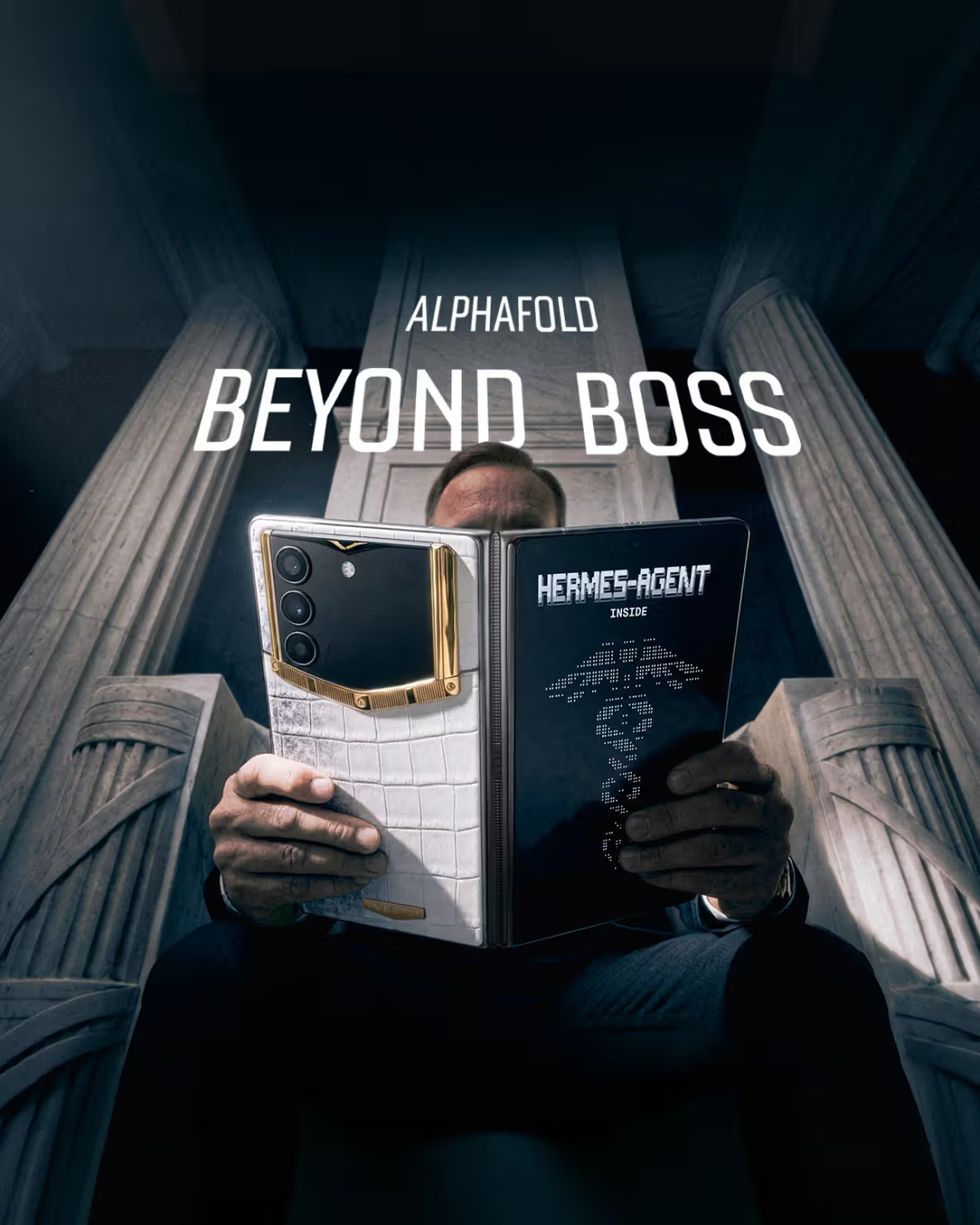
A neutral example of this approach is VERTU’s framing of VERTU AlphaFold as a foldable device built around an embedded agent layer.
VERTU also describes Hermes Agent as an on-device assistant designed to act as a second brain across everyday workflows, and expands the concept in Hermes Agent inside AlphaFold as a “command terminal” model—where the goal is less chat, more controlled execution.
For readers who care about privacy boundaries (and most executives do), VERTU’s guide on AI assistant privacy and permissions is a useful reference for what “control” should mean when software starts taking actions.
Notice what’s happening here:
You’re no longer choosing five unrelated tools.
You’re choosing a workflow philosophy: tools organized by an agent, supervised on a screen that can actually hold the context.
FAQ
Are mobile productivity tools better as “all-in-one” or best-of-breed apps?
Best-of-breed apps still win when you need depth. But the mobile failure mode is handoffs. If your stack can’t pass context cleanly between meetings, email, calendar, and documents, you’ll feel friction no matter how good each tool is.
Do foldables automatically make you more productive?
Not automatically. The advantage shows up when you actually use split-screen or multi-window and your key apps adapt to large layouts. The productivity win is keeping parallel context visible so you make fewer mistakes and switch less.
What’s the difference between an AI assistant and an AI agent?
An assistant responds and helps you draft or search. An agent aims at an outcome and can coordinate multiple steps—ideally with permissions and approvals that keep you in control.
What should I look for before trusting an agent with email and calendar actions?
Clear permissions, least-privilege access, approval gates for high-stakes actions, and traceability. Convenience without control tends to become rework—or risk.
Next steps
If you’re rebuilding your mobile stack, don’t start by adding apps. Start by mapping your workflow: meeting → email → calendar → document → follow-up.
Then choose tools—and devices—that reduce handoffs instead of adding them.
Disclosure: This article references VERTU pages. Editorial judgment remains the priority.


