If your phone gets wet, disconnect it from cables and accessories, move it to a dry place, and stop using the charging port. Wipe the exterior gently, let the device and connector dry with airflow, and follow the exact maker's instructions before charging again. If it was submerged, exposed to salt or another liquid, becomes unusually hot, or behaves abnormally, arrange authorised service. A water-resistance rating does not make a damaged or ageing phone waterproof.
Key Takeaways
- Disconnect power first; never test a damp charging port by repeatedly inserting a cable.
- Use a soft cloth and room-temperature airflow. Avoid rice, heat, compressed air and objects in the port.
- Apple's 30-minute first check and up-to-24-hour drying period apply to its stated iPhone situation, not to all phones.
- Submersion, saltwater, drinks and persistent symptoms justify a manufacturer-specific service assessment.
What should you do in the first minute?
Move the phone away from the liquid and any powered accessory. Unplug the cable from the device and from its adapter where safe to do so. If you can operate the phone normally, follow its maker's instructions about powering it down; Samsung advises turning off a submerged Galaxy device promptly. Do not assume that touching a wet device connected to damaged power equipment is safe. If you suspect an electrical hazard, stop handling the equipment and get qualified help.
Remove an external case or pouch so trapped moisture cannot remain against the body. Wipe the exterior with a clean, soft, lint-free cloth. Avoid vigorous shaking: the goal is to remove visible liquid without forcing it toward openings. Record what happened, especially the liquid involved, approximate exposure, and any warning shown on screen. Those details help a service team distinguish a damp port from a deeper exposure. Do not open the handset or remove a fitted screen protector to inspect inside.
How should you dry a wet phone safely?
Place the phone in a dry area with normal airflow. Keep the connector oriented as the maker recommends and let gravity assist rather than inserting tissue or a swab. Apple's liquid-detection guidance says to tap an affected iPhone gently against a hand with the connector facing down, then leave it in a dry place with airflow. It specifically advises against rice, an external heat source, compressed air, or a foreign object in the connector. Use those instructions as Apple guidance, not as a substitute for another manufacturer's manual.
Apple says an iPhone in its described situation can be checked after at least 30 minutes and may need up to 24 hours to dry fully if a liquid alert persists. These are not universal drying times. A phone immersed in water, exposed to a sugary drink, or showing fog under a camera lens may need service even if its exterior feels dry. The absence of visible water is not proof that internal components are dry.
Do not put the handset on a radiator, in an oven, in direct intense sunlight, or under a hair dryer. Excess heat can damage adhesives, seals, finishes, batteries and screens. A fan moving room-temperature air nearby is different from forcing high-pressure air into an opening; still, follow the model's stated instructions. Rice is not a reliable repair process, and grains or dust can make the port problem worse.
Can you charge a phone after it gets wet?
Charge only when the phone, port, cable and connector are dry according to the maker's guidance. Google's Pixel safety guidance warns that charging with moisture present can create fire, electric-shock, injury and device-damage risks. Apple also explains that a wet connector can corrode and cause permanent charging problems. A moisture alert should be treated as a reason to stop, not an obstacle to bypass for convenience.
Wireless charging is not a universal workaround. Some iPhones can use a compatible wireless charger if the phone's back is dry, according to Apple's guidance, but that does not establish that a soaked phone is safe to power. Check the exact model, inspect the charging surface, and avoid charging if the device is hot, damaged, or still shows evidence of internal moisture. For another brand, follow its own instructions rather than transferring Apple's exception.
If the phone no longer displays a warning but charging is intermittent, stop cycling cables to force a connection. Inspect only what you can see without inserting objects. A damaged cable or connector may also be involved. Ask support to assess the port if the problem continues. Keep a backup cable separate from the wet one so you do not reintroduce moisture.
Does an IP rating change the emergency steps?
No. An IP rating describes protection under defined laboratory conditions when a device is in its specified condition. It does not guarantee protection from every liquid, water pressure, temperature, prior impact, worn seal, or repair. The model's exact rating and warnings still matter for deciding whether service is needed. Do not submerge a phone deliberately to see whether its published claim holds.
Freshwater, seawater, pool water, coffee, soda and cleaning fluid are different exposures. Salt and residue can remain after apparent drying; sugary liquid can leave a sticky deposit. A maker may give a special rinse instruction for a particular water-resistant model. Samsung, for example, publishes model-specific advice for some devices after non-fresh-water exposure. Do not rinse an unidentified or unrated phone merely because another device's manual says to rinse its port.
Damage can appear later. A phone may work immediately after a spill and then show audio distortion, unreliable charging, fogging, camera failure or unexpected restarts. If symptoms emerge, stop using affected features, back up data if the manufacturer says the phone is safe to operate, and arrange an assessment. A successful boot is not evidence that corrosion cannot develop.
What if the phone fell into a sink, pool or sea?
Treat immersion as more serious than a few drops on the casing. Retrieve it safely, disconnect accessories, and follow the exact manufacturer procedure. Samsung's immersion guidance advises promptly turning off an affected Galaxy phone and drying it properly. Do not repeatedly power it on to check whether it recovered. If the water contained salt, chlorine, soap or another contaminant, tell the service centre what it was.
Do not use a charging cable to discover whether the port has dried. If a battery becomes swollen, the device emits smoke, or it grows abnormally hot, stop handling and charging it; follow local emergency and manufacturer safety guidance. These are battery-safety concerns, not a normal drying wait. For ordinary wet-port warnings, use the maker's support channel rather than opening the handset yourself.
Take care with removable trays and covers. A SIM tray may have a seal that can be damaged or mis-seated. Unless the maker instructs you to remove it as part of the response, leave openings closed and ask a technician. A case can be removed safely, but a glued back or display should not be lifted as a home drying method.
How do you protect data while arranging repair?
If the phone is working safely after the manufacturer's drying process, back up important photos, messages, authentication recovery information and business files through an approved method. Do not keep using an unstable device for hours just to finish a complete migration. Prioritise information you cannot replace, and note any symptoms before contacting the service team. If a device is too damaged to turn on safely, ask whether the authorised provider offers a data-recovery route and what privacy conditions apply.
For a work phone, notify the relevant IT team before attempting a personal repair or transferring sensitive files. They may need to revoke sessions, secure corporate accounts, or arrange a managed replacement. Document whether the device was exposed to freshwater or another substance and whether it was connected to power at the time. These facts can affect both diagnosis and policy decisions.
What warranty or service questions should you ask?
Ask whether liquid damage is covered, how the manufacturer assesses it, whether a diagnostic fee applies, and what happens if repair is uneconomical. A water-resistance rating and warranty coverage are separate matters. Apple notes that liquid damage is not covered by its one-year limited warranty, subject to consumer-law rights. Other brands and purchased protection plans can differ. Read the documents for your market and exact model rather than assuming a generic policy.
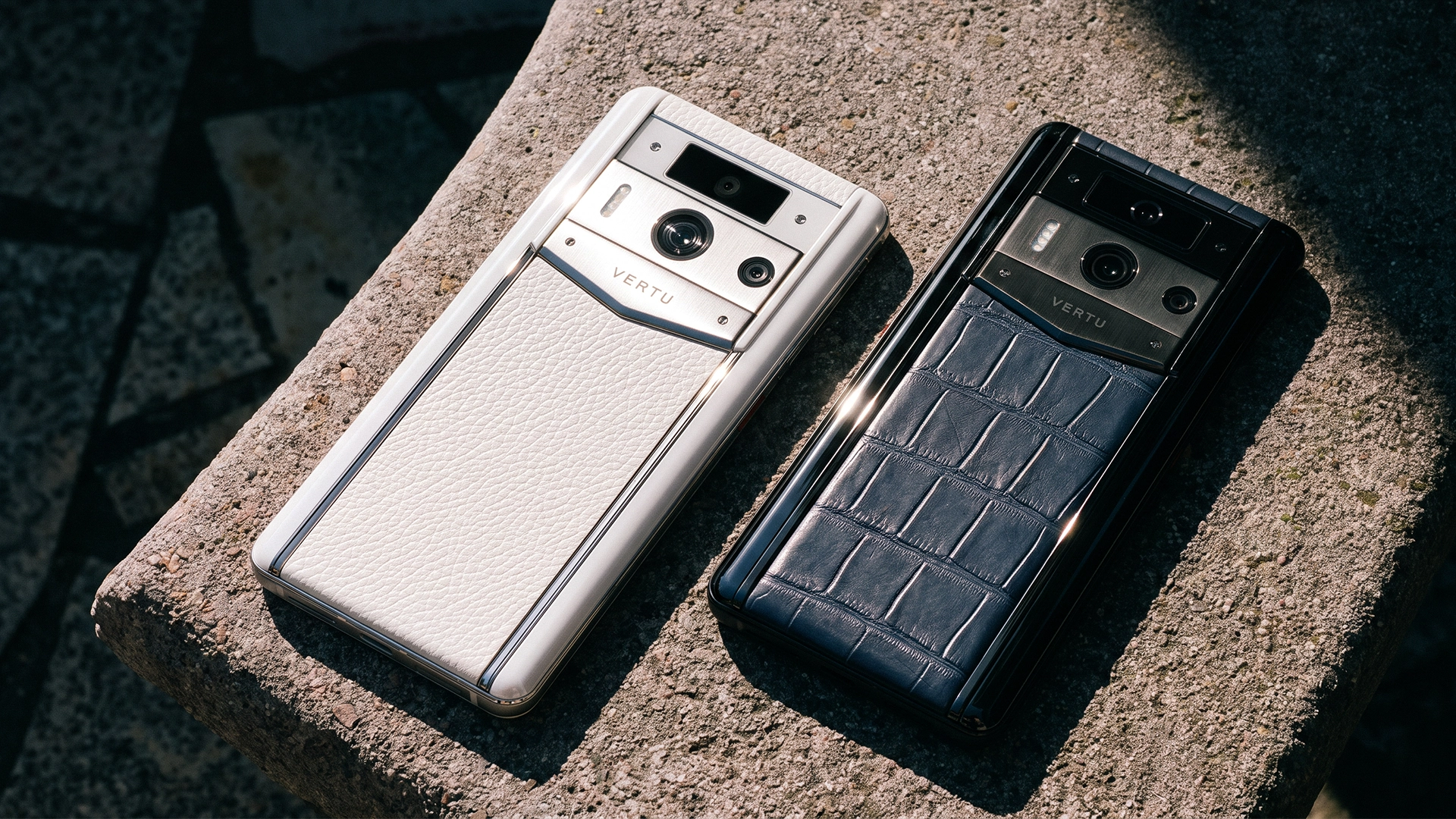
VERTU owners should check the exact handset documentation and official service terms. The earlier VERTU rain-protection guide addresses prevention; this guide focuses on response after exposure. No single VERTU water-resistance rating should be inferred for every phone family. Ask support whether the particular model needs an immediate inspection and how to package it safely for service.
What should you avoid doing?
- Do not charge through a damp connector or ignore a moisture warning.
- Do not insert paper, a cotton swab, a pin or a brush into a wet port unless the manufacturer explicitly instructs it.
- Do not use rice, an oven, a hair dryer or compressed air as a drying shortcut.
- Do not apply a rinse instruction from one water-resistant model to another phone.
- Do not repeatedly power on a submerged device or conceal the liquid exposure from a repair provider.
These cautions address common attempts to make the phone work quickly. They are not a substitute for diagnosis when the liquid has entered the device. If the cost of downtime is high, arrange a temporary replacement and preserve the wet handset for professional assessment rather than experimenting with improvised repairs.
Frequently asked questions
Should I put a wet phone in rice?
No. Apple advises against rice because particles can damage an iPhone. Use the maker's airflow and service instructions for your device.
How long should I wait before charging?
Follow the exact phone's guidance and wait until the port and cable are dry. Apple's first check after 30 minutes and possible 24-hour drying period apply to its stated iPhone scenario, not to every phone.
Can a water-resistant phone still be damaged by rain?
Yes. Ratings have test limits and can be affected by age or damage. Rain mixed with dust, pressure or contaminants may create conditions outside the rating.
What if my phone works after a spill?
Continue to watch for delayed charging, audio, camera or power problems. A phone that turns on is not necessarily free of internal moisture or residue.
Conclusion
When a phone gets wet, disconnect it, dry the exterior gently, avoid charging a damp port and follow the exact maker's instructions. Treat immersion and contaminated liquids more seriously than a small splash, and seek authorised support if warnings or symptoms persist. The safest response is defined by the model and exposure, not by a universal drying trick.