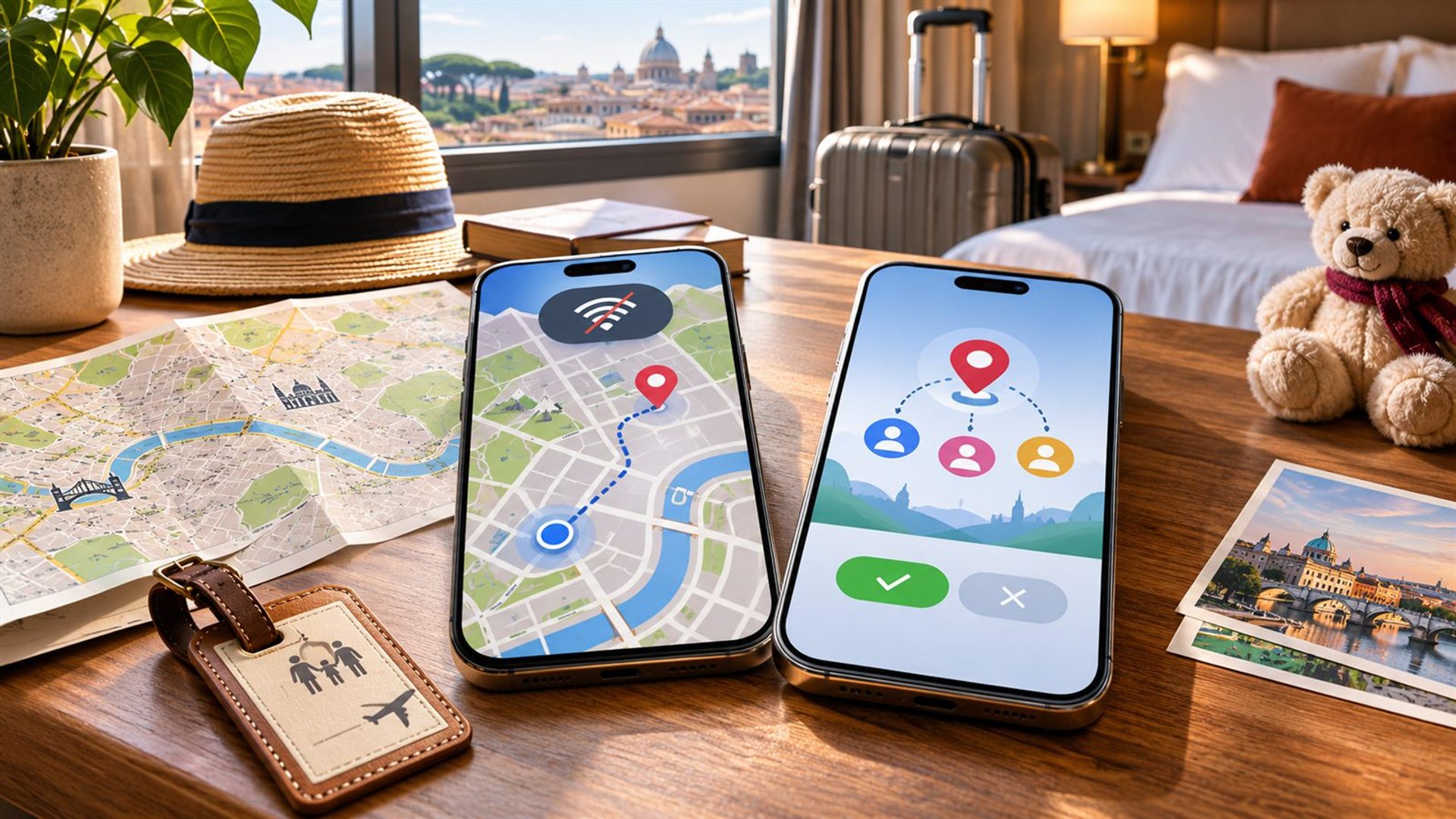
To set up a phone for family travel, agree on location-sharing boundaries, download maps and essential documents, add emergency contacts, and test the plan before departure. Do not treat a shared location dot as a guarantee that everyone is safe: it can be delayed by poor signal, a flat battery or a disabled permission. A simple meeting point and time remain valuable.
This guide uses Android and Google Maps as an example because the steps are documented and widely available. Menus and features may differ by app, account, market and software version. Choose a setup every traveller understands rather than adding several overlapping tracking tools the night before a flight.
Who should share location, and for how long?
Ask each adult to opt in and decide the purpose. A family may want temporary sharing while travelling between an airport and hotel, or a longer arrangement during a group trip. Decide who can view whom and when sharing should end. Do not quietly turn on a permanent feed on another person's phone; consent makes the plan easier to trust and maintain.
Google Maps' current location-sharing guide explains how an Android user selects people and the duration of a share, and how to stop it later. Test the actual invitation with the receiving account. A contact name that looks right in one phone may refer to an old email address in another.
For children, use the family settings appropriate to their age and account, and discuss what they can expect. A visible location is helpful for coordination, but a child should still know the agreed meeting place and which adult to call if separated. It is better to practise that conversation before travel.
How do you test location sharing before leaving?
Turn on the relevant location permission, open the chosen app, and have the other person confirm that they can see a recent location. Then test stopping and restarting sharing. Check the phone's battery-saving and background settings if the location stays stale. Do this at home, where you can resolve account sign-in problems without pressure.
Agree on a messaging fallback: “If the dot has not updated for ten minutes, send a text or call.” The exact interval is a family choice, not a technical guarantee. Avoid interpreting a stalled map as proof that someone is at a particular address. Time stamps and battery indicators can provide context, but they are not a substitute for direct contact.
If the group uses several countries or mobile operators, check roaming and data access before departure. Location sharing depends on a working connection. Hotel Wi-Fi may help indoors, while maps can update slowly in a station or rural area. A separate check-in schedule remains useful.
Which maps should you save offline?
Download the neighbourhoods around your arrival airport, hotel and planned day trips while you have reliable Wi-Fi. Google's offline-map instructions show how to select an area and download it on Android. Confirm that the saved region actually covers the route you expect to use.
Offline maps have limits. Google says walking, cycling and public-transport directions are unavailable offline in its Maps app, and live traffic or alternative routes are not available for offline driving. Some areas cannot be downloaded at all because of local restrictions. Test a map with the phone briefly disconnected so you know what information remains visible.
Save the hotel address as text too, preferably in the local language where useful. A screenshot of a booking confirmation and a printed address can be easier to show a driver than an app that is trying to reconnect. Keep offline material updated if the itinerary changes.
What documents should be available without internet?
Store essential tickets, reservation numbers, insurance contact details and the trip's shared meeting plan in a protected offline location. Keep copies in a form that opens without a cloud sign-in. Check whether the travel provider requires its own app or a live QR code; a screenshot is not valid for every ticket.
Limit who can see sensitive documents. A shared family folder can be convenient for hotel details, while passports and personal records deserve more restricted access. Make sure at least one other adult knows where to find critical booking information if the organiser's phone is lost.
Keep a small paper backup of key addresses and phone numbers. It is not an invitation to print every document. The purpose is to retain a route to help when a battery fails, a phone is stolen or a network is unavailable.
How do you prepare emergency contacts?
Add a trusted contact and review the phone's emergency-information settings. Google's Android emergency guide describes how supported phones can show selected emergency details on a locked screen. The exact app and availability differ by device and Android version, so inspect what your phone actually offers.
Think about privacy before displaying any personal information on the lock screen. Include only information you are comfortable making accessible in an emergency. Tell a travelling companion whom you have listed, and make sure the contact's number works internationally if the route crosses borders.
Emergency features do not replace local emergency services or the instructions of a tour leader. Save the relevant local number for each destination and ask the hotel or travel organiser about the proper way to request help.
What should you check for each family member's phone?
Check charger and cable compatibility, storage for photos and downloaded maps, lock-screen access, roaming settings, and the ability to make a call. Update essential apps before travel, then sign in and test them while still at home. An app update requested at the gate can consume time and mobile data.
Assign each person a small responsibility: one adult keeps the accommodation details, another has the return journey, and older children know the hotel name and meeting point. Duplication of key information makes the group less dependent on one device. Avoid sharing passwords in a plain group chat.
A METAVERTU MAX or VERTU Agent Q can be prepared with the same family-travel basics. Their product identities do not imply a proprietary family-tracking service or guaranteed offline access. Use the current Android apps and connection available on the actual handset.
How do you coordinate when the group separates?
Agree on a specific place and time to regroup before entering a crowded attraction or transport hub. Choose a landmark that is easy to describe without a map. Decide whether to call, text or return to the meeting point first if someone is delayed. Share the plan in the group chat and save it offline.
Location sharing can help you see who is approaching, but do not ask a person to watch the map while crossing a road or navigating a station. If the app shows an old position, call rather than following it blindly. The simplest coordination method is often a direct message confirming a change of plan.
What should you do after the trip?
Stop temporary location sharing when the agreed period ends, remove unneeded offline tickets and review which family members can still access shared folders. Keep useful travel photos and receipts in a backed-up location. If a phone was lost, use the account's device controls and change exposed credentials promptly.
A post-trip review keeps a useful family plan from becoming permanent access no one intended. Note which maps, chargers or contacts were missing so the next trip takes less preparation.
Frequently asked questions
Will location sharing work without mobile data?
It needs a working connection to update for other people. Saved offline maps can still help on your own phone within their supported limits.
Should children share their location for the whole holiday?
Choose a duration and settings appropriate to the child's age and account, with clear family agreement. Teach the meeting point and contact plan as well.
Can I use an offline map for public transport?
Google says its offline Maps mode does not provide public-transport, cycling or walking directions. Save route details separately before leaving coverage.
Is a screenshot of a ticket enough?
Not always. Check the travel provider's rules; some tickets need an app, active code or identity check. Keep the booking number offline regardless.
What is the most useful single backup?
A written meeting point and key contact numbers provide a fallback when maps, batteries or mobile coverage fail.