To set up open-ear earbuds for video calls, charge them, pair them with the phone or computer, select the intended microphone and speaker in the meeting app, and run a short test. Then check fit and background noise in the room you actually use. A successful Bluetooth connection alone does not prove that the app is using the earbuds' microphone.
This guide addresses setup rather than the buying decision. Open-ear listening leaves more of the room audible, which can be useful when you need awareness, but it also makes a noisy room harder to ignore. The call application, device settings and physical fit each affect the final result.
What should you check before pairing?
Charge both earbuds and their case according to the maker's instructions. Inspect the case contacts for obvious debris and make sure the earbuds seat correctly. If the model is new, remove any protective films that the manual tells you to remove. Keep the case near the device you want to pair, and disconnect it from an old phone if it keeps reconnecting there.
Use the exact product manual for pairing mode. Button positions, touch gestures and indicator lights differ between models. Do not hold an unfamiliar control for a guessed number of seconds based on another brand's video. If the earbuds were previously paired, check whether the old device must be disconnected before the new one can claim them.
Update the phone, computer and meeting application before a time-sensitive call. A missing audio device may be a software or Bluetooth issue rather than a faulty earbud. Test first in a quiet setting where you can hear connection prompts clearly.
How do you pair open-ear earbuds to a phone or computer?
Put the earbuds in the maker's pairing mode, open the device's Bluetooth settings and select the exact model name. Confirm the pairing request and play a short audio clip. If several devices with similar names appear, turn off other nearby earbuds or check the product label. A connection to the wrong headset can make the next troubleshooting steps confusing.
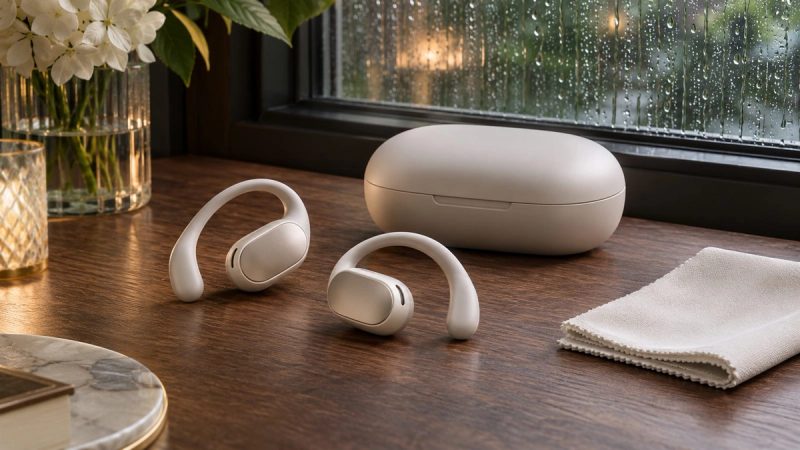
Once paired, put the earbuds on and check that left and right pieces sit where the maker intends. Open-ear designs direct sound towards the ear rather than sealing the canal. A small change in position can affect how clearly you hear speech. Do not raise volume to compensate for a poor fit before adjusting the placement.
On a shared computer, check the operating system's default input and output as well as the meeting app's device selection. A laptop can keep its built-in microphone active while routing sound to the earbuds. That may sound acceptable to you while colleagues hear a distant or echoing voice.
Where do you select the microphone and speaker?
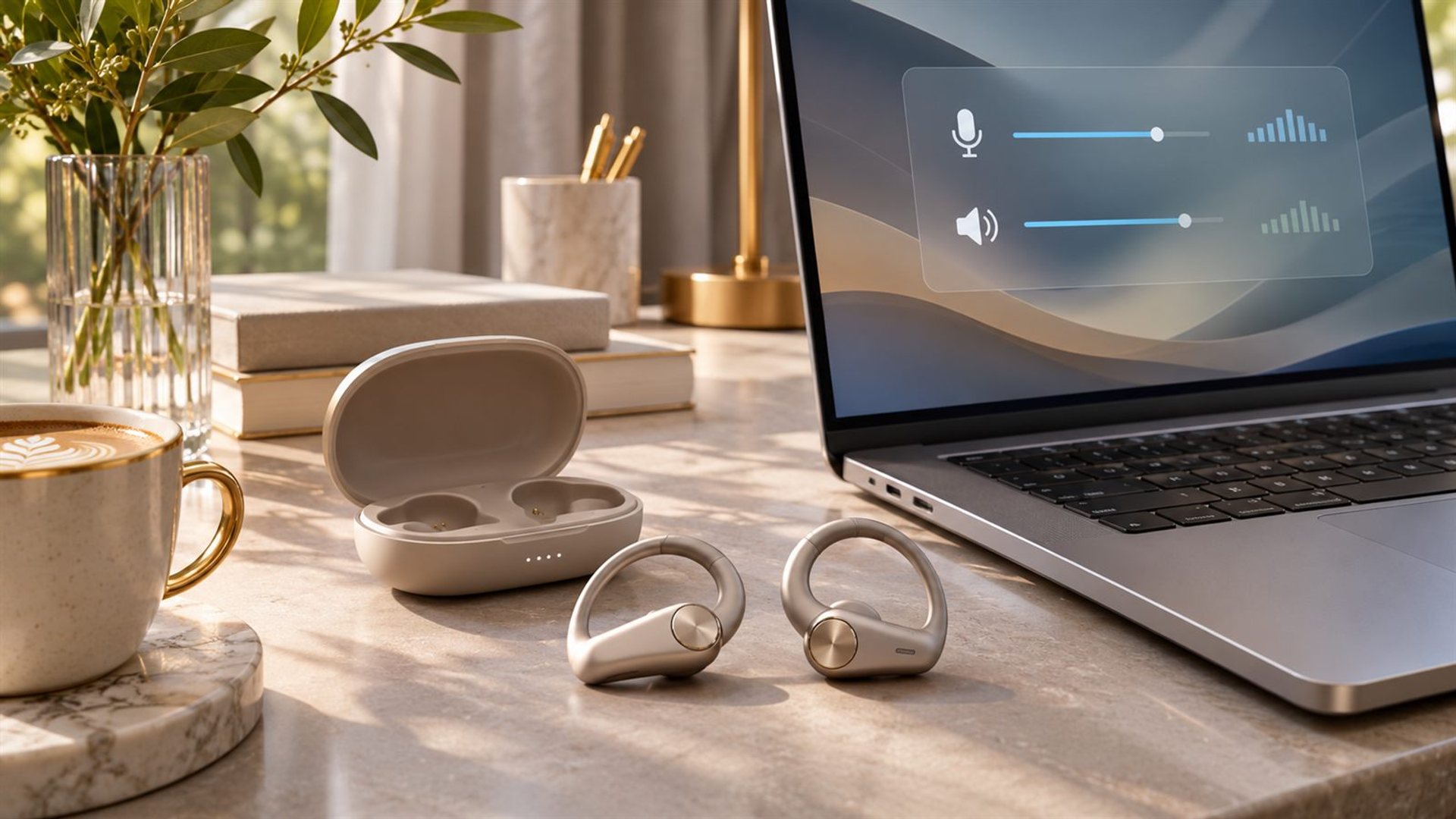
Open the call app's audio settings and select the earbuds for both functions, unless you intentionally use another microphone. Microsoft Teams' device instructions describe the speaker and microphone controls and a desktop test-call feature. The exact menu differs in other services and on mobile devices, so follow the app you are using.
Google Meet's pre-call guidance describes a self-check for microphone and speaker. Speak into the microphone and watch for the input indicator, then play the test sound. A moving meter confirms that a microphone is receiving something, but a recording or another listener gives a better sense of clarity.
If your app offers several similarly named Bluetooth profiles, test the one intended for calls. Avoid changing the device selection in the middle of a live presentation unless necessary. A short pre-call check is much less disruptive.
How should you test your voice?
Record a brief sentence at a normal speaking volume, including a few quiet words and pauses. Listen for clipped beginnings, a distant sound, fan noise and keyboard clicks. Repeat with the room in its normal state. A perfect result in silence may be misleading if the real call takes place beside an open window.
Ask a colleague or family member for a quick comparison if possible. They can hear what the remote side receives, which is often different from what you hear locally. Keep your head in a natural position and turn slightly while speaking; this reveals whether the microphone is too sensitive to angle.
VERTU's CRUSH OWS product page describes an open-ear fit and call-oriented noise processing. These are product descriptions, not a substitute for testing the exact pair, firmware and app in your room. Check the current listing and manual for your selected version.
What if other participants hear an echo?
First confirm that the meeting is not open on two devices in the same room with both microphones active. Then check the speaker route: if audio is playing loudly through a laptop while a nearby microphone is live, it may be picked up again. Select the intended earbuds as the output, lower volume and mute any second device.
Google Meet notes that mismatched microphone and external speaker choices can cause an echo. If the app flags one, follow its troubleshooting prompt. Do not assume the earbuds themselves are defective until the audio path is clear. A test call with all other speakers disconnected is a useful isolation step.
Open-ear devices leave the ear unsealed, but that does not mean they necessarily create echo. Volume, microphone selection and the room matter. Use the lowest comfortable listening level and keep the laptop speakers off during a headset call.
What if the microphone sounds distant?
Check whether the app chose the computer's built-in microphone. Switch explicitly to the earbud microphone and test again. Confirm the earbuds are fitted in the intended position. If the microphone still sounds distant, move away from fans or open windows and repeat the recording at normal volume.
Noise suppression settings can help in some rooms but may alter soft speech. Test a setting rather than turning every enhancement on at once. If the app offers automatic microphone sensitivity, compare it with a manual setting only when you can hear the effect in a recording.
For the larger buying question, our open-ear versus over-ear call comparison explains when another form factor may suit the room better. Setup can solve a wrong-device selection, but it cannot remove every environmental limitation.
How do you prevent interruptions during a long call?
Begin with adequate charge and keep the case within reach for a break. Silence unnecessary phone notifications and close apps that might seize audio focus. If you use a laptop, avoid letting it switch automatically to a second paired headset. Put the phone on a stable network when joining a video call from mobile.
Tell participants if you need to step away; an open-ear fit can make you more aware of the room, but it does not excuse unannounced background conversation. Mute when not speaking. After the meeting, return the earbuds to the case and check that both pieces are charging.
What is a two-minute pre-call checklist?
Confirm charge, Bluetooth connection, fit, input, output and a short microphone sample. Check the camera separately. Close duplicate meeting sessions, choose a quiet seat and set a moderate listening level. If the earbuds fail the test, switch to a known working backup rather than spending the opening minutes of the meeting repairing Bluetooth.
The goal is a predictable voice path. Once that is settled, open-ear awareness becomes a choice you can use deliberately instead of an audio problem to solve during the call.
Frequently asked questions
Why can I hear the call but nobody hears me?
The app may be using a different microphone or microphone permission may be blocked. Select the earbud input explicitly and run a test recording.
Should I use one earbud or both?
Follow the model's supported modes and test the microphone. One earbud can be convenient, but call quality and controls vary by device.
Do open-ear earbuds work with Teams and Meet?
They can work as Bluetooth audio devices when supported by the phone or computer, but verify the exact model and application. Select and test both audio routes before joining.
Will noise reduction remove every background voice?
No. Performance depends on the device and room. A quieter location remains the most reliable improvement for an important call.
What should I do if Bluetooth drops mid-call?
Switch to the device's built-in audio or a wired backup, then troubleshoot pairing after the meeting. Reconnecting repeatedly can interrupt everyone.