Keypad phone typing speed after one week has no honest universal number. It changes with the handset, its actual input mode, language, task and the user's familiarity. The useful answer is a repeatable personal measure: type comparable short messages each day, record time and errors, and compare the median rather than claiming that one person's result applies to everyone. This guide provides the method, not fabricated field-test data.
What does “typing speed” mean on a keypad?
For a phone, the practical measure is how quickly you can send an accurate message. Raw keystrokes can make a frantic attempt appear impressive even when correction takes longer than composition. Record both elapsed time from the first key press to the finished message and the number of uncorrected errors. If you revise the text before sending, include that revision time. That reflects the real cost of communication.
The familiar words-per-minute convention defines a word as five characters rather than a dictionary word. Typing.com's calculation guide states WPM equals characters typed divided by five, then divided by minutes elapsed. For example, 300 characters in two minutes is 30 WPM under that convention. This is a calculation example from the source, not a claim about a keypad phone or VERTU device.
On a phone, decide in advance whether you count the final message's characters or all characters entered, including mistakes and deletions. A final-text calculation is easier to reproduce manually, but should be labelled as such. Keep the definition the same across all seven days. Also log accuracy separately so a faster day with more wrong characters does not look like an unqualified improvement.
How to set up a fair seven-day test
Choose three ordinary tasks: a short reply, an address with punctuation, and a longer message of several sentences. Prepare seven sets of comparable prompts before you begin, so you do not memorise the exact wording. If you use a second phone for timing, start when your finger touches the first key and stop only when the message is ready to send. You need not actually deliver test messages to anyone.
Use the same handset, language and input settings throughout. A keypad with predictive entry enabled is a different test from one using a manual mode. Confirm what your particular phone offers in its current software before recording a result; this article does not assign a specific text-entry mode to every Signature V configuration. Keep the same posture and test at roughly the same time each day if you want a cleaner comparison.
Perform three attempts for each task, then use the middle result rather than selecting your quickest run. The median limits the effect of a single distraction or unusually familiar phrase. Write down the time, final character count, corrections and remaining errors. If a call interrupts an attempt, discard it and repeat the task. A simple note or spreadsheet is enough; no specialised speed-testing app is required.
What should the daily log include?
A useful log has columns for date, task, phone model, input mode, language, final characters, elapsed seconds, errors and a short note about interruptions. Calculate WPM as final characters divided by five, divided by elapsed seconds over sixty. Record the formula beside the results so readers can reproduce it. Keep the raw values; rounded WPM alone makes later checks difficult.
For illustration only, if a hypothetical final message has 150 characters and takes 90 seconds, the calculation is (150 ÷ 5) ÷ 1.5, or 20 WPM. That is an arithmetic example, not measured performance from any user or device. A draft can appear faster if its errors have not been corrected; compare a clean final message and error count together.
Do not reduce the week to a single headline percentage. Examine each task separately. An address full of numbers may remain slower while conversational replies improve. Also note comfort: if you feel finger strain or need to watch the keys closely, that matters to the ownership experience even when the numeric speed rises. These observations are personal test notes, not product specifications. Nielsen Norman Group's usability guidance on errors is a useful reminder that recovery from an error is part of an interface's practical usability.
Why might speed change during the week?
The first days can be spent learning key placement and how the current input mode handles punctuation. Later, you may spend less time looking down. Familiarity with common phrases can also help. But the same practice can make a test misleading if you type an identical passage every day; you may be recalling the text rather than becoming generally quicker. Comparable, fresh prompts address that problem.
Message content matters. Names, codes and addresses may demand exact characters and more checking than routine replies. Your preferred language and use of accents or symbols can alter the effort. For that reason, a cross-device comparison should use the same tasks and reporting rules, and it should still be presented as one person's result under named conditions. A universal “keypad versus touchscreen” winner would require a properly controlled study.
Where does Signature V fit?
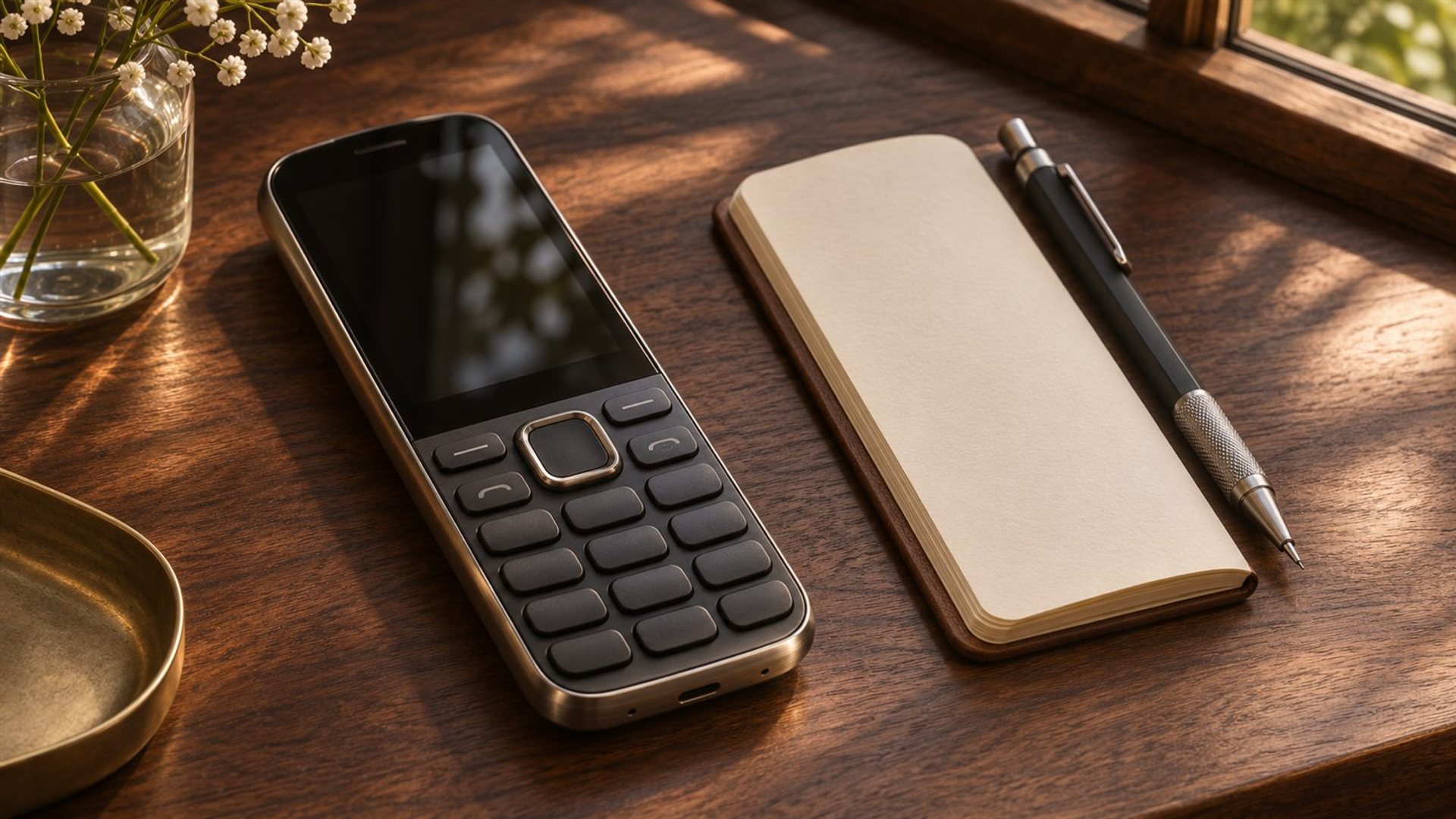
The VERTU Signature V ceramic keypad model is a relevant example because it is explicitly presented as a physical keypad phone. The Signature collection includes several configurations. The existence of physical keys does not tell us a user's WPM, the exact input mode in every software version or whether one model will be faster than another. Those are questions for hands-on testing of the device you intend to own.
A short in-store trial is valuable. Type a real address, a sentence containing punctuation and a message you would actually send. Check key travel, spacing, visibility and correction steps. If speed is essential to your work, test the precise variant and software configuration rather than relying on photographs or a generic keypad-phone review. The appeal of deliberate tactile input and the need for fast long-form writing are separate priorities.
How to interpret the result honestly
At the end of the week, report the median WPM and error count for each task on day one and day seven, along with the number of attempts. Explain any changes in input mode or test conditions. If the result is flat, that is still useful: perhaps the device is already familiar, or perhaps the task is constrained by punctuation rather than key location. A week is too short to promise a long-term plateau.
A reader choosing a keypad phone should also ask how often they compose long emails, how much they value physical feedback and whether the phone will be a primary or secondary device. A few seconds saved on a short message can be less important than reliability, comfort and the decision to keep complex writing on another device. A fair test informs that choice; it does not make it for you.
Frequently asked questions
What is a good keypad phone WPM?
There is no verified universal target. Compare your own accurate speed on the tasks that matter to you, under consistent conditions.
Should I count corrected mistakes?
Yes, include correction time in the elapsed total and record errors separately. The time to produce a usable message is more meaningful than raw key speed.
Can I compare my keypad result with a laptop test?
You can report both, but keep the task and calculation method visible. Different text, autocorrection and input methods limit what the comparison proves.
Has VERTU measured Signature V typing speed here?
No. The examples above explain a test method and do not represent a VERTU laboratory result or a real owner's week-long trial.