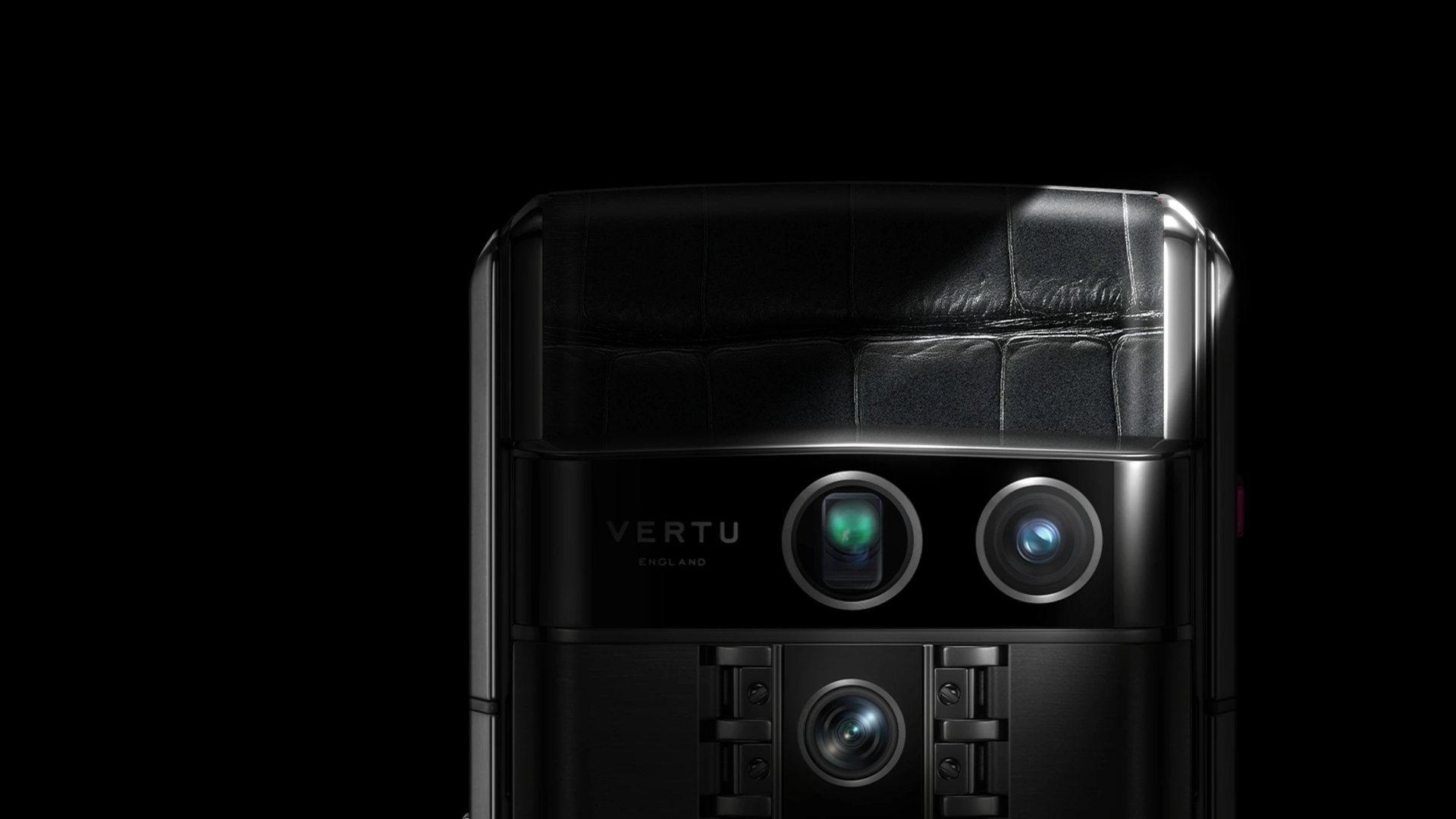
To understand how to translate phone calls in real time, first identify a supported call-translation feature for your exact phone, software, language pair and calling app. Enable it using that provider's instructions, prepare the required languages and make a short, agreed test call before relying on it. A general translation or AI-assistant description should not be treated as proof of live translation during an ordinary phone call.
Key Takeaways
- Verify the model, software, two languages and calling method together.
- Use platform-specific instructions rather than transferring another phone's menu steps.
- Prepare language resources and check the applicable connection and service requirements.
- Tell the other participant how you intend to use translation and agree a short test.
- Confirm important details directly instead of treating translated output as authoritative.
Confirm four parts of compatibility
Start with the exact device and software version. Find the manufacturer's current support information for live translation during calls, rather than assuming that a translation app or an AI assistant supplies the same function. If the feature is not documented for your model, leave it unconfirmed.
Next, identify both spoken languages and any relevant regional variants. Ask about the direction of translation you need and whether spoken output, on-screen text or both are supported. A general count of supported languages should not replace confirmation of the intended pair and mode.
Then identify the calling method: the phone's own dialler or a particular calling app. Keep its name and version in the compatibility check. Do not assume that support for a phone call establishes support for every third-party internet call.
Finally, review any required account, language download, active service or connection. Confirm the current terms and any charges that matter to the arrangement. Treat those as separate questions from whether the handset can make an ordinary call.
A documented example on supported Samsung Galaxy devices
Samsung's current US Call assist Live translate instructions apply to selected devices running Android 14 with One UI 6.1 or later. Samsung qualifies support by device, region and language; some features require active service or an internet connection.
- In device settings, open Galaxy AI, then Call assist and Live translate.
- Enable the feature and select or download the required languages.
- Make the call through the Phone app. During the connected call, choose Call assist and Live translate.
- Follow the translated text and audio provided by the feature.
Samsung also documents supported third-party apps through a separate setting and activation route. Check its current instructions for that app. Results can vary. This example establishes a specific provider workflow; it does not establish the same feature or menu sequence on a VERTU phone.
Prepare a short test before an important conversation
Agree a low-stakes test with someone who is willing to participate. Choose ordinary sample phrases and avoid personal account information or a real transaction. Explain which person will activate translation in accordance with the selected platform's instructions.
Write down the configuration before starting: device, software, calling app and selected languages. Confirm any requested downloads or setup steps are complete. Keep the manufacturer's instructions available so that a missing setting can be checked without improvising a different feature.
During the test, confirm what each person actually hears and sees. Ask whether the intended direction of translation is operating and whether the selected language matches the conversation. Do not declare a feature successful merely because a translation control is visible.
End with a simple check of the sample meaning. Record any problem and the conditions in which it occurred. This is a proposed preparation routine, not a translation test performed for this article or evidence of a particular accuracy level.
Use a clear conversation routine
Agree to speak in short turns and allow time for the translated response. Ask one clear question at a time rather than combining several requests. Treat this as a practical communication preference, not a guarantee that the software will interpret everything correctly.
Check names, dates, times, addresses and amounts explicitly when they matter. Ask the other person to confirm the detail, and request a suitable written confirmation where appropriate. Do not infer agreement from a translated sentence that either participant finds uncertain.
If the conversation becomes difficult to follow, pause. Rephrase the point or choose another agreed way to communicate. There is no need to continue an important decision simply because the translation feature is still running.
Keep the distinction between assistance and authority clear. The translated wording is part of the communication process; it should not replace the relevant person's confirmation of what they mean or have agreed to do.
What should you check if the option is missing?
Return to the compatibility record rather than searching for a similarly named button at random. Compare the actual device and software with the provider's current requirements. Check whether you are in the supported calling app and using the correct feature.
- Model and software: is the exact configuration covered by the instructions?
- Calling method: do the instructions apply to this dialler or app?
- Languages: are the required pair and mode available and prepared?
- Setup: have the documented account, permission and connection requirements been addressed?
- Support route: who can confirm a remaining eligibility or setup question?
Keep any unresolved item open. Do not assume that installing a general translator changes what an ordinary call app supports, or that a feature on another edition is available on yours. Avoid repeated calls with private information while troubleshooting.
What should a VERTU owner confirm?
For a Signature S+ reference, another Signature-series model or Agent Q, begin with the exact product and software. Ask VERTU to confirm whether the intended live-call function is supported on that configuration, which calling method it uses and where the applicable instructions are available.
Request the supported language pair, setup requirements and service terms for the specific function. Keep an assistant's general translation description separate from a verified live-call workflow. Do not apply the Samsung steps above to a VERTU handset.
If the proposed experience involves a separate app, account or human service, ask for that distinction to be explained. Confirm how it is accessed and what is included before relying on it. This guide does not establish that every Signature-series phone or Agent Q configuration supplies the same live-call translation capability.
Review information handling before using private content
Tell the other participant what you intend to use and agree how to proceed. Review the provider's current privacy information and the relevant device settings before sharing sensitive content. If recording, storage or transcription is involved, check the applicable requirements separately rather than treating a translation setting as an answer to those questions.
Ask where information is processed, what may be retained and which controls are available. Leave those points unconfirmed until the provider's documentation answers them for the actual function. An AI label should not be used as evidence that every part of a call stays on the device.
Keep the test and the actual conversation within the information you are comfortable sharing through the verified setup. This is a preparation checklist, not a legal conclusion, an assertion of universal consent rules or a privacy guarantee for any platform.
Frequently asked questions
Does any translation feature translate ordinary calls?
Do not assume that. Confirm support for live calls in the exact dialler or app, model, software and language pair.
Should both people enable separate translators?
Follow the selected platform's instructions and agree the setup before testing. Avoid combining unverified translation arrangements during an important conversation.
Can I use another brand's setup steps on a VERTU phone?
No. Obtain the instructions and eligibility confirmation for the actual VERTU model and function. The Samsung example has its own stated scope.
Conclusion
The reliable starting point for how to translate phone calls in real time is a verified configuration and a clear setup route. Confirm the device, app and languages, prepare the required resources and make an agreed sample call. Keep important details open to direct confirmation, and use only the capabilities established for your particular phone and service.