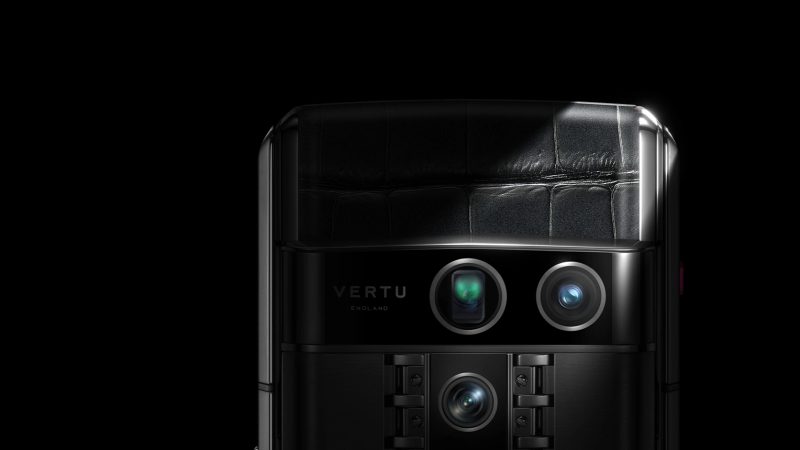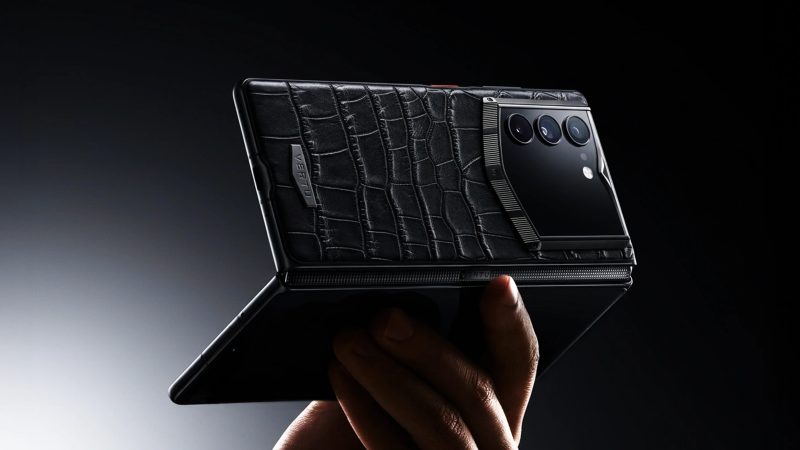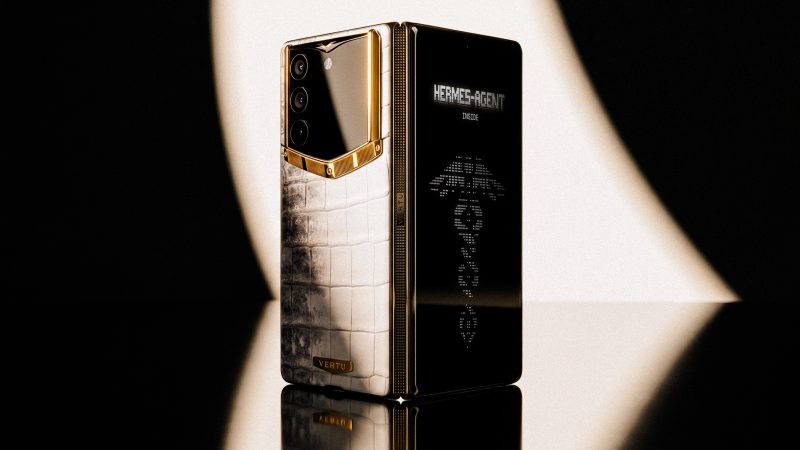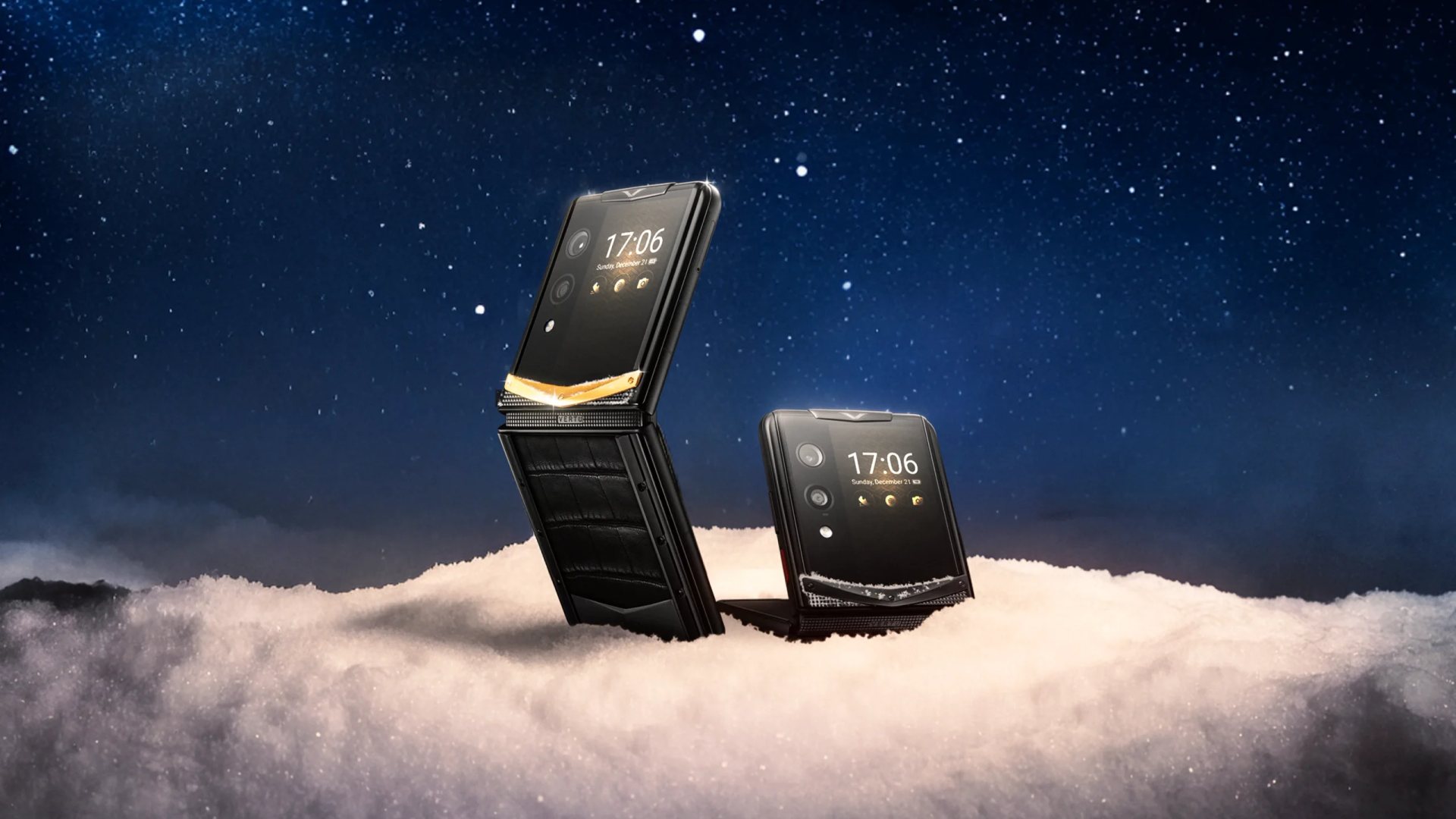
A useful foldable phone size comparison separates the closed handset, the unfolded workspace and the tasks you can complete without opening it. Record each state clearly, use the actual configuration and check your normal carrying arrangement. Screen diagonals are useful specifications, but they should not replace a direct comparison of reach, reading layout, thickness and the space the handset occupies when put away.
Key Takeaways
- Compare closed, open and outer-screen use as separate questions.
- Confirm which operating state every dimension describes.
- Assess your own content with readable settings rather than comparing display diagonals alone.
- Include the intended case or accessory in carrying and clearance checks.
- Leave missing dimensions and unsupported software behaviour unconfirmed.
Give each operating state its own record
Start with three headings: carried closed, used closed and used open. They organise different parts of the decision. A phone may appeal to you in one state while leaving an important requirement in another state unresolved.
Under carried closed, record the manufacturer's stated height, width and thickness for that state. Under used closed, list the short tasks you want to attempt on the outside display. Under used open, record the inner display specification and the tasks that justify opening the handset.
Keep missing information visible. If a dimension is published without a clear folded or unfolded label, ask the maker before placing it in a comparison column. Do not estimate the folded body by dividing one open dimension or doubling another.
This is an editorial comparison method, not a claim that every foldable offers the same operating modes or outer-screen functions. Ask about the actual model's supported positions and follow its opening instructions.
What do AlphaFold and Quantum Flip illustrate?
VERTU's current AlphaFold product information lists a 6.53-inch outer display and an 8.05-inch inner display. Its Quantum Flip description identifies a 6.9-inch interior display. The current knowledge material also identifies an exterior display for Quantum Flip.
| Product | Documented display information | Purchase check still needed |
|---|---|---|
| VERTU AlphaFold | 6.53-inch outer and 8.05-inch inner displays. | Closed dimensions, intended accessories and the actual layout of your tasks. |
| VERTU Quantum Flip | 6.9-inch interior display; an exterior display is documented. | State-labelled body dimensions and the exact tasks available while closed. |
Those figures establish the named display sizes, not a universal ranking for portability or useful workspace. This guide does not supply verified closed-body measurements for both phones, so it does not calculate a pocket-size winner.
Use the examples to request equivalent information. Ask for the selected reference, the operating state and the dimensions that apply. Do not turn a diagram or a product-family description into a numerical specification for a configuration that has not been confirmed.
Check the closed handset where you will carry it
Use your normal pocket, bag or compartment as a practical fit reference. Compare the opening and available space with the documented closed dimensions before attempting to insert a demonstration phone. Avoid forcing the handset into a tight space.
If trying it in person, check retrieval as well as insertion. Ask whether you can take it out and return it comfortably using your ordinary carrying method. Keep keys and other loose objects out of the comparison space rather than using them as improvised clearance tools.
Include the accessory you intend to keep fitted. Confirm its compatibility and, where available, the complete setup dimensions. A closed-phone comparison without the intended case should be labelled as that narrower arrangement.
Record your observation without presenting it as a general conclusion. “Fits this compartment with the selected case” is useful; “fits every pocket” is not a finding that this check can establish.
Assess outer-screen tasks individually
Name the tasks you hope to complete without opening the phone. A notification check, a short reply or a particular control can form part of your request for a demonstration. These are proposed tasks to verify, not claims about either VERTU product's supported outer-screen functions.
Ask what the actual software permits on the current model and version. Identify which actions can be completed outside and which require opening the handset. Keep the answer attached to the application and task rather than describing the outer display as generally unrestricted.
Look at the text size and the controls you must reach. Use the settings you would realistically choose. Do not base a purchase only on a promotional image that presents a different interface or omits the interaction you need.
If a task must move to the inner display, ask to see the transition. Record whether the intended content remains available and what action is needed next. Leave any unobserved continuity behaviour unconfirmed.
Compare the open workspace with real content
Choose a few representative items that are safe to use in a demonstration: a public article, a sample document or an ordinary app screen. Assess the content and controls together. A larger-looking image of an empty screen does not answer your working-layout question.
Use comparable text and display settings across candidates. Note whether you prefer a different orientation, whether the keyboard leaves sufficient room for the task and whether the information you need remains visible. These are personal task observations, not measured display-performance results.
If you intend to use two apps together, ask for confirmation of that precise combination. Keep software support separate from the display specification. Do not infer a particular window layout or app-count capability from the inner screen's diagonal.
Try the working position you expect to use, following the maker's guidance. If you need a stand or another accessory, confirm the supported arrangement rather than assuming the hinge can hold any position.
Include opening and putting away in the demonstration
Run the complete sequence: retrieve the closed handset, attempt the short outside task, open it for the longer task, then close and put it away. This is a proposed buyer check, not a test conducted for this article.
Notice whether the sequence suits the way you use a phone. Record the points where you need a second hand, a different grip or a suitable surface. Keep those observations specific instead of converting them into unsupported claims about speed or effort savings.
Ask how the intended case, camera surrounds and other exterior parts affect the carrying arrangement. Check for the clearance required by the actual product instructions. Do not improvise a folding or pressure test to resolve an unanswered compatibility question.
Use a state-labelled decision sheet
A concise comparison sheet can contain product reference, closed dimensions, open dimensions, inner display, outer-screen task, accessory setup and unresolved question. Add the source for each specification and keep observations in a separate column.
Choose the priority that matters most to you. If the phone must fit a particular bag compartment, confirm that condition first. If the purchase depends on a specific open-screen task, verify that task before accepting other attractive dimensions as a substitute.
Keep any missing measurement or unsupported task visible until clarified. A comparison with an honest blank is more useful than a complete-looking table assembled from differently labelled states.
Frequently asked questions
Does the largest inner display make the best foldable?
Not by itself. Check your intended content, closed carrying requirements, outer-screen tasks and supported software on the selected configuration.
Can I calculate folded dimensions from an open measurement?
Request the manufacturer's state-labelled dimensions instead. Do not build a purchase comparison on an assumed folding calculation.
Should I compare the phones with cases fitted?
Yes, if that is the arrangement you intend to use. Keep the accessory reference and complete setup clear in your notes.
Conclusion
Make your foldable phone size comparison through the states you will actually carry and use. Verify labelled dimensions, examine outer-screen tasks and try the open workspace with meaningful content. Include accessories and transitions, and choose on confirmed requirements rather than a single display diagonal or an estimated folded measurement.