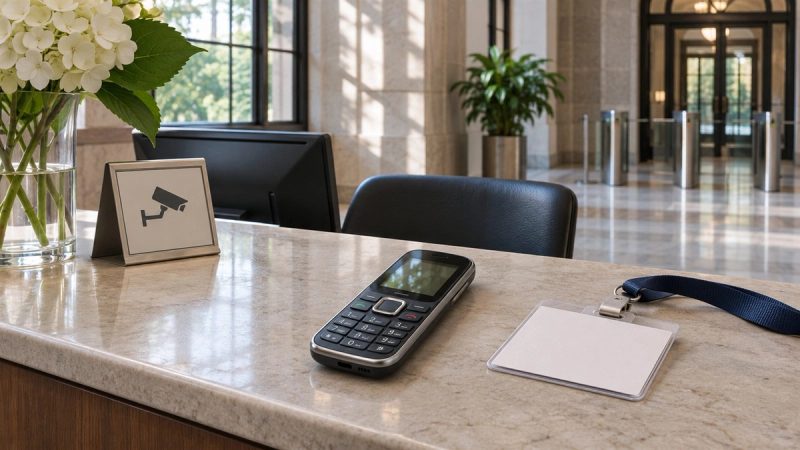
A ceramic-framed phone can set off an airport metal detector. Ceramic on the exterior does not make the whole handset metal-free: phones contain electronic components, and some configurations have metal trim or plating. Whether a particular detector alarms depends on the complete object, the equipment and the screening procedure. At a US checkpoint, the practical answer is to remove the phone from your person and follow the officer's directions rather than try to predict its signal.
Why does a ceramic frame not answer the question?
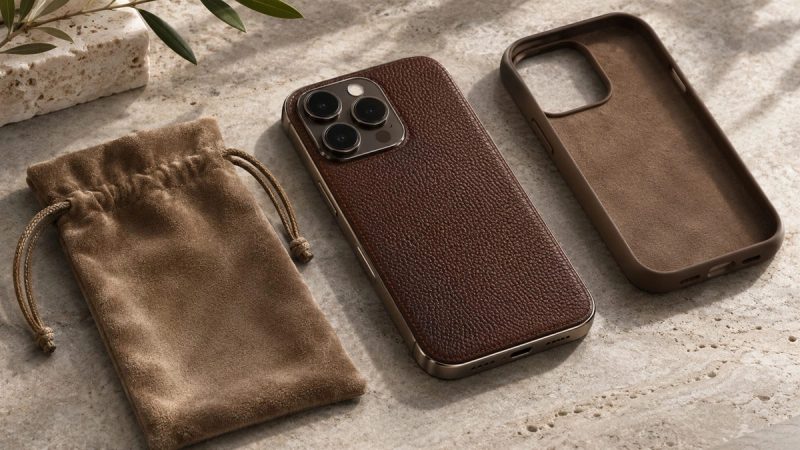
“Ceramic-framed” describes one part of a device. It says nothing conclusive about the circuits, battery connections, camera components, fasteners or decorative details inside or around it. A product can combine ceramic, glass, leather and metal. A gold-coloured finish can also be a visual description rather than proof of a particular composition. To discuss detector response accurately, you would need verified information about the whole device and the screening equipment, not just its frame.
A walk-through metal detector screens a person carrying objects. The TSA's capability document identifies enhanced metal detectors as screening devices for metallic objects at fixed checkpoints. It does not publish a phone-by-phone list of alarm thresholds. Sensitivity, positioning and other carried items vary, so a universal “yes, always” or “no, never” promise would be misleading. Even an individual uneventful passage through one lane would not predict the next lane.
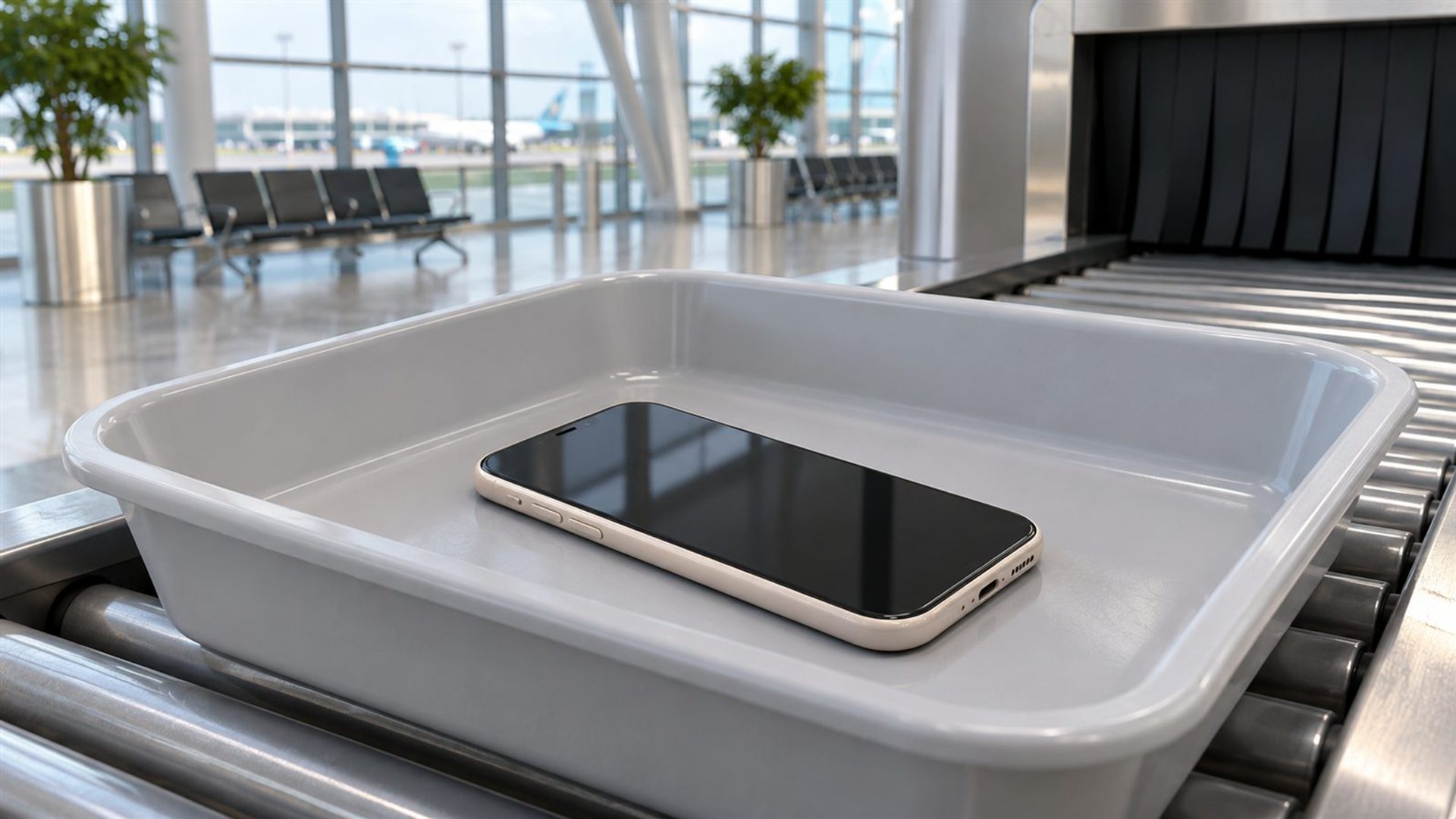
Airport screening is broader than a single metal detector. US checkpoints may use different passenger and property screening methods. The TSA's description of checkpoint screening discusses divesting property and placing it on a conveyor or handing it to personnel, while people may be screened with a walk-through detector, imaging equipment or a pat-down. The exact steps can vary by lane and instructions on the day.
What should you do with the phone at the checkpoint?
Before entering the screening equipment, take the phone out of your pocket and follow the officer's instructions about where to place it. Keep it with your accessible property in the manner directed for that lane. If a tray is used, avoid setting a valuable handset loose at the edge where it could fall. Be ready to collect it promptly on the other side. This is ordinary travel preparation, not a technique for bypassing screening.
Some lanes ask travellers to keep certain electronics inside their bags; others require items to be removed. Do not rely on an online article to override signs or an officer at the checkpoint. The rule for a laptop may differ from the rule for a phone, and procedures can change. If you are unsure, ask before placing the item on the belt. Protecting the finish matters, but complying with the current screening instruction comes first.
Make the device easy to identify after screening. A simple pouch or a distinct bag compartment may help prevent it from being mixed with another traveller's property, provided it does not obstruct any required inspection. Do not wrap it so tightly that an officer cannot examine it when requested. If the phone is exceptionally valuable or has delicate materials, calmly explain that concern and ask how to present it safely. The decision about screening remains with the checkpoint staff.
Could a metal detail make a difference?
Potentially, but there is no reliable public formula that maps a phone's metal mass to a specific checkpoint alarm. Internal metal and external trim may contribute, while other objects in a pocket or on clothing may be more important. A belt buckle, keys, coins and jewellery can all complicate the interpretation of an alarm. Removing the phone and other pocket objects as directed eliminates needless guessing about which item caused a response.
Consider the METAVERTU MAX range as a material example. VERTU describes a ceramic frame on the range page, and its catalogue offers configurations with different exterior materials. The METAVERTU MAX Calfskin Gold Plate is a specifically named product. These official pages support the existence of ceramic and gold-plate design elements in the range; they do not establish how any one handset will behave in a particular airport detector.
“Light gold” may be used as a styling description, but it is not a confirmed official variant name in the product material reviewed here. Travellers should identify their exact model from order details before asking VERTU about materials. A material list can help an owner understand the handset, yet it still cannot replace the screening officer's decision or certify that a device will never alarm.
Does the phone need special documentation?
An ordinary personal phone generally follows the same checkpoint process as other personal electronics. This article does not establish an exemption or a special certificate for a ceramic exterior. If the device has been modified, damaged or fitted with unusual accessories, be prepared to explain what it is when asked. Keep purchase and service information available for your own records, but do not assume paperwork substitutes for inspection.
If you are travelling internationally, procedures outside the United States may differ. Airport authorities can set local rules for placing electronics in trays, bags or separate screening. Check the airport and airline's current instructions before departure, then follow staff directions at the lane. A phone's luxury finish does not create a separate screening category, and no article can guarantee how every jurisdiction will handle it.
How can you protect a delicate finish during screening?
Use a clean, suitable pouch if the maker permits one, and avoid placing hard keys or jewellery directly against the phone. Put it in a stable position in the tray or bag specified by staff. Watch where the tray emerges so you can retrieve the handset without leaving it unattended. After screening, inspect the device in a safe place rather than stopping immediately at the conveyor exit and obstructing the next traveller.
Do not use an unverified case or wrapping that adds bulk solely to influence a detector. It could make inspection less straightforward and may not protect the actual vulnerable surfaces. If VERTU provides model-specific handling or care advice for your exterior material, use that guidance. Ceramic, leather and metal finishes can require different care; the easiest way to avoid avoidable abrasion is to keep them separated from loose hard objects.
What if the detector alarms?
Stay calm and follow the officer's instructions. The alarm does not, by itself, prove that a ceramic phone caused it. Staff may ask you to remove additional objects or undergo further screening. Do not argue from a material label or claim the device cannot contain metal. If the phone is already in property screening, explain what you have placed there if asked and let staff complete the process.
The useful travel question is therefore procedural rather than predictive. Know where the phone is, make it easy to present, and allow time for ordinary screening. A ceramic frame may influence the exterior design, but it does not change the basic responsibility to present the whole device for screening. That approach works whether the phone has gold-toned detail, a different finish or no visible metal at all.
Frequently asked questions
Is ceramic invisible to airport security?
No. A ceramic exterior does not make a whole phone invisible to screening. Phones contain other materials and are subject to property screening.
Will my METAVERTU MAX definitely trigger a detector?
No reliable universal prediction is available. Remove it from your person as instructed and let the checkpoint screen it.
Can I keep the phone in my pocket?
Follow the current lane's instructions. At a checkpoint, pocket objects are commonly removed before passenger screening.
Does gold plating change the screening rule?
No. A decorative finish does not exempt a phone from screening or establish a guaranteed detector outcome.