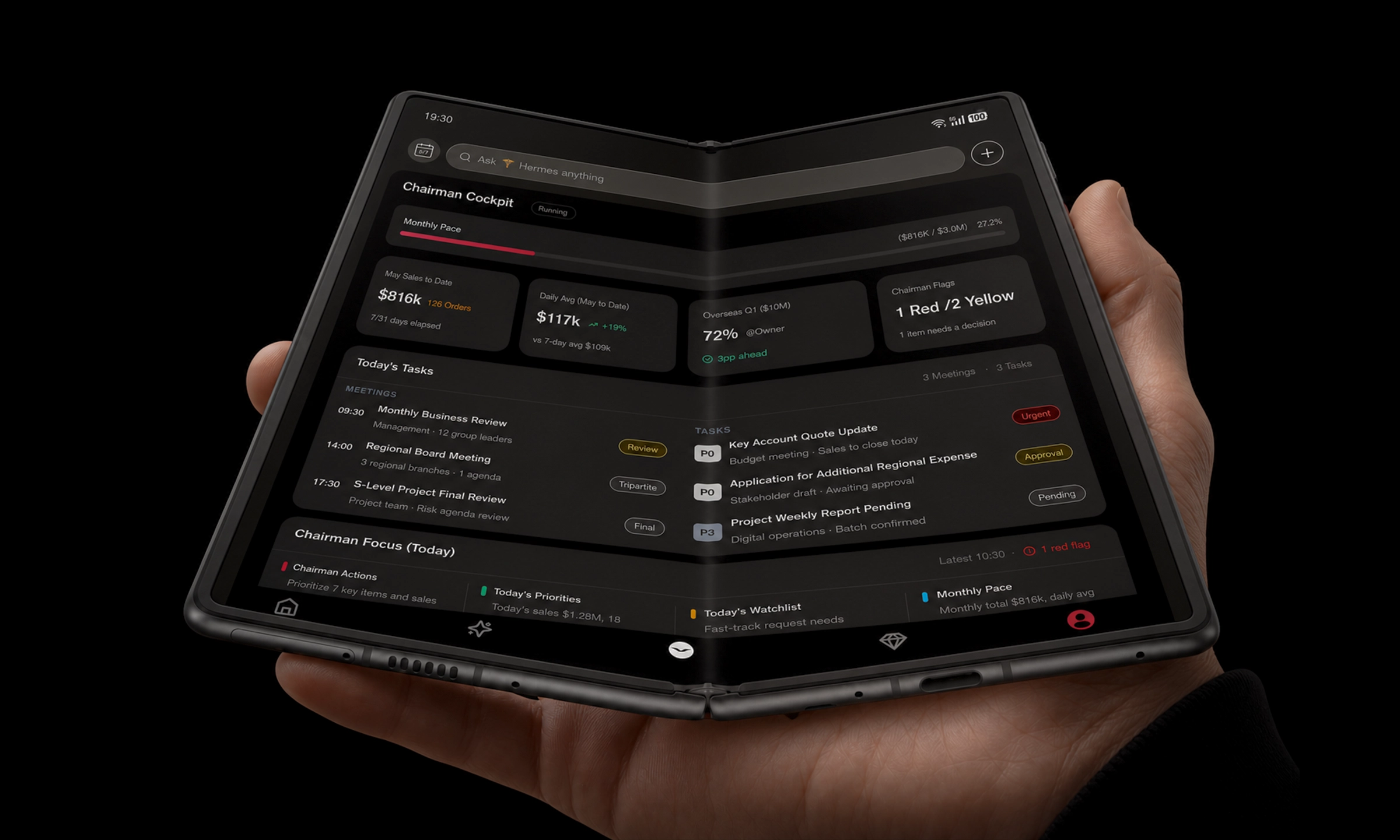
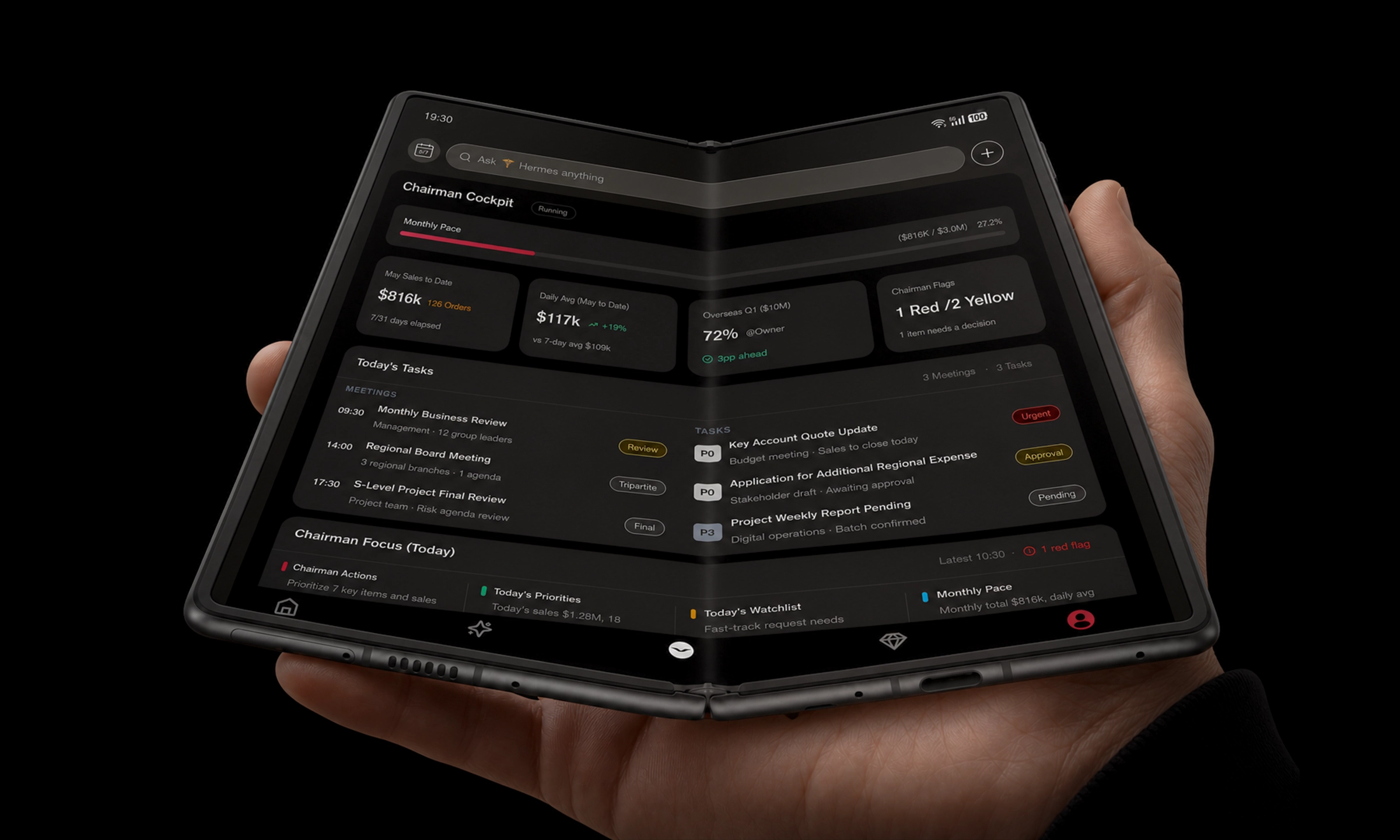
An executive’s day isn’t “mobile work.” It’s work compressed into the margins: the car ride before a board meeting, the gate change that collapses your buffer, the quick scan of a risk memo while your assistant is asking for a decision.
So the real question isn’t whether a foldable phone is “cool,” or whether a tablet is “more productive.” It’s this:
What device lets you stay decisive when your calendar turns hostile?
Below is a decision-stage comparison built around five executive realities: mobility, one-handed control, document review, meeting notes, and travel.
Key takeaways
If you need one device that’s always with you and can open into a larger canvas, a foldable is the cleanest answer.
If you spend long stretches reading, annotating, and typing, a tablet remains the more comfortable instrument.
A foldable can replace a tablet for many executives—but only if your workflow is built around short bursts, split-screen review, and accessory discipline.
Quick verdict: foldable phone vs tablet for executive work
Use this matrix to decide in 60 seconds.
Executive criterion | Foldable phone | Tablet |
|---|---|---|
Carry-all-day mobility | Wins | Loses |
One-handed triage (messages, approvals, calls) | Wins (folded) | Loses |
Long report reading (PDFs, charts, dense decks) | Competitive | Wins |
Meeting notes (handwritten) | Competitive | Wins |
Multitasking (document + chat + calendar) | Competitive | Wins |
Typing long responses | Loses without keyboard | Competitive with keyboard |
Battery margin on heavy days | Mixed | Usually stronger |
Risk profile (durability/repair) | Higher | Lower |
Key TakeawayFor business travel, you’re choosing between convenience (foldable) and comfort (tablet). The best pick is the one that matches where your day actually happens.
Mobility & discretion on the move (foldable phone for business travel)
A tablet is a deliberate object. You take it out, you open the case, you settle in.
But many executive decisions don’t wait for a desk.
A foldable phone’s most underrated advantage is not the inner screen. It’s the fact that it’s still a phone—always on you. That matters when you’re moving through security, walking into a meeting, or stepping into a car.
A tablet starts to feel like “one more thing” the moment you add the accessories that make it productive: keyboard case, stylus, charger, sleeve.
If you’re often traveling internationally, your productivity also depends on the kit around the device (adapter, hotspot, power bank). WIRED’s business-travel gear coverage is a useful reminder: battery and connectivity are usually the first failures on the road, not CPU power.WIRED: tech gear for work trips
One-handed control: approvals, calls, and rapid triage
There’s a blunt truth about tablets: they’re not one-handed tools.
A foldable, when folded, can be—at least for the decisions that happen fast:
approving a calendar change
sending a one-line answer to unblock a team
taking a call while you’re walking
checking a document title, a date, a number
The cover-screen tradeoff is real, though. Some foldables have narrow outer displays that make typing feel cramped. Tom’s Guide’s weekend test of a Galaxy Z Fold describes the cover screen as hard to type on, and notes that unfolding adds an extra step to many interactions.Tom’s Guide: Z Fold as phone vs tablet
Executive question: do you mostly triage with short replies, or do you draft meaningful text on the go?
Document browsing: reports, PDFs, and decks
This is where tablets have historically earned their seat in the bag: reading comfort.
A tablet’s larger, flatter display is simply more forgiving for:
dense PDF layouts
charts that require legibility at a glance
slide decks you need to annotate
Foldables narrow the gap by giving you a larger inner screen, but the advantage depends on what you read.
If you mostly read narrative memos
Foldables can be excellent. Many readers find the book-like posture natural for long-form reading.
If you read charts, tables, and appendices
Tablets still win. You’re less likely to pinch-zoom, pan, and lose your place.
From a UX perspective, Nielsen Norman Group stresses that foldables change interaction patterns and that good experiences require thoughtful continuity across device states—not just “a bigger phone.”Nielsen Norman Group: foldable smartphones UX
Meetings: large foldable screen use cases for meetings
Meetings are where screen size turns into an advantage—if you can keep your context visible.
Tablets: the default for serious notes
Tablets are better for extended handwritten notes and markup because the glass is flat and consistent.
Foldables: the advantage is posture and split-screen
Foldables have one meeting trick tablets don’t: half-open / tabletop posture. Android’s own foldables guidance highlights partially folded usage and splitting content into top and bottom regions.Android Developers: learn about foldables
In executive terms, this maps cleanly to:
- top halfagenda / deck / live doc
- bottom halfnotes, action list, or assistant chat
Pro TipIf you pick a foldable, create a default meeting layout—“deck + notes”—and use it every time. The value is repeatability.
Multitasking: the executive use case is usually two windows, not five
Most executives don’t need five apps open. They need two:
the primary material (report, deck, doc)
the side channel (assistant chat, email thread, calendar)
Foldables are increasingly strong here, and Samsung’s business-oriented framing emphasizes device consolidation for hybrid work.Samsung Insights: foldables for hybrid businesses
Tablets still tend to feel less constrained for multi-window work, especially with a keyboard and pointer. Android Central’s comparison is a practical overview of the tradeoffs: foldables offer versatility and flagship performance, while tablets often win on stylus comfort, value, and desktop-style multitasking modes.Android Central: are foldables better than tablets?
Typing, input, and the reality of “real work”
The deal-breaker isn’t screen size. It’s input.
Tablets, with a keyboard case, can handle sustained writing.
Foldables can handle sustained writing only if you accept an accessory (Bluetooth keyboard) or you primarily write on the inner screen.
Build your decision around your heaviest writing task:
If your heaviest task is approvals + short responses → foldable
If your heaviest task is drafting memos / editing decks / long email threads → tablet
Battery margin, durability, and operational risk
Decision-stage readers don’t need a spec sheet. They need a risk profile.
Battery margin
A foldable’s inner screen is more power-hungry. Heavy multi-window days can push you into mid-afternoon charging.
A tablet is often more predictable when the day is long.
Durability and repair risk
Foldables add a hinge and a flexible display. That’s extra complexity. It doesn’t mean they’re fragile—but the downside of an accident is higher.
If you travel constantly, decide your operational plan:
protective case policy
insurance / support plan
whether your assistant can provision a replacement quickly
Can a foldable replace a tablet? A decision-stage answer
Yes—if your tablet use is mostly “portable review,” not “portable production.”
A foldable can replace a tablet when you:
read and comment on documents in short bursts
rely on split-screen to keep one context open (doc) while replying in another (email/chat)
want one device that is always with you
A foldable struggles to replace a tablet when you:
spend hours at a time reading dense PDFs
write long-form text without a keyboard
depend heavily on stylus precision for handwriting and markup
⚠️ WarningIf your workday includes “two back-to-back board meetings plus a transatlantic flight,” don’t choose based on novelty. Choose the device that keeps you comfortable for the longest uninterrupted stretch.
Who should choose which (executive scenarios)
Choose a foldable phone if you are:
a CEO who makes decisions in transit, with constant messaging and approvals
a founder traveling weekly who wants one device to reduce carry
a dealmaker who lives in the calendar and needs quick document checks
Choose a tablet if you are:
a board member reading full board packs and annotating decks for hours
an operator who writes long memos, edits slides, or works in spreadsheets
a leader who prefers handwriting and markup as the primary capture method
Where AlphaFold fits: folded command, unfolded decision canvas
Most device comparisons miss the executive truth: you don’t need more screen. You need more control.
This is where the foldable form factor can align with an executive workflow:
folded, it stays a phone—quick, discreet, one-handed
unfolded, it becomes a decision surface for documents, calendars, and meeting context
VERTU positions VERTU AlphaFold as a foldable designed for that shift in posture—from pocket control to a larger working canvas.
If you’re evaluating foldables through the “CEO Phone” lens, VERTU’s guide on a phone used by CEOs is a relevant starting point. For the discretion angle (the part many executives care about but rarely say out loud), see the brand’s perspective on executive confidence and discretion.
FAQ
Is a foldable phone better than a tablet for business travel?
Often, yes—because it consolidates your phone and a tablet-like screen into one carry-everywhere device. But if your travel days include long report reading or heavy note-taking, a tablet can still be the more comfortable choice.
Best foldable phones for reading reports: what matters most?
Prioritize readability and workflow: a large inner screen that makes PDFs legible, stable split-screen multitasking, and reliable continuity when you fold/unfold.
What’s the biggest reason a foldable fails to replace a tablet?
Typing and endurance. Some foldables have narrow cover screens that slow quick replies, and heavy inner-screen use can push you toward mid-day charging.
Next steps (a discreet way to decide)
If you’re still unsure, run this seven-day test:
Track how many times you open a tablet.
Note whether the session was review (read/approve) or production (create/write).
If review dominates and you value consolidation, you’re a foldable candidate.
If production dominates, keep the tablet.
If you want to evaluate a foldable through a CEO-workflow lens, start with the AlphaFold pre‑order details and VERTU’s perspective on the best Android foldable phone for business.