Key Takeaways
- Black Friday is a useful moment to review both sides of phone privacy: what should be erased from a device, and what information should remain accessible to people you trust.
- Data destruction is not the same as deleting an app, signing out, or removing a file from view. Scope matters: local storage, cloud accounts, backups and linked services are separate.
- VERTU’s current METAVERTU MAX product pages list one-key data destruction. Verify the exact model, trigger behaviour, scope and recovery implications in current documentation before relying on it.
- A digital legacy plan should deliberately preserve selected records and access instructions; indiscriminate wiping can destroy information you intended to pass on.
A Black Friday privacy review should answer two different questions: what information must be removed if a phone is lost or handed on, and what information should remain available to trusted people over time? Data destruction is the deliberate removal of access to information on a device or storage medium; digital legacy planning is the deliberate preservation and transfer of selected records or account access. The two belong in one plan because a rushed wipe can erase useful records, while a neglected old device can retain information you meant to retire.
For a Black Friday phone purchase, do not treat a one-key wipe feature as a complete privacy plan. Identify which system and data it affects, whether cloud copies are separate, and what you want to preserve before testing or activating any destructive control. VERTU lists one-key data destruction for METAVERTU MAX, but the exact trigger and scope should be confirmed against the model’s current instructions. See the VERTU Black Friday collection for current product information, then evaluate the privacy feature alongside a clear retention plan.
What “data destruction” means in practice
Data destruction is a process intended to make specified data inaccessible under a defined set of conditions. The boundary matters: a handset may contain local files, app data, downloaded media, credentials, eSIM details and cached records, while accounts and backups may exist elsewhere. A local reset or device-level wipe should not be assumed to remove information held by cloud providers, other devices, recipients or an organisation’s systems.
NIST’s current SP 800-88 Revision 2 media sanitisation guidance frames sanitisation in terms of making access to target data infeasible for a given level of effort, and recommends choosing methods according to information sensitivity and disposal context. It is an organisational reference, not a guarantee that any consumer-phone button meets a specific enterprise requirement. For a personal device, the practical lesson is to define the target and confirm the procedure with the maker or service provider.
That is why the phrase “wipe the phone” is incomplete. Ask what is being wiped, where it is stored, how the process is triggered, and what evidence confirms completion. Also ask which linked accounts, backups, removable media, paired devices or managed work spaces are outside the wipe’s scope.
What VERTU’s one-key feature can—and cannot—tell you
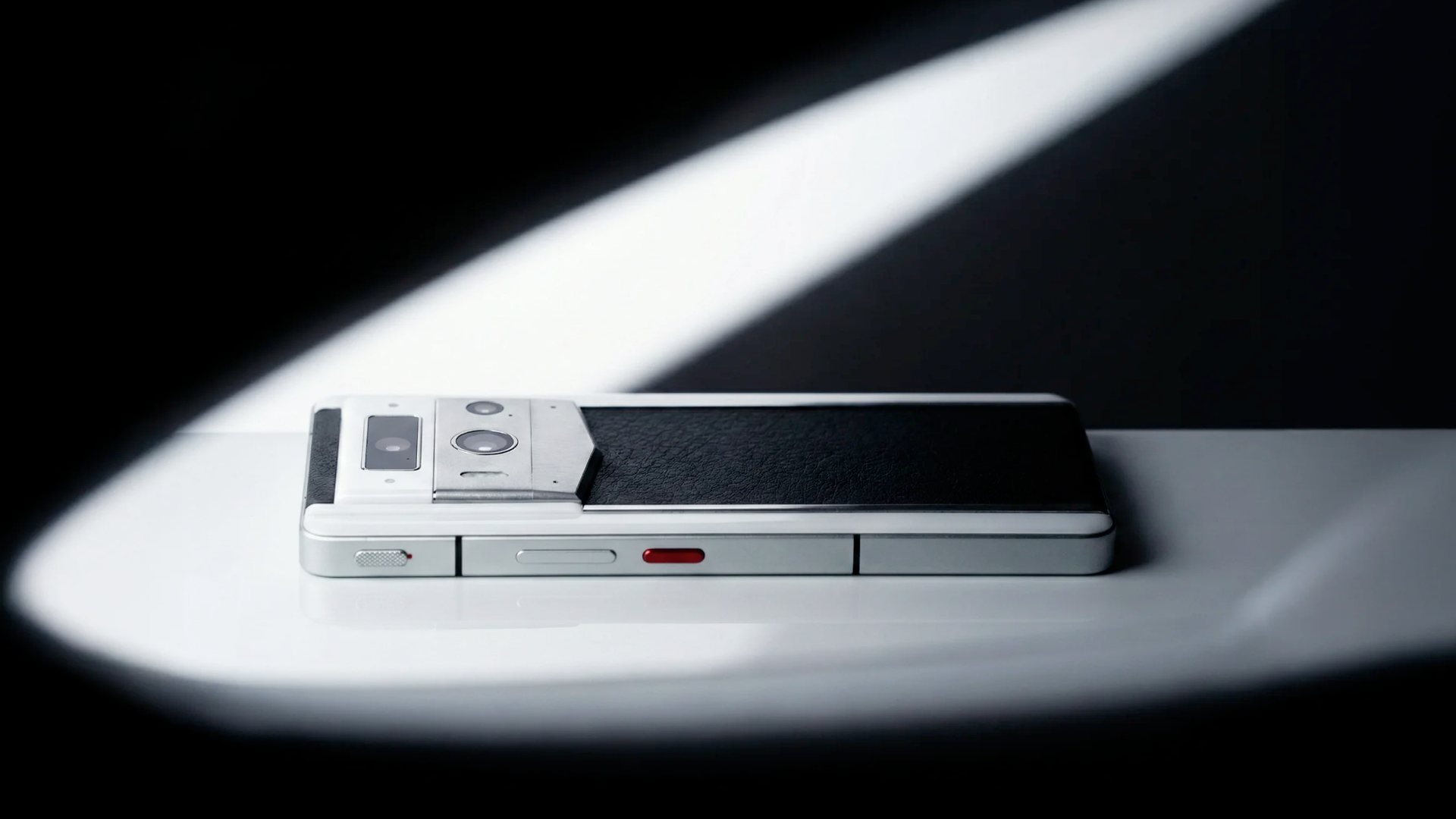
The official METAVERTU MAX product information lists “One-Key Data Destruction” among the model’s security features and describes a triple-system architecture and dedicated security chip. That establishes the feature as a stated product capability. It does not, by itself, answer every operational question a buyer may have: which system or storage areas it covers, how a trigger is authenticated, whether activation can be reversed, or whether remote and cloud-held data are included.
Before relying on a destructive control, use the exact model’s current user documentation or ask VERTU support to explain its scope. Clarify whether a press is immediate or requires a confirmation sequence, whether it affects one environment or more than one, and what happens to backups and account sessions. Do not test a real wipe on a device holding live information. If the feature’s behaviour is not described in available documentation, record that as an unanswered question rather than inferring the answer from “one-key” wording.
A buyer who expects an emergency action should understand false-trigger risk and recovery consequences; a buyer preparing a phone for resale may need the manufacturer’s standard reset procedure instead. Read VERTU’s guide to secure phone choices for context, but use the exact product documentation for model-specific operation.
Separate device erasure from account and cloud deletion
When you sell, trade in or give away a phone, the device and its accounts require separate attention. Apple’s pre-sale iPhone checklist includes account and service steps alongside erasing content; it also clarifies that erasing a device does not delete the owner’s iCloud content. Google’s Android factory-reset guidance explains the reset path for Android devices. Menu names and steps can vary by model and software version, so follow the current instructions for the phone in hand.
Before a routine handover, first confirm that the information you intend to keep is backed up and readable. Then remove payment cards, sign out or deregister services where required, handle the SIM or eSIM, and use the maker’s documented erase process. Finally, check the device setup screen and account device lists. A reset is not proof that every copy in every account has disappeared, and a cloud deletion is not necessarily the right action when the information is part of a family or business archive.
Digital legacy: decide what should survive the device
A digital legacy is the set of digital records and instructions you intentionally leave accessible—or intentionally do not leave—for people you trust. It can include family photographs, correspondence, creative work, subscription details, business continuity notes and instructions for locating important records. It need not mean handing over every password or granting unrestricted account access.
Use each service’s official legacy or inactivity controls where available. Apple’s Legacy Contact guidance describes a person chosen to access certain Apple Account data after the account holder’s death. Google’s Inactive Account Manager lets users plan whether selected data is shared or a contact is notified after a period of inactivity. Availability and access are platform-specific; review the current settings and decide what data each person should receive.
Keep an offline inventory of important accounts, encrypted backup locations and recovery steps. Store access keys separately from the device, and revisit the plan when phone numbers, family circumstances or work responsibilities change.
A Black Friday decision framework: preserve, remove, verify
Use three categories before changing devices. Preserve records you may need later: export or back up them through the service’s supported method, then check that the archive opens. Remove data that should no longer remain on the handset or in an account, using each provider’s documented process. Verify that the intended destination is correct: a family archive, a new phone, a trusted contact or a deletion workflow.
For each category, write down the owner, location, retention purpose and next action. A photo library may belong in a family archive; a work profile may need an administrator-controlled handover; an authenticator may need to be moved before the source phone is erased. Avoid putting recovery codes in the same unprotected folder as the backup they unlock. If information is subject to a company retention policy or another person’s rights, consult the responsible organisation before deleting it.
Before, during and after a wipe
Before: confirm the target and scope; check the backup; verify account recovery; and note any eSIM or work-management steps. For a one-key control, learn its precise trigger and consequence from current documentation.
During: follow the maker’s instructions. Avoid repeated taps or improvised button combinations if the interface is unclear. For a business device, use the organisation’s approved process.
After: verify the device state, review linked accounts and confirm retained records remain accessible. If the result is uncertain, contact official support. An empty-looking screen alone does not confirm that every intended copy or account action is complete.
Frequently asked questions
Does one-key data destruction delete cloud backups too?
Do not assume it does. VERTU’s product page lists one-key data destruction, but the feature listing alone does not establish that it deletes cloud copies, other devices or provider-held data. Confirm the exact scope for your model before relying on it.
Should I test the wipe feature on my new Black Friday phone?
No, not on a device containing live data. Ask the manufacturer to explain the trigger and consequences; test only if the maker documents a safe method.
Is a factory reset the same as secure media sanitisation?
Not necessarily. A consumer factory reset follows the device maker’s process; NIST’s sanitisation guidance is a broader framework that considers data sensitivity, media and disposal context. Organisations should apply their own approved controls.
How can I preserve a digital legacy without sharing all my passwords?
Use platform-specific legacy or inactivity tools and grant only the access they support and you intend. Keep a separate inventory of important records and recovery routes, then review it when accounts or circumstances change.
Conclusion
This Black Friday, treat data destruction and digital legacy as two parts of the same privacy decision: remove what should not remain, and deliberately preserve what trusted people may need. VERTU lists one-key data destruction for METAVERTU MAX, but confirm the exact trigger, data scope and recovery consequences before relying on it. Back up and verify retained records first, use official account and device procedures, and keep cloud copies and linked services in view. A privacy feature is most useful when it sits inside a clear, documented plan.