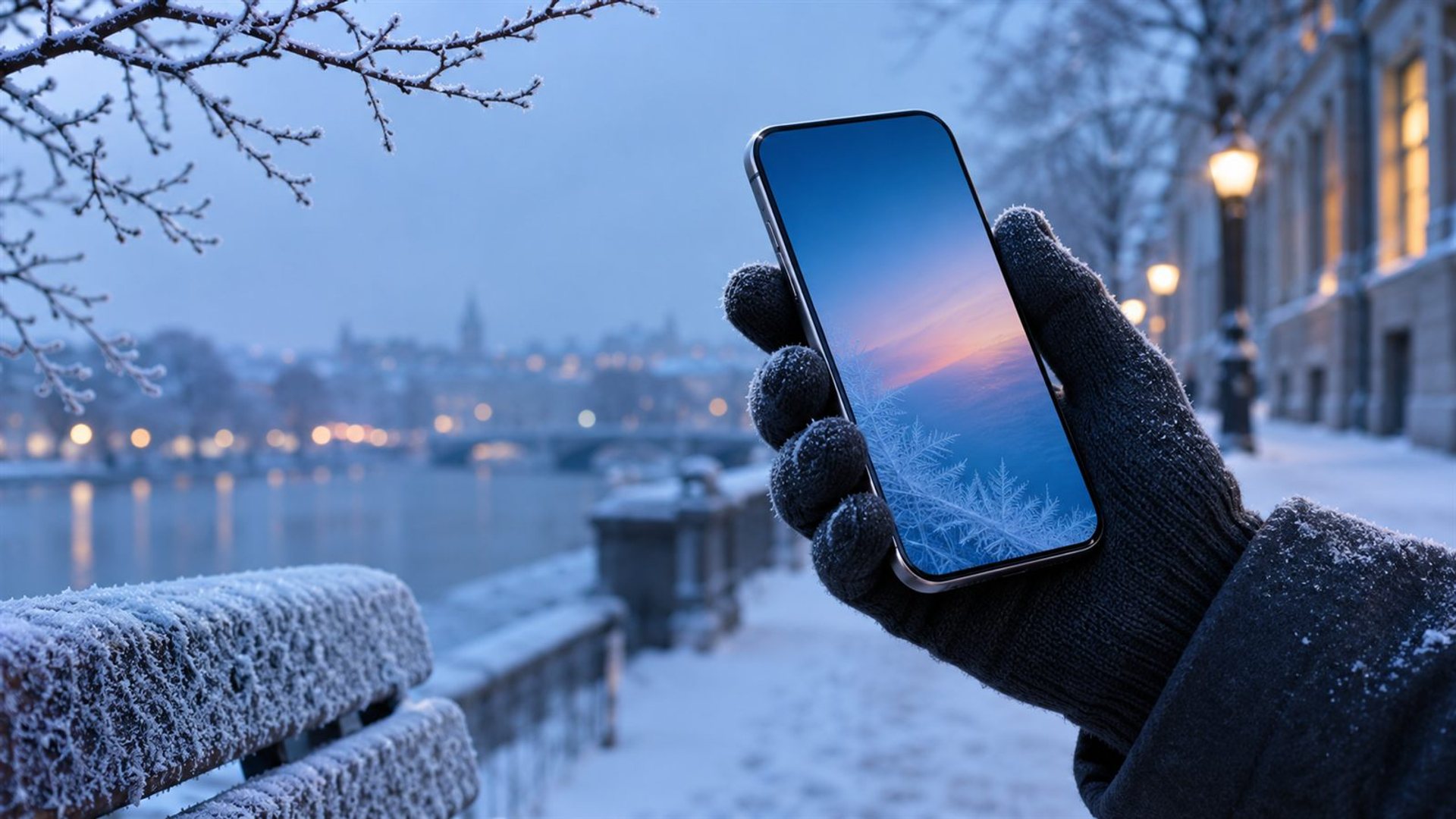
A phone battery in cold weather can appear to drain quickly or shut down even when the charge indicator showed power remaining. The effect is often temporary: keep the phone in an inner pocket, use it briefly outdoors, and let it warm gradually before charging. If the same behaviour continues at normal indoor temperatures, check battery health or seek service.
Cold-weather preparation is less about finding a dramatic winter setting and more about keeping the device available when a map, ticket, call or payment matters. The advice below applies to everyday smartphone use. A manufacturer's published temperature range for one model must never be assumed to apply to another.
Why does a phone battery drain faster in cold weather?
Low temperatures reduce the power a lithium-ion battery can deliver at a particular moment. A phone may therefore show a falling percentage under load, slow down, or shut itself off to protect operation. That displayed percentage is an estimate, not a direct measurement of how much energy can be drawn instantly in every condition. When the battery returns to a suitable temperature, some apparently lost capacity may become available again.
This distinction matters. A short spell outdoors followed by normal performance indoors suggests a temperature-related effect; repeated shutdowns in a warm room point to another cause. Age, high screen brightness, poor network coverage and demanding camera or navigation use can compound the effect. Do not diagnose a battery solely from one winter walk.
Apple's temperature guidance for iPhone and iPad says use in very cold conditions outside its operating range can temporarily shorten battery life and cause a device to turn off. Its stated 0–35°C operating range applies to those Apple devices; it is not a specification for a VERTU phone. Apple separately explains that cold-related battery-life loss can be temporary once the battery returns to its normal operating range in its battery-care guidance.
What changes during everyday use outdoors?
The first visible sign may be a charge percentage that falls faster while the screen is on. Navigation, video recording and a weak cellular signal can all increase demand at the same time. A device can feel especially unreliable when it moves repeatedly from a warm train or building into cold air and back. The exact response varies with battery condition, software, enclosure and the length of exposure.
Screen interaction can also become awkward with gloves or wet fingers. This is a practical handling issue, not evidence that the battery has failed. Plan the route, save the address and open the ticket before stepping outside. If you need to check the screen, do it briefly in shelter. Keep a printed or offline copy of essential travel details when a missed ticket would be costly.
Do not assume that a foldable form factor, a larger advertised battery or an expensive handset is automatically better in freezing conditions. A measured winter-use comparison would require consistent temperature, workload, signal and battery-health testing. This article explains care and diagnosis; a phone-buying decision needs separate evidence.
How should you carry a phone on a cold journey?
Carry it in an inner coat pocket, where body warmth and insulation moderate exposure. A bag's outer compartment, a bicycle mount and a car left outdoors expose the device to ambient conditions for longer. Avoid positioning it against a hand warmer or radiator: concentrated heat and rapid temperature swings introduce their own risks. A pocket is a simple way to moderate the environment without actively heating the device.
Set up important tasks while indoors. Download maps, save boarding passes for offline access where supported, and note a contact number. Turn down screen brightness when it remains readable, close an unnecessarily demanding task, and postpone nonessential filming. These steps reduce the workload imposed on a cold battery. They cannot guarantee that a phone will remain on in extreme conditions.
If you carry a power bank, keep that accessory protected from cold too and follow its own manual. A power bank is a contingency, not proof that the handset should be charged immediately after a prolonged cold exposure. Check the device-specific charging guidance first.
What should you do after an unexpected shutdown?
Move to a moderate indoor temperature and allow the phone to warm gradually. Do not place it on a heater, use hot water or apply a hair dryer. Condensation is another consideration when a cold object enters warm, humid air; give the device time to settle and check for visible moisture before plugging in a cable. If a manufacturer provides a moisture warning or temperature alert, follow it.
Once the phone has returned to an appropriate temperature, try to start it normally. If it turns on and the charge indicator rises or stabilises, note what happened and monitor it during normal indoor use. If it remains off, follow the manufacturer's troubleshooting instructions or arrange authorised support. Avoid repeated forced restarts without understanding the warning state.
Charging safeguards differ by model. For example, Apple describes temperature-limited charging on iPhone; this should not be presented as a confirmed feature or threshold on a VERTU model. The broadly useful practice is to let a very cold handset return gradually to a normal indoor environment and consult its own instructions before charging.
When is a battery check warranted?
Investigate when shutdowns happen in a warm room, the phone loses charge rapidly during light use, charging behaves abnormally after the device has warmed, or the issue repeats under ordinary conditions. These patterns are less readily explained by a single cold outing. Record the approximate temperature and duration of exposure, charge level, active apps and whether the problem cleared indoors. Specific observations help a technician distinguish battery ageing from a software, charging or connector issue.
Check any battery-health information the operating system offers, but interpret it alongside real behaviour. An estimate may not explain a sudden shutdown by itself. Back up important data before service if the phone remains accessible. If the device is swollen, physically damaged, unusually hot or wet, stop using it and seek the manufacturer's handling guidance rather than experimenting with charging.
What should a VERTU owner verify?
METAVERTU MAX and Quantum Flip are distinct VERTU phone models. Their official product pages are the right starting point for model identification and support routes. The product knowledge base used for this article confirms their names and official pages, but it does not establish a cold operating limit, a quantified winter endurance figure or a model-specific charging threshold. Ask VERTU support for the guidance relevant to the exact model and edition before relying on a numerical limit.
For an upcoming journey, make the practical decision first: protect the phone from prolonged outdoor exposure and keep essential information available offline. If winter performance is a decisive purchase criterion, request model-specific documentation and comparable testing. Neither the device's price nor its design alone tells you how its battery will behave on a particular cold day.
Frequently asked questions
Will cold weather permanently damage my phone battery?
A brief cold-related drop in available power can be temporary, as Apple's iPhone battery guidance explains. Prolonged exposure outside a device's specified limits is a different matter. Check the manual for your exact phone, avoid extreme temperatures and seek service if poor performance persists indoors.
Why did my phone turn off at 30% outdoors?
The displayed percentage estimates remaining charge under assumed conditions; a cold battery may be unable to deliver the power demanded at that moment. Allow the device to warm gradually and observe whether normal operation returns. A repeated shutdown at room temperature deserves further investigation.
Should I charge a cold phone immediately?
Let a very cold phone return gradually to a suitable indoor temperature first and follow its manufacturer guidance. Some phones limit or pause charging when their battery temperature is outside a safe range. Do not use a heater to speed the process.
Does a case solve winter battery drain?
A case may slow temperature change, but it cannot guarantee battery performance in the cold. An inner pocket and shorter outdoor use are more useful first steps. Do not treat a case as evidence of a certified operating temperature.