

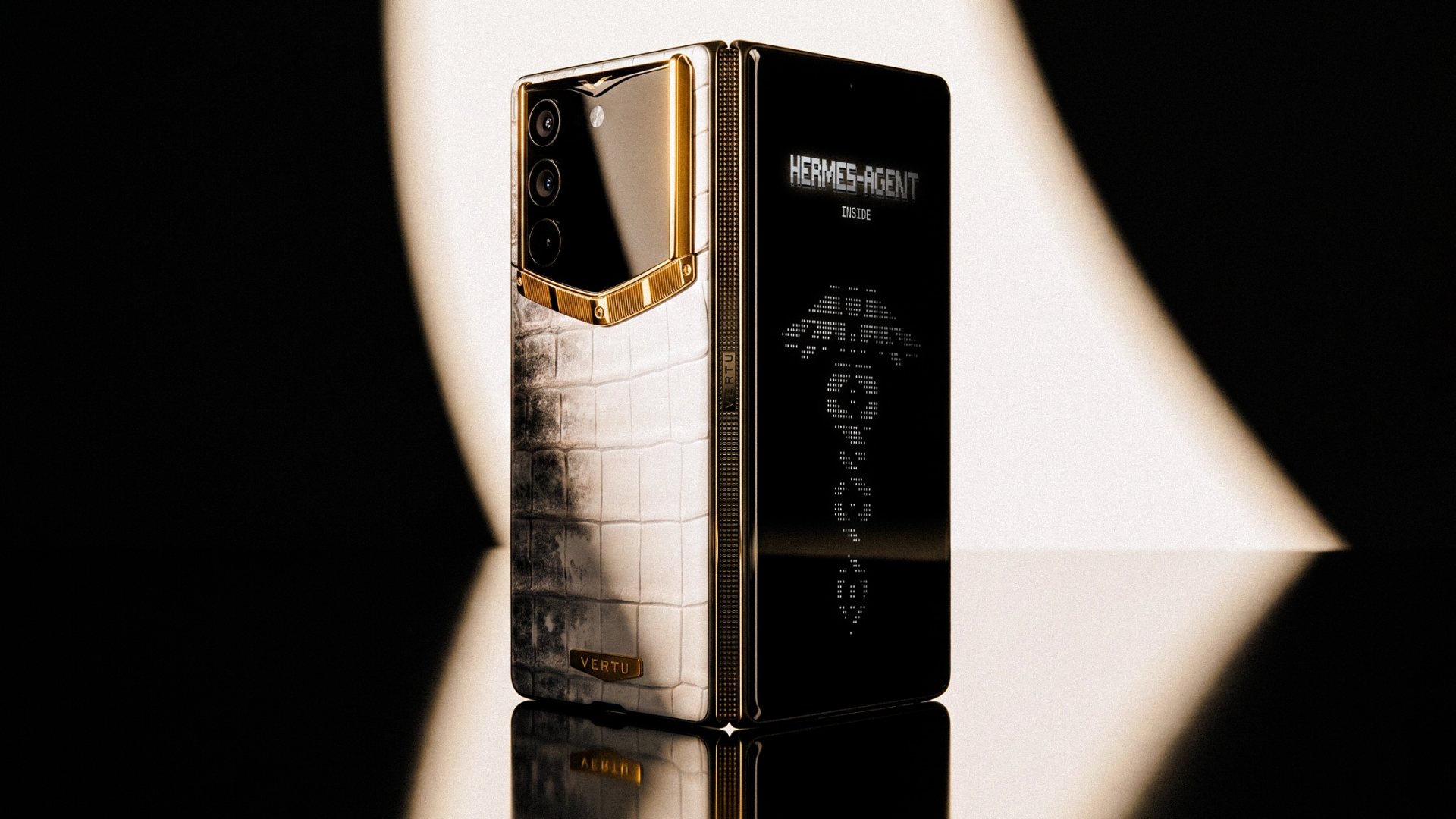
| Phone and configuration | Recommended role | Main documented basis | Main compromise |
|---|---|---|---|
| VERTU Metavertu Max with factory software | Separating work and private life | VERTU describes three systems and a dedicated security chip | Confirm update policy and how required apps work across systems |
| Apple iPhone 17 with current iOS | Everyday iOS use | Secure Enclave and optional theft and targeted-attack protections | Protective modes impose limits; account setup still matters |
| Google Pixel 10 with standard Pixel software | Everyday Android use | Titan M2 and seven-year OS and security update commitment | Support runs from initial availability, not your purchase date |
| Samsung Galaxy S26 with standard software | A Samsung-managed work environment | Knox Vault, enterprise management options and seven-year security commitment | Management benefits depend on enrolment, licensing and policy |
| Google Pixel 10a with GrapheneOS | Users wanting more control over app access | Official device support and additional OS permission controls | Installation and app compatibility need careful checking |
The best secure phones address different privacy needs. For a buyer who wants separate work, personal and private environments, VERTU Metavertu Max deserves a place on the shortlist. Apple iPhone 17 suits everyday iOS use, Google Pixel 10 offers standard Android with a clear update commitment, and Samsung Galaxy S26 fits Samsung-managed work environments. Pixel 10a with GrapheneOS is the more specialised option for additional app controls.
These are recommendations for different needs, not a claim that one handset defeats every attack. A phone used for banking and family messages has different requirements from a device carrying an employer's confidential files. Someone facing a credible targeted attack needs specialist help as well as a handset decision.
This guide is published by VERTU and includes our own Metavertu Max alongside other manufacturers' phones. It draws on manufacturer and operating-system documentation checked on 9 September 2026, rather than hands-on testing or a penetration test. The five entries are organised by use case, not a measured ranking of security strength.
How we selected the best secure phones
To select best secure phones, we evaluated each device against five core selection criteria:
- Documented software support length and security‑patch commitments
- Verified hardware‑ and operating‑system‑level security protections
- Volume of manual configuration and ongoing maintenance expected from the user
- Compatibility of essential apps under the target device configuration
- Real‑world trade‑offs, limitations and compromises brought by each option
The evidence is not equally complete for every entry. Google and Samsung publish multi-year commitments for the models discussed here. We could not establish an equivalent fixed update term for Metavertu Max from the documentation reviewed, so confirming its patch policy is a condition of our recommendation. A long commitment still matters only if updates reach the device and are installed.
The shortlist includes factory software and one explicitly identified alternative configuration. Neither a luxury price nor removing Google services establishes stronger protection by itself. We have not assigned numerical scores because comparable attack-test results are not available for this set of devices.
This is a documented shortlist rather than an exhaustive catalogue of every current release. Local availability, carrier compatibility and organisational approval still need checking before purchase. In particular, a supported previous-generation model can remain a sensible choice, but its update period does not restart when you buy it.
The official references and the qualifications behind these choices follow below.
1. VERTU Metavertu Max for separating work and private life
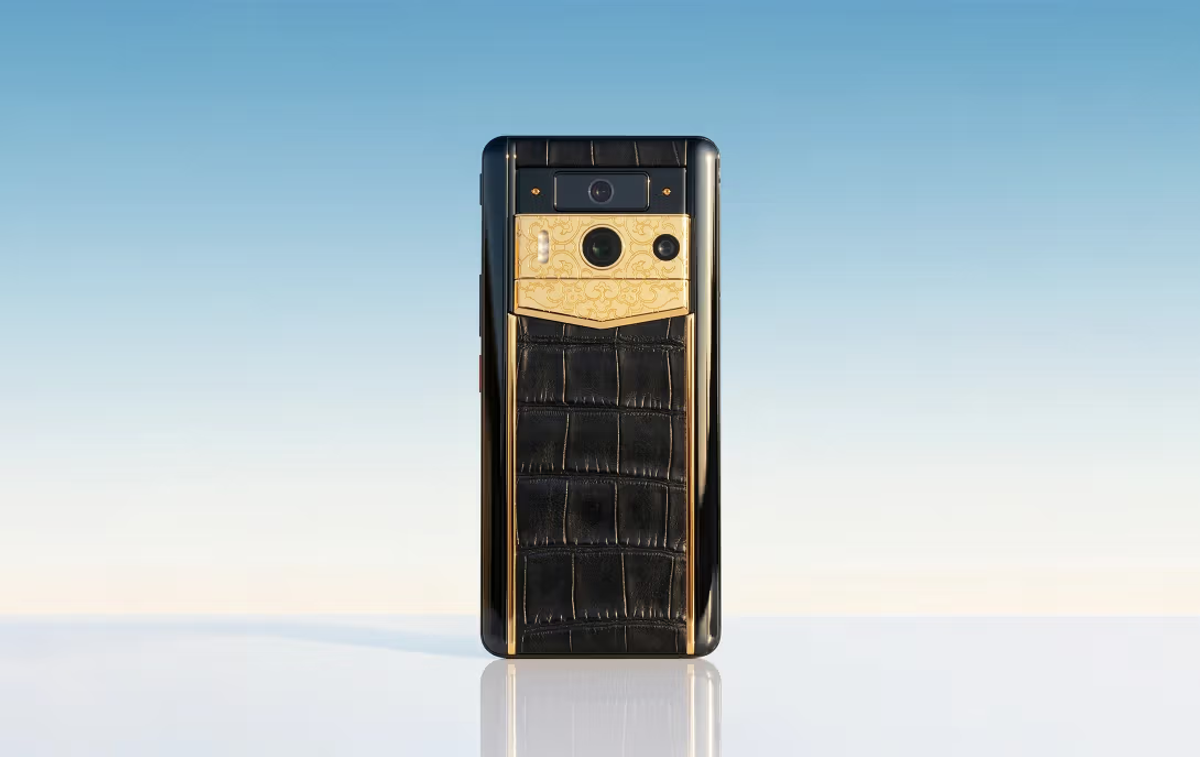
Metavertu Max is the VERTU option to consider when keeping different parts of your digital life separate is a purchase priority. Its relevance is concrete: the VERTU Metavertu Max official product specification describes separate systems for work, personal life and privacy, supported by a dedicated security chip. It also lists a one-key data-destruction feature. These are manufacturer-described capabilities, not an independent finding that the phone withstands more attacks than the alternatives.
For an owner handling client information on a personal handset, separation is a useful question to investigate. Before buying, ask for a demonstration of where documents, messages and accounts sit, what can be shared between environments, and how notifications behave when switching. A demonstration should use non-sensitive sample data. The practical value depends on those boundaries matching your workflow, not simply on there being three systems.
Limits of built‑in security features
Treat deletion as a separate decision. Confirm exactly which information the one-key function removes, what backups or copies remain elsewhere, and what recovery is possible before using it. A local deletion feature does not establish that a recipient's copy or a cloud backup disappears. Similarly, a security chip does not determine the privacy policy of every app installed on the handset.
Software maintenance deserves equal attention. The sources reviewed do not establish a fixed number of OS upgrades or years of security patches for this model. Ask VERTU to confirm the current patch level, update arrangements and expected support for your intended ownership period. If your employer requires a particular management system, obtain its approval for the exact configuration as well.
Related VERTU device: Agent‑Q
Within the VERTU range, Agent Q is a separate option for readers also interested in AI-assisted business workflows. Its specification identifies an A5 dedicated hardware encryption chip. Evaluate its own software, permissions and service terms rather than assuming that every Metavertu Max feature or limitation transfers to it. Ask which requested tasks run locally and which involve external services before sharing confidential information with an AI feature.
Choose Metavertu Max when its approach to separating your digital activities fits a demonstrated need and the support and app checks are satisfactory. If a published multi-year update commitment is your deciding requirement, compare that documentation directly with the Pixel and Galaxy options below.
2. Apple iPhone 17 for everyday iOS use
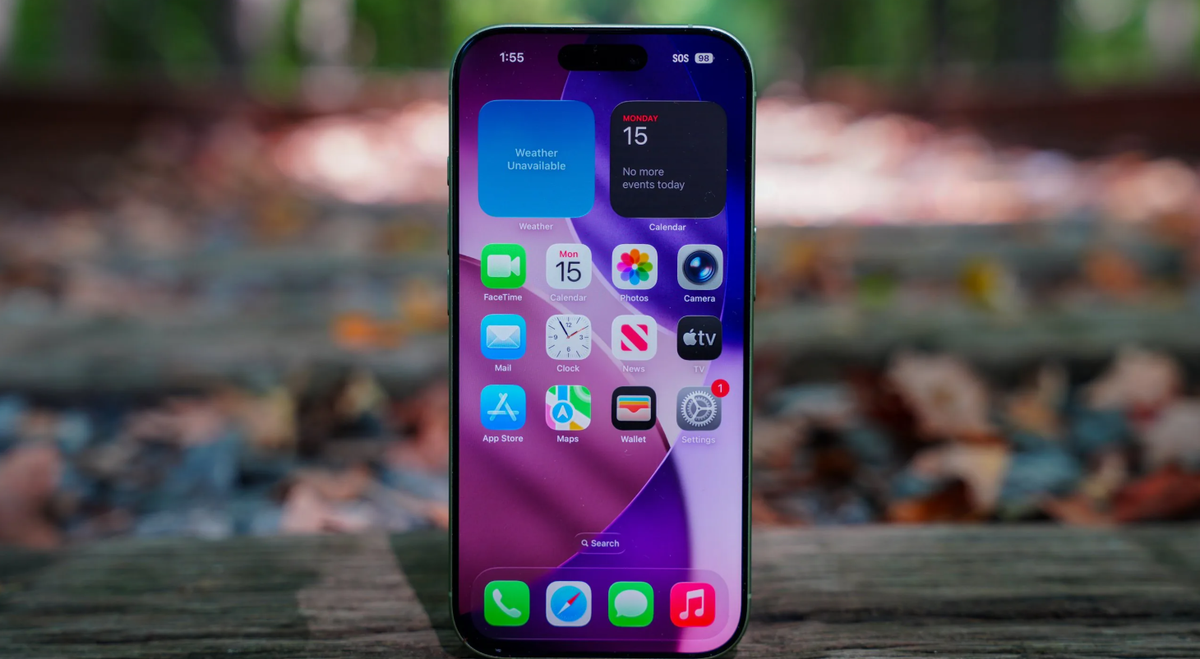
The iPhone 17 is our mainstream iOS recommendation for readers who want to stay with Apple's operating system and use its documented protections without installing an alternative OS. That recommendation is about fit and manageability, not proof that it is safer than every Android competitor.
Apple's Secure Enclave documentation describes a security subsystem isolated from the main processor. It forms part of the hardware foundation for protecting sensitive operations. Treat it as one layer of the device's design, rather than a promise that every item on the phone is inaccessible to every attacker.
For theft involving a known passcode, Stolen Device Protection adds requirements to certain sensitive actions. Depending on the settings and circumstances, these include biometric authentication without a passcode fallback and a delay before specified account or security changes. It must be enabled before a theft occurs; it cannot be relied on as something to activate afterwards.
Apple also offers Lockdown Mode for the small number of people who may face highly sophisticated targeted attacks. It restricts some messages, websites and other features to reduce exposure. The restrictions are part of its purpose, so it should not be presented as a free upgrade in convenience or a universal recommendation.
Choose this option if iOS already meets your needs and you will keep it updated. Before moving sensitive accounts, check your recovery arrangements, review theft-protection settings and make sure you understand what any restrictive mode changes. Buying the handset is only the beginning of that setup.
3. Google Pixel 10 for standard Android
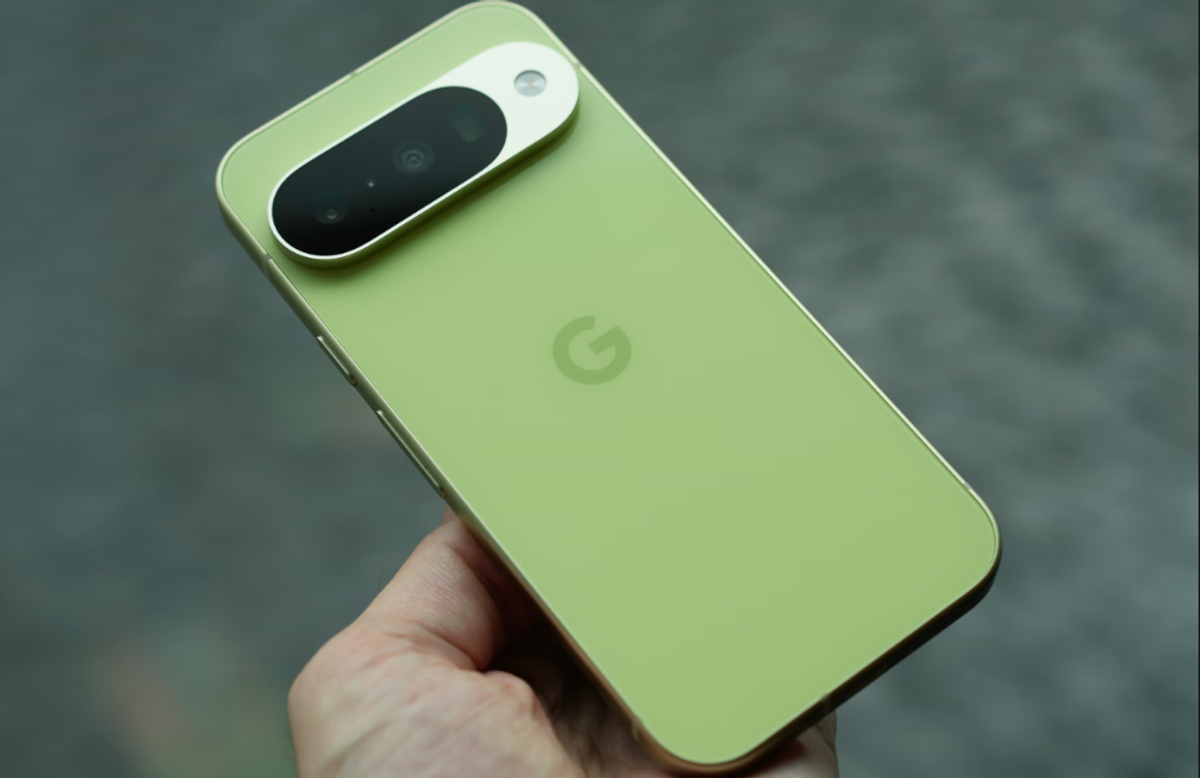
The Pixel 10 is our straightforward Android option for someone who wants Google's standard software with a documented hardware security component and a clear support policy.
Google lists a Titan M2 security coprocessor in the Pixel 10 specifications. Separately, its update policy commits Pixel 8 and later phones, including the Pixel 10, to seven years of operating-system and security updates from first availability on the US Google Store. Google notes that update delivery is gradual and can depend on the carrier and device.
This makes the remaining support period easier to include in a buying decision. It does not mean a discounted Pixel 10 bought today receives seven new years, nor that it is the newest Pixel. Compare the support remaining and the actual local price with other supported models before choosing it.
For everyday protection, review the Android theft-protection options offered on the exact device. Google describes controls such as theft detection and additional identity checks, but support varies by model and software. A missing option should not be assumed to exist because a retailer lists a recent Android version.
Choose standard Pixel software when it meets your app requirements and you prefer an ordinary Android setup. If your main goal is to reduce the privileges available to particular services, examine the GrapheneOS configuration below as a separate decision. The Pixel name alone does not tell you which software configuration you are buying or what data-sharing choices you have made.
4. Samsung Galaxy S26 for managed work devices
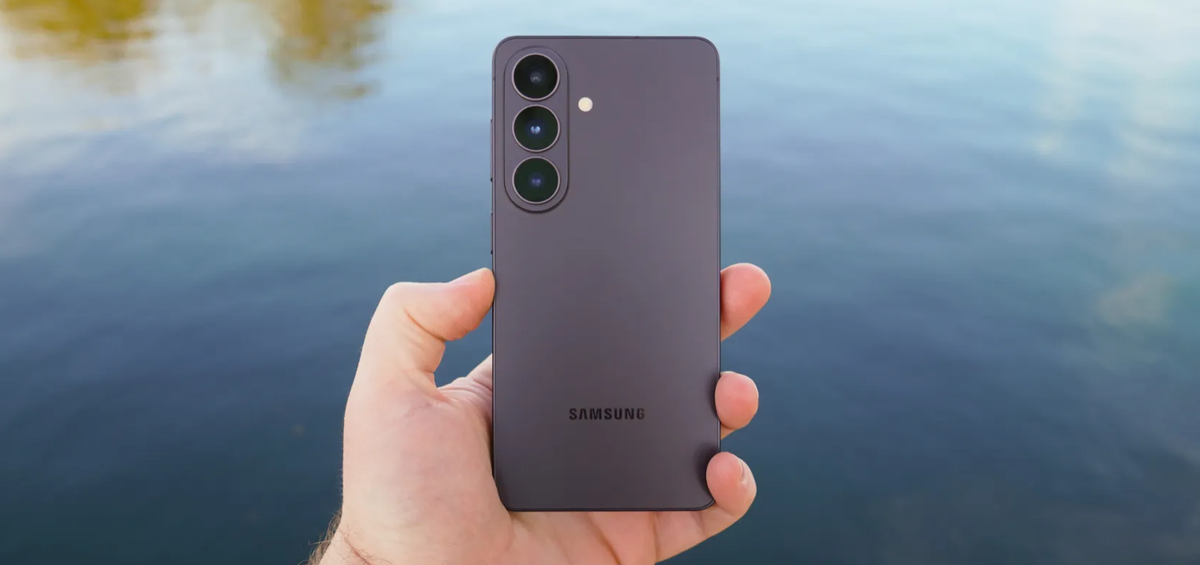
The Galaxy S26 is the most relevant choice in this shortlist for an organisation already using Samsung's device-management ecosystem. Ask the IT team about the required model and regional variant before treating a personal purchase as an approved work device.
Samsung's Galaxy S26 announcement describes Knox Vault as a hardware layer that isolates sensitive data. It also commits the series to seven generations of OS upgrades and seven years of security updates from the global launch date. These are vendor commitments and design descriptions, not independent measurements of how the phone performs against every attack.
The separate Knox Suite documentation describes tools for device enrolment, policy management, OS management and device analytics. Those capabilities explain the recommendation for a Samsung-managed environment. They do not become a fully configured corporate security programme simply because someone buys a Galaxy handset; licensing, enrolment and administration must be arranged.
There is also a privacy distinction for the employee. The same documentation explains that some Knox services can track managed-device locations. Before enrolment, understand what the employer will manage or observe, and whether a personal device is appropriate for that arrangement.
Choose the S26 when the organisation can support the configuration and explain its policies. A sole trader without device-management support should compare it as a standard consumer phone. The presence of enterprise tools is useful context, but paying for unused management capability will not solve an unrelated personal security problem.
5. Google Pixel 10a with GrapheneOS for app control
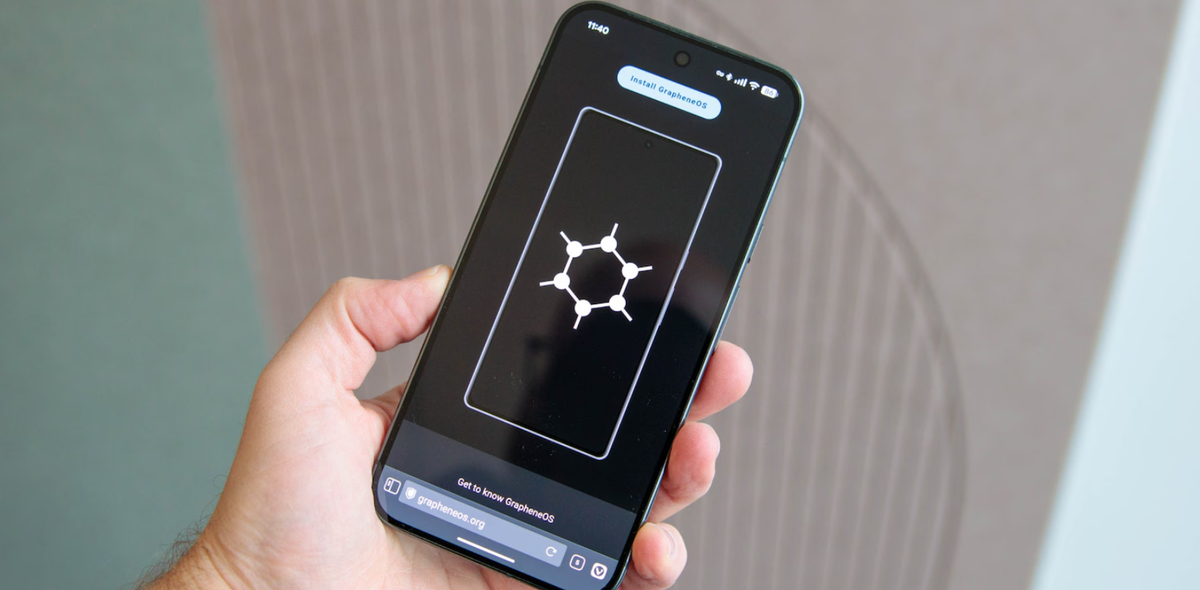
This entry is a particular combination of hardware and operating system, not a special Pixel sold by Google with GrapheneOS already installed. It is for readers willing to understand and maintain a different software environment.
GrapheneOS lists the Pixel 10a among its officially supported and recommended devices. Check that list again before buying, and confirm that the specific unit permits the installation process. Network or SIM unlocking should not be confused with permission to unlock the bootloader for an alternative OS.
The project's features documentation describes additional controls including per-app network permission and the option to run Google Play within the ordinary app sandbox, without its usual privileged system access. These features are the reason to consider this configuration. They provide choices about access and dependencies rather than a guarantee of anonymity.
The trade-off is compatibility and setup responsibility. GrapheneOS's usage guide explicitly discusses banking-app difficulties and the limits of its Google Play compatibility approach. Before committing, check your bank, workplace enrolment, payments and any other essential workflow. An app installing successfully is not the same as every function working reliably.
Follow the official installation instructions, including the documented bootloader-locking step. The process includes data wipes, so backups and an understanding of the procedure are prerequisites, not optional finishing touches.
Choose this configuration when its controls solve a specific concern and your required apps are compatible. If you would have to work around your employer's security policy or use an unreliable substitute for an essential service, a supported standard configuration is the more practical starting point.
What no secure phone can decide for you
A handset comparison cannot resolve the whole security problem. Protection of a locked device, privacy from an app provider and confidentiality of a conversation are different questions. The people and services with access to your accounts matter alongside the hardware.
Work through these practical dependency checks before buying:
‑ Can you recover critical accounts if the phone is lost?
‑ Will your employer’s IT policy approve this exact device and configuration?
‑ Do your communication tools deliver the privacy protections your conversations require?
‑ Does the published support window cover how long you plan to own the phone?
Then test the practical dependencies. Can you recover an important account without the lost phone? Will your employer accept the device? Do your chosen communication tools provide the protections your conversation requires? Does the support period cover how long you intend to keep it?
Our comparison of passkeys, authenticator apps and hardware keys for travel considers the separate account-access and recovery decision. Keep that decision alongside the phone purchase rather than assuming one replaces the other.
Frequently Asked Questions about Secure Phones
How can I verify a phone's actual security level beyond what the manufacturer claims?
Verification relies on manufacturer and operating-system documentation, as independent, third-party penetration testing results are generally unavailable for commercial devices. Buyers must confirm specific patch policies and update commitments directly with the vendor before purchase.
What is the best secure phone for a non-technical user?
For non-technical users requiring out-of-the-box security, both the Apple iPhone 17 for iOS and the Google Pixel 10 for standard Android offer strong, user-friendly protections. These devices require minimal manual configuration compared to specialised options like GrapheneOS.
Is a luxury secure phone like VERTU worth the premium for security?
A luxury device like the VERTU Metavertu Max is designed for users needing distinct physical separation between work, private, and personal environments using a dedicated security chip. Its value depends on whether this hardware-enforced segregation meets your specific workflow requirements.
How do I choose a secure phone based on my specific threat model?
Selection depends on your personal risk profile; a device used for personal banking requires different safeguards than one handling confidential employer files. Users facing credible targeted attacks should seek specialist security consultation alongside their handset choice.
Make the choice you can maintain
Start with the requirement you can verify. Put VERTU Metavertu Max on your shortlist for separating work and private life, subject to confirming its support arrangements and the behaviour of your essential apps. Choose iPhone 17 for everyday iOS use, or Pixel 10 for standard Android with a stated update term. Galaxy S26 makes sense for a Samsung-managed organisation; Pixel 10a with GrapheneOS addresses a more specialised need for app controls.
Before moving your main accounts, update the device, confirm essential app behaviour and review recovery and theft-protection settings. If your existing phone is still supported and meets those needs, upgrading the hardware may not be the first improvement to make.


