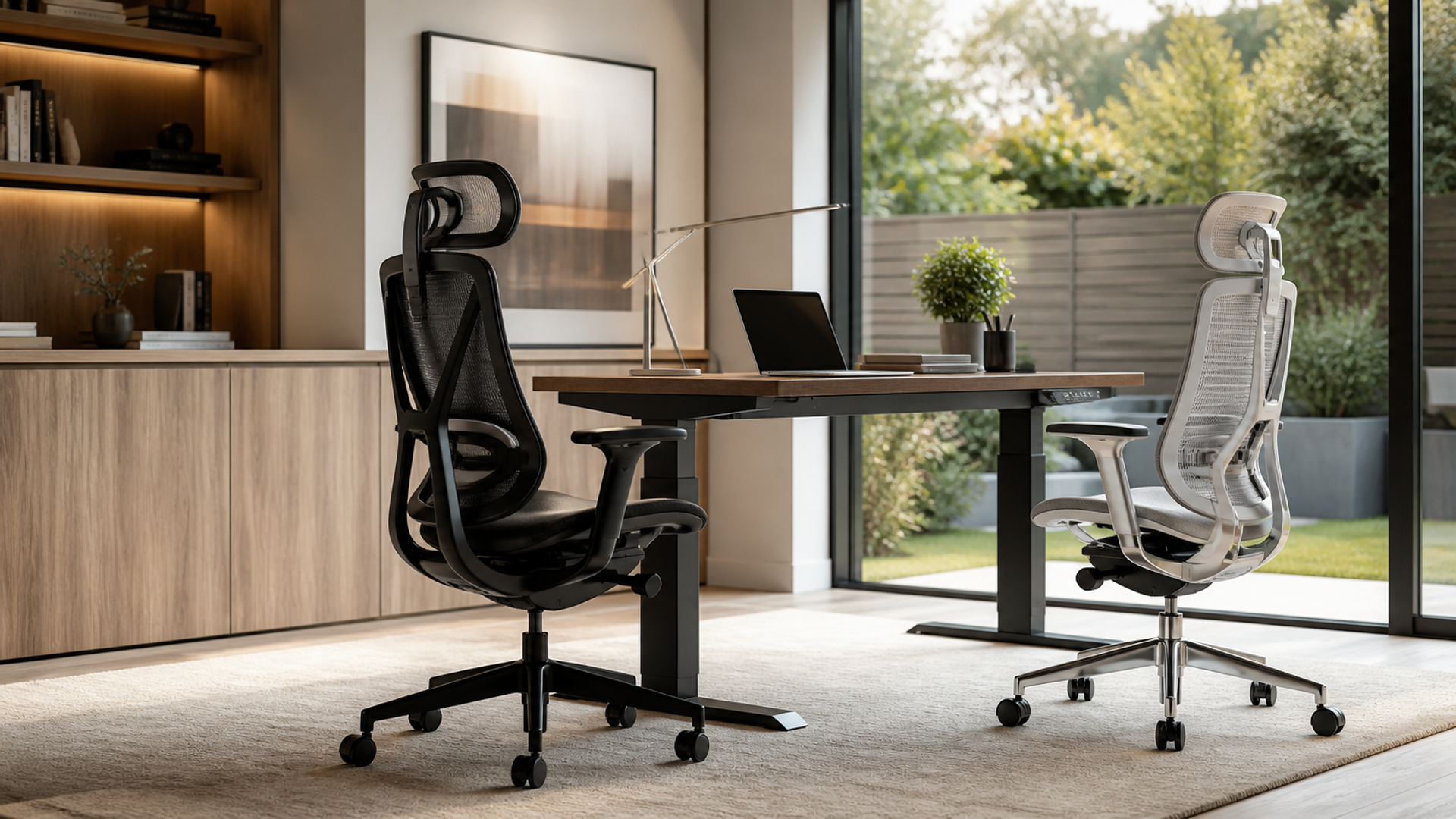
The best ergonomic chair for long hours is the one that can be adjusted to your body, desk and working pattern—and that still feels supportive after a realistic trial. For a size-led, breathable chair, the Herman Miller Aeron is the stronger reference choice. For frequent shifts between keyboard, phone, tablet and reclined reading, the Steelcase Gesture makes the more persuasive case. Neither is automatically best for every person.
That distinction matters in an executive home office. A chair can look appropriate on camera and still place the armrests too high for the desk, leave the feet unsupported or put pressure behind the knees. Conversely, a visually simple chair can work exceptionally well when seat height, seat depth, back support, recline resistance and arm position are correctly matched.
The sound buying method is therefore fit-first rather than brand-first. Use the official Occupational Safety and Health Administration chair guidance as a neutral checklist, then compare each chair's actual configuration and test it in the tasks that occupy your day.
The chair must fit the person before it fits the room
Long-hour comfort does not come from a single feature labelled “lumbar” or “ergonomic”. It comes from several adjustments working together. The feet need stable support; the seat must carry the thighs without pressing behind the knees; the backrest should meet the lower back in the right place; and the arms should support the forearms without lifting the shoulders or preventing the chair from approaching the desk.
OSHA also emphasises variability: greater adjustability can support different seated positions through the day. That is more useful than trying to hold one supposedly perfect posture for eight hours. A chair should permit movement, but it cannot compensate for a monitor set too high, a keyboard that is too far away or a desk that leaves no room for the legs.
Treat published dimensions as a screening tool, not proof of fit. Body proportions differ even between people of the same height. The OSHA workstation purchasing guide explicitly recommends trying a chair for comfort and fit over an extended period before purchase.
Use this nine-point fit screen before comparing finishes
The table below converts the official workstation guidance into a practical showroom or home-trial test. A chair that fails a critical body-fit row should not survive merely because it has a longer feature list.
| Decision point | What to test in person | A credible pass looks like |
|---|---|---|
| Seat height | Type with shoes normally worn for work | Feet rest flat on the floor or a stable footrest; thighs are supported |
| Seat depth | Sit fully back for ten minutes | Most of the thigh is supported without pressure behind the knees |
| Lumbar position | Move upright, then recline | Support meets the lower back rather than pushing the pelvis forwards |
| Back movement | Lean back without lifting the feet | Recline is controlled and resistance suits the user's weight and preference |
| Arm support | Type, use a mouse and hold a phone | Forearms are supported while shoulders stay relaxed and elbows remain close |
| Desk clearance | Roll close to the keyboard | Arms and chair frame do not force the user to reach forwards |
| Material and heat | Remain seated through a normal work block | Temperature and pressure remain tolerable in the actual room climate |
| Base and casters | Turn towards storage and move across the floor | Five-point base feels stable and casters suit the floor surface |
| Adjustment usability | Change settings without leaving the chair | Controls are understandable enough to be used, not merely specified |
| Trial and service | Read the written terms for the exact market | Return, warranty, delivery and configuration terms are acceptable before payment |
Do the test at the desk height you will actually use. If the chair must be raised to meet the keyboard, a footrest may be necessary. If armrests collide with the desktop, their impressive adjustment range is irrelevant until that conflict is resolved.
Aeron makes body-size matching the first decision
The Herman Miller Aeron specifications set it apart through three sizes—A, B and C—with differences extending beyond seat width to the backrest, tilt mechanism and base. That can be valuable for buyers who fall outside the comfortable centre of a one-size chair. It also creates a buying obligation: select the size deliberately rather than assuming the default configuration will work.
Aeron uses a suspension seat and back. Herman Miller describes its 8Z Pellicle material as eight zones of varying support and promotes its cooling effect. The practical interpretation is modest but useful: the open suspension may suit a warm office or someone who dislikes thick upholstery, provided the seat frame and fixed geometry of the chosen size agree with the body.
Configuration matters. The manufacturer lists standard tilt, a tilt limiter, a tilt limiter with seat angle, several arm options and different back-support choices, including PostureFit and adjustable lumbar support. “Aeron” is therefore not one uniform specification. A used chair, showroom model and newly configured chair can behave differently. Check the actual controls, size marks and options rather than transferring a review of one version to another.
Best fit: a buyer who values breathable suspension, can test the correct size and prefers a defined, responsive seat architecture. Pause if the front frame creates pressure, the chosen size is uncertain or the available configuration lacks the adjustments you need.
Gesture is built around changing devices and postures
The Steelcase Gesture product page frames the chair around movement between technology-led postures. Its most distinctive feature is the 360-degree arm system, intended to move through a broad range rather than supporting only conventional keyboard work. That is relevant to a day that alternates between typing, video meetings, handset use, tablet review and informal reading.
Gesture also provides accessible manual controls for seat height and depth, plus recline tension and variable back-stop positions. Steelcase lists a contoured 3D LiveBack backrest, its Core Equalizer support through recline, flexible seat edges and optional extra lumbar support. A headrest is optional, not inherent to every Gesture.
The important advantage is not that more movement is always better. It is that seat depth and arm position can be tuned as the task changes. A compact user may be able to shorten the effective seat; a tablet user may bring the arms inwards; a reader can choose a recline stop rather than balancing at an unwanted angle. Those possibilities still need to be proven in person. Highly mobile arms can be distracting if their controls are never learnt, while upholstery choice affects heat and tactile comfort.
Best fit: a multi-device worker who changes position often and needs arm support across those transitions. Pause if you prefer the firmer spatial definition of a sized chair or cannot trial the seat and back relationship for a sustained period.
Aeron versus Gesture: compare the working system
This is a decision matrix, not a universal ranking. Manufacturer statements describe design and options; your trial establishes fit.
| Criterion | Herman Miller Aeron | Steelcase Gesture | Decision implication |
|---|---|---|---|
| Fit strategy | Three distinct sizes | Broad adjustment within the chair | Aeron rewards correct sizing; Gesture rewards careful tuning |
| Seat construction | Elastomeric suspension | Upholstered foam with flexible edges | Climate and pressure preference may decide this row |
| Seat-depth approach | Geometry varies by selected size | User-adjustable seat depth | Test behind-knee clearance in both |
| Back support | PostureFit, adjustable lumbar or other configured options | Contoured back with Core Equalizer; extra lumbar optional | Verify the exact purchased configuration |
| Arm behaviour | Several arm packages, including fully adjustable | 360-degree arm movement | Gesture has the clearer case for frequent device switching |
| Recline | Standard or configured limiter/seat-angle options | Tension, upright lock and three stop settings | Test reading and call posture, not only upright typing |
| Heat management | Open suspension may feel cooler | Experience depends on selected upholstery | Use the room's warmest realistic condition |
| Published warranty | 12-year, three-shift warranty with limited exceptions | 12-year multi-shift parts-and-labour statement | Read regional terms and exclusions before relying on either |
| Strongest use case | Size-matched, breathable focused work | Movement-heavy, multi-device work | Choose by the dominant day, not the occasional task |
The two warranties are meaningful ownership signals, but headline duration is not the entire contract. Market, seller, purchaser type, components and exclusions can affect coverage. Confirm the written terms applicable to the exact chair and country.
Rehearse a real working day, not a five-minute sit
A showroom sit can detect an obvious mismatch, but it rarely reveals the problems that emerge after concentrated work. Use a return window or arranged trial to reproduce three blocks.
First, complete at least one uninterrupted typing and mouse session. The chair should approach the desk without the arms colliding, and the elbows should remain close to the body. Notice whether you slide forwards, perch on the seat edge or raise the shoulders as concentration increases.
Second, conduct a video meeting and switch to a handheld device. Check whether arm support follows the task without twisting the torso. Gesture's moving arms deserve particular attention here; Aeron's selected arm package must be judged on what it actually permits.
Third, read a long document in recline. The feet should remain supported, the backrest should not push you forwards, and the recline should stop where you can still view the screen or page comfortably. Repeat in the afternoon, when fatigue makes compromises easier to notice.
Record adjustments after each block. If you keep changing the same control without finding a stable range, the issue may be fit rather than unfamiliarity. If the chair works only when the desk, monitor or keyboard is badly positioned, the complete workstation has failed.
Finish the workstation around the winning chair
Once a chair passes, align the rest of the office to it. Set seat height for stable feet and comfortable thigh support, then bring the keyboard to approximately elbow height instead of raising the chair indefinitely. Place the main monitor in front of the user and close enough to read without leaning. Keep frequently used controls within easy reach.
In a visually exposed executive office, privacy and glare can also determine whether the workstation remains usable through the day. Our guide to switchable privacy glass versus smart film for a home office covers a separate architectural decision; it does not substitute for chair fit. For device lifecycle and access control around the same workspace, see the executive phone offboarding checklist.
Movement remains part of the system. Alternate seated tasks with standing, walking or other comfortable positions as work allows. An expensive chair can support variation; it cannot turn uninterrupted sitting into a virtue or treat pain. Persistent symptoms warrant individual advice from an appropriate health professional, not another round of chair marketing.
The practical verdict
Choose Aeron when an in-person size match is convincing, breathable suspension is a priority and its configured back, tilt and arms support your dominant work. Choose Gesture when adjustable seat depth, wide-ranging arms and movement between devices solve more of your daily friction. Choose neither if a trial exposes pressure, poor desk clearance or controls you will not use.
The decisive evidence is a repeatable fit across typing, calls and reclined reading. Start with the neutral criteria, test the exact configuration, price the ownership terms in your market and keep the right to return. That is a more reliable route to a chair for long working days than treating any celebrated model as a universal answer.